
dsh-pocket
Run the following command in DeepSeek Harness:
dsh plugin install keman-ai/dsh-pocket
Paste the following prompt into your AI chat to install this plugin:
Run dsh plugin install keman-ai/dsh-pocket in your DeepSeek Harness terminal to install this plugin, available at https://github.com/keman-ai/dsh-pocket .
About this plugin
Your DeepSeek Harness agent runs on the desktop machine, and every tool-call approval, every mid-turn question, every moment it goes the wrong way is waiting for you to walk back and hit a button. dsh-pocket removes that round-trip: open dsh-pocket.a2hmarket.ai on your phone, sign in with your A2H account, and every session on your computer is right there, streaming live and ready to steer.
From a phone browser you can cover the full working loop—watch the reasoning and answer streams in real time to tell thinking from stuck; approve or refuse a tool call the instant it fires; answer a question when the agent pauses to ask; send a text message or snap a photo and hand it straight to the agent; stop a run that has gone sideways. Switching models, tweaking language and appearance preferences, and picking a skin are all doable in the same browser tab—no keyboard required.
Who it is for: anyone running DSH sessions that last minutes or hours and regularly steps away from the desk; anyone who wants always-on remote oversight of their agent without wiring up a custom bridge. On the security side, the plugin is off by default and opens no inbound port—both the host and the phone dial out to the relay, so there is nothing new to scan or forward. Session frames pass through the relay in memory only; their content is neither stored nor logged. Treat your A2H account the way you would an SSH key.
Screenshots
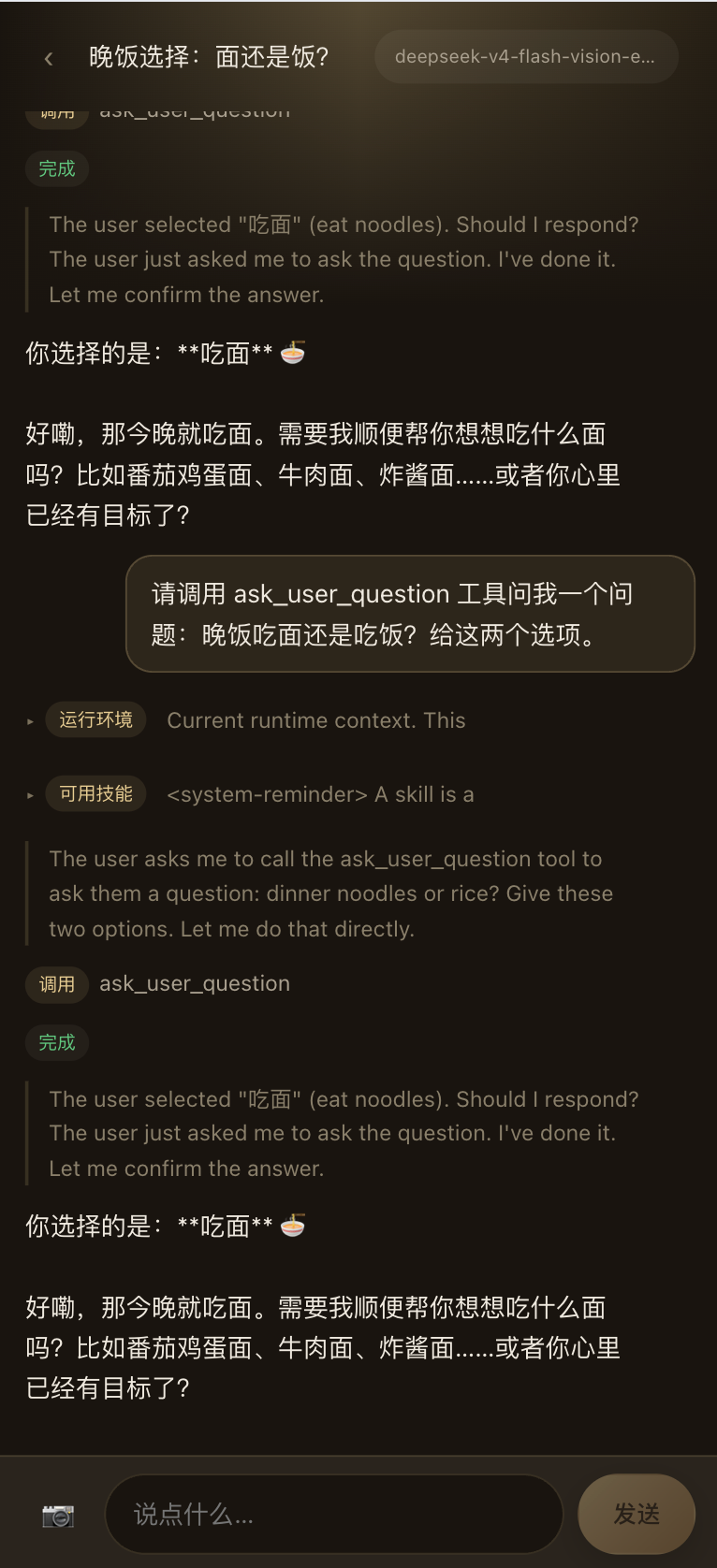
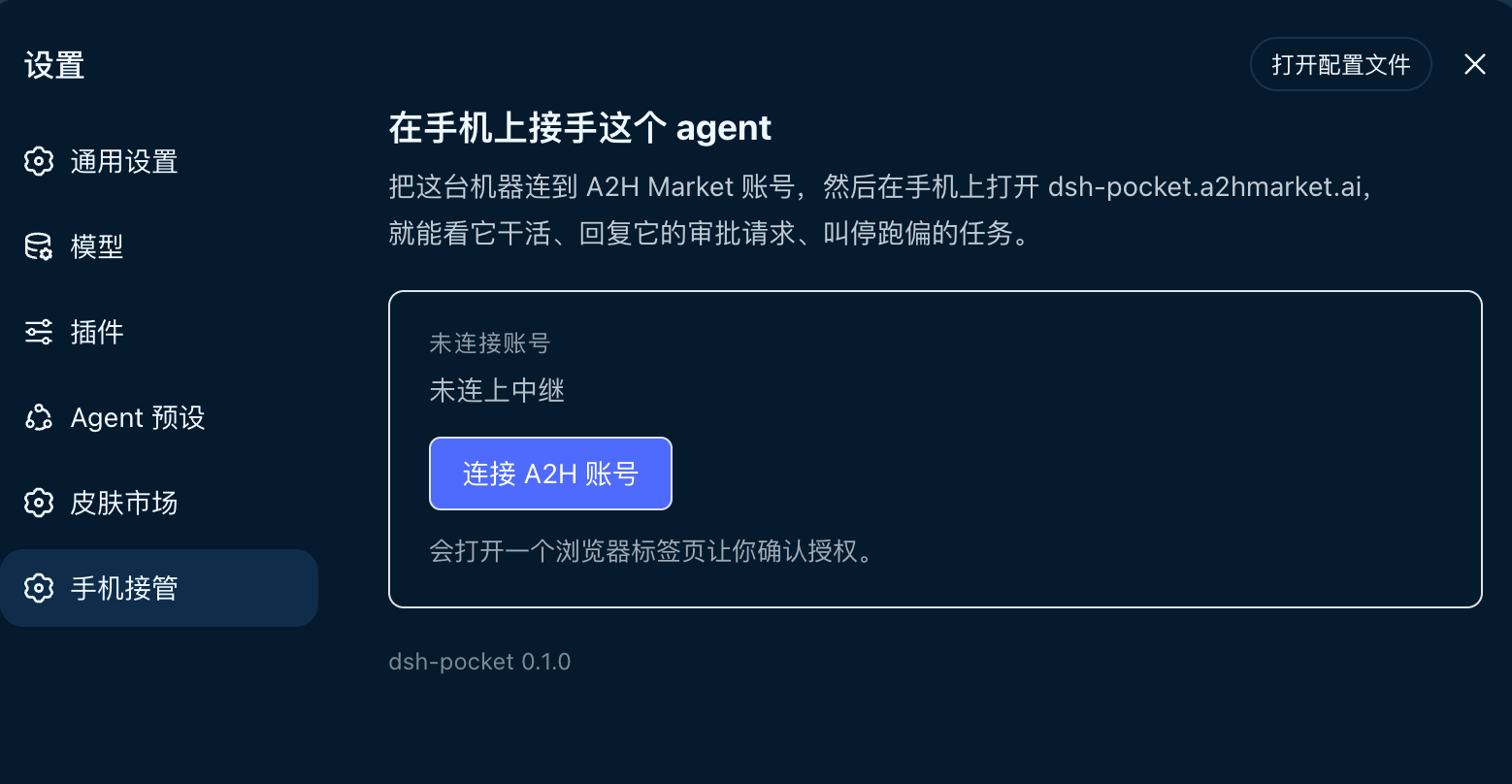
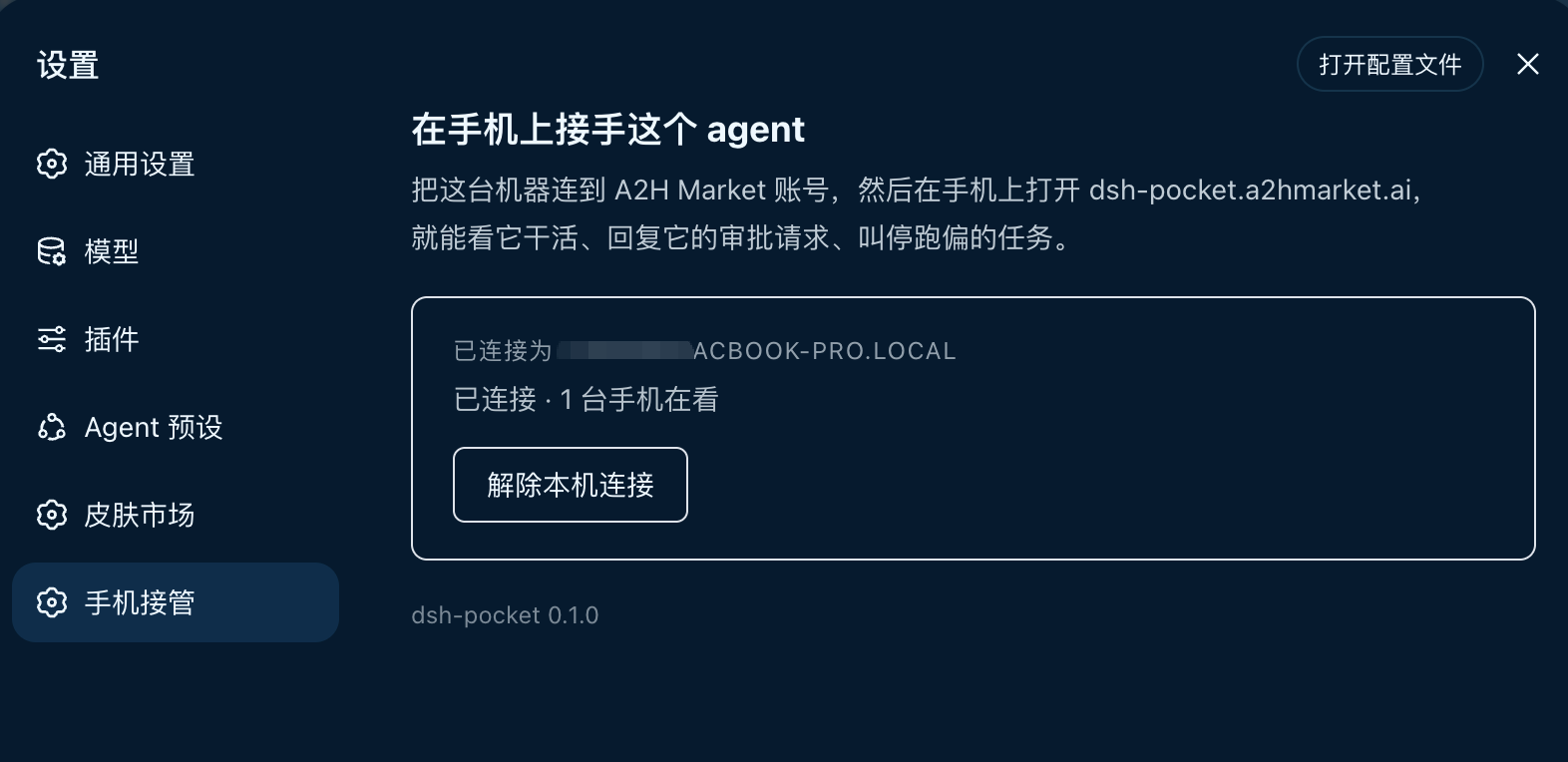
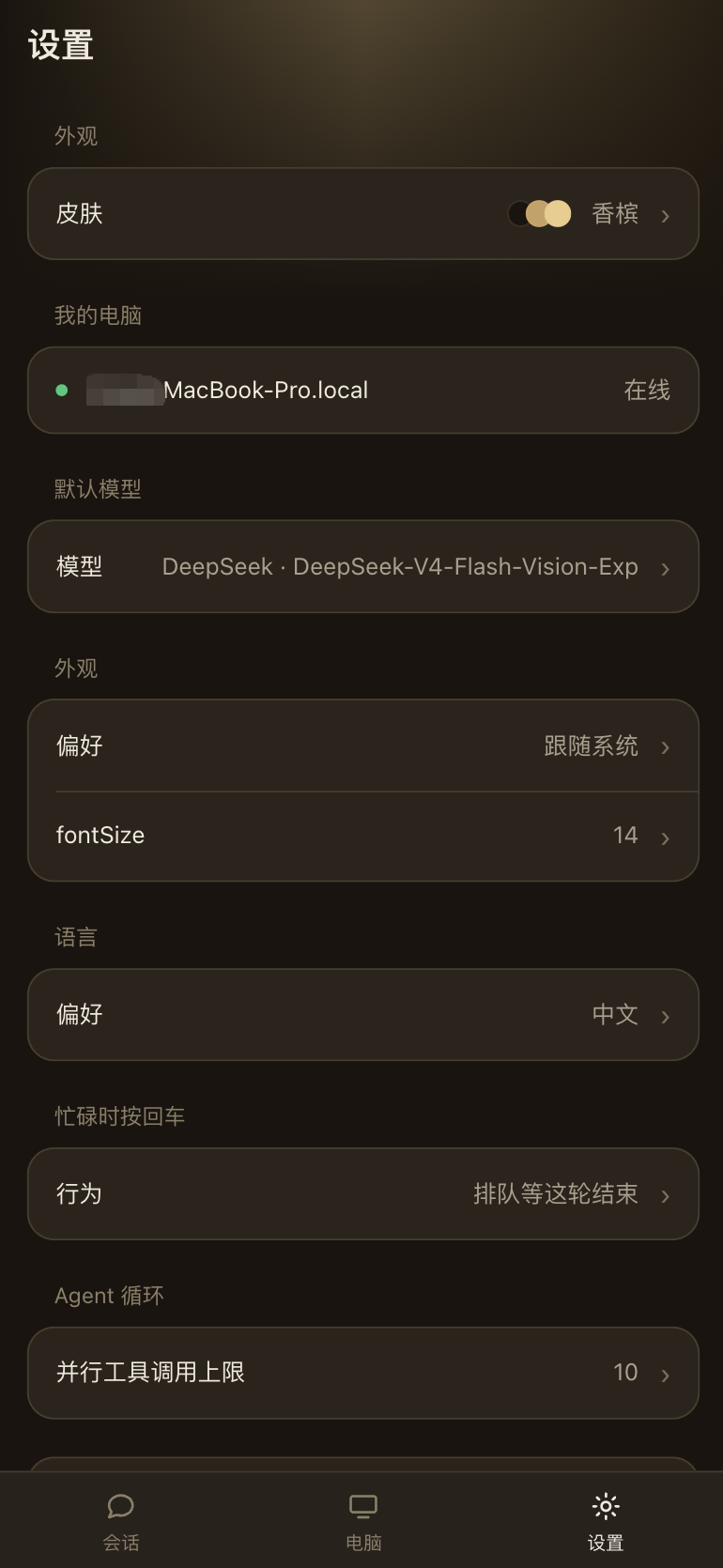
Use Cases
- Approve a tool call from your phone when you are away from the desk
- Watch the reasoning stream live to tell thinking from stuck
- Snap a photo and hand it to the agent without walking back
Best For
- Users who run long DSH sessions and step away from the desk often
- Anyone who wants always-on remote oversight without wiring up a custom bridge
- Developers using the DeepSeek Harness web profile
Related Plugins
A service-oriented sidebar framework for DSH, offering a full workbench with file explorer, embedded browser, real terminal, Git panel, and extensible plugin services.

A beautiful, practical Claude Code-style TUI plugin with pixel whale top bar, flowing glow title, real-time status line, streaming thought expansion, time rewind, context progress bar and TPS gauge — zero core changes.

The plugin market for DeepSeek Harness: browse/search/one-click install community plugins and themes, with updates, backup/restore, hot disable, diagnostics, and AI fix.

A persistent whale widget on the DSH web UI that shows DeepSeek balance, today's usage, and per-turn cost, with drag-and-snap and sound effects.