
dsh-artifact
Run the following command in DeepSeek Harness:
dsh plugin install sumarilkkxx/dsh-artifact
Paste the following prompt into your AI chat to install this plugin:
In DeepSeek Harness, install the plugin by running `dsh plugin install sumarilkkxx/dsh-artifact`, with the full source code at https://github.com/sumarilkkxx/dsh-artifact.
About this plugin
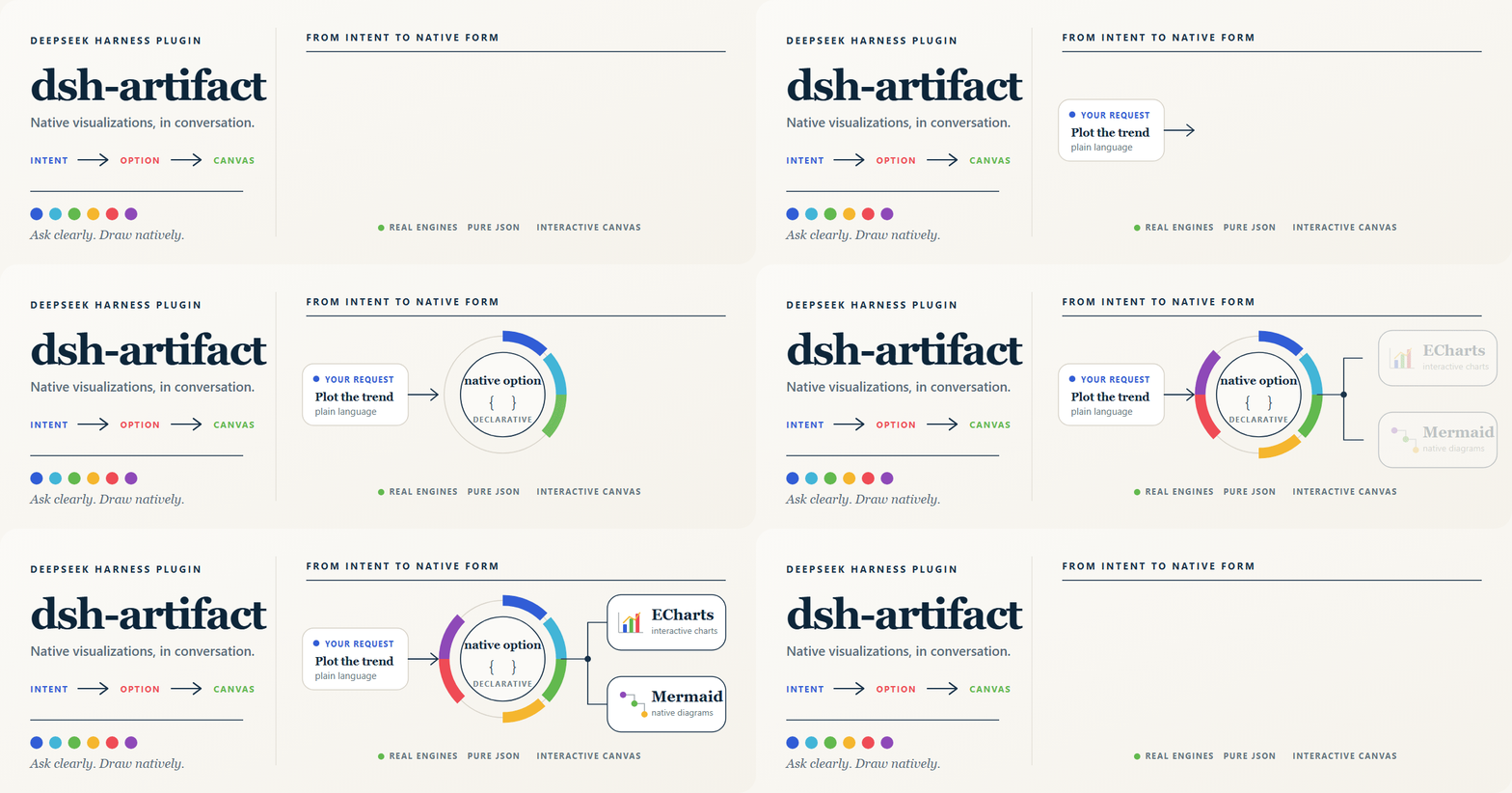
Creating visualizations often involves manual coding or complex tools, which can be daunting for non-technical users. The dsh-artifact plugin addresses this by enabling natural-language-driven chart generation within DeepSeek Harness. Its core strength lies in supporting dual rendering engines: ECharts for rich statistical charts and Mermaid for diagrams like flowcharts and sequences. Users simply describe their needs in conversation, and the plugin automatically selects the engine, generates native configurations, and displays an interactive canvas with appearance controls and export options. This plugin is ideal for data analysts, developers, educators, and anyone seeking quick, professional visualizations without needing programming expertise.
Screenshots
Use Cases
- Generate dual-axis charts for quarterly data comparison.

- Create GitHub-style commit heatmaps to track progress.
- Draw sequence diagrams for OAuth login flows.
Best For
- Data analysts for quick visualization of trends.
- Developers for drawing architectures and flowcharts.
- Educators for creating instructional diagrams.
Related Plugins
A service-oriented sidebar framework for DSH, offering a full workbench with file explorer, embedded browser, real terminal, Git panel, and extensible plugin services.

A beautiful, practical Claude Code-style TUI plugin with pixel whale top bar, flowing glow title, real-time status line, streaming thought expansion, time rewind, context progress bar and TPS gauge — zero core changes.

The plugin market for DeepSeek Harness: browse/search/one-click install community plugins and themes, with updates, backup/restore, hot disable, diagnostics, and AI fix.

A persistent whale widget on the DSH web UI that shows DeepSeek balance, today's usage, and per-turn cost, with drag-and-snap and sound effects.