dsh-pinned-sessions
Run the following command in DeepSeek Harness:
dsh plugin install Anionex/dsh-pinned-sessions
Paste the following prompt into your AI chat to install this plugin:
Run dsh plugin install Anionex/dsh-pinned-sessions in the DeepSeek Harness terminal to install this plugin (source: https://github.com/Anionex/dsh-pinned-sessions).
About this plugin
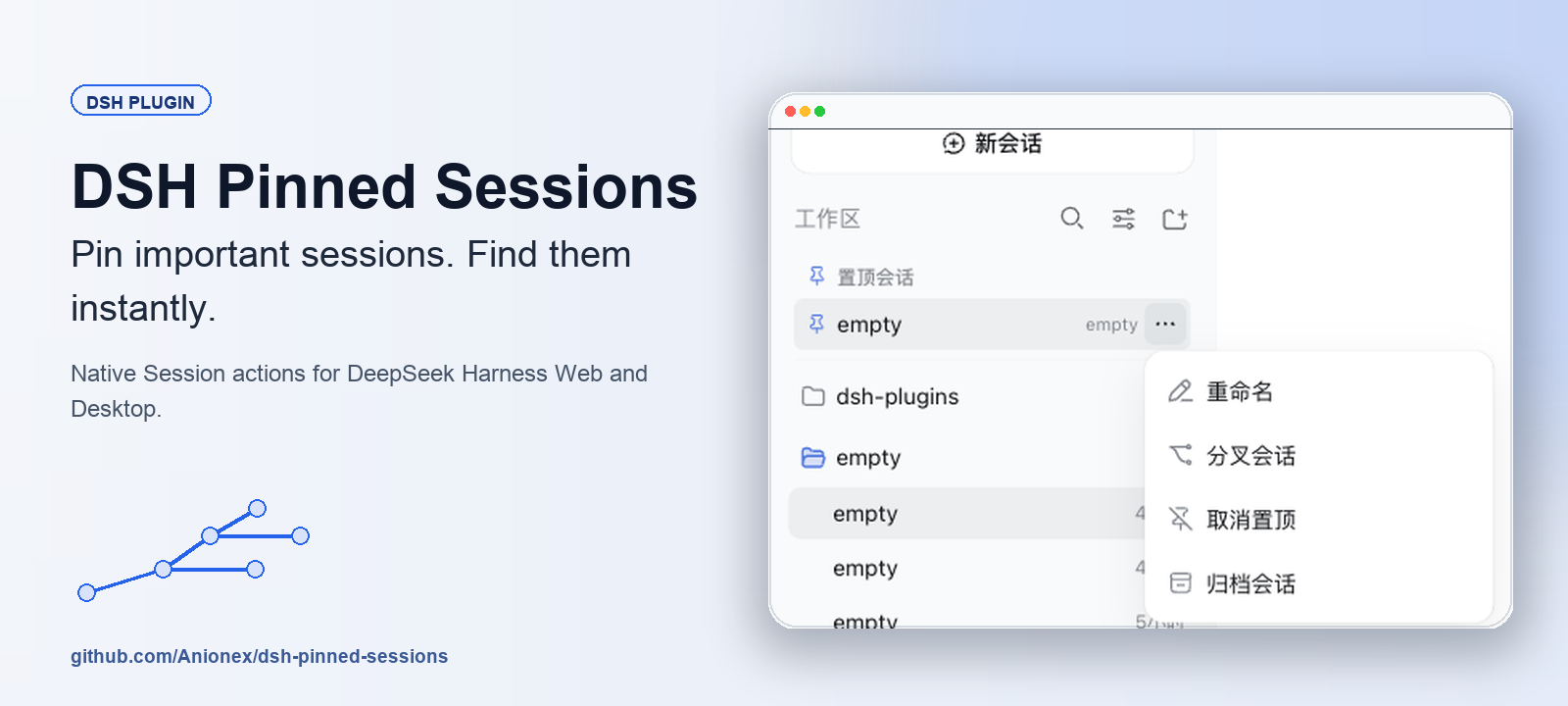
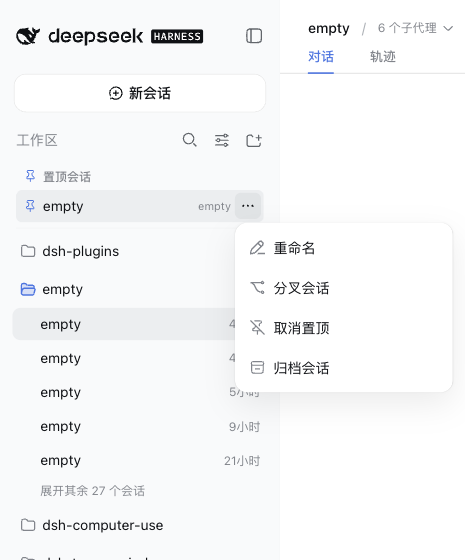
DeepSeek Harness anchors every session inside its original Workspace, so once your list grows past a couple of dozen threads, getting back to the two or three you are actively working on means scrolling through the entire sidebar again and again. DSH Pinned Sessions takes a deliberately minimal approach: it mounts a compact pinned strip directly below the Workspace header in the sidebar, ordered by most-recently-pinned first, so your go-to sessions are always in view while every native session row stays exactly where it was.
Each pinned row reuses DSH native menus, modals, buttons, and service APIs, offering Rename, Fork, Unpin, and Archive actions; on Desktop the Delete option also appears when the Archive Manager exposes its deletion capability. Under the hood the plugin stores only session IDs and pin timestamps in localStorage, caps the collection at five hundred unique IDs, automatically prunes archived or missing sessions, and never reads or copies conversation content. Keyboard navigation is fully supported: arrow keys move through the menu, Escape returns focus, and removed rows hand focus to the next useful target.
If you juggle multiple active threads daily and prefer a zero-intrusion shortcut that leaves the DSH native architecture untouched, this plugin gives you a keyboard-navigable quick-access layer that works in both Web and Desktop profiles.
Screenshots
Use Cases
- Juggling multiple active sessions and needing fast context switching
- A growing Workspace list making repeated scrolling tedious
- Adding a pinned quick-access shortcut without altering DSH native structure
Best For
- DSH users managing multiple work streams daily
- Client users who prefer zero-intrusion extensions over native code changes
- Cross-platform users running both Web and Desktop DSH profiles
Related Plugins
A service-oriented sidebar framework for DSH, offering a full workbench with file explorer, embedded browser, real terminal, Git panel, and extensible plugin services.

A beautiful, practical Claude Code-style TUI plugin with pixel whale top bar, flowing glow title, real-time status line, streaming thought expansion, time rewind, context progress bar and TPS gauge — zero core changes.

The plugin market for DeepSeek Harness: browse/search/one-click install community plugins and themes, with updates, backup/restore, hot disable, diagnostics, and AI fix.

A persistent whale widget on the DSH web UI that shows DeepSeek balance, today's usage, and per-turn cost, with drag-and-snap and sound effects.