dsh-ui-customizer
Run the following command in DeepSeek Harness:
dsh plugin install Final-LX/dsh-ui-customizer
Paste the following prompt into your AI chat to install this plugin:
Run dsh plugin install Final-LX/dsh-ui-customizer in the DeepSeek Harness terminal; the full source is at https://github.com/Final-LX/dsh-ui-customizer
About this plugin
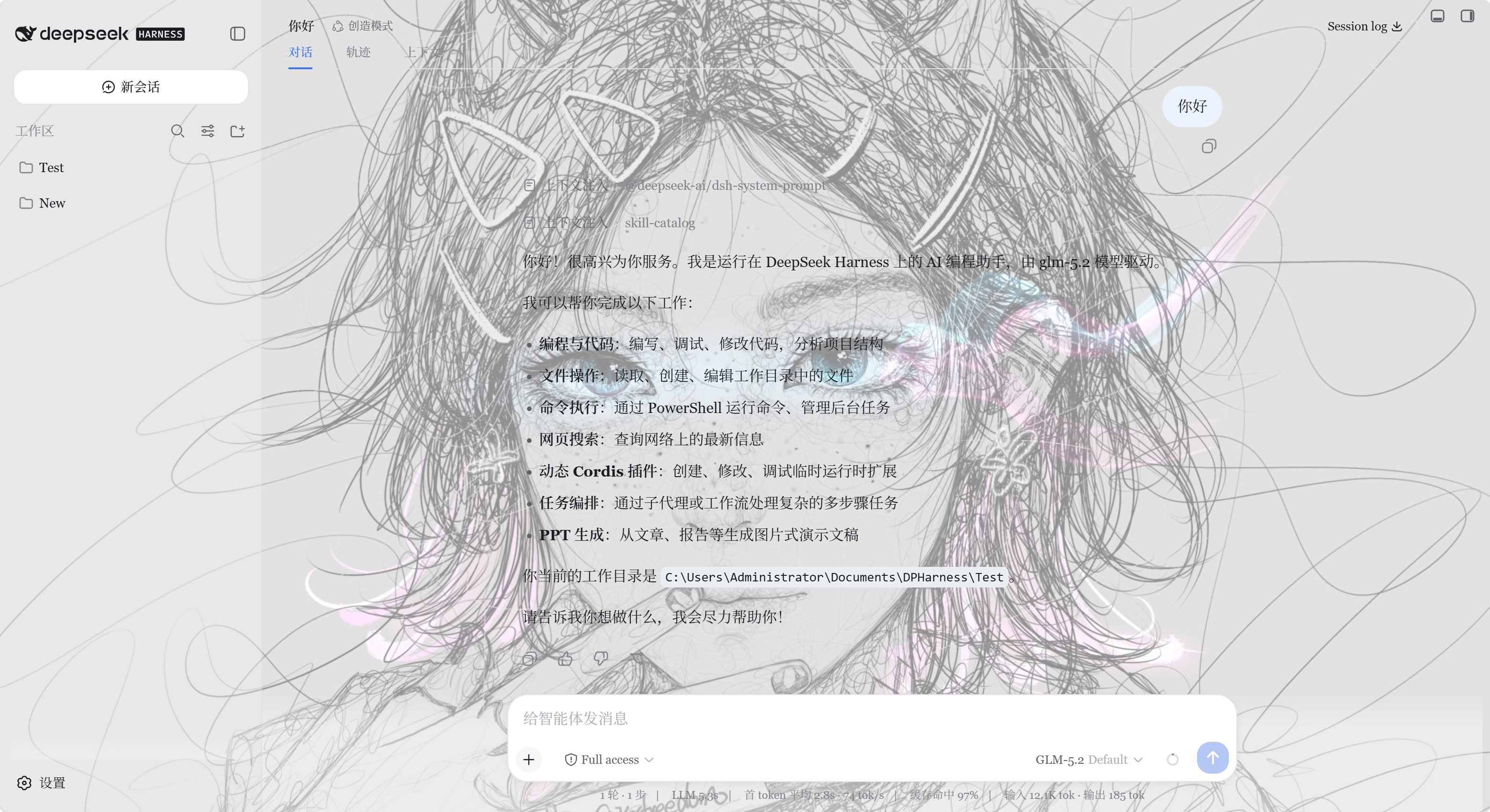
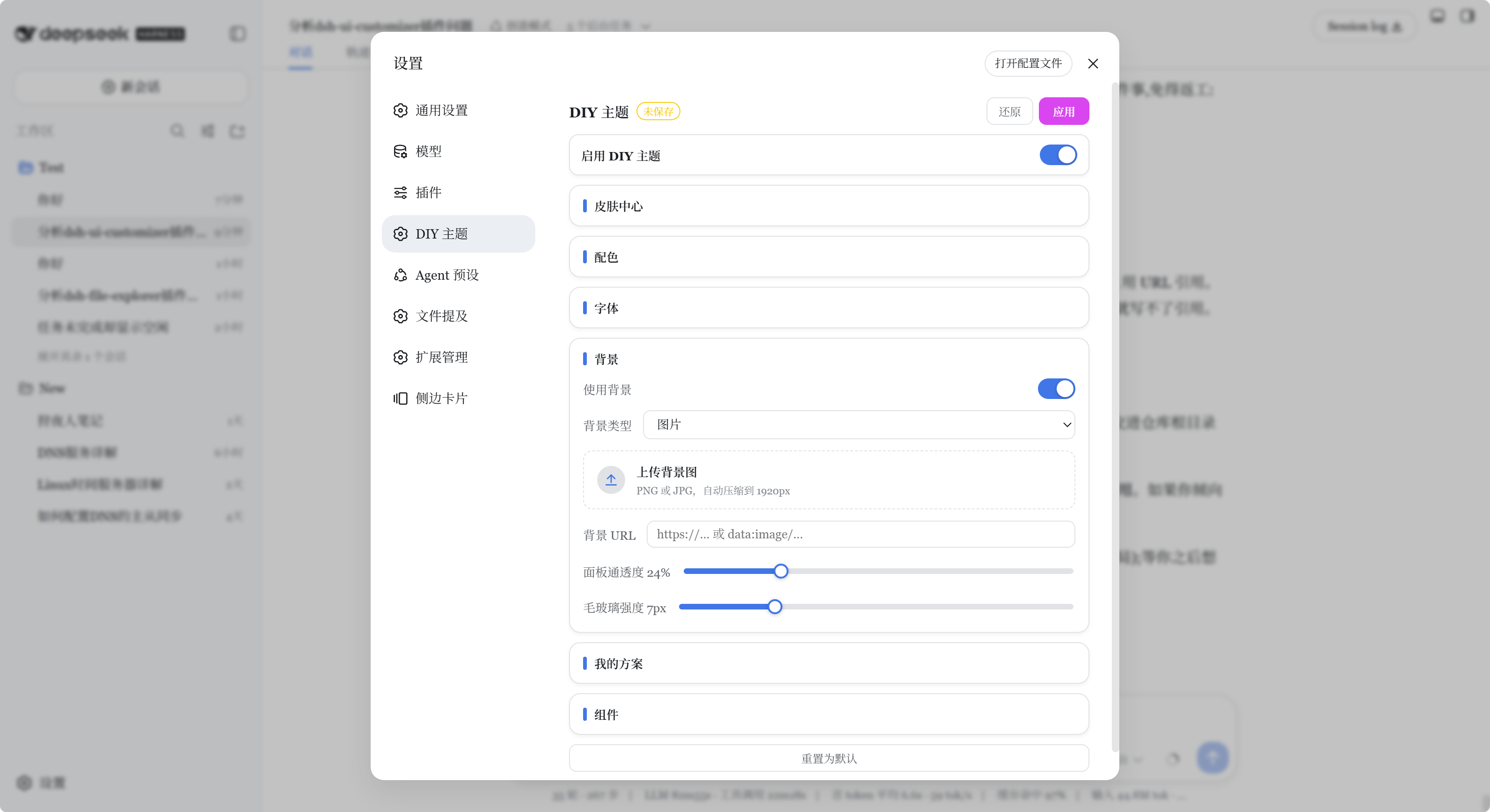
DeepSeek Harness Web ships with a single fixed look. Want a different accent color, softer border radius, or a personal background image? Before dsh-ui-customizer, that meant digging through CSS or editing theme variables by hand. This plugin moves every visual decision into Settings → DIY Theme: each change previews live, you hit Apply when you like it or Revert when you do not, and nothing requires writing a line of code.
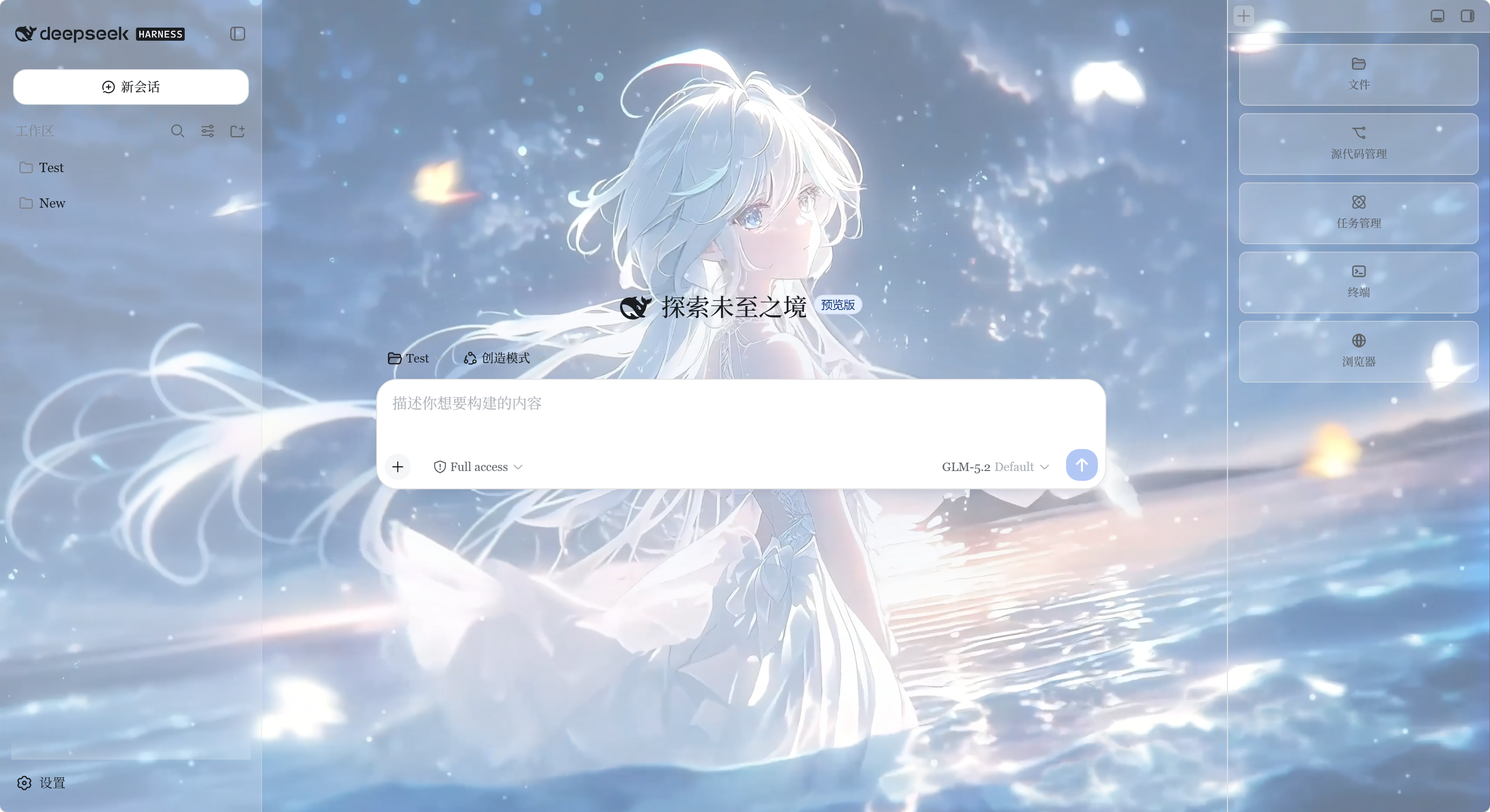
The panel covers the full visual chain: brand and semantic colors (success, warning, error), neutral grey tone direction (cool, warm, blue-grey, graphite), UI and code font stacks, global zoom from 80% to 140% with an independent text-scale slider, background image paired with panel translucency and glass blur strength, and component shadow depth and border radius. Eight one-click presets let you start from a finished look and fine-tune from there, and any combination can be saved as a named scheme for instant switching later.
Readability is treated as a hard floor: environment surfaces such as the main background and sidebar follow your translucency setting, while overlays—dialogs, menus, inputs, tooltips—stay roughly 94% opaque so text in pop-ups remains legible on any backdrop. All configuration lives in browser localStorage and IndexedDB, and nothing is sent to the DSH server. The plugin is aimed at developers and power users who spend long hours in DSH Web and want the interface to match their taste and working conditions, with zero CSS knowledge and no manual cordis.patch.yml edits required.
Screenshots
Use Cases
- Tweak brand colors, font stacks, and corner radius to match personal taste or team identity
- Set a background image with glass blur and panel translucency for a comfortable late-night workflow
- Switch between day and dark presets in one click, fine-tune, then save a named scheme for instant recall
Best For
- Developers and power users who spend long hours in DSH Web
- Engineering teams that want a consistent visual identity without hand-editing CSS
- End users who prefer a personalized look and feel without writing any code
Related Plugins

whale-girl is a desktop pet in the DSH Web GUI (bottom-right for instant companionship) — draggable, feedable, playable; completed tasks, sessions and companionship time accrue into seniority levels, titles, and memories.

Renders your local Wallpaper Engine wallpapers as the DSH web background, supporting video, web, and scene wallpapers with a liquid-glass effect and rich customization.

A WebGPU ocean skin for DeepSeek Harness with five-wave Gerstner waves, translucent theme, day/night cycle, and quick controls, installable as plugin or extension.

A Galgame-style conversation view and visual scene editor for DSH web sessions, with a real-time editing mode.