dsh-session-workbench
Run the following command in DeepSeek Harness:
dsh plugin install PolinniZhong/dsh-session-workbench
Paste the following prompt into your AI chat to install this plugin:
Run dsh plugin install PolinniZhong/dsh-session-workbench in your terminal to install the plugin; source code is at https://github.com/PolinniZhong/dsh-session-workbench .
About this plugin
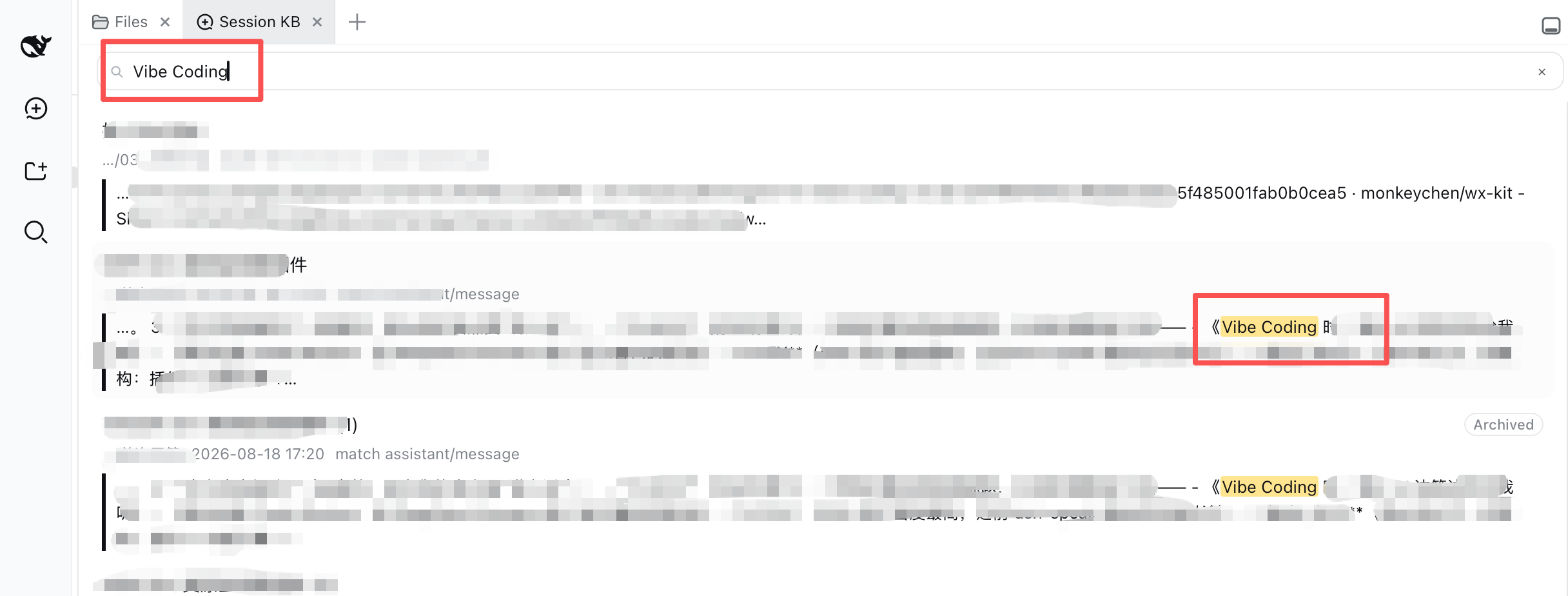
DeepSeek Harness ships with a SQLite FTS5 full-text index and a cross-session reference mechanism, yet neither has ever exposed a UI. Your past conversations sit in a database with no way to discover, browse, or reuse them. dsh-session-workbench fills that gap with a sidebar entry called Session Workbench that turns searching across every past session into a three-step loop: find a snippet, locate the exact message, and recall it as context.
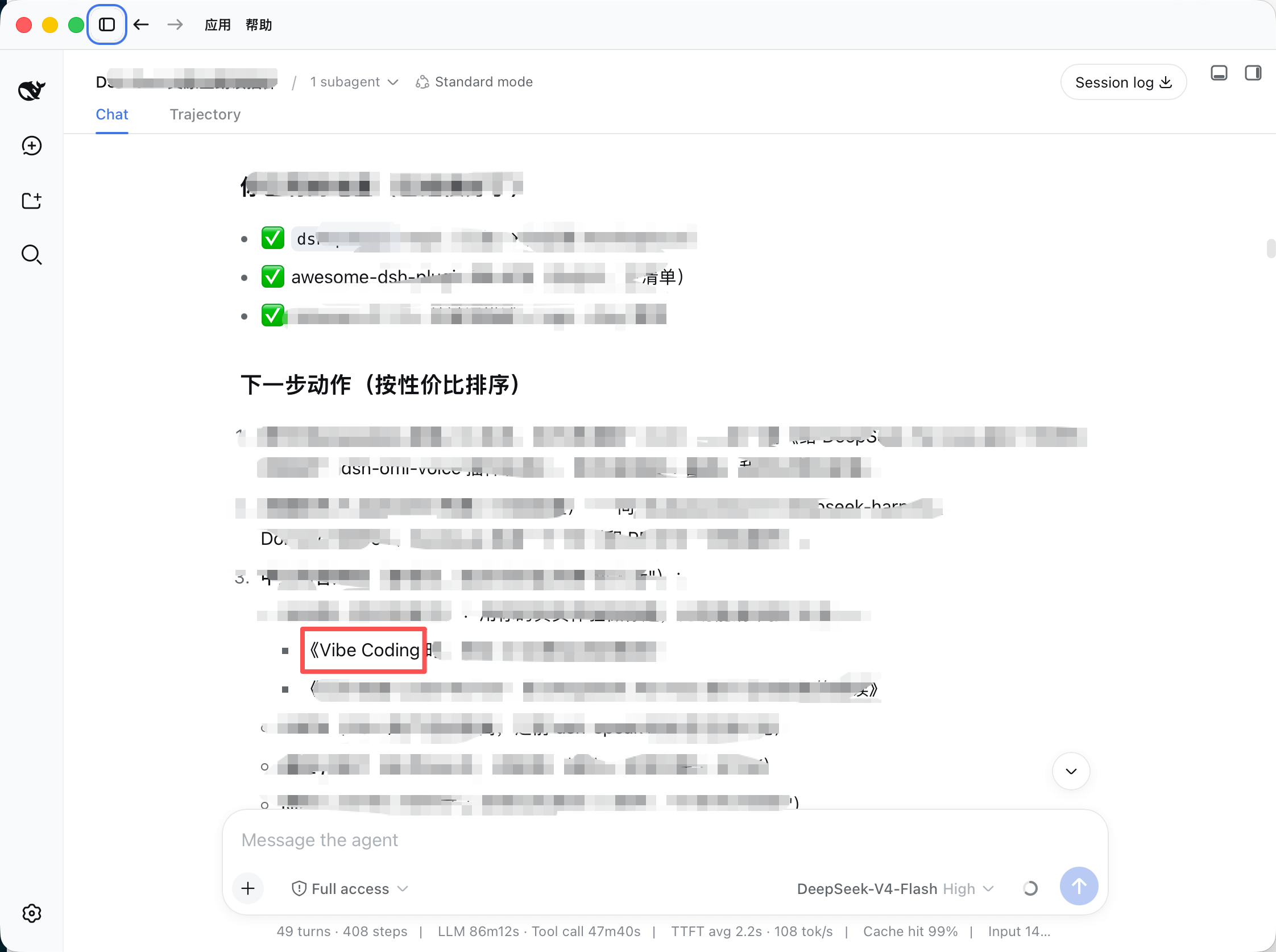
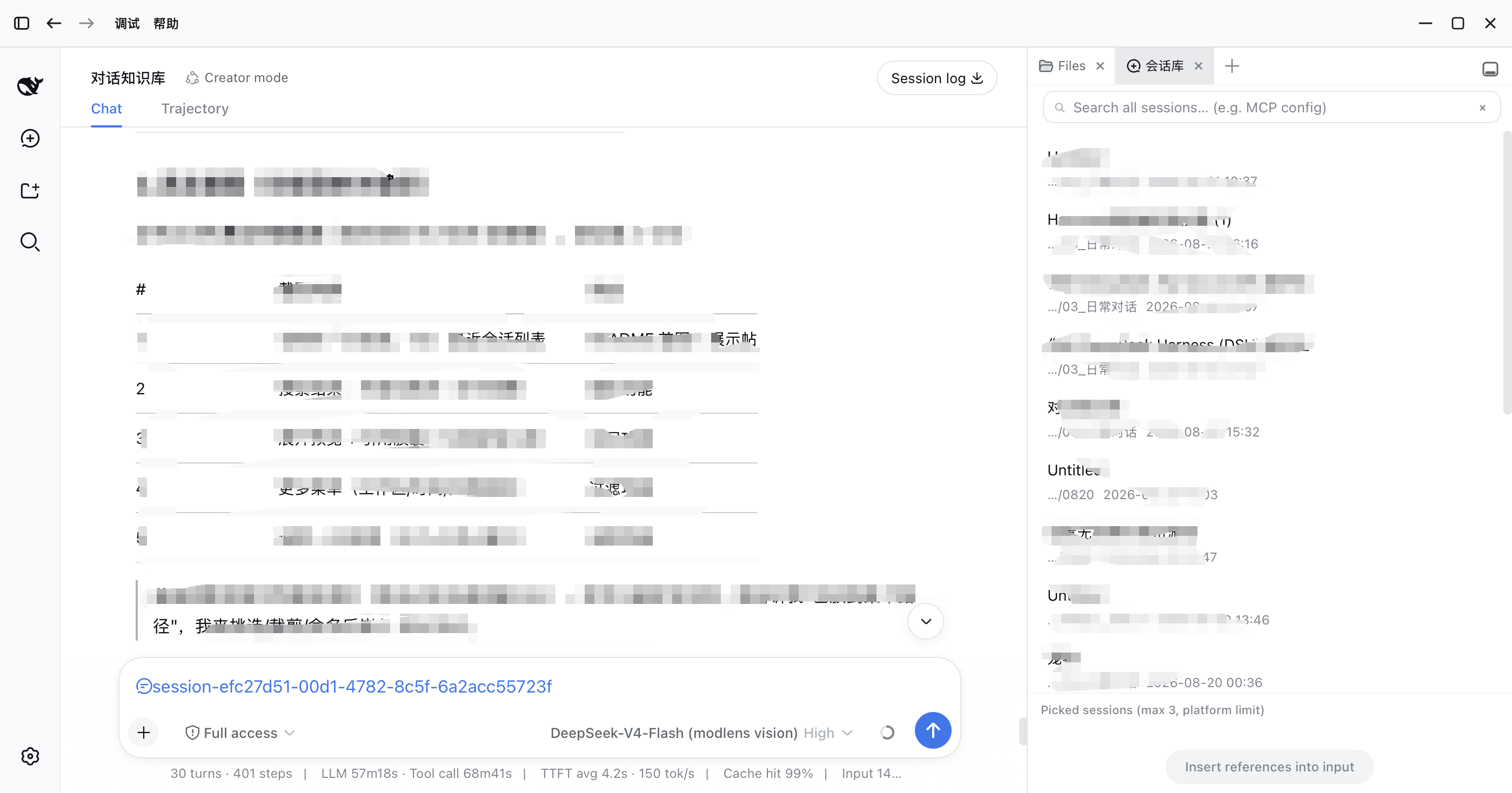
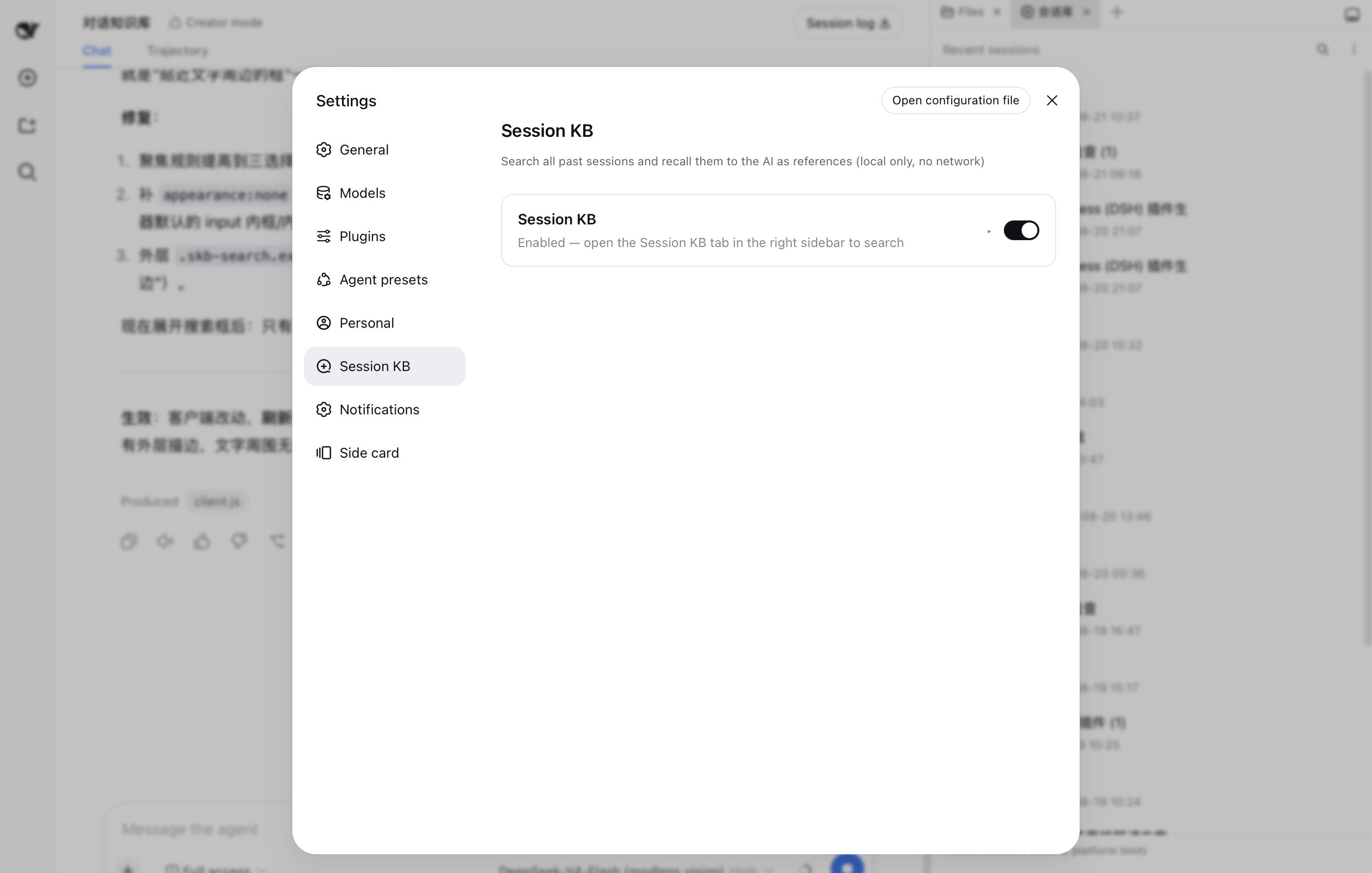
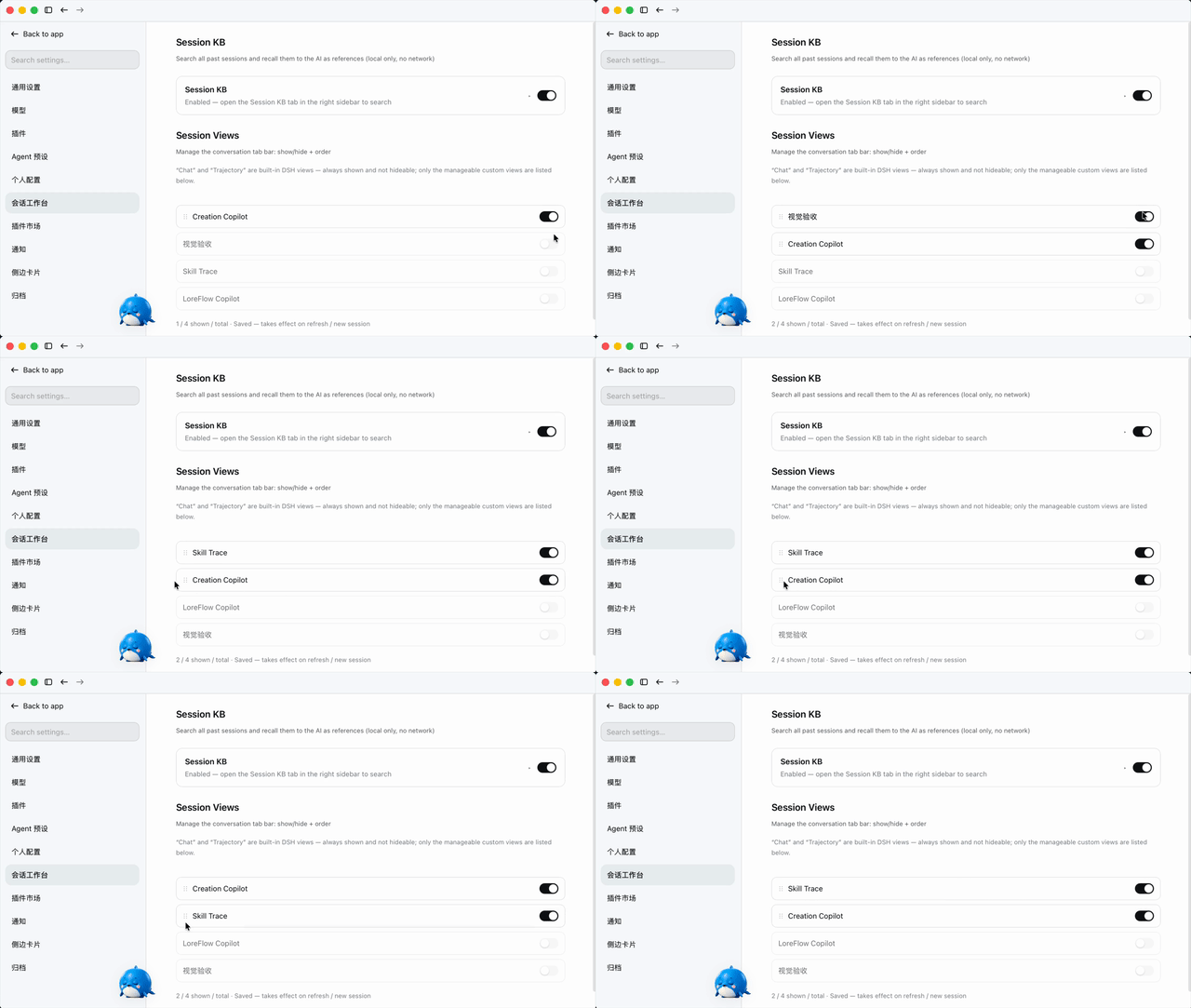
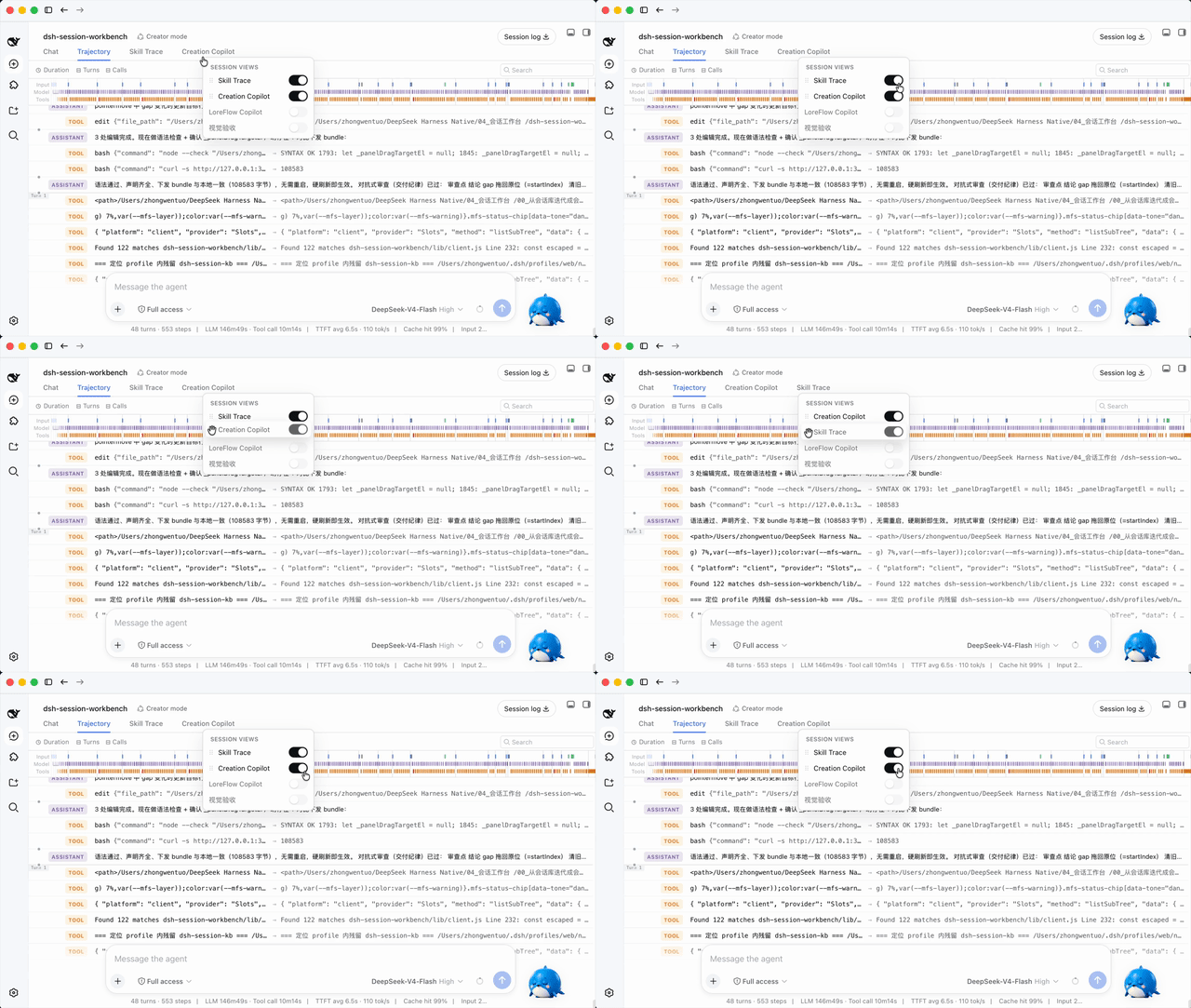
The core experience is snippet-level search. Results appear as fragment cards with the matched sentence highlighted and surrounding context lazy-loaded. Clicking Locate opens the old session, pages the window back, and scrolls to that exact message with a flash highlight. Expand a card to see other hits in the same session. Check up to three sessions and they enter the input as reference chips; on send, the platform injects read-only snapshots so the AI answers with your historical context. Archived sessions remain searchable by default, and the conversation tab bar supports show/hide toggles plus drag-and-drop reordering — all fully local with zero network requests.
If you have built up a large library of DSH conversations and frequently need to recall what you discussed, implemented, or decided weeks ago, this plugin turns that hidden history into a searchable, referenceable knowledge base that works right where you type.
Screenshots
Use Cases
- Recall a specific discussion or implementation from a past session
- Inject multiple old sessions as context into the current question
- Hide unused views and reorder the conversation tab bar
Best For
- Power users with a large growing library of DSH conversations
- Users who frequently need cross-session context for new questions
- Developers who want built-in style conversation view management
Related Plugins
A service-oriented sidebar framework for DSH, offering a full workbench with file explorer, embedded browser, real terminal, Git panel, and extensible plugin services.

A beautiful, practical Claude Code-style TUI plugin with pixel whale top bar, flowing glow title, real-time status line, streaming thought expansion, time rewind, context progress bar and TPS gauge — zero core changes.

The plugin market for DeepSeek Harness: browse/search/one-click install community plugins and themes, with updates, backup/restore, hot disable, diagnostics, and AI fix.

A persistent whale widget on the DSH web UI that shows DeepSeek balance, today's usage, and per-turn cost, with drag-and-snap and sound effects.