dsh-awesome-hud
Run the following command in DeepSeek Harness:
dsh plugin install Ycet/dsh-awesome-hud
Paste the following prompt into your AI chat to install this plugin:
Run dsh plugin install Ycet/dsh-awesome-hud in the DeepSeek Harness terminal, or clone the source from https://github.com/Ycet/dsh-awesome-hud and install locally.
About this plugin
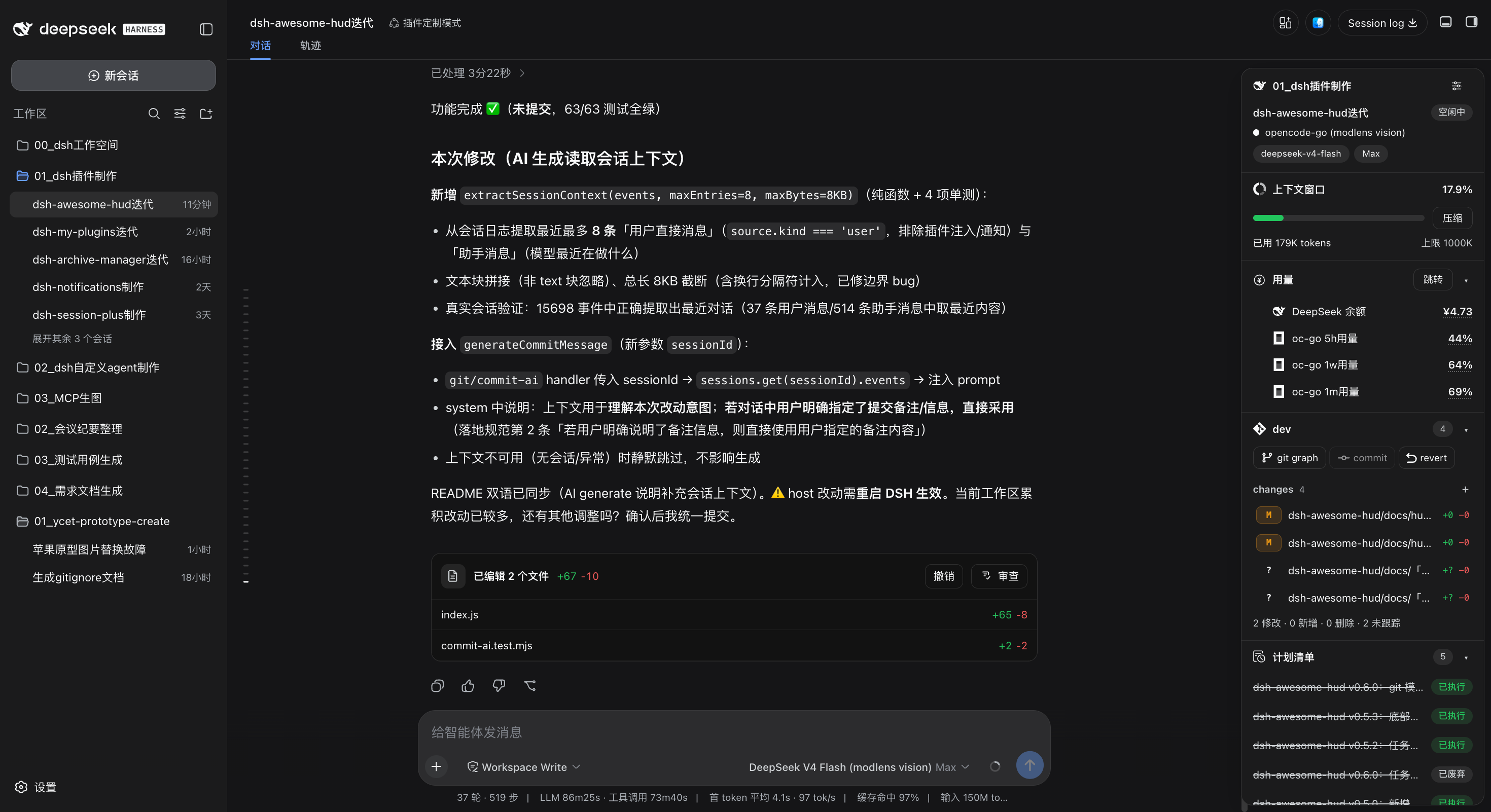
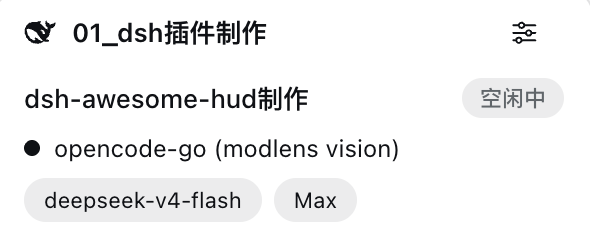
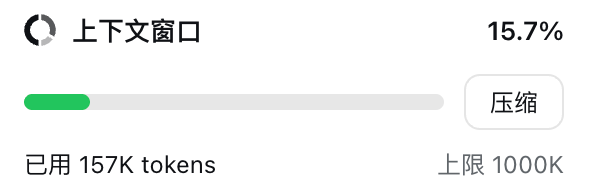
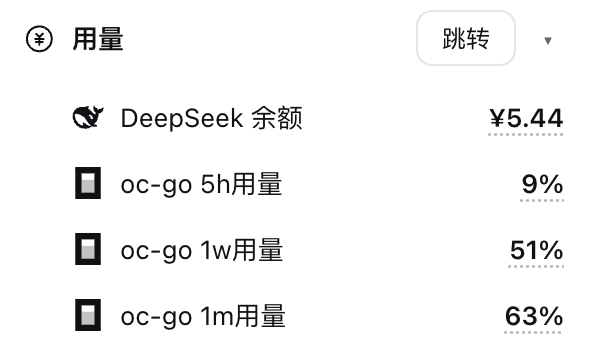
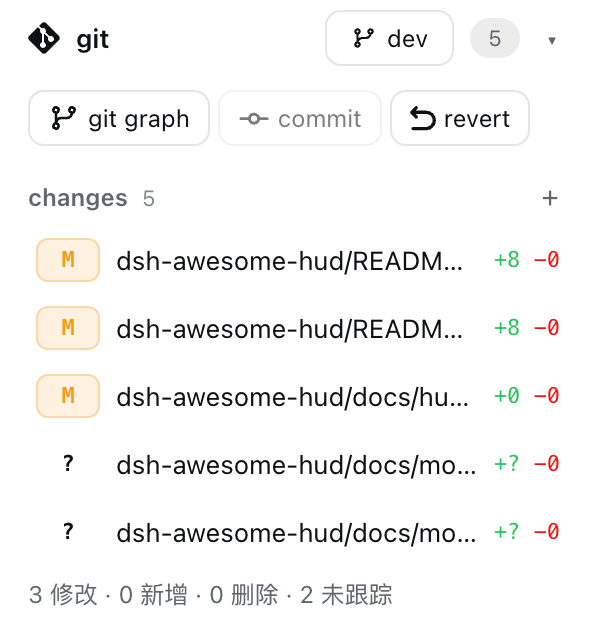
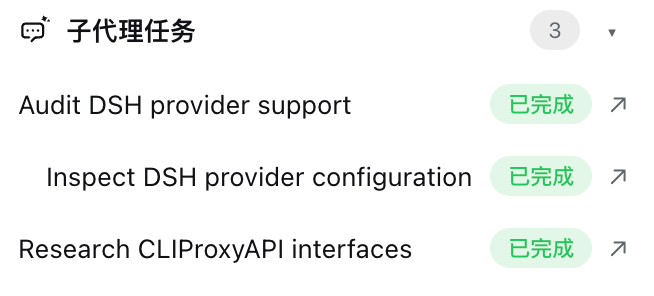
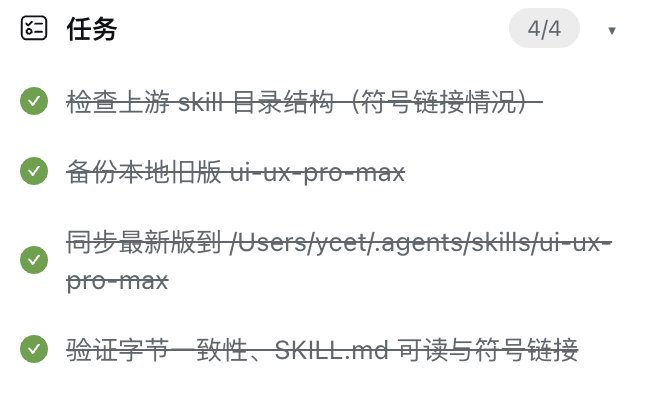
In a DeepSeek Harness Web chat session, a deep coding workflow often juggles context management, multiple git commits, subagent coordination, task tracking, and plan approvals simultaneously, yet all of these signals are scattered across separate panels and log streams. dsh-awesome-hud adds a 300px floating panel to the top-right of the chat page that aggregates session status, context usage with one-click compaction, git staging/commit/revert (including AI-generated conventional commit messages), subagent hierarchy, task and plan checklists into a single at-a-glance view, so you never have to leave the conversation to check the big picture.
Every module inside the panel can be independently collapsed and toggled. The context progress bar auto-colors from green to red based on occupancy; git changes are grouped into staged and unstaged sections with per-file operations; subagents and tasks carry live status badges; and MCP services can be enabled or disabled globally right from the panel. The HUD coexists with dsh-better-sidebar through mutual exclusion, opening one automatically dismisses the other without overlap.
It is built for developers who run multi-agent, multi-task deep coding sessions in DSH and want to inspect session health, manage their git workflow, and track subagent progress without ever switching windows.
Screenshots
Use Cases
- Aggregate context usage, git changes, and subagent progress at a glance during deep coding sessions
- One-click context compaction from the HUD when token occupancy approaches the limit without leaving the chat
- Stage, commit, or revert git changes right in the panel with an AI-generated conventional commit message
Best For
- Developers running multi-agent, multi-task coding sessions in DSH daily
- Productivity-focused users who want to inspect session health without leaving the chat window
- Developers using the DSH + better-sidebar workflow who need mutually exclusive panel collaboration
Related Plugins
A service-oriented sidebar framework for DSH, offering a full workbench with file explorer, embedded browser, real terminal, Git panel, and extensible plugin services.

A beautiful, practical Claude Code-style TUI plugin with pixel whale top bar, flowing glow title, real-time status line, streaming thought expansion, time rewind, context progress bar and TPS gauge — zero core changes.

The plugin market for DeepSeek Harness: browse/search/one-click install community plugins and themes, with updates, backup/restore, hot disable, diagnostics, and AI fix.

A persistent whale widget on the DSH web UI that shows DeepSeek balance, today's usage, and per-turn cost, with drag-and-snap and sound effects.