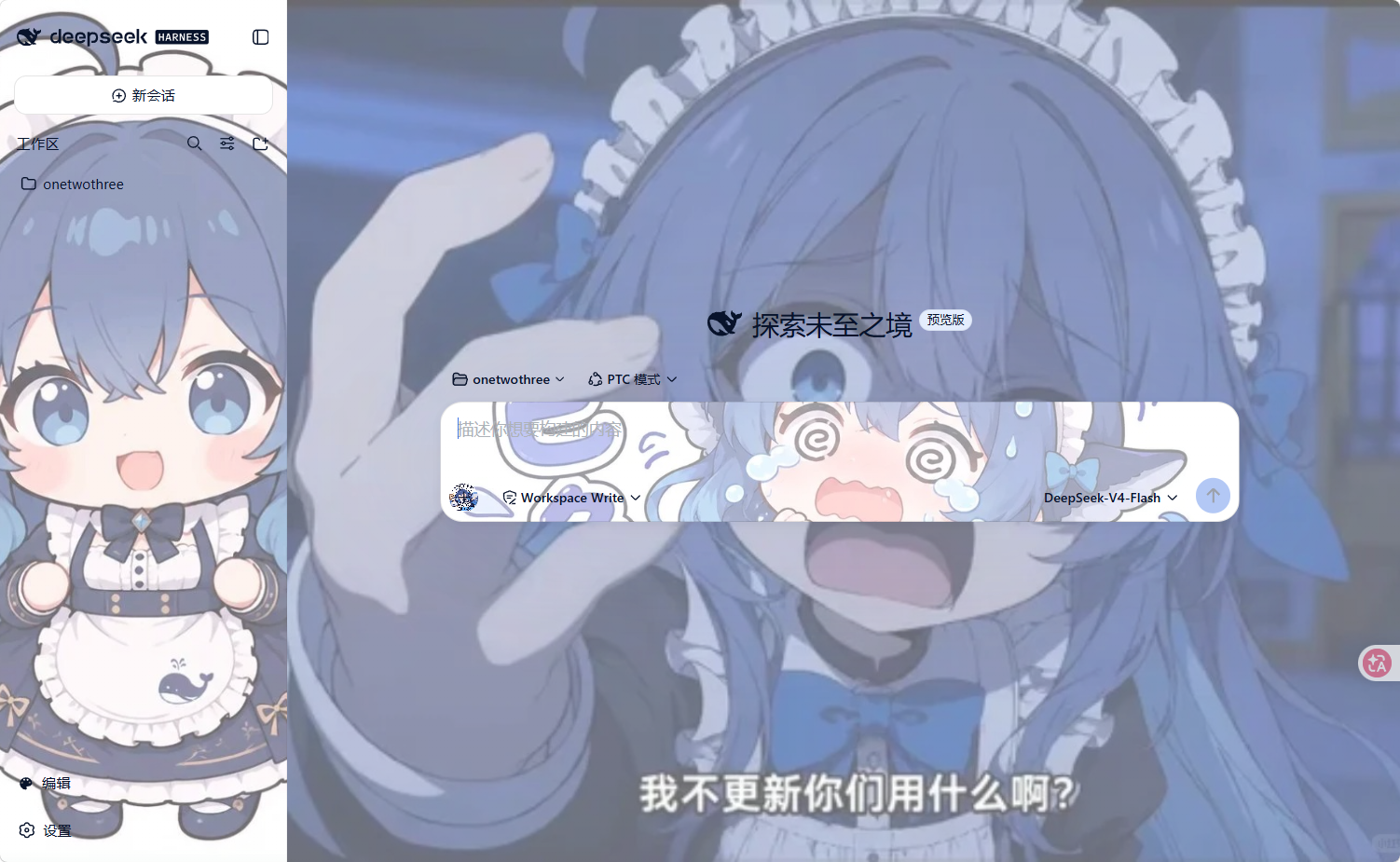
dsh-Veneer
Run the following command in DeepSeek Harness:
dsh plugin install swordordead/dsh-Veneer
Paste the following prompt into your AI chat to install this plugin:
Run dsh plugin install swordordead/dsh-Veneer in your terminal, source code at https://github.com/swordordead/dsh-Veneer, then restart dsh web and click Edit in the sidebar footer to start theming.
About this plugin
Opening DeepSeek Harness every day means staring at the same default palette and typeface. Want a softer background, a personal wallpaper, or rounder letterforms? Without Veneer that means hunting through CSS variables or hand-editing config files. Veneer reduces all of it to a handful of clicks: open the Sidebar Edit panel, tweak backgrounds, images, fonts, text colors, border radii, shadows, and accent colors with live preview, then save. No code required, and most changes apply without a restart.
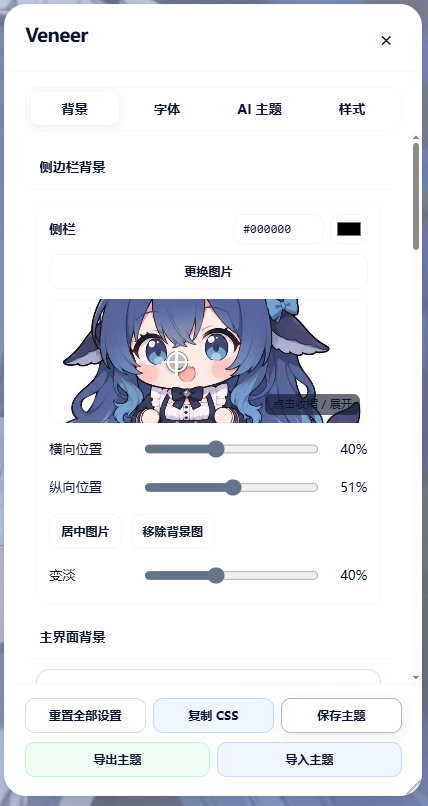
The feature set spans everything from swapping a wallpaper to pixel-level fine-tuning. Twelve independent background zones each accept drag-and-drop image uploads with adjustable opacity and focal-point cropping. Font and text color are controlled separately across five zones-global, sidebar, main content, input area, and the Veneer panel-itself-with a free-text field for any locally installed font name. Eight curated style templates (Morandi, Cyberpunk, Warm Brown, Minimal, Deep Space, Forest, Ocean, Vintage Paper) deliver a full theme in one click. In a hurry for a polished result? The AI Theme tab lets you pick any model already configured in Harness, describe the vibe in a sentence, and receive a complete background-plus-font proposal you can preview before committing. Everything persists in Host Settings so Harness upgrades never wipe your work, and you can export to JSON or copy raw CSS for cross-machine portability.
Veneer is for anyone who finds the stock look serviceable but flat: everyday users who want a personalized interface without touching a line of CSS, theme enthusiasts who sweat every pixel, and small teams that need a consistent brand palette across workstations. It ships with a ready-to-use default skin so you get a fresh look the moment you install it, then make it entirely your own.
Screenshots
Use Cases
- Apply a personal wallpaper, font, and color scheme to DSH without touching any code
- Describe a vibe in one sentence and let AI generate a full background-and-font theme for preview
- Export a theme JSON to roll out a consistent visual identity across the team
Best For
- Everyday DSH users who want a personalized look without editing code
- Theme enthusiasts who enjoy pixel-level tweaks to backgrounds, radii, and accent colors
- Small teams that need a consistent visual identity across workstations
Related Plugins

whale-girl is a desktop pet in the DSH Web GUI (bottom-right for instant companionship) — draggable, feedable, playable; completed tasks, sessions and companionship time accrue into seniority levels, titles, and memories.

Renders your local Wallpaper Engine wallpapers as the DSH web background, supporting video, web, and scene wallpapers with a liquid-glass effect and rich customization.

A WebGPU ocean skin for DeepSeek Harness with five-wave Gerstner waves, translucent theme, day/night cycle, and quick controls, installable as plugin or extension.

A Galgame-style conversation view and visual scene editor for DSH web sessions, with a real-time editing mode.