
deepseek-whale-wallpaper
Run the following command in DeepSeek Harness:
dsh plugin install HeShen-1/deepseek-whale-wallpaper
Paste the following prompt into your AI chat to install this plugin:
Run dsh plugin install HeShen-1/deepseek-whale-wallpaper in your DeepSeek Harness terminal to add the whale live-wallpaper plugin; the full source lives at https://github.com/HeShen-1/deepseek-whale-wallpaper .
About this plugin
The Harness web UI is thorough and reliable, yet the canvas behind your conversations is often a flat wash of white or grey. After a long session the screen can feel lifeless in a way that no amount of theme switching fixes. deepseek-whale-wallpaper takes the dot-matrix whale you recognize from the DeepSeek brand and re-renders it as roughly 1,750 WebGL2 particles laid beneath the app frame, breathing, slowly turning, drifting in soft mist. Sidebar, input area, and conversation content all keep working on top; the whale simply makes the whole workspace feel alive.
The standout interaction is the pointer. When your cursor crosses the whale, nearby particles gather into a continuous liquid vortex with an outward radial glow wave, then settle back softly in about 650 ms. The base dot matrix is never modified. The plugin follows the Harness light/dark/system preference, dims gradually once a session opens, drops further while you type or a task runs, pauses entirely when the tab is hidden, and honors prefers-reduced-motion so the scene stays perfectly still if you prefer. DPR is capped at 1.5 and the quality tier steps down automatically under sustained frame drops.
It is aimed at anyone who uses the Harness web UI daily and wants a quiet, living layer underneath the interface. There are zero runtime dependencies, no code to wire in, and disabling the plugin tears down every node, style, listener, and animation so the original theme returns immediately.
Screenshots

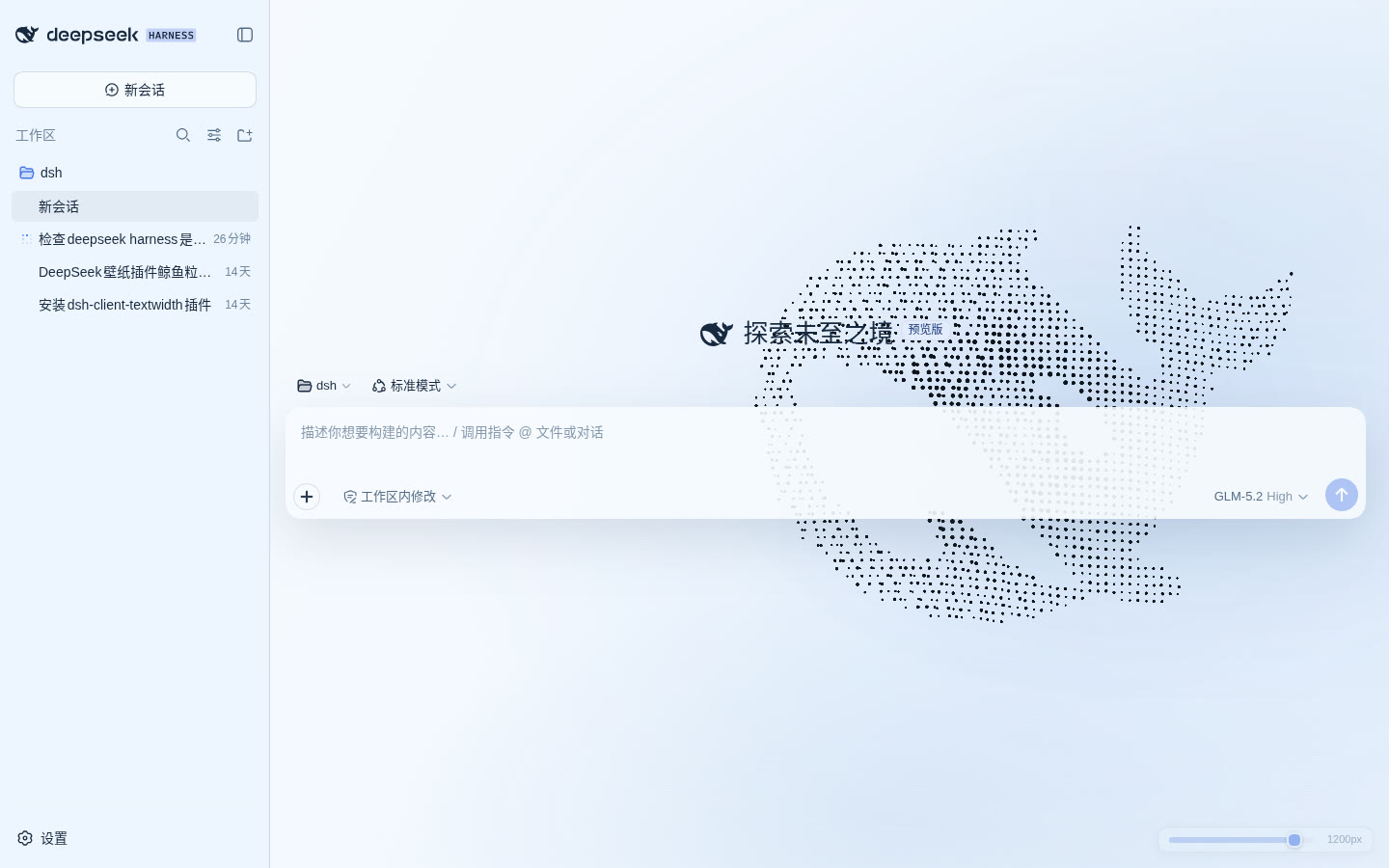
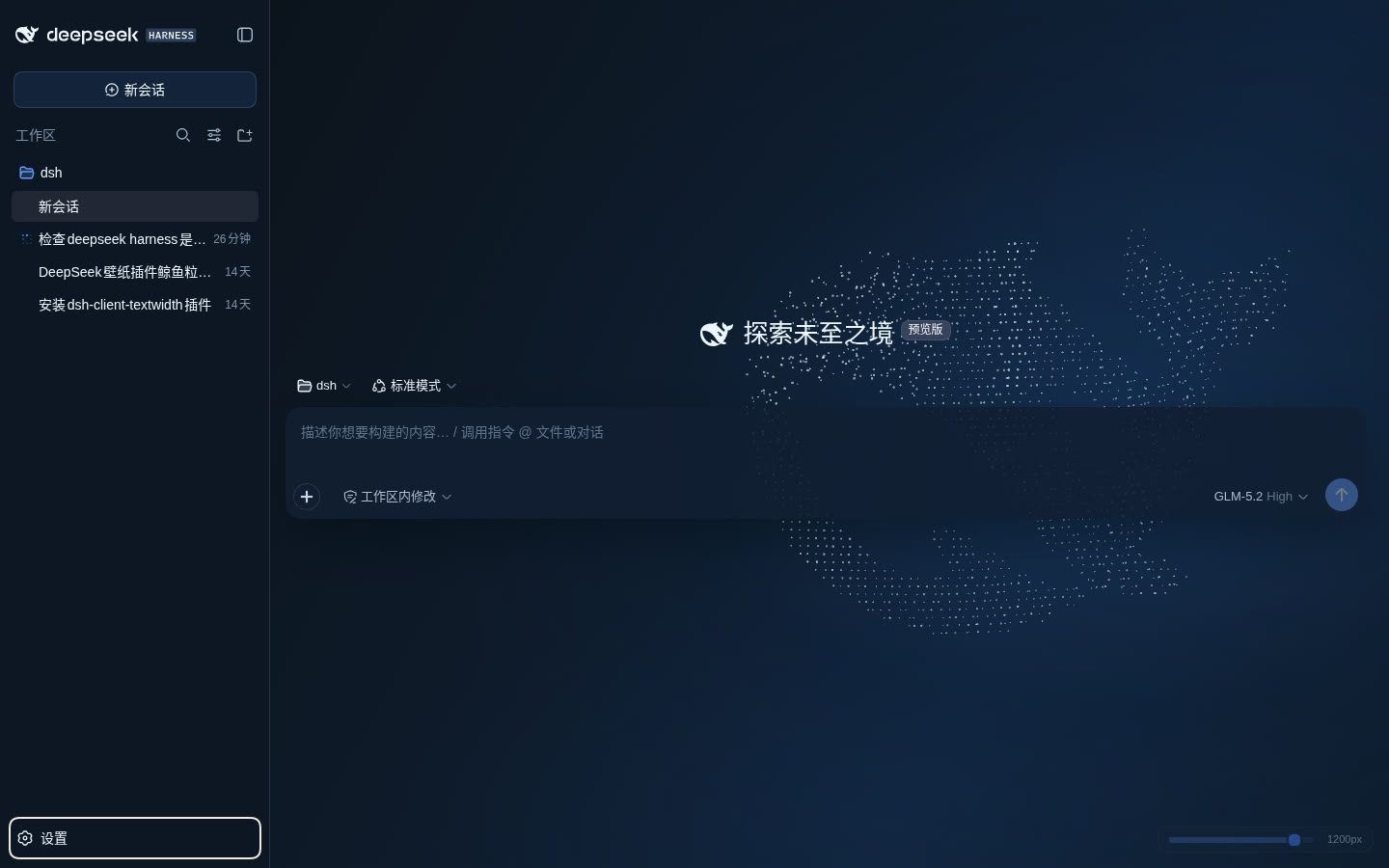
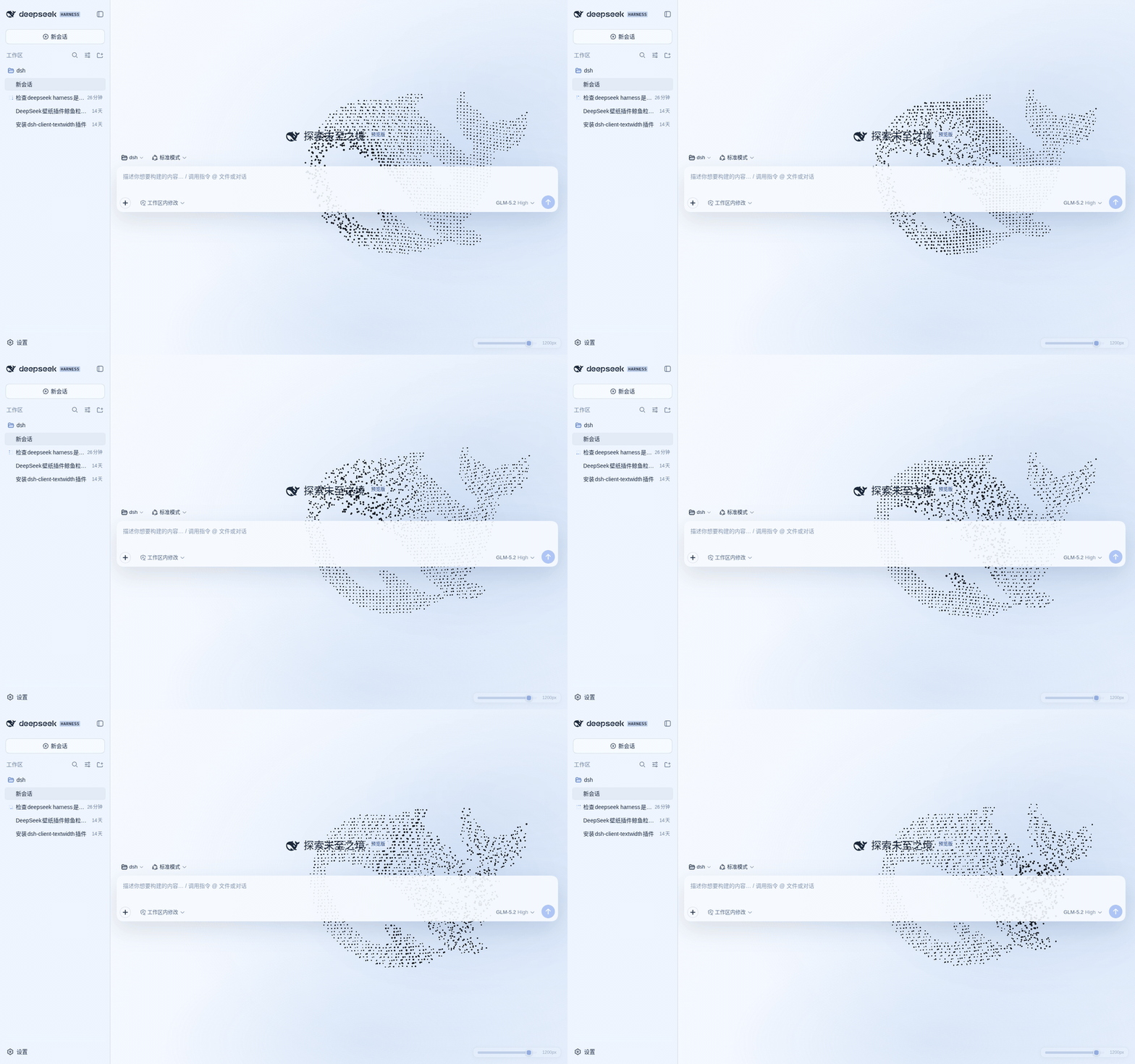
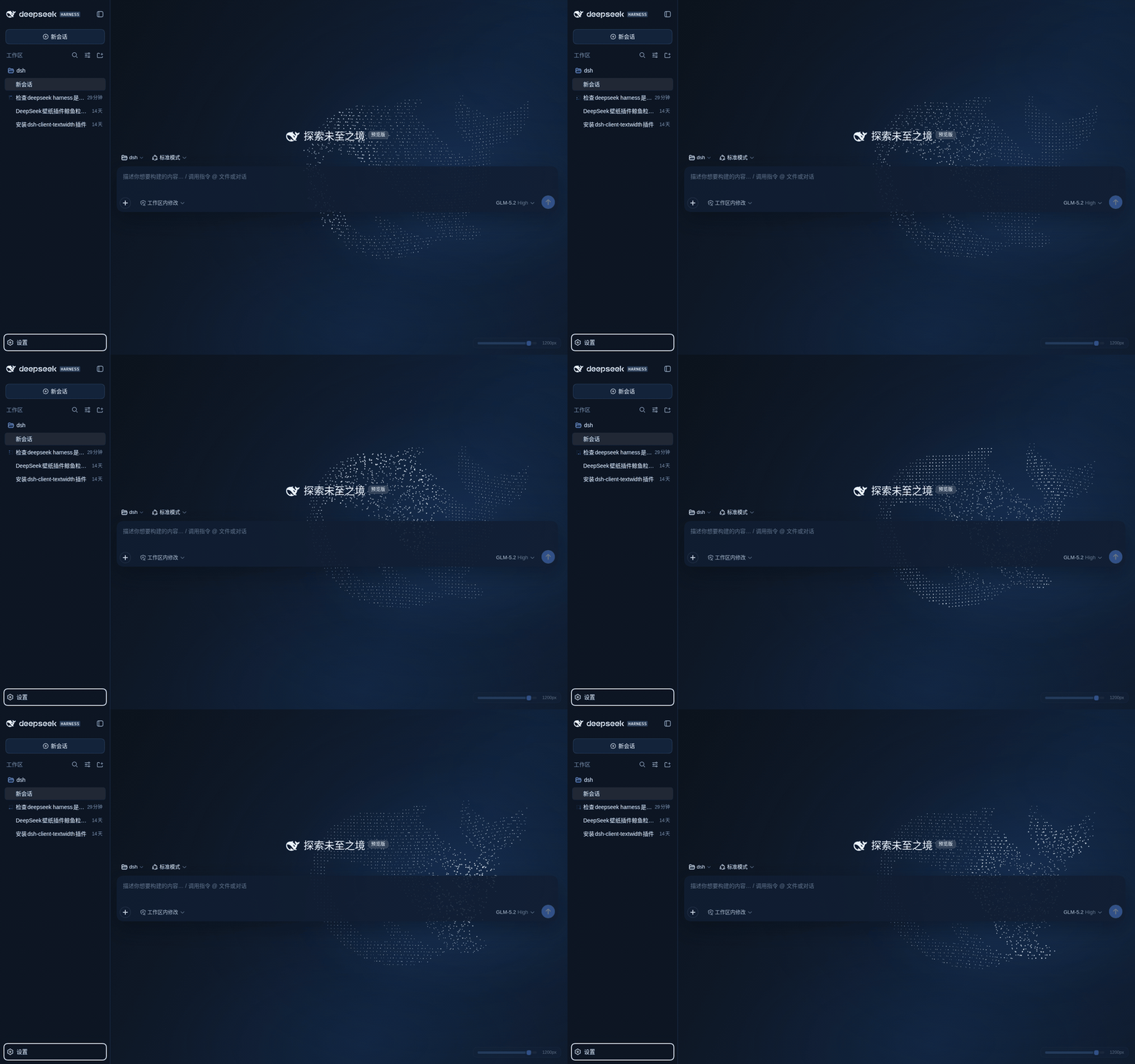
Use Cases
- Add a quiet, breathing backdrop to daily Harness web UI sessions
- Give screen recordings and demos a distinctive brand feel
- Ease eye fatigue from staring at a plain canvas during long conversations
Best For
- Developers who use the DeepSeek Harness web UI daily
- Personalization-minded users who enjoy giving their tools a living backdrop
- Anyone recording or demoing workflows who wants a memorable visual touch
Related Plugins

whale-girl is a desktop pet in the DSH Web GUI (bottom-right for instant companionship) — draggable, feedable, playable; completed tasks, sessions and companionship time accrue into seniority levels, titles, and memories.

Renders your local Wallpaper Engine wallpapers as the DSH web background, supporting video, web, and scene wallpapers with a liquid-glass effect and rich customization.

A WebGPU ocean skin for DeepSeek Harness with five-wave Gerstner waves, translucent theme, day/night cycle, and quick controls, installable as plugin or extension.

A Galgame-style conversation view and visual scene editor for DSH web sessions, with a real-time editing mode.