spritely
Run the following command in DeepSeek Harness:
dsh plugin install wang-junjian/spritely
Paste the following prompt into your AI chat to install this plugin:
Run dsh plugin install wang-junjian/spritely in your terminal (repository: https://github.com/wang-junjian/spritely) to complete installation and registration.
About this plugin
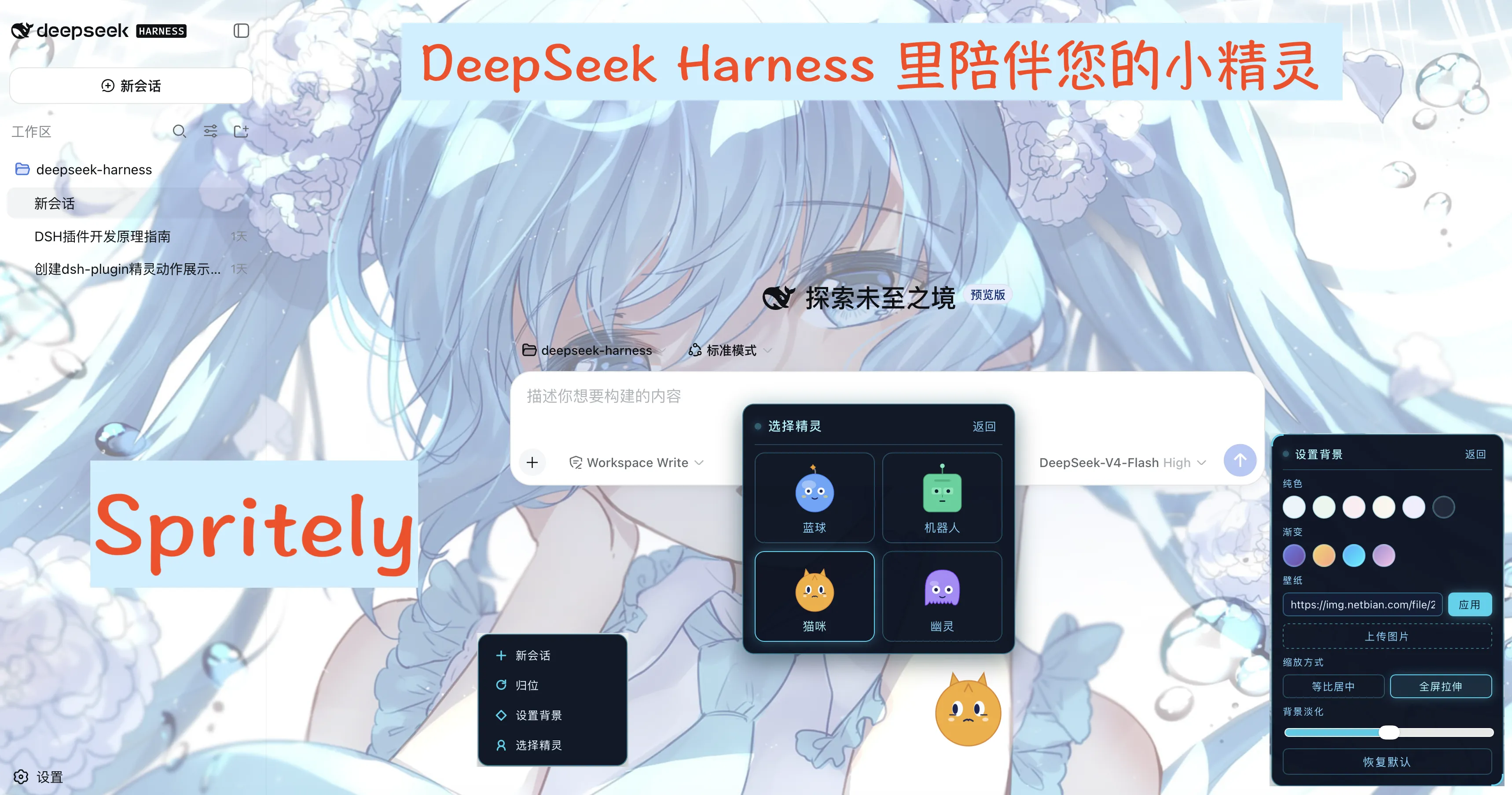
The dsh client is a utilitarian interface; when the agent is working the screen stays silent and you can only guess from the blinking cursor whether it is thinking, calling a tool, or waiting for your confirmation. Spritely drops an animated sprite into the corner of the interface, translating every state—idle, thinking, writing, working, waiting, error, and a brief celebration on completion—into visible poses, giving the work process a sense of presence.
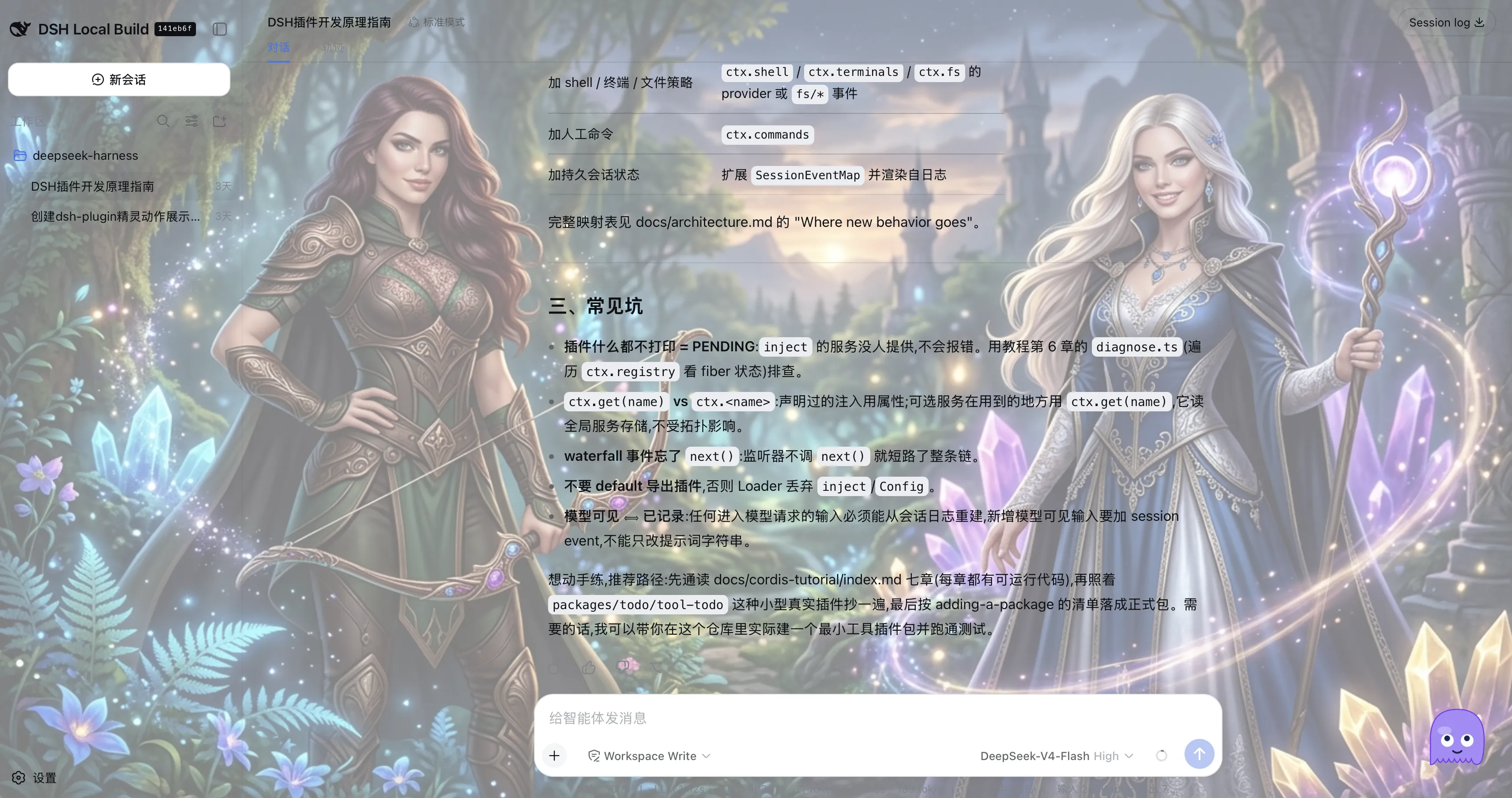
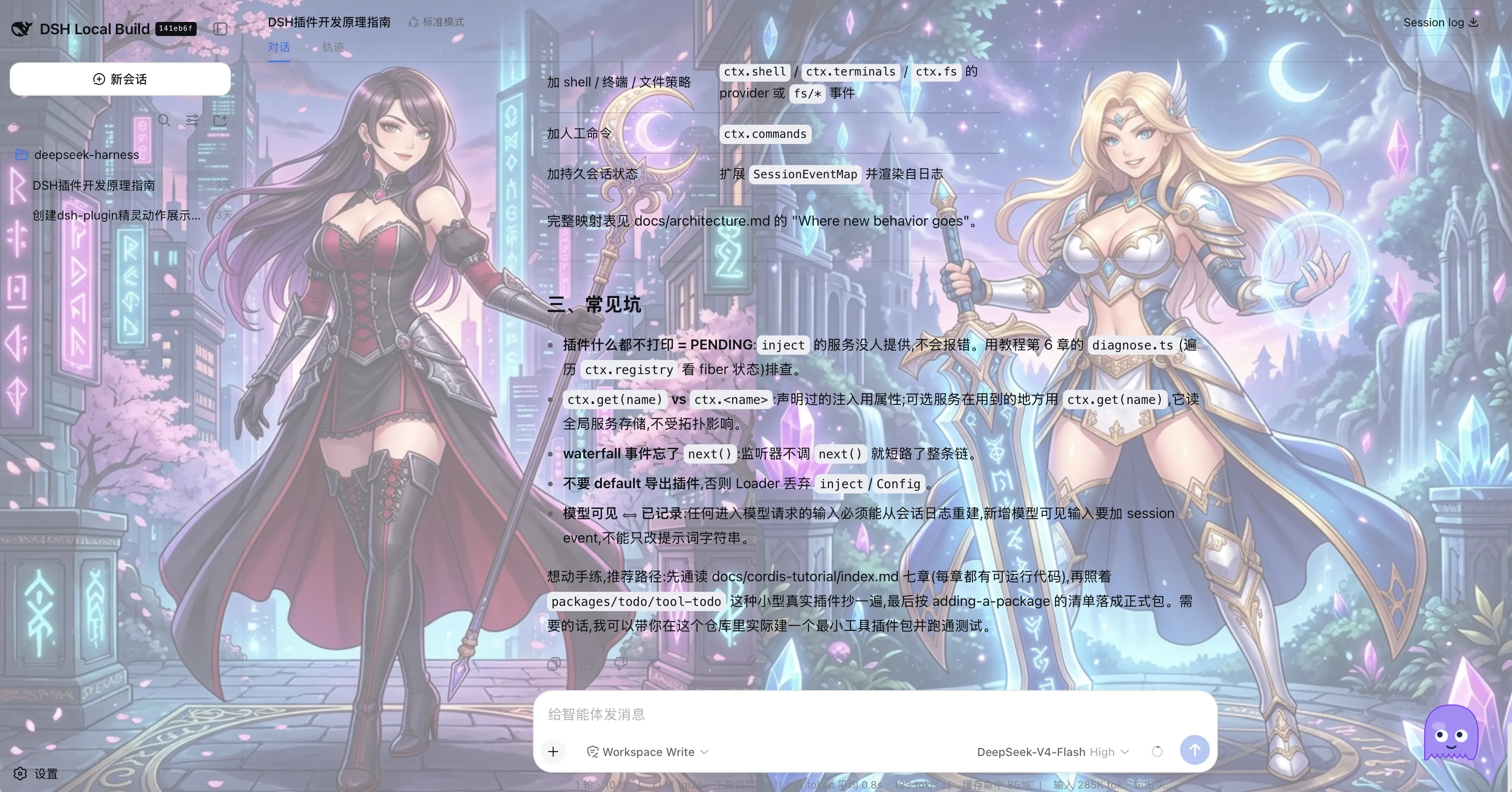
Core capabilities unfold across three layers: observe, feedback, and interact. The sprite tracks agent state in real time and plays the matching pose; its eyes follow the mouse with rAF throttling; it can be dragged anywhere on screen and snapped back with one click. Four characters (Blob, Bot, Cat, Ghost) each carry distinct shapes and palettes. A word-selection floating toolbar lets you copy, read aloud, or drop selected text into the input as a quote block, saving a round-trip between windows. Backgrounds accept solid colors, gradients, image URLs, and local uploads, all framed by a sci-fi HUD menu with dark holographic panels and cyan neon strokes.
Best suited for developers who use the dsh Web interface daily and want to reduce wait anxiety. If you keep multiple workspaces open, the sprite pose shifts let you glance and tell which session is running and which is awaiting input. If you read docs while drafting prompts, the toolbar read-aloud and quote features cut a copy-paste step. And if you simply want a small animated companion to break up the monotony of staring at code, four characters plus customizable backgrounds keep the experience polished rather than kitschy.
Screenshots
Use Cases
- Quickly tell which agent session is running vs waiting for input across parallel workspaces
- Read aloud or drop selected text as a quote into the prompt box without switching windows
- Ease visual fatigue during long terminal sessions with an animated companion
Best For
- Developers who use the dsh Web interface daily
- Users juggling multiple concurrent agent sessions who need at-a-glance status cues
- Engineers who want a touch of personality in a utilitarian toolkit UI
Related Plugins

whale-girl is a desktop pet in the DSH Web GUI (bottom-right for instant companionship) — draggable, feedable, playable; completed tasks, sessions and companionship time accrue into seniority levels, titles, and memories.

Renders your local Wallpaper Engine wallpapers as the DSH web background, supporting video, web, and scene wallpapers with a liquid-glass effect and rich customization.

A WebGPU ocean skin for DeepSeek Harness with five-wave Gerstner waves, translucent theme, day/night cycle, and quick controls, installable as plugin or extension.

A Galgame-style conversation view and visual scene editor for DSH web sessions, with a real-time editing mode.