dsh-toolbox-web
Run the following command in DeepSeek Harness:
dsh plugin install AbcdefgXW/dsh-toolbox-web
Paste the following prompt into your AI chat to install this plugin:
In DeepSeek Harness, install the plugin using the command dsh plugin install AbcdefgXW/dsh-toolbox-web, with the full source address at https://github.com/AbcdefgXW/dsh-toolbox-web.
About this plugin
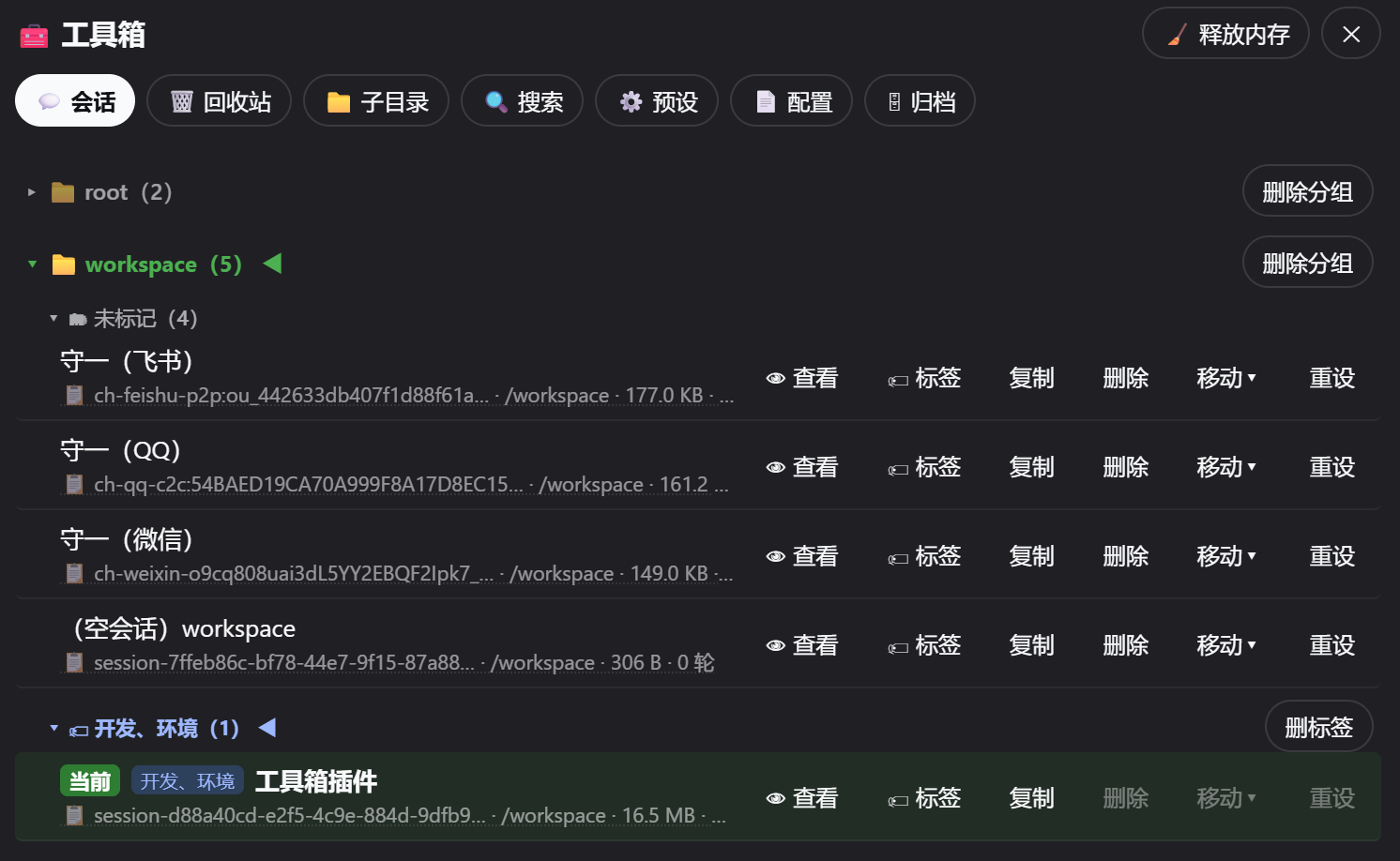
Users of DeepSeek Harness often encounter challenges like cumbersome session management, inefficient history search, and lack of automation capabilities. The dsh-toolbox-web plugin serves as an enhancement toolbox that addresses these issues by providing a comprehensive set of tools for streamlined management, search, and automation. Its core features include intelligent session management (deletion to a recycle bin, copying, moving, tag grouping), a secure recycle bin for data recovery, subdirectory organization, efficient full-text search (leveraging official SQLite indexing and a custom engine with time filters and optional semantic search), scheduled heartbeat automation (periodically waking the AI for tasks with push notifications to IM channels via dsh-msg-hub integration), and practical enhancements like long message folding, conversation view tab collapsing, and online preset/configuration editing. This plugin is ideal for advanced users such as developers, researchers, or frequent platform users who need robust data management, quick information retrieval, or workflow automation, helping them organize conversations, enable smart scheduling, and boost overall efficiency.
Screenshots

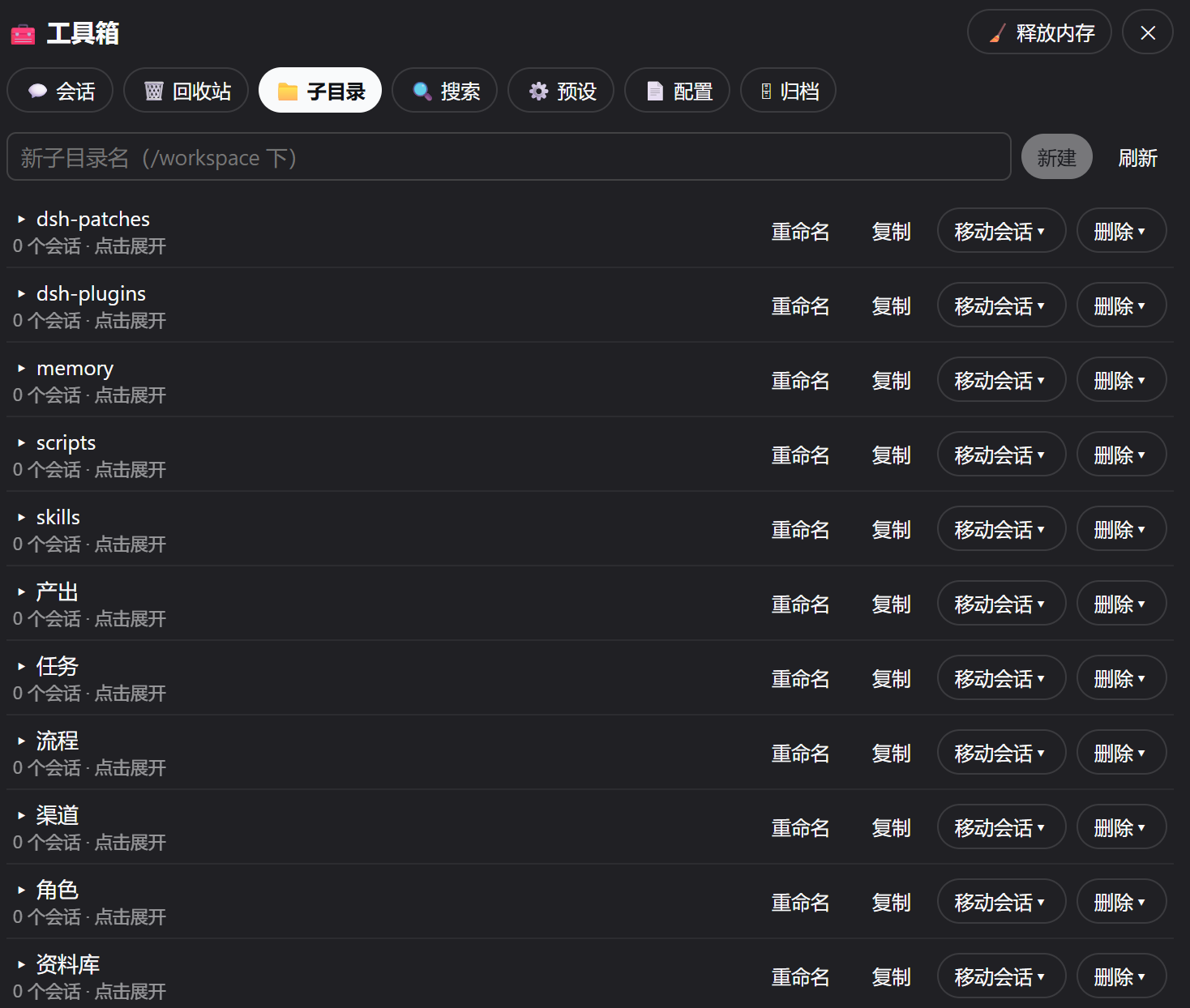
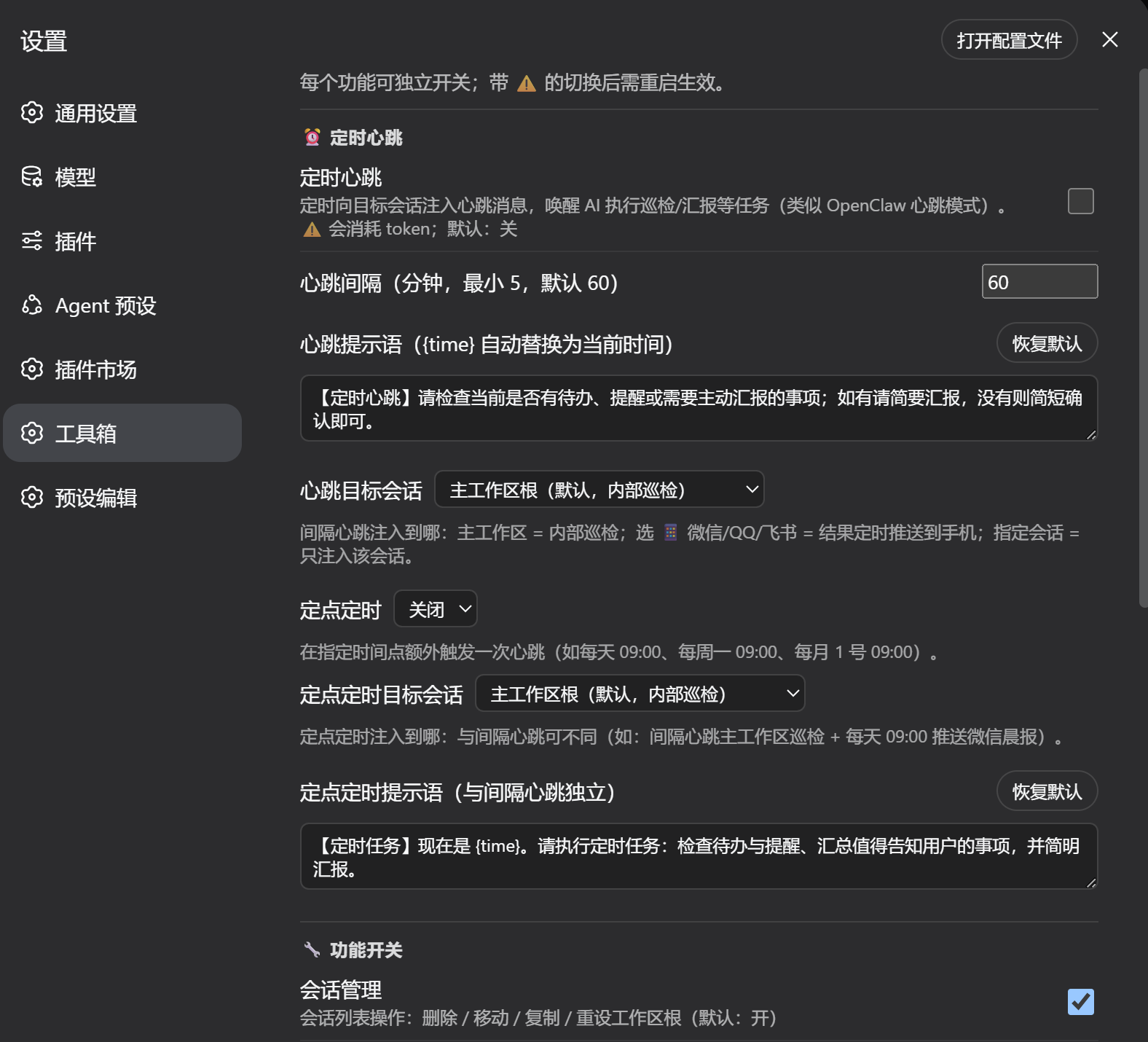
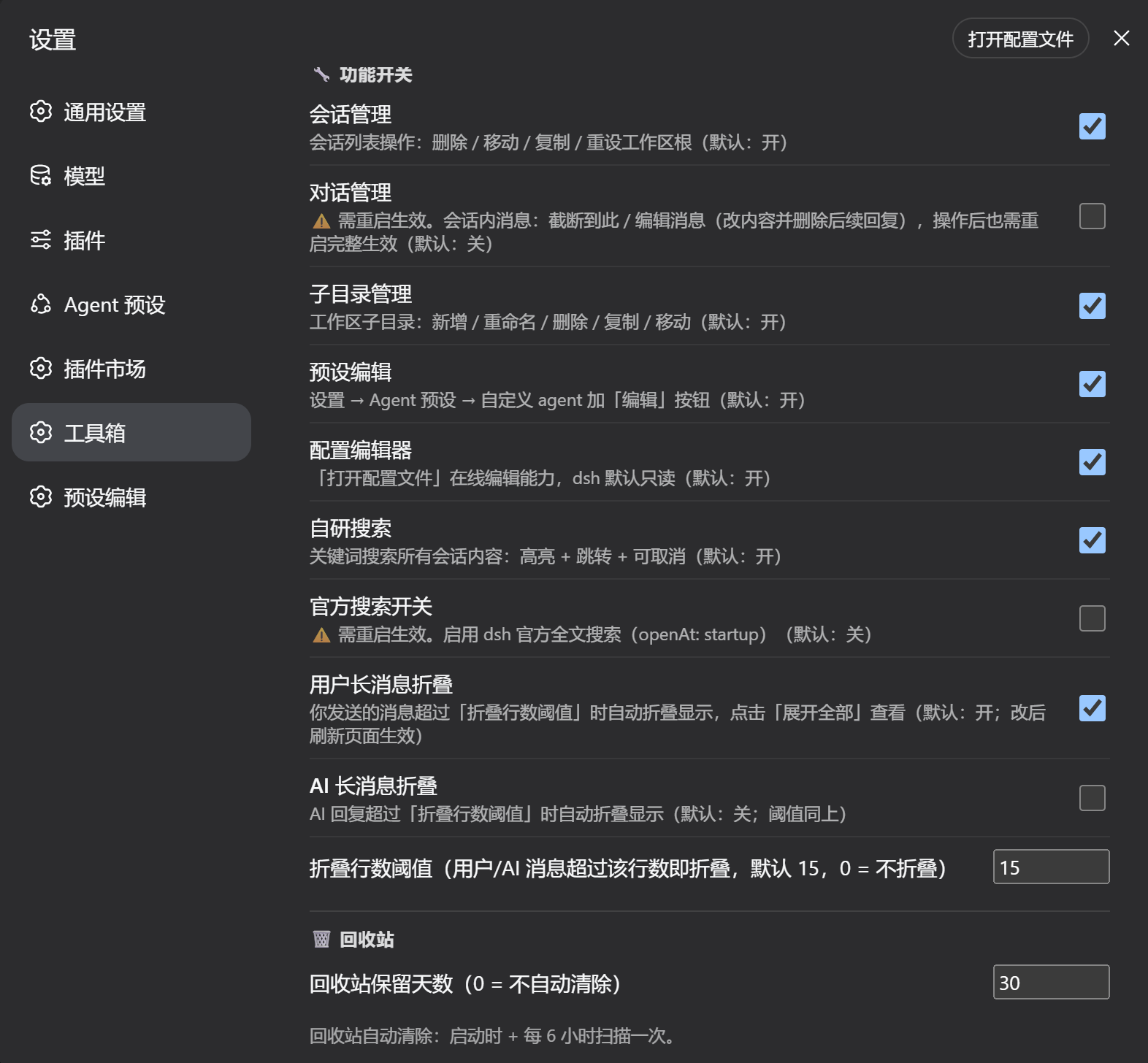
Use Cases
- Used when needing to batch manage, backup, or restore important conversation histories.
- Used when quickly searching for specific keywords or content across numerous sessions.
- Used when wanting to set scheduled tasks for the AI to automatically perform inspections or push messages.
Best For
- Professional users like developers or researchers who need to efficiently manage conversation workspaces.
- Heavy users who rely on DeepSeek Harness for high-frequency, complex AI conversations.
- Teams or individuals seeking to enhance workflow efficiency through automation.
Related Plugins
A service-oriented sidebar framework for DSH, offering a full workbench with file explorer, embedded browser, real terminal, Git panel, and extensible plugin services.

A beautiful, practical Claude Code-style TUI plugin with pixel whale top bar, flowing glow title, real-time status line, streaming thought expansion, time rewind, context progress bar and TPS gauge — zero core changes.

The plugin market for DeepSeek Harness: browse/search/one-click install community plugins and themes, with updates, backup/restore, hot disable, diagnostics, and AI fix.

A persistent whale widget on the DSH web UI that shows DeepSeek balance, today's usage, and per-turn cost, with drag-and-snap and sound effects.