dsh-replay-theater
Run the following command in DeepSeek Harness:
dsh plugin install ItBayMax/dsh-replay-theater
Paste the following prompt into your AI chat to install this plugin:
Run dsh plugin install ItBayMax/dsh-replay-theater in your terminal to install the plugin; source code is available at https://github.com/ItBayMax/dsh-replay-theater .
About this plugin
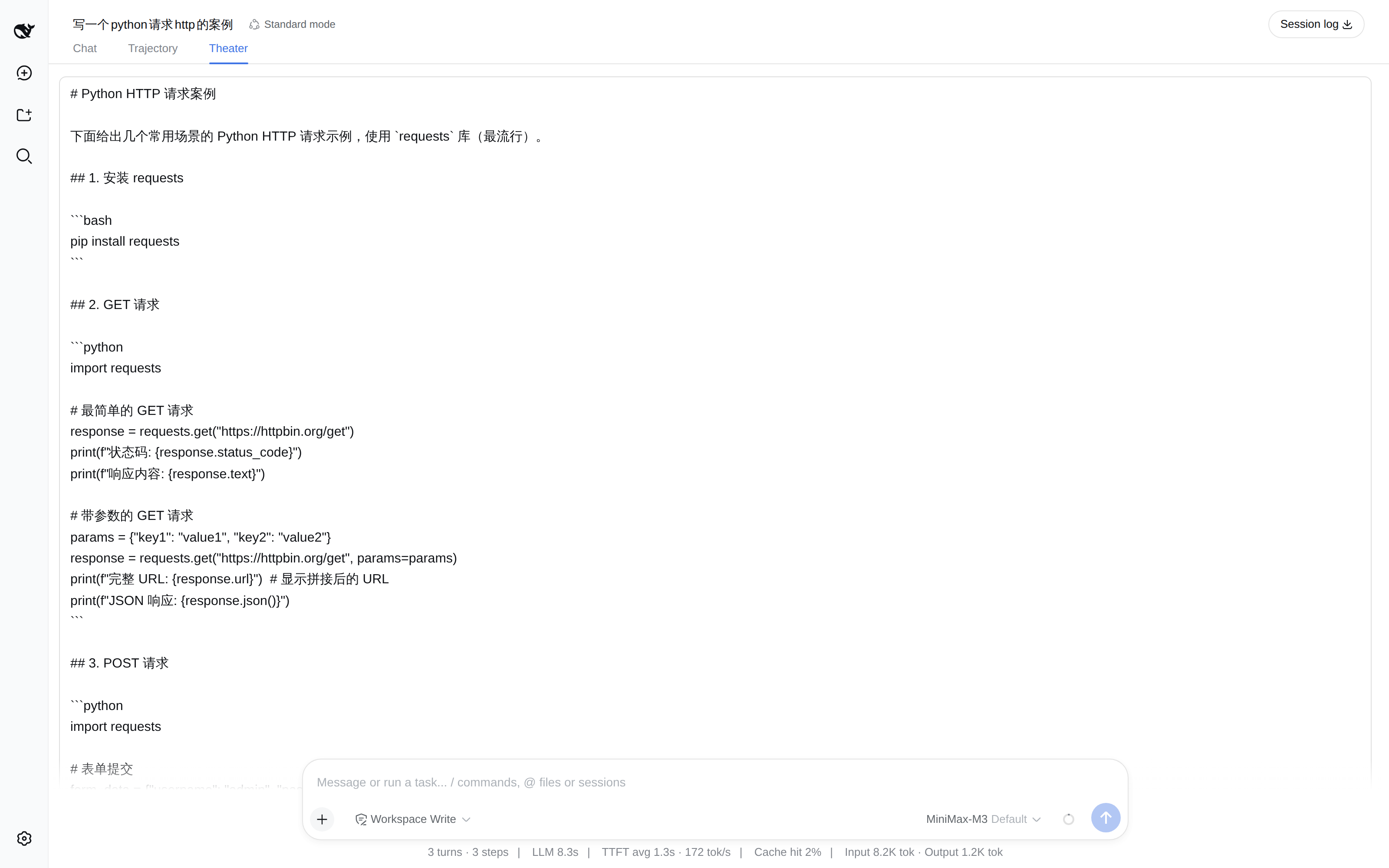
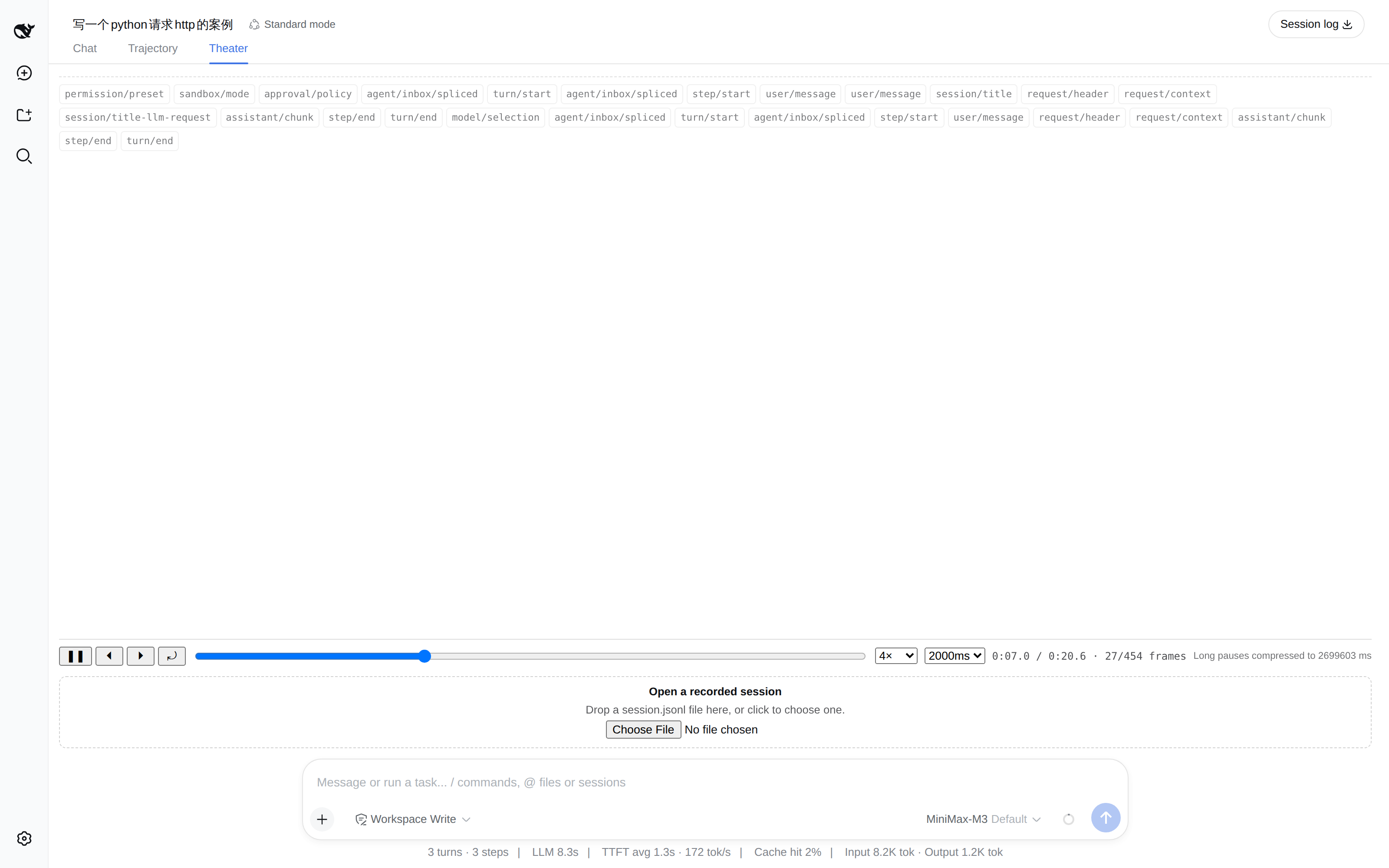
The DeepSeek Harness session log quietly carries a piece of data the UI has never surfaced: the real inter-arrival gap between every token. Upstream stores each token boundary as its own record on purpose, yet nothing in the harness ever plays that rhythm back. dsh-replay-theater closes that gap by turning the log into an interactive theater where the assistant answer grows token by token, with each pause matching the millisecond spacing recorded at generation time. You can play, pause, single-step one token forward or backward, scrub to any position, and dial speed anywhere from 0.5x to 8x. A max-pause ceiling compresses long silences for readability, or set it to infinity to preserve true wall-clock cadence. Tool calls appear as accumulating JSON with the tool name on the timeline, while scalar events such as step/start and tool/result ride on a dedicated marker rail so they never muddy the text stream.
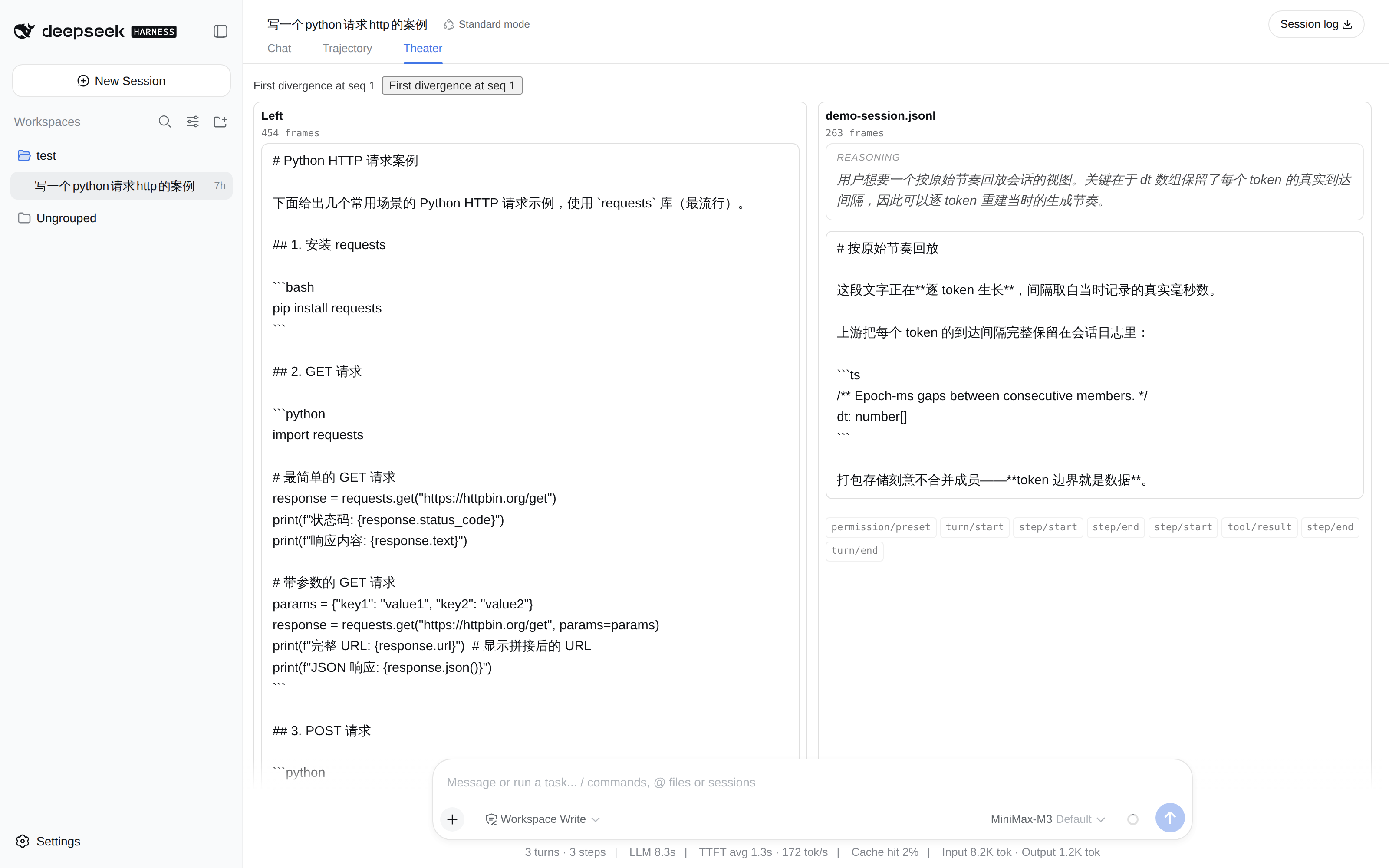
Version 2 adds a side-by-side comparison mode: load two recorded session.jsonl files and the theater reports exactly where the two runs stop matching, with a seek coordinate for each side. The replay core is a pure, framework-free module, so the same logic runs in a headless CLI script without a browser or a Harness checkout. No call-site changes are needed if you later swap the structural type mirrors for real package imports.
This plugin fits three common workflows. First, debugging prompt behavior when you want to feel the generation rhythm and silence distribution rather than reading raw numbers. Second, comparing two runs of the same prompt, or outputs under different model parameters, to spot where they diverge. Third, auditing tool-call flows to see each argument field materialize in order. It does not replace ui-tool cards; it focuses on one thing the rest of the stack leaves untouched: cadence.
Screenshots
Use Cases
- Feel generation rhythm and silence distribution while debugging a prompt
- Spot where two runs of the same prompt diverge under different parameters
- Audit tool-call flows and watch each argument field materialize in order
Best For
- Prompt engineers debugging generation behavior
- Model analysts running A/B comparison experiments
- Developers auditing tool-call pipelines
Related Plugins
A service-oriented sidebar framework for DSH, offering a full workbench with file explorer, embedded browser, real terminal, Git panel, and extensible plugin services.

A beautiful, practical Claude Code-style TUI plugin with pixel whale top bar, flowing glow title, real-time status line, streaming thought expansion, time rewind, context progress bar and TPS gauge — zero core changes.

The plugin market for DeepSeek Harness: browse/search/one-click install community plugins and themes, with updates, backup/restore, hot disable, diagnostics, and AI fix.

A persistent whale widget on the DSH web UI that shows DeepSeek balance, today's usage, and per-turn cost, with drag-and-snap and sound effects.