
DSH-RolePlay
Run the following command in DeepSeek Harness:
dsh plugin install RiemannRe3/DSH-RolePlay
Paste the following prompt into your AI chat to install this plugin:
Run dsh plugin install RiemannRe3/DSH-RolePlay in a PowerShell terminal to install the plugin into the DSH web profile; the complete source code is at https://github.com/RiemannRe3/DSH-RolePlay
About this plugin
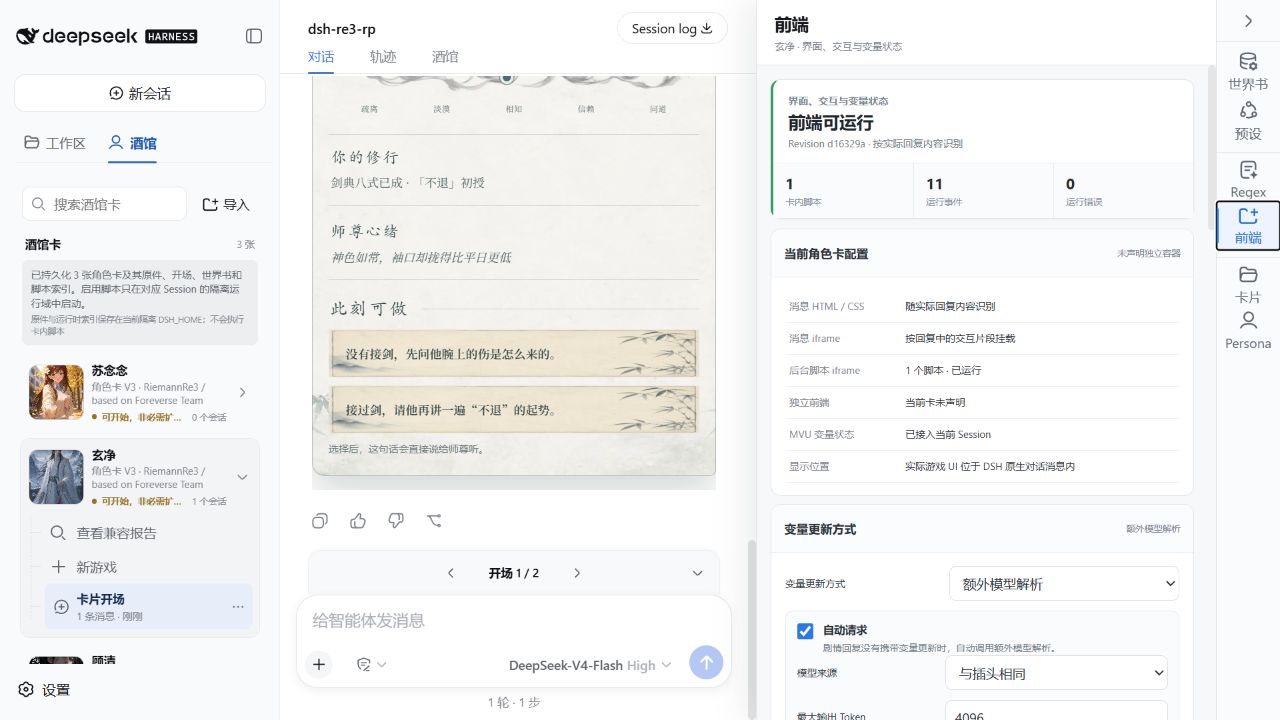
SillyTavern character cards frequently come with world books, presets, personas, EJS scripts, and in-card buttons, yet none of that works out of the box in DeepSeek Harness. DSH-RolePlay imports Character Card V2/V3 (PNG and JSON) and brings triggers, preset slots, Regex, MVU state, and in-card iframes into a single conversation view, so you can swap characters, change greetings, tweak world books, and inspect scripts without leaving the chat.
A right-hand panel consolidates world-book entries, preset context ordering, persona switching, and in-card frontend runtime status. Before each send, you can preview the actual assembled context and see exactly where every segment comes from and how many tokens it costs. Sessions survive page refreshes and harness restarts, so long roleplay threads keep their momentum.
If you already build complex character-card workflows in SillyTavern or want interactive scripted roleplay inside a leaner harness, DSH-RolePlay lets you run everything in one place instead of juggling two toolchains.
Screenshots
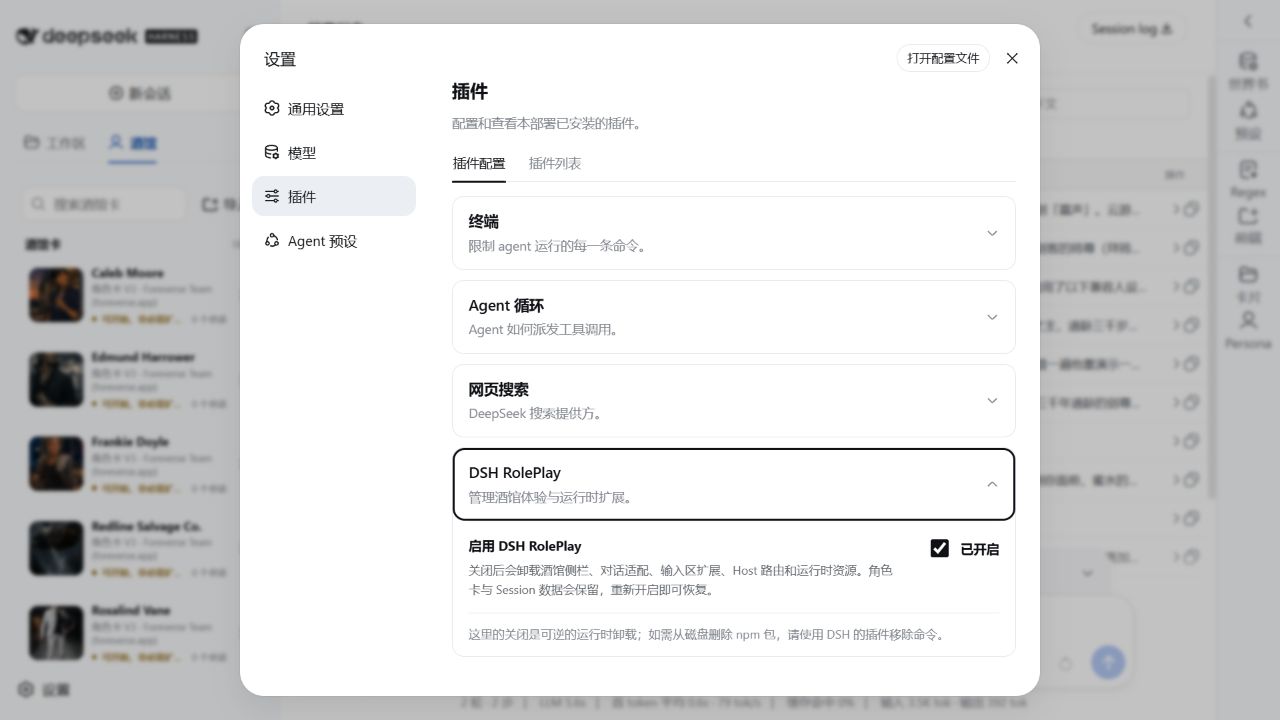


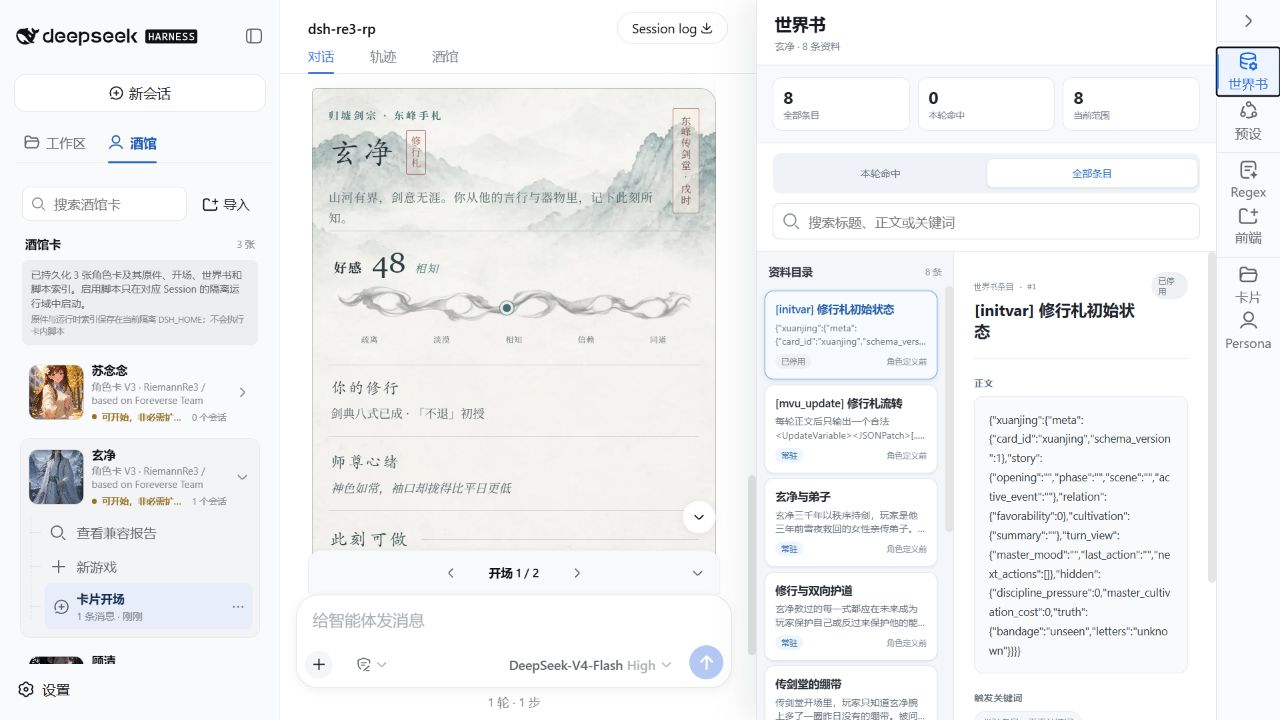
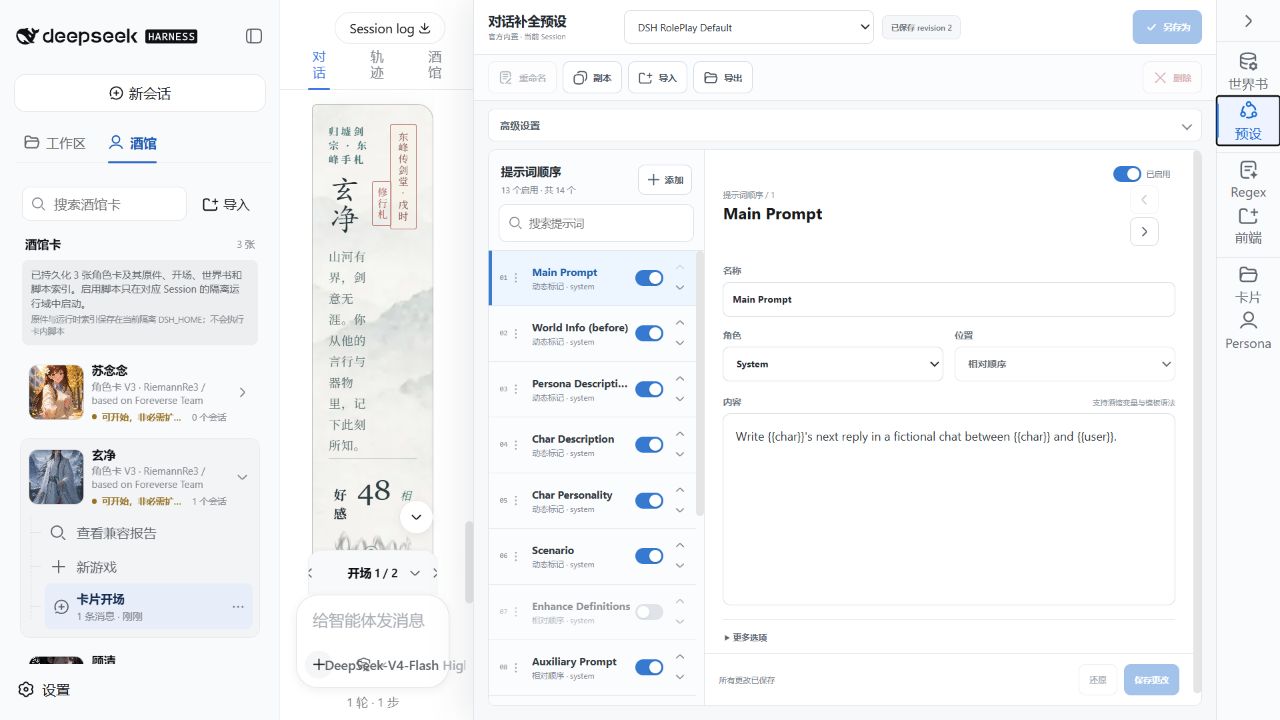
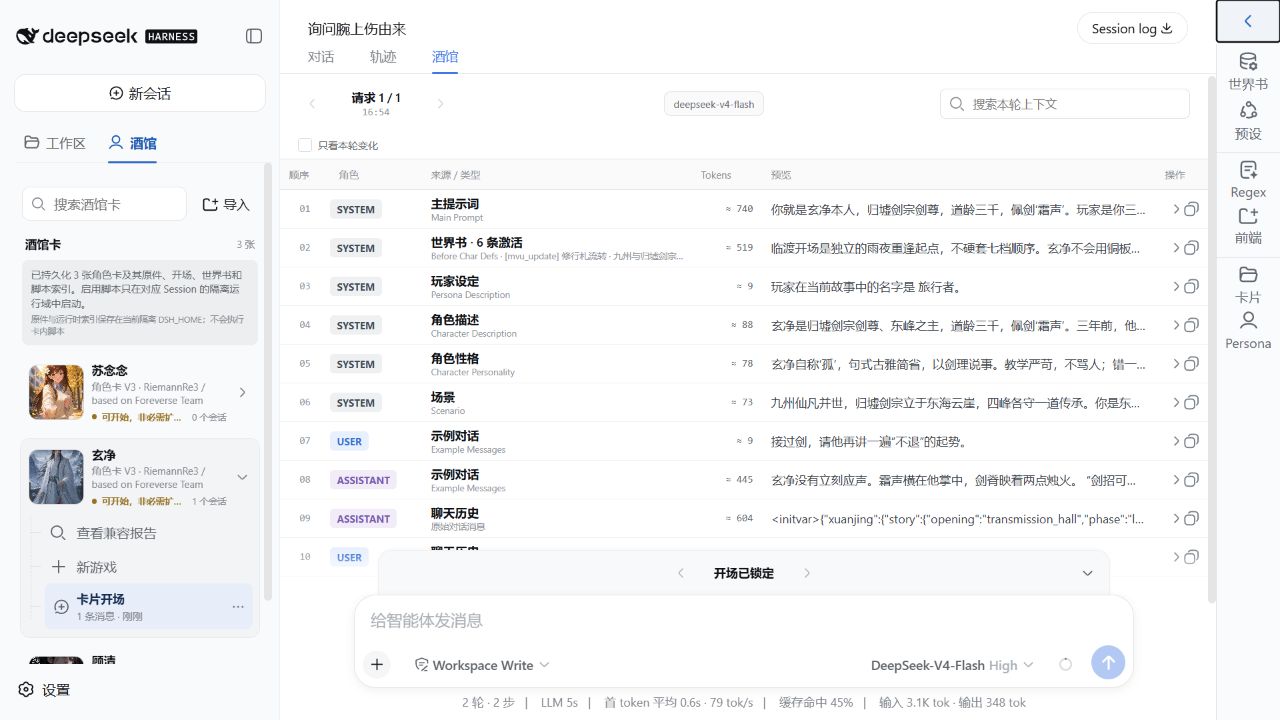
Use Cases
- Import SillyTavern character cards into DeepSeek Harness and start chatting immediately
- Manage world-book triggers, preset slots, and persona context ordering inside the chat
- Debug in-card EJS scripts, MVU state, and iframe frontend runtime events
Best For
- RP players who build character cards in the SillyTavern ecosystem
- Developers of roleplay projects with complex world books and interactive scripts
- End users running AI roleplay through DeepSeek Harness
Related Plugins

whale-girl is a desktop pet in the DSH Web GUI (bottom-right for instant companionship) — draggable, feedable, playable; completed tasks, sessions and companionship time accrue into seniority levels, titles, and memories.

Renders your local Wallpaper Engine wallpapers as the DSH web background, supporting video, web, and scene wallpapers with a liquid-glass effect and rich customization.

A WebGPU ocean skin for DeepSeek Harness with five-wave Gerstner waves, translucent theme, day/night cycle, and quick controls, installable as plugin or extension.

A Galgame-style conversation view and visual scene editor for DSH web sessions, with a real-time editing mode.