dsh-widgets
Run the following command in DeepSeek Harness:
dsh plugin install Physicolor/dsh-widgets
Paste the following prompt into your AI chat to install this plugin:
In DeepSeek Harness, install the plugin by running 'dsh plugin install Physicolor/dsh-widgets'; full source code at https://github.com/Physicolor/dsh-widgets.
About this plugin
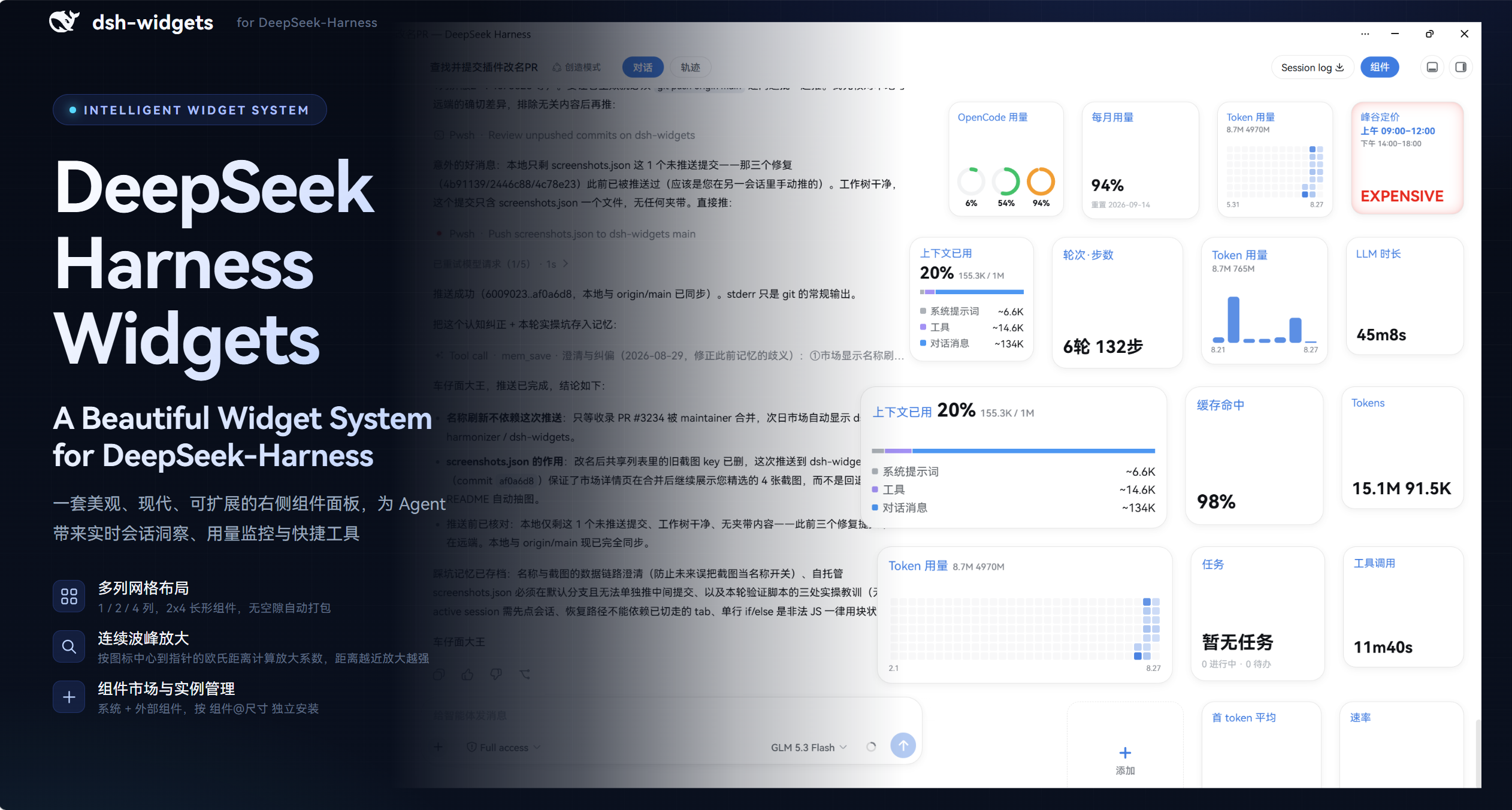
In DeepSeek Harness, users often need to monitor session data, usage statistics, and perform quick actions in real-time, but the default interface lacks flexible widget support. The dsh-widgets plugin addresses this by providing a beautiful, extensible right-side widget system that allows users to easily access critical information. Its core capabilities include multi-column grid layouts, 2×4 tile designs, macOS-style continuous magnification, and a built-in component marketplace. Users can install and configure various widgets such as session counts, first-token latency, context waterlines, and usage heatmaps—all implemented through a declarative registry for easy extensibility. Ideal for all DeepSeek Harness users, especially data analysts, developers, or researchers who wish to customize the interface and boost productivity, whether monitoring real-time performance or managing multi-key usage.
Screenshots
Use Cases
- Monitor real-time performance data of DeepSeek Harness sessions
- Customize the right sidebar for quick access to frequently used features
- Expand the plugin via the component marketplace to install new widgets
Best For
- Data analysts who need to monitor session status and usage statistics
- Developers looking to optimize their work interface and boost efficiency
- Scientists or researchers using DeepSeek Harness for their studies
Related Plugins
A service-oriented sidebar framework for DSH, offering a full workbench with file explorer, embedded browser, real terminal, Git panel, and extensible plugin services.

A beautiful, practical Claude Code-style TUI plugin with pixel whale top bar, flowing glow title, real-time status line, streaming thought expansion, time rewind, context progress bar and TPS gauge — zero core changes.

The plugin market for DeepSeek Harness: browse/search/one-click install community plugins and themes, with updates, backup/restore, hot disable, diagnostics, and AI fix.

A persistent whale widget on the DSH web UI that shows DeepSeek balance, today's usage, and per-turn cost, with drag-and-snap and sound effects.