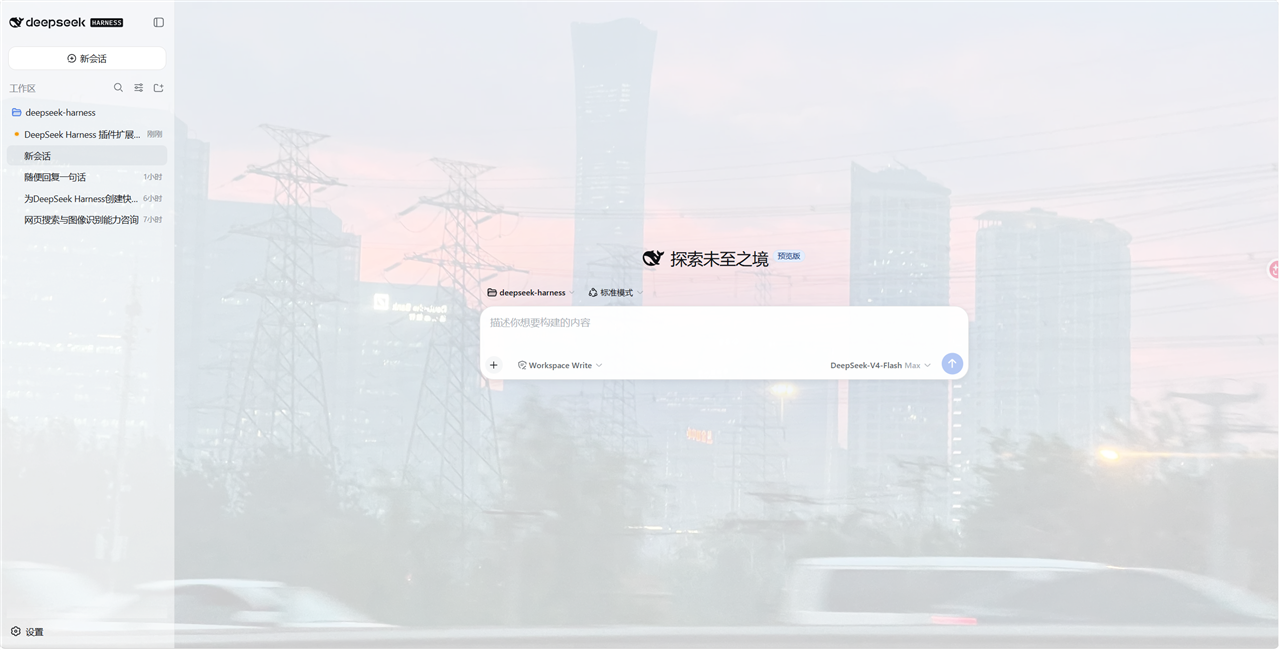
dsh-web-extras
Run the following command in DeepSeek Harness:
dsh plugin install LimBoo233/dsh-web-extras
Paste the following prompt into your AI chat to install this plugin:
Install with the command dsh plugin install LimBoo233/dsh-web-extras (source: https://github.com/LimBoo233/dsh-web-extras ), then restart dsh and refresh the browser page to activate.
About this plugin
The DeepSeek Harness web UI is capable, but daily use still leaves a few gaps: no audible cue when a session finishes, silent permission prompts and AI questions that demand a screen refresh, an unchanging flat background, and file edits that are painful to review line by line. dsh-web-extras closes all three in a single bundle.
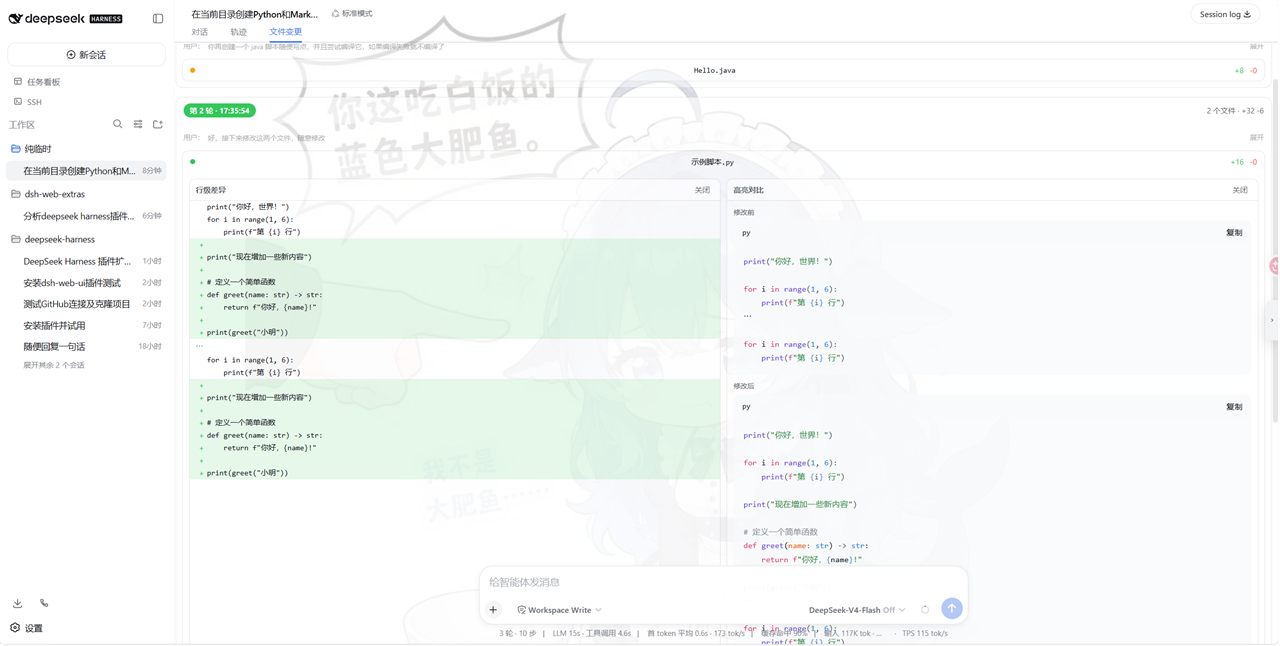
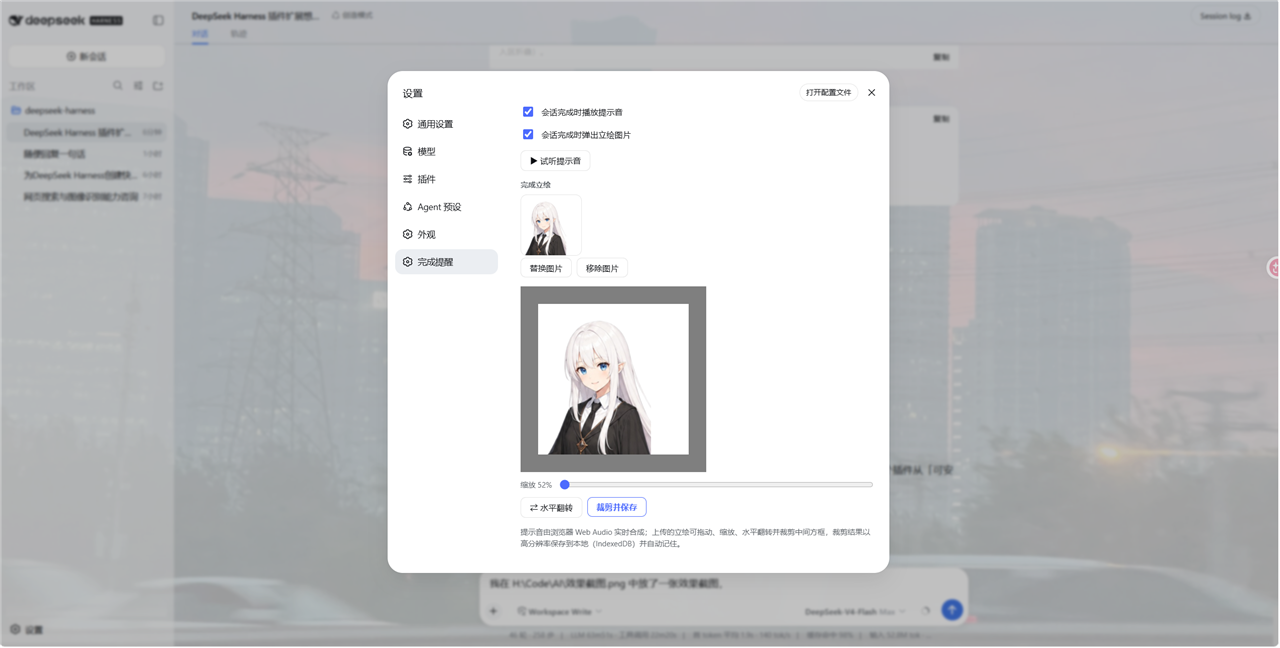
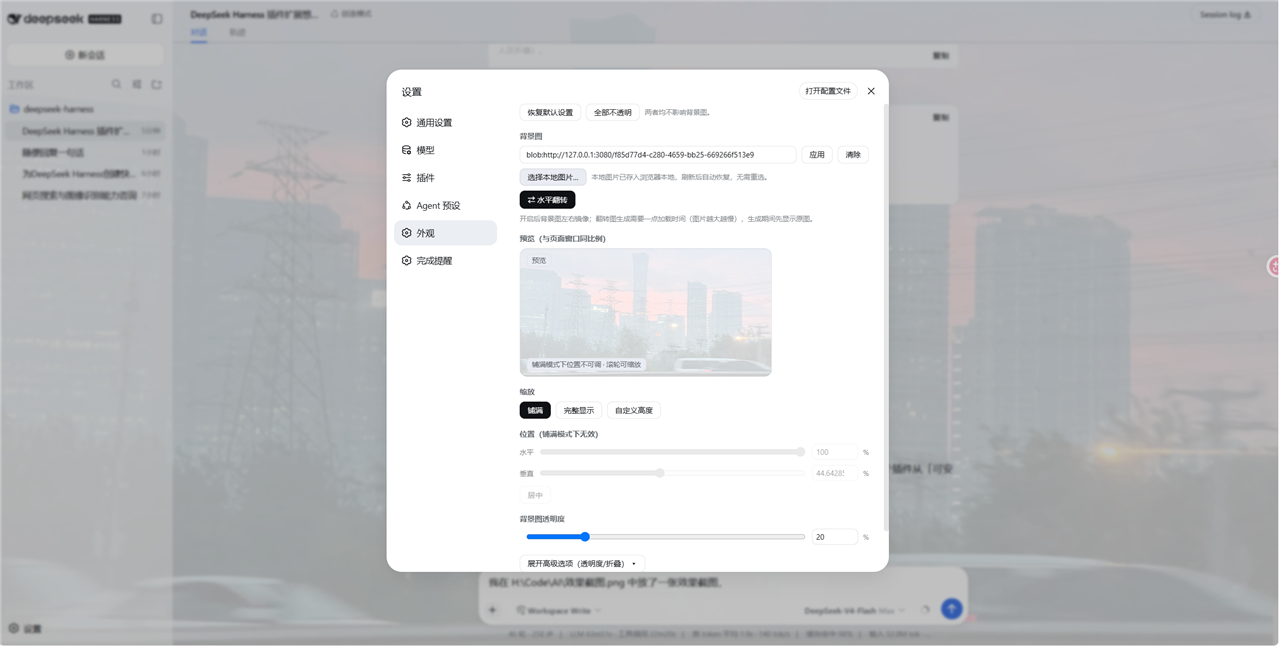
Three modules work together. The notification module fires distinct sounds on session completion, pending approval, and AI questions, popping a customizable chibi sprite in the corner with per-event toggles and a preview button. The appearance module adds background images (URL or local), live preview, zoom, drag positioning, opacity sliders for the sidebar, speech bubble, input area, code blocks, and file-change cards, plus an input-area collapse on blur. The file-change module groups edits from write, edit, and str_replace_editor by round and offers two independent views per file: a line-level diff (green additions, red deletions) and a syntax-highlighted before/after pair that can sit side by side or be collapsed independently, all read from the session snapshot with zero extra requests.
Built for anyone running DeepSeek Harness in a browser who wants a more engaging, personalized, and efficient review flow. Everything is client-side; settings and images live in localStorage and IndexedDB, no server calls, no external dependencies.
Screenshots
Use Cases
- Get an instant audible alert when a session finishes without watching the screen
- Review AI-edited files with side-by-side line diffs and syntax-highlighted before/after
- Customize the web UI with a background image, per-zone opacity, and input-area collapse
Best For
- Developers running DeepSeek Harness through the web UI daily
- Users who prefer audible alerts and chibi sprites over manual refreshing
- Reviewers who need efficient line-by-line diff comparison of AI-generated edits
Related Plugins

whale-girl is a desktop pet in the DSH Web GUI (bottom-right for instant companionship) — draggable, feedable, playable; completed tasks, sessions and companionship time accrue into seniority levels, titles, and memories.

Renders your local Wallpaper Engine wallpapers as the DSH web background, supporting video, web, and scene wallpapers with a liquid-glass effect and rich customization.

A WebGPU ocean skin for DeepSeek Harness with five-wave Gerstner waves, translucent theme, day/night cycle, and quick controls, installable as plugin or extension.

A Galgame-style conversation view and visual scene editor for DSH web sessions, with a real-time editing mode.