
dsh-read-image-view
Run the following command in DeepSeek Harness:
dsh plugin install Yu-tao-Li/dsh-read-image-view
Paste the following prompt into your AI chat to install this plugin:
To install this plugin in DeepSeek Harness, run the command dsh plugin install Yu-tao-Li/dsh-read-image-view, or visit the source at https://github.com/Yu-tao-Li/dsh-read-image-view for more information.
About this plugin
When a model invokes the read_image tool during a conversation, the raw data is returned only as an attachment reference JSON, preventing users from directly viewing the image content and breaking the intuitive flow of interaction. The dsh-read-image-view plugin elegantly solves this pain point by injecting a dedicated rendering layer into DeepSeek Harness's Web GUI, converting tool results into visual image cards in real time for clear visibility within the dialogue. It supports the crisp display of single images and the combined grid display of multiple images, along with fine controls like transparency checkerboards and pixel-level zoom.
The plugin's core capabilities lie in its seamless integration and enhanced user experience. It intelligently groups images from the same request into a single row to keep the conversation tidy, while allowing users to open a full-size lightbox by clicking for true original image viewing—where 100% zoom equals the original pixels, ensuring lossless detail. For transparent images, it uses a Photoshop-style gray-and-white checkerboard background to make transparent areas visible. The entire process is secure, efficient, and runs entirely on the client side without additional file operations or network endpoints.
This tool is tailored for active DeepSeek Harness users, especially developers, researchers, and content creators who rely on image inputs for analysis, design, or educational scenarios. It transforms abstract tool calls into vivid visual feedback, greatly enhancing the fluidity and productivity of human-AI interaction. If you frequently process images in conversations and desire native visualization support, this plugin seamlessly integrates into your workflow, ready to use with no extra configuration.
Screenshots
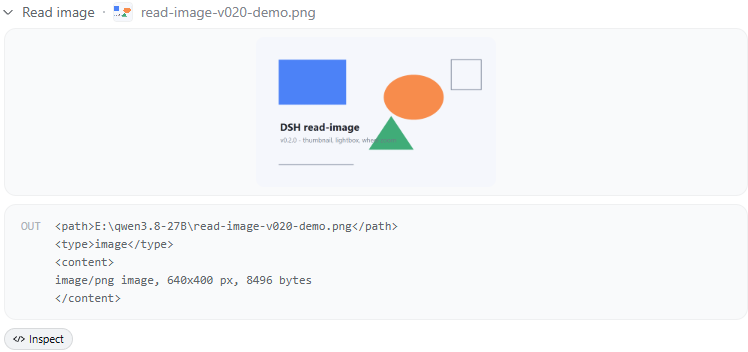
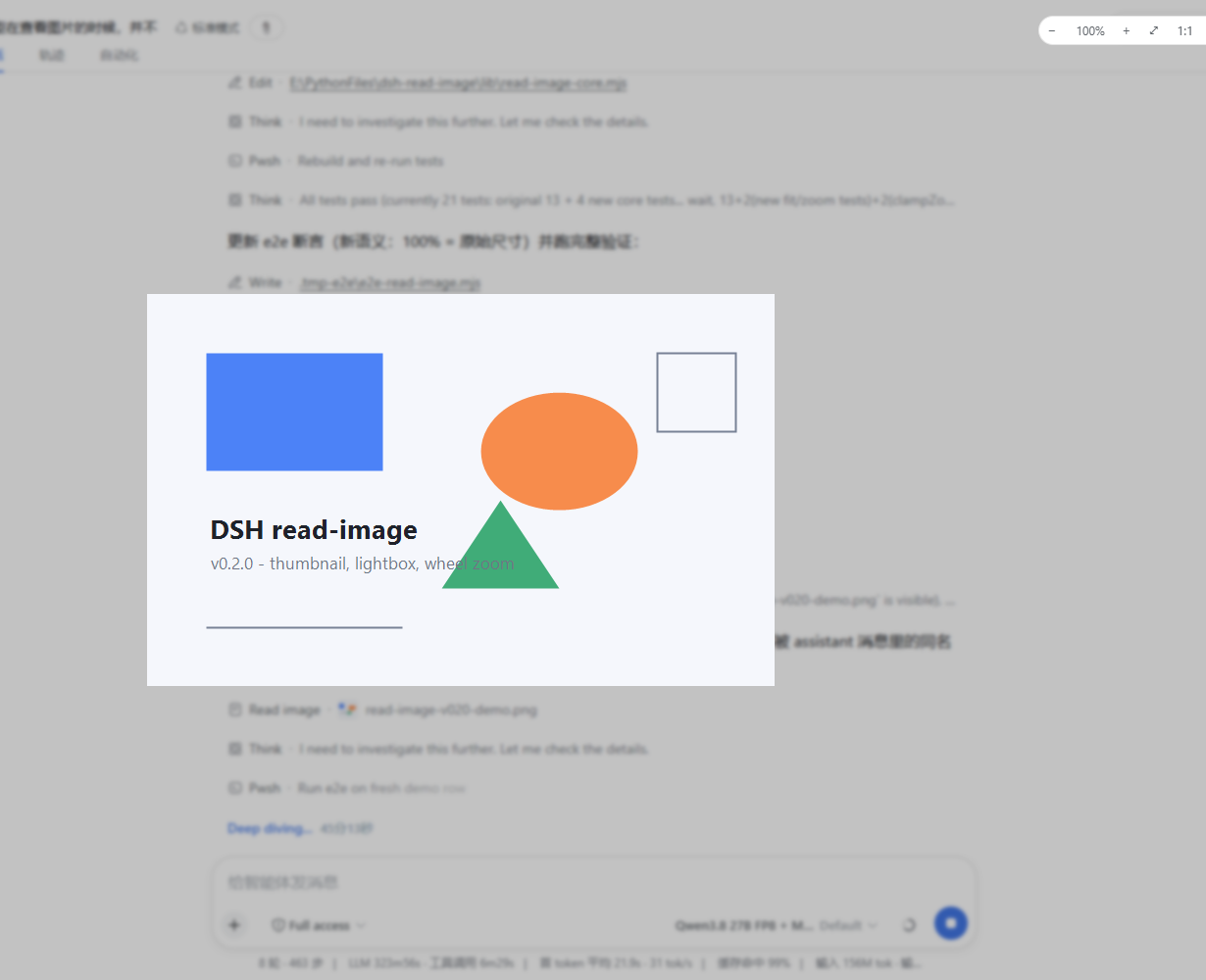
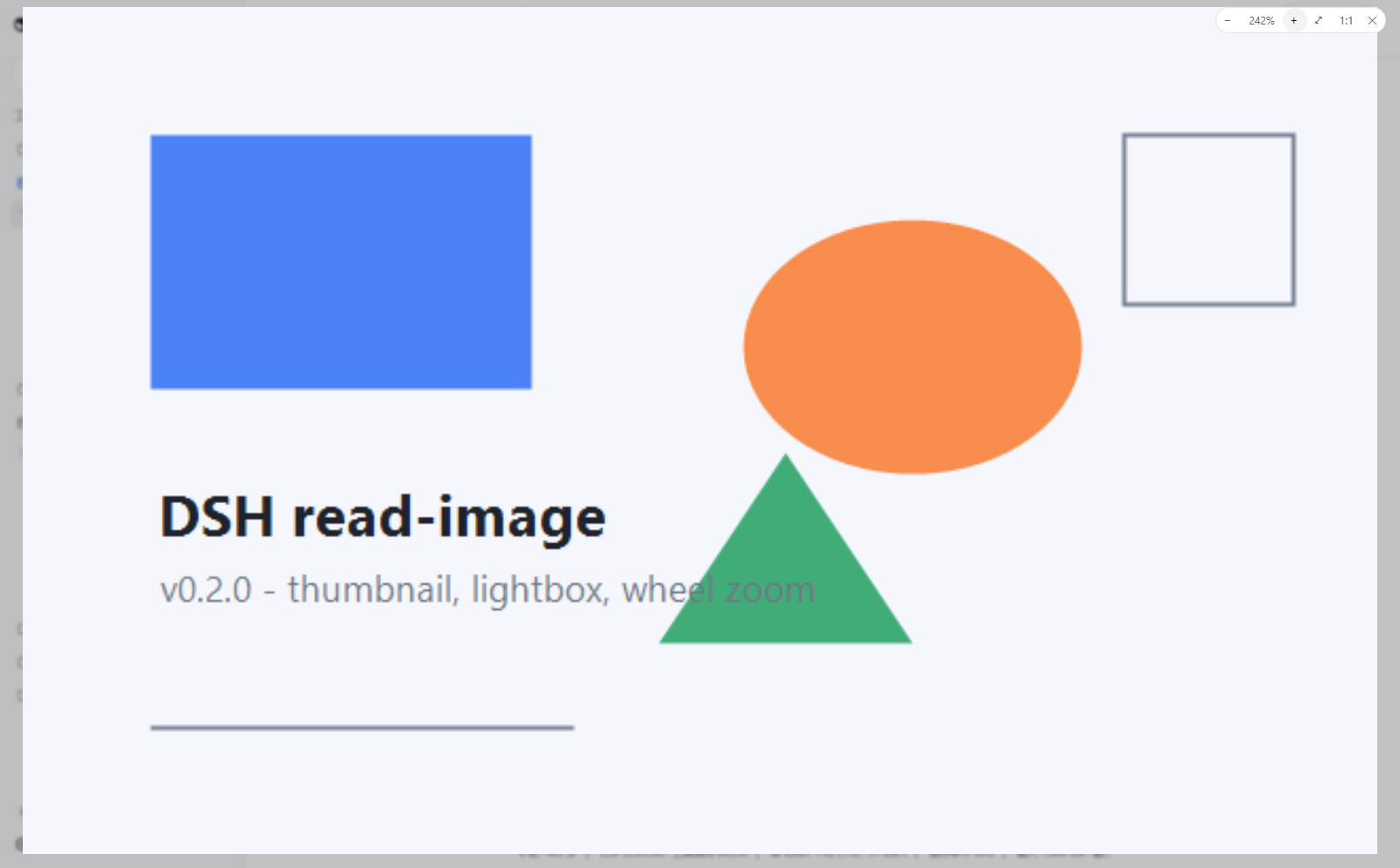
Use Cases
- View images read by the model in real-time during conversations.
- Analyze multiple images to compare details or synthesize information.
- Inspect transparent background images with clear edges and details.
Best For
- Developers using DeepSeek Harness for image-related tasks.
- Professionals relying on image inputs for research or data analysis.
- Content creators and designers requiring visual interaction.
Related Plugins
A service-oriented sidebar framework for DSH, offering a full workbench with file explorer, embedded browser, real terminal, Git panel, and extensible plugin services.

A beautiful, practical Claude Code-style TUI plugin with pixel whale top bar, flowing glow title, real-time status line, streaming thought expansion, time rewind, context progress bar and TPS gauge — zero core changes.

The plugin market for DeepSeek Harness: browse/search/one-click install community plugins and themes, with updates, backup/restore, hot disable, diagnostics, and AI fix.

A persistent whale widget on the DSH web UI that shows DeepSeek balance, today's usage, and per-turn cost, with drag-and-snap and sound effects.