seektty
Run the following command in DeepSeek Harness:
dsh plugin install Hilbert-beinghappy/seektty
Paste the following prompt into your AI chat to install this plugin:
Run `dsh plugin install Hilbert-beinghappy/seektty` in DeepSeek Harness to install this plugin. Source code: https://github.com/Hilbert-beinghappy/seektty.
About this plugin
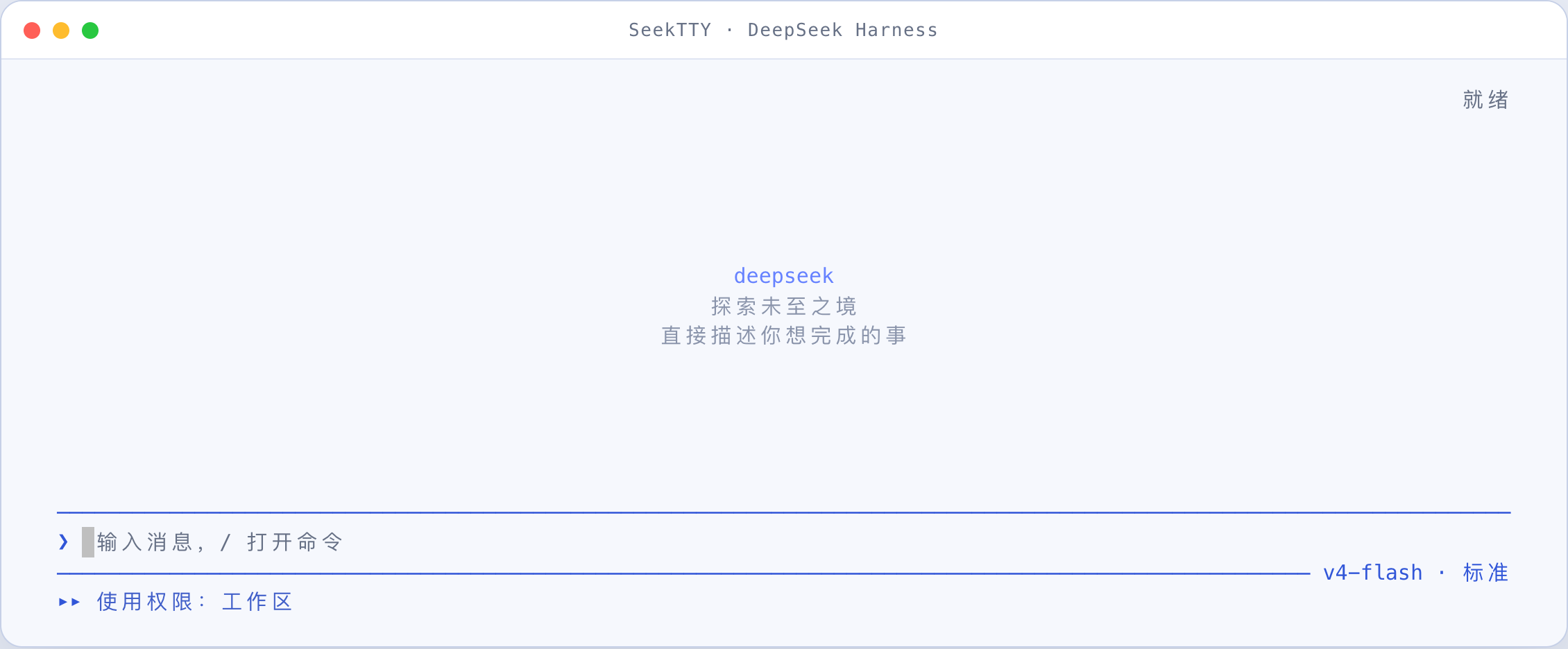
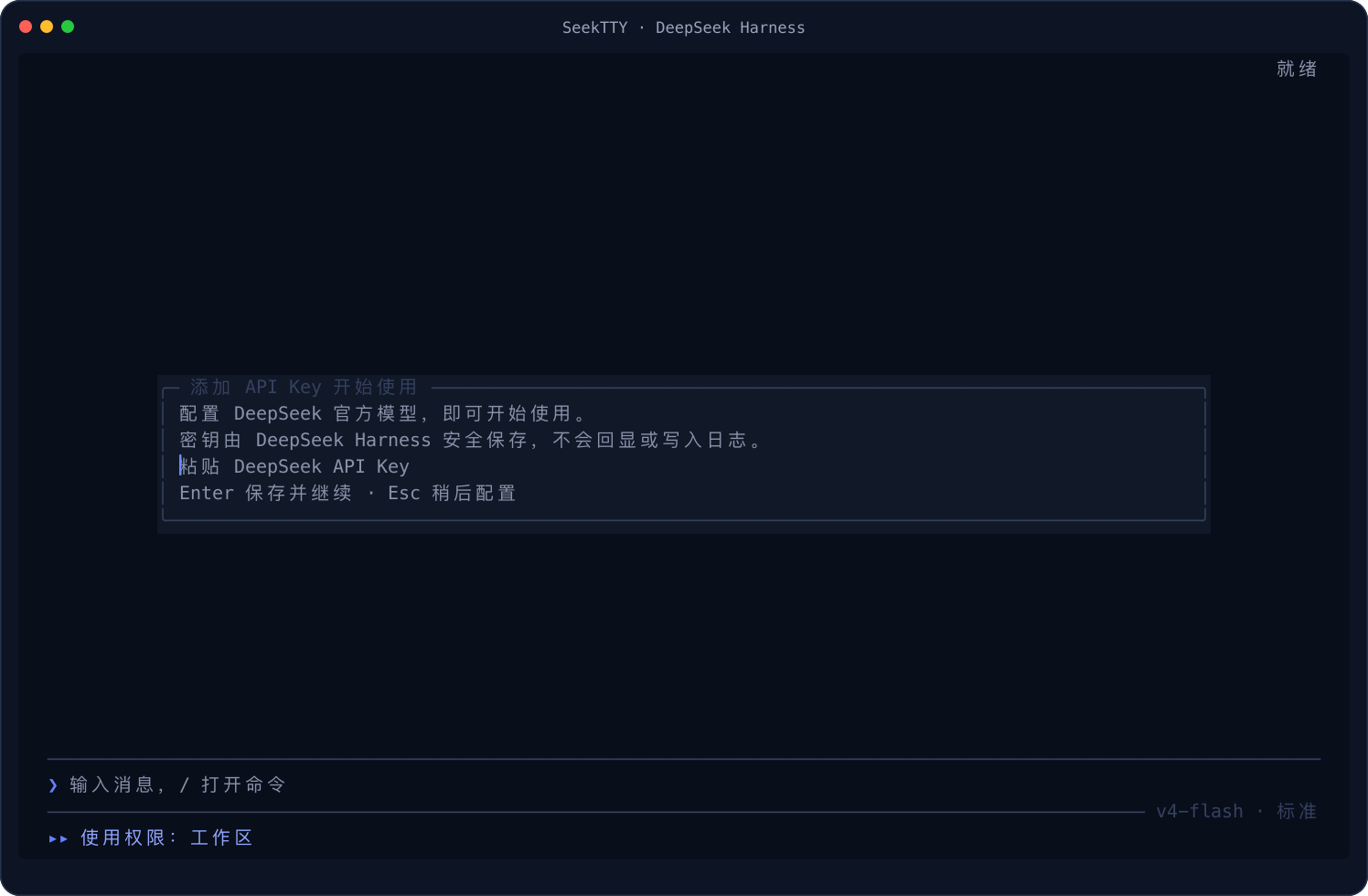
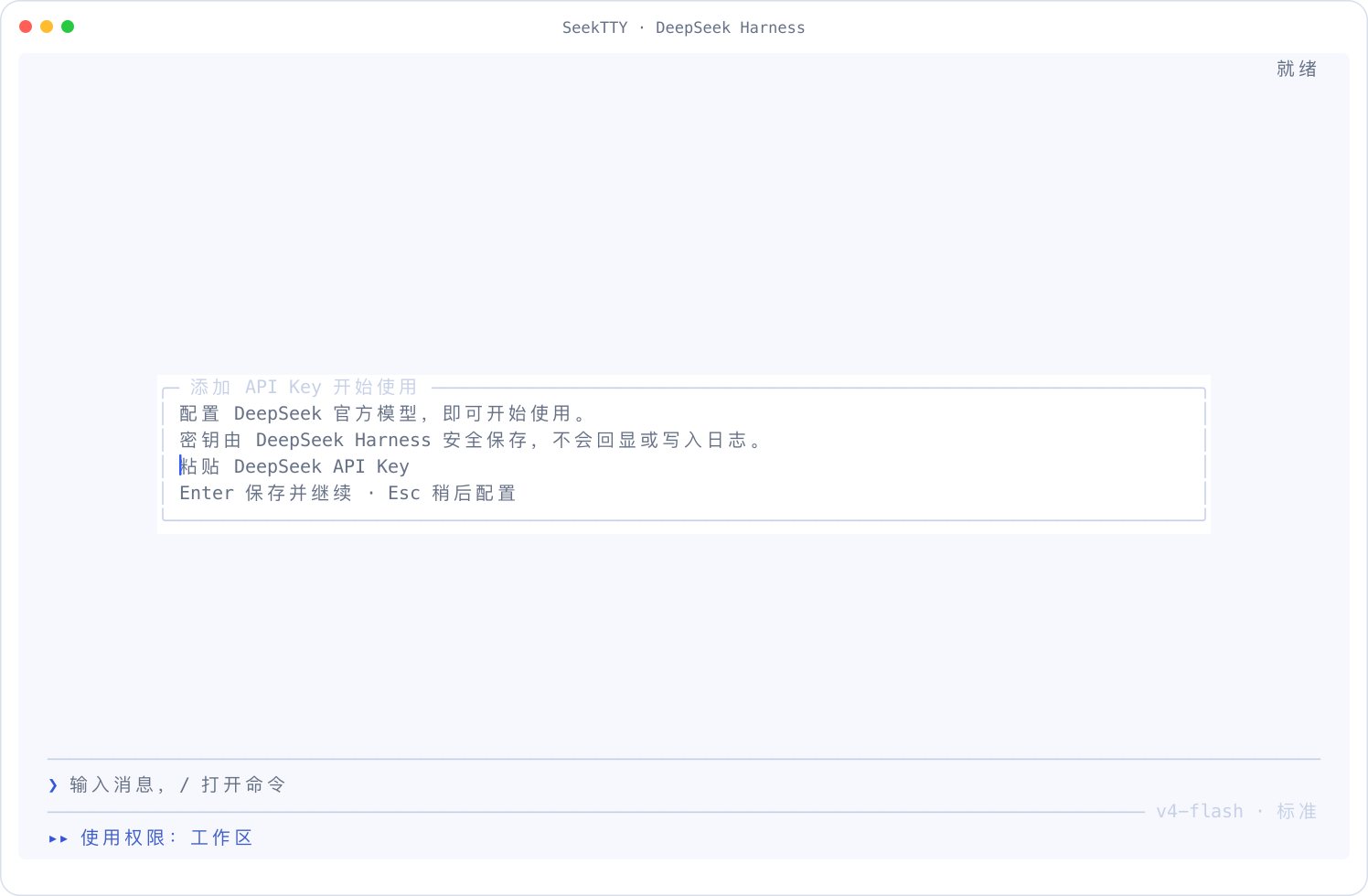
SeekTTY brings a truly keyboard-first terminal workspace to DeepSeek Harness users. Once launched from a project directory, all of Harness's native services—Agent, Session, model, permissions, settings, Profile, plugins, and persistence—come together in a single terminal surface. SeekTTY focuses only on the terminal UI; Harness remains the owner of runtime state, so capabilities added by upstream or third-party Bundles are discovered automatically without hard-coding.
Its core capabilities cover the full loop from conversation to workflow management: streaming Markdown with syntax highlighting, session and workspace creation/resume/switching, dynamic switching of agent presets/models/permissions, prompt queueing and interactive prompts, image paste and preview, native /plan, /goal, and /compact for planning and todos, tool and file inspection, subagent and background job monitoring, Profile and Settings editing, plugin/Skills/MCP management, plus independent themes and live Chinese/English switching. With the optional Clarify Host plugin, users also gain a guided /clarify workflow that refines requirements before handing them to /plan for implementation proposals.
This plugin is ideal for developers who use DeepSeek Harness heavily and prefer terminal environments or keyboard-driven workflows. It consolidates configuration, diagnostics, feedback, and the plugin center into a searchable command palette, keeping daily development and AI collaboration uninterrupted and context-rich.
Screenshots
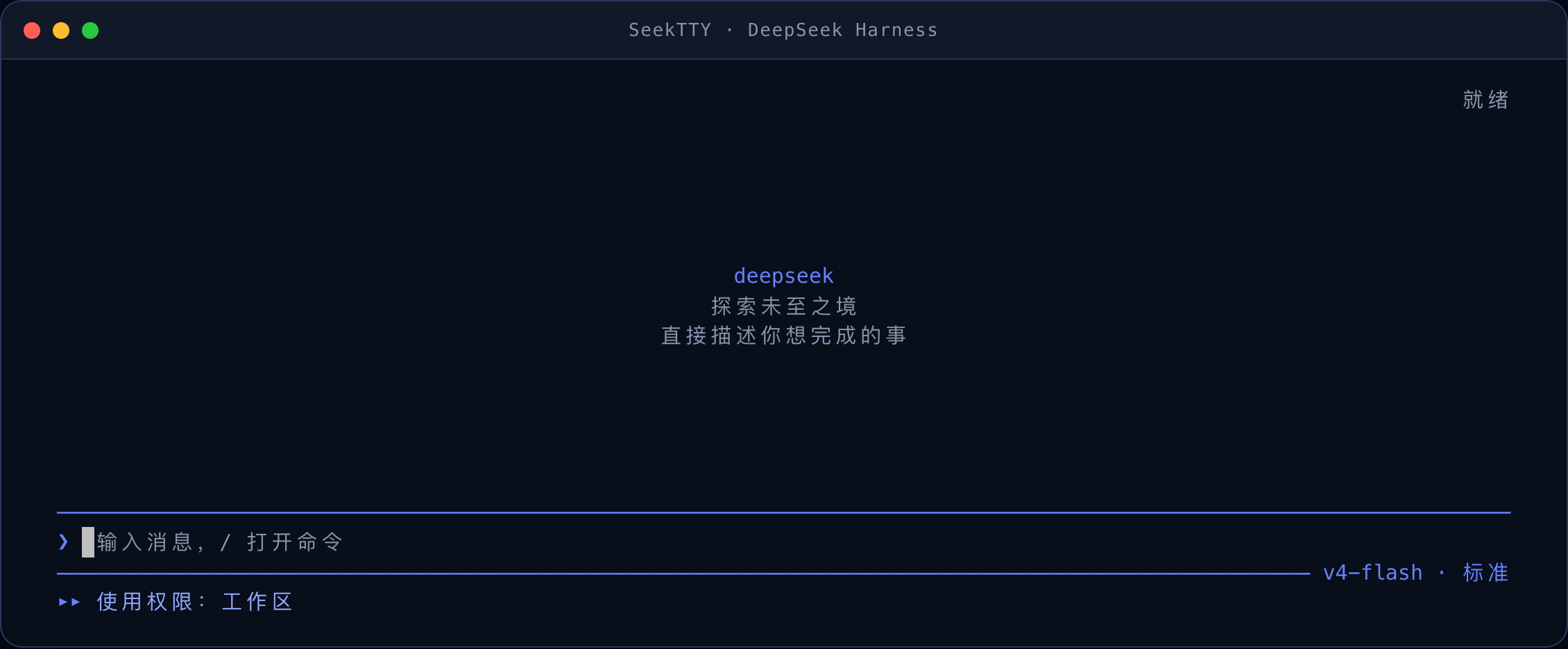
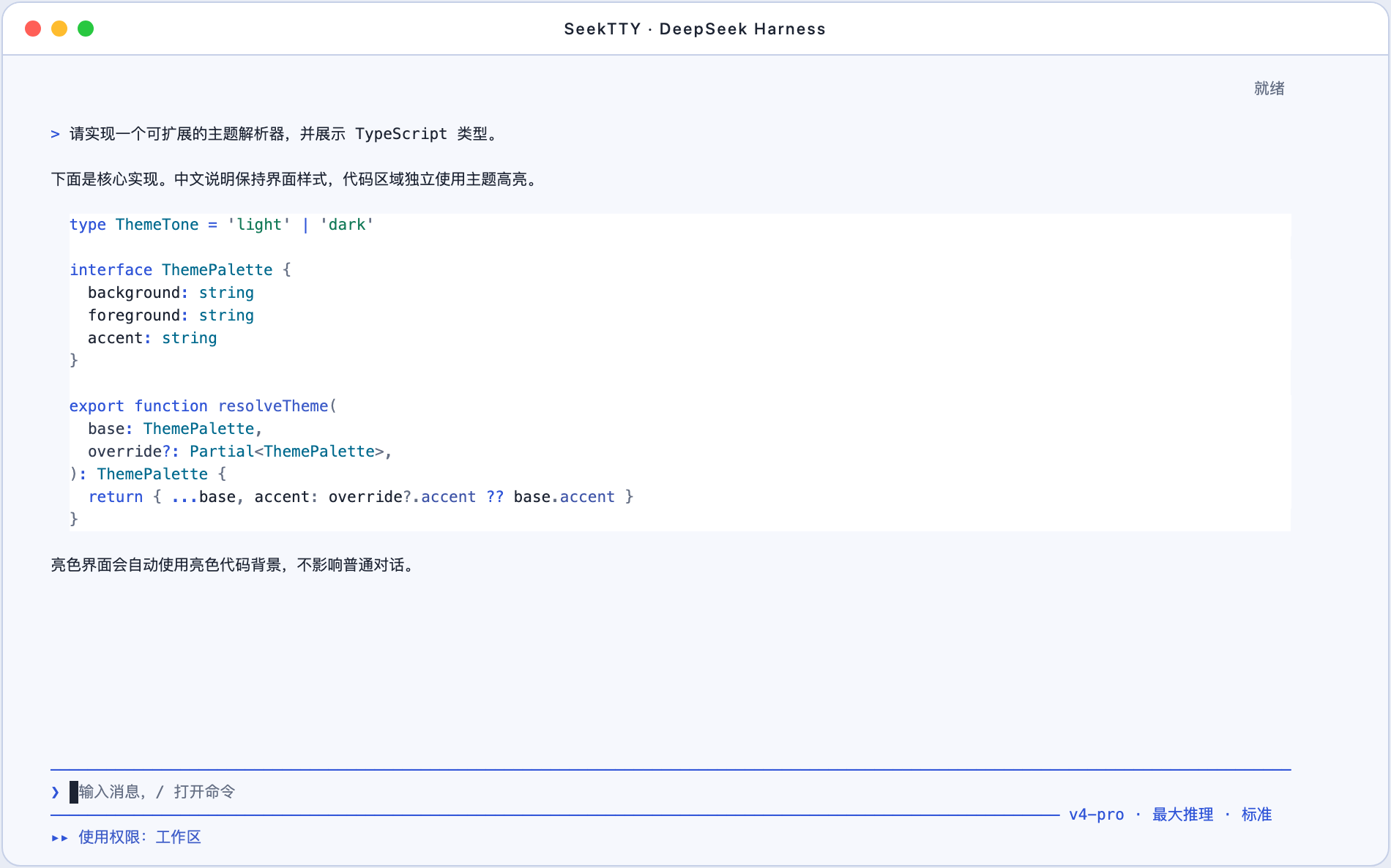
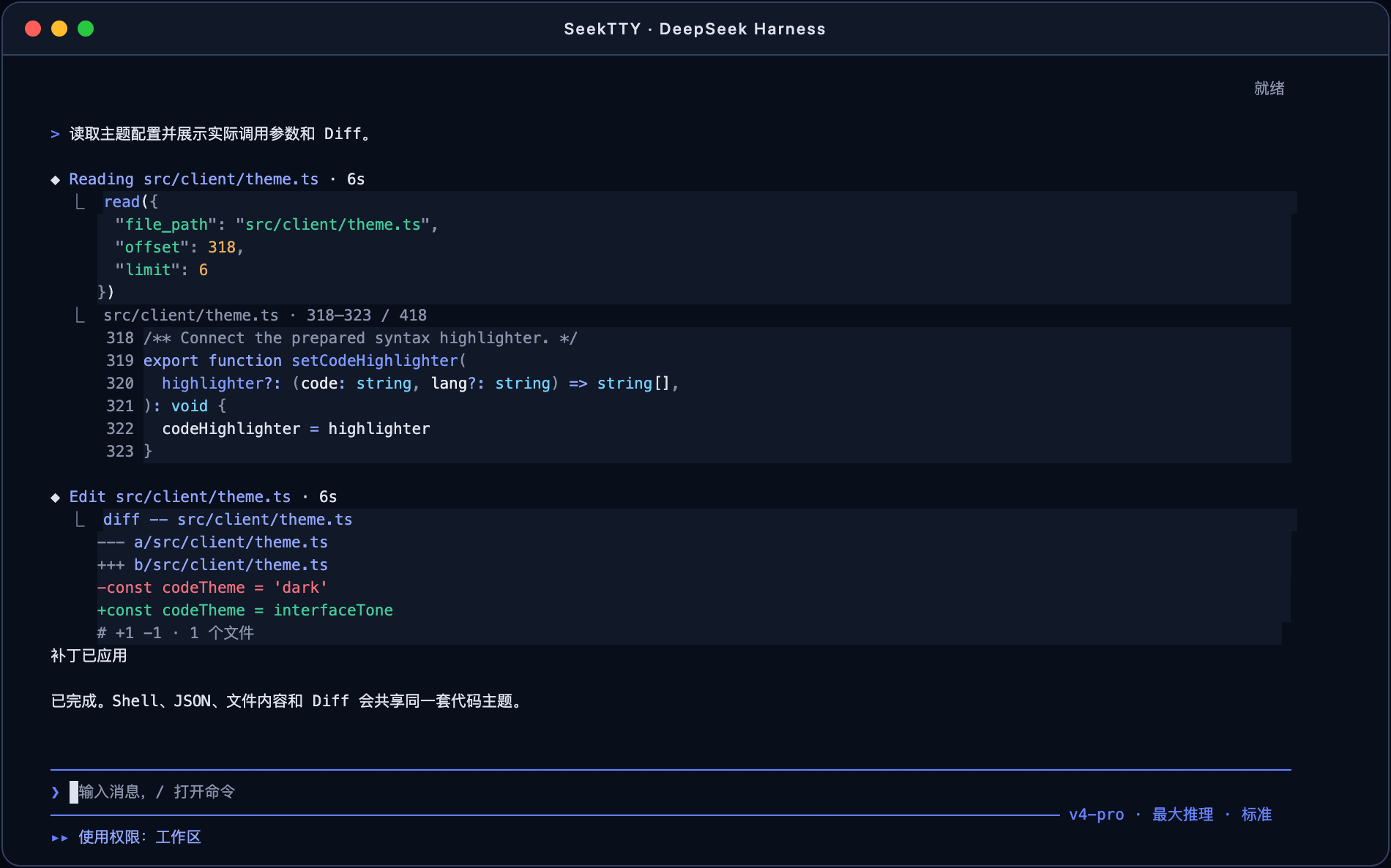

Use Cases
- Manage Harness agents, models, sessions, and permissions in one terminal
- Clarify requirements step by step with /clarify, then generate implementation plans with /plan
- Inspect tool calls, file reads, and background jobs directly from the project directory
Best For
- Developers who heavily use DeepSeek Harness
- Engineers who prefer terminal and keyboard-driven workflows
- Users who need centralized control over plugins, skills, and MCP
Related Plugins
A service-oriented sidebar framework for DSH, offering a full workbench with file explorer, embedded browser, real terminal, Git panel, and extensible plugin services.

A beautiful, practical Claude Code-style TUI plugin with pixel whale top bar, flowing glow title, real-time status line, streaming thought expansion, time rewind, context progress bar and TPS gauge — zero core changes.

The plugin market for DeepSeek Harness: browse/search/one-click install community plugins and themes, with updates, backup/restore, hot disable, diagnostics, and AI fix.

A persistent whale widget on the DSH web UI that shows DeepSeek balance, today's usage, and per-turn cost, with drag-and-snap and sound effects.