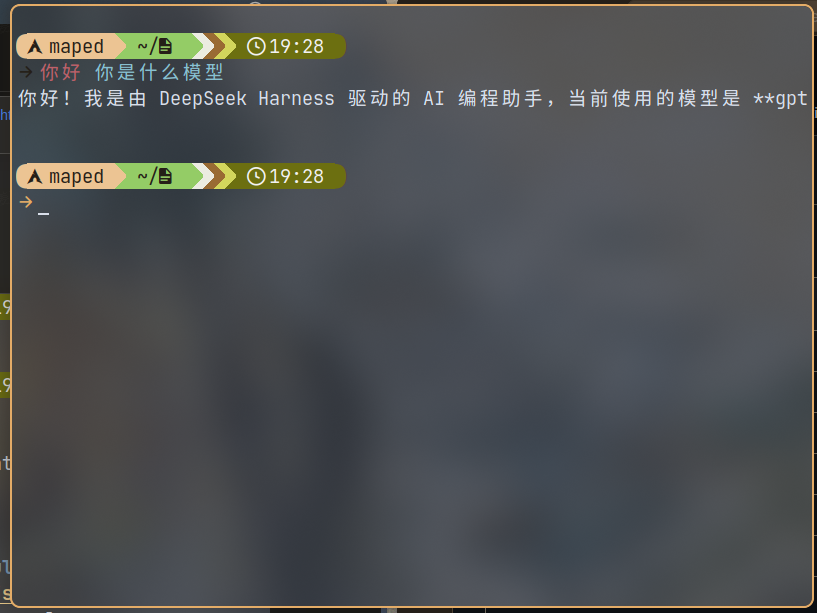
dsh-ask
Run the following command in DeepSeek Harness:
dsh plugin install Me-Maped/dsh-ask
Paste the following prompt into your AI chat to install this plugin:
Run dsh plugin install Me-Maped/dsh-ask in your terminal to install; the source repository is at https://github.com/Me-Maped/dsh-ask .
About this plugin
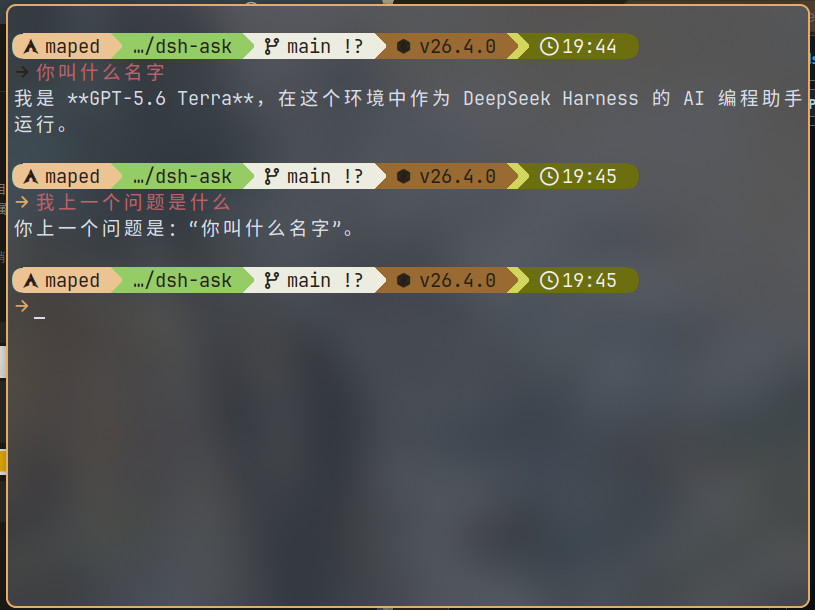
In everyday DeepSeek Harness work, the TUI is full-featured but heavy. Often all you need is one quick question in the current directory, a streamed answer, and to be back at your prompt. dsh-ask is a lightweight bundle built exactly for that: ask, stream, exit - no interactive UI.
Terminal output is deliberately restrained. The answer goes to stdout only; spinners, thinking status, and tool-call lines are routed to stderr, so redirecting to a file always yields clean prose. Consecutive questions in the same terminal and directory automatically resume a persistent session, with --new and --session for manual control. Provider, model, and effort defaults live in an ask-specific config that never leaks into other DSH profiles. Shell integrations for Fish, Bash, Zsh, and experimental PowerShell let you turn any unrecognized interactive command straight into a question.
If you live in a plain terminal, lean on pipes and redirects, and do not want to open a TUI window for a single question, dsh-ask is the just-right tool. It also fits automation scripts that need a one-shot Q&A with strict output-format guarantees.
Screenshots
Use Cases
- Ask a quick question in the terminal and redirect the answer to a file
- Call a one-shot Q&A inside an automation script and parse the plain text output
- Turn unrecognized interactive commands in Fish, Bash, or Zsh directly into a question
Best For
- Command-line heavy users who prefer pipes, redirects, and a pure terminal workflow
- Developers embedding one-shot Q&A in scripts or CI with strict output-format guarantees
- Lightweight users who want minimum interaction overhead and no TUI window
Related Plugins
A service-oriented sidebar framework for DSH, offering a full workbench with file explorer, embedded browser, real terminal, Git panel, and extensible plugin services.

A beautiful, practical Claude Code-style TUI plugin with pixel whale top bar, flowing glow title, real-time status line, streaming thought expansion, time rewind, context progress bar and TPS gauge — zero core changes.

The plugin market for DeepSeek Harness: browse/search/one-click install community plugins and themes, with updates, backup/restore, hot disable, diagnostics, and AI fix.

A persistent whale widget on the DSH web UI that shows DeepSeek balance, today's usage, and per-turn cost, with drag-and-snap and sound effects.