dsh-mermaid-web
Run the following command in DeepSeek Harness:
dsh plugin install terrywangcode/dsh-mermaid-web
Paste the following prompt into your AI chat to install this plugin:
Run dsh plugin install terrywangcode/dsh-mermaid-web in your DeepSeek Harness terminal; the full repository is available at https://github.com/terrywangcode/dsh-mermaid-web .
About this plugin
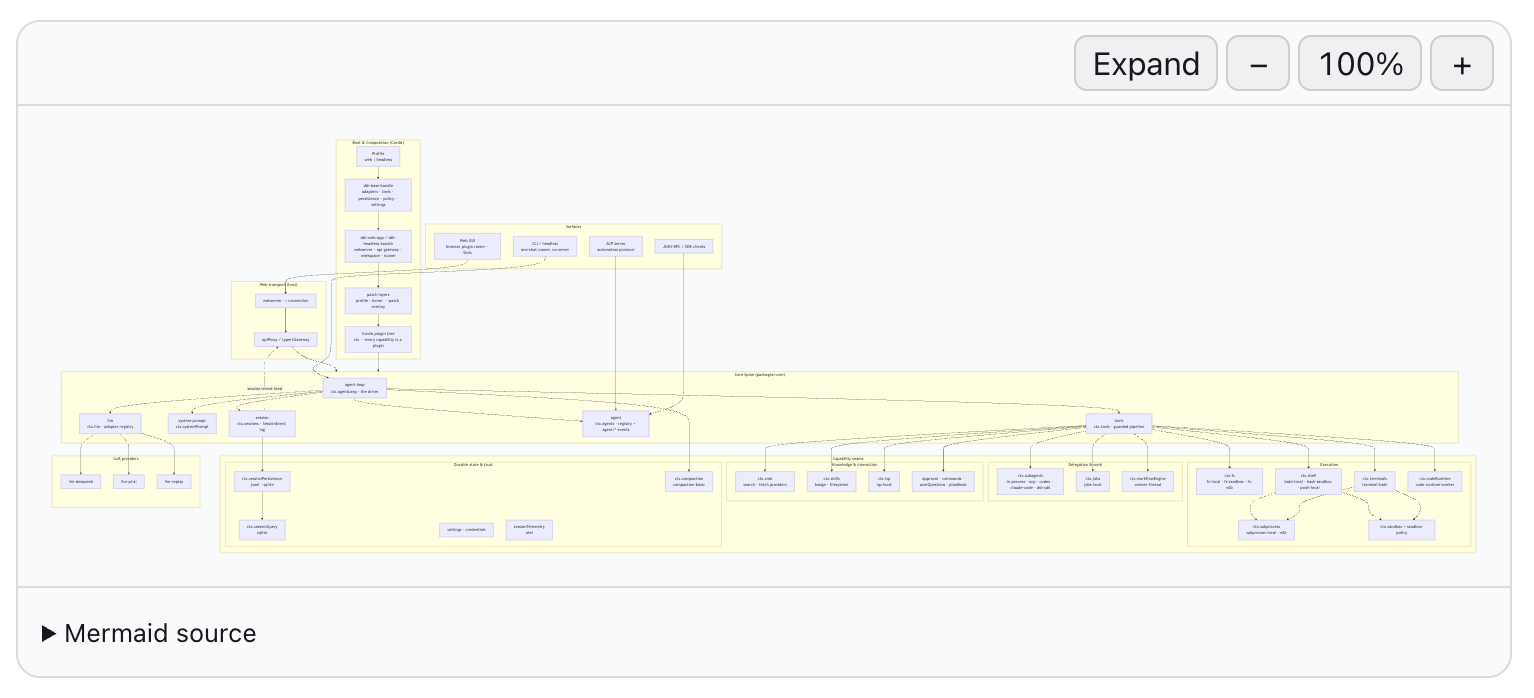
DeepSeek Harness's web chat interface shows raw code text by default, so a mermaid fenced block forces you to copy it into an external editor just to see the diagram. dsh-mermaid-web closes that gap: it watches settled code blocks in the browser and renders them into Mermaid.js SVG output, letting flowcharts, sequence diagrams, and architecture sketches appear inline right in the conversation.
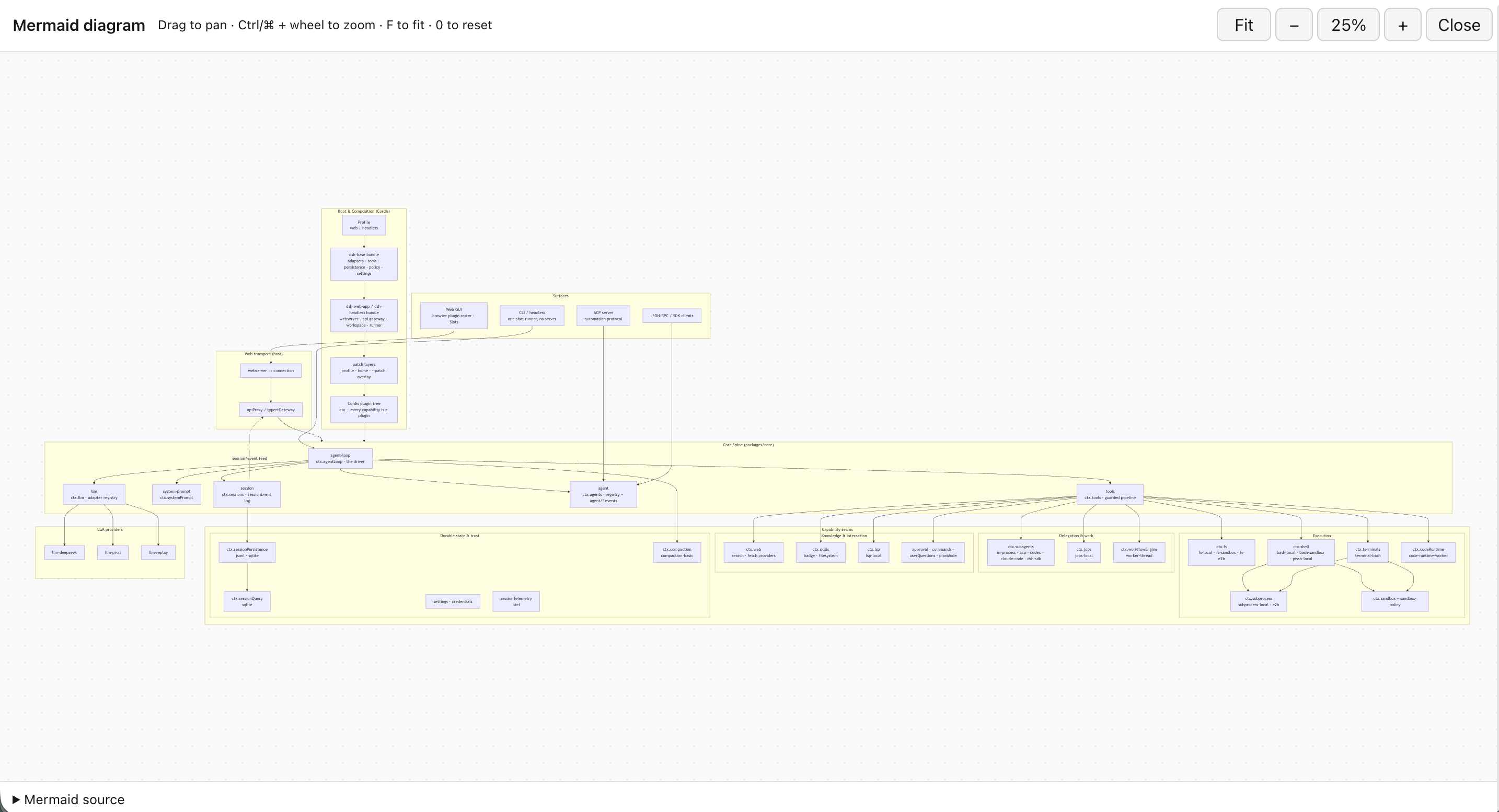
Every rendered diagram is fully interactive. Keyboard-accessible zoom controls step in 25% increments between 50% and 300%, and expanding opens a full-viewport workspace with wheel zoom, drag-to-pan, fit-to-screen, a collapsible source panel, and F / 0 / + / - shortcuts. Parse failures keep the original source visible with a compact error message, and HMR hot-replacement never leaves duplicate diagrams or dangling listeners behind.
The plugin is built for developers who write or read mermaid diagrams frequently inside the Harness web UI—system architects, technical writers, and anyone who wants to preview a flowchart at a glance without switching to a separate browser tab.
Screenshots
Use Cases
- Preview mermaid flowcharts and architecture diagrams inline in Harness conversations
- Interactively zoom and pan rendered SVG output without leaving the chat
- Inspect diagrams in a full-viewport workspace with keyboard shortcuts and source disclosure
Best For
- System architects and technical documentation authors
- Developers who write mermaid blocks regularly inside the Harness web UI
- Anyone who wants to preview a diagram at a glance without opening a separate tab
Related Plugins
A service-oriented sidebar framework for DSH, offering a full workbench with file explorer, embedded browser, real terminal, Git panel, and extensible plugin services.

A beautiful, practical Claude Code-style TUI plugin with pixel whale top bar, flowing glow title, real-time status line, streaming thought expansion, time rewind, context progress bar and TPS gauge — zero core changes.

The plugin market for DeepSeek Harness: browse/search/one-click install community plugins and themes, with updates, backup/restore, hot disable, diagnostics, and AI fix.

A persistent whale widget on the DSH web UI that shows DeepSeek balance, today's usage, and per-turn cost, with drag-and-snap and sound effects.