dsh-visualizer
Run the following command in DeepSeek Harness:
dsh plugin install abidhmuhsin/dsh-visualizer
Paste the following prompt into your AI chat to install this plugin:
In DeepSeek Harness, install the plugin using the command 'dsh plugin install abidhmuhsin/dsh-visualizer', source address: https://github.com/abidhmuhsin/dsh-visualizer.
About this plugin
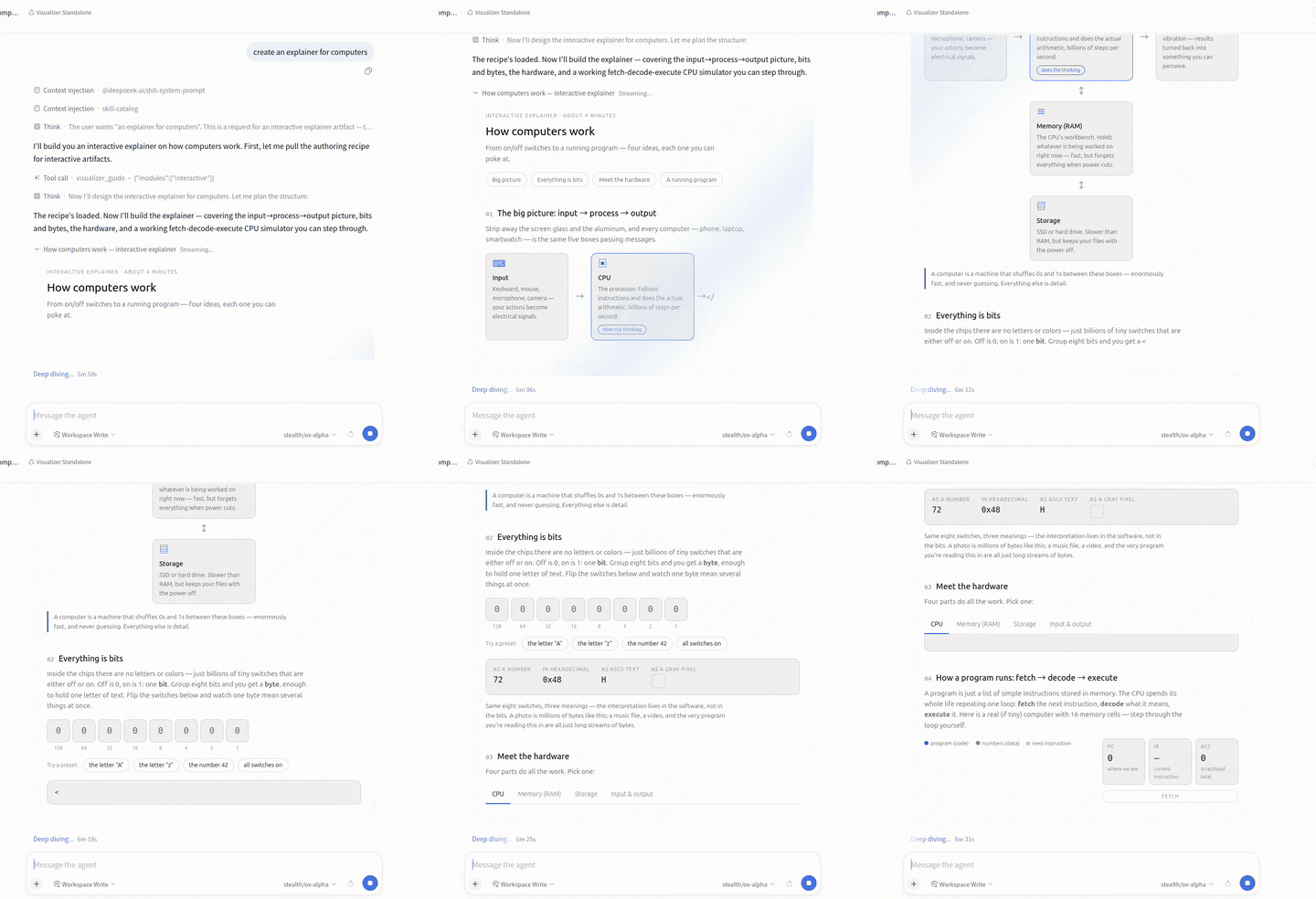
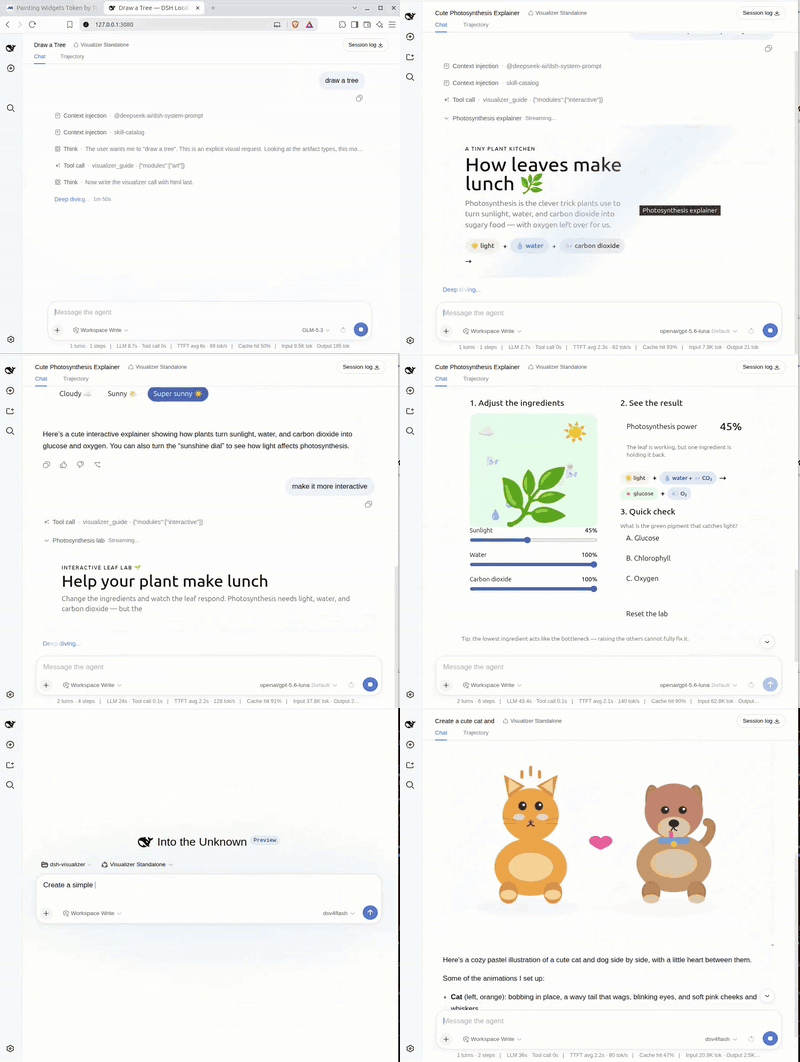
In DeepSeek Harness chats, when models generate visual content, traditional workflows often require switching tools or manual handling, disrupting the flow. The dsh-visualizer plugin solves this by enabling models to stream self-contained HTML documents—such as charts, interactive pages, and diagrams—directly in the conversation with live sandboxed preview. Users can view creations without leaving the chat, supporting libraries like Chart.js to ensure documents are fully independent and downloadable. Sharing features add secure links for easy dissemination, streamlining the process from creation to distribution.
Core capabilities include real-time rendering, support for various visualization types (like diagrams and mockups), and convenient download and sharing options. Generated content is self-contained, requiring no server interaction, and can be saved as HTML or SVG files. When sharing, the plugin automatically handles sandboxing and access control, making content safe to distribute without compromising security.
This plugin is ideal for DeepSeek Harness users, especially data scientists, educators, and content creators. If you need to quickly prototype visual content in chats or share model-generated charts directly with colleagues, dsh-visualizer significantly boosts efficiency, integrating visualization seamlessly into conversational workflows.
Screenshots
Use Cases
- Generate data charts in chat with live preview
- Create interactive educational demos or mockups
- Quickly share visual results with team members
Best For
- Data analysts and scientists needing quick visualization
- Educators creating interactive teaching materials
- Developers prototyping UIs or charts
Related Plugins
A service-oriented sidebar framework for DSH, offering a full workbench with file explorer, embedded browser, real terminal, Git panel, and extensible plugin services.

A beautiful, practical Claude Code-style TUI plugin with pixel whale top bar, flowing glow title, real-time status line, streaming thought expansion, time rewind, context progress bar and TPS gauge — zero core changes.

The plugin market for DeepSeek Harness: browse/search/one-click install community plugins and themes, with updates, backup/restore, hot disable, diagnostics, and AI fix.

A persistent whale widget on the DSH web UI that shows DeepSeek balance, today's usage, and per-turn cost, with drag-and-snap and sound effects.