dsh-ui-mobile-layout
Run the following command in DeepSeek Harness:
dsh plugin install RyzeZhou/dsh-ui-mobile-layout
Paste the following prompt into your AI chat to install this plugin:
Install the plugin in DeepSeek Harness by running dsh plugin install RyzeZhou/dsh-ui-mobile-layout. Source: https://github.com/RyzeZhou/dsh-ui-mobile-layout
About this plugin
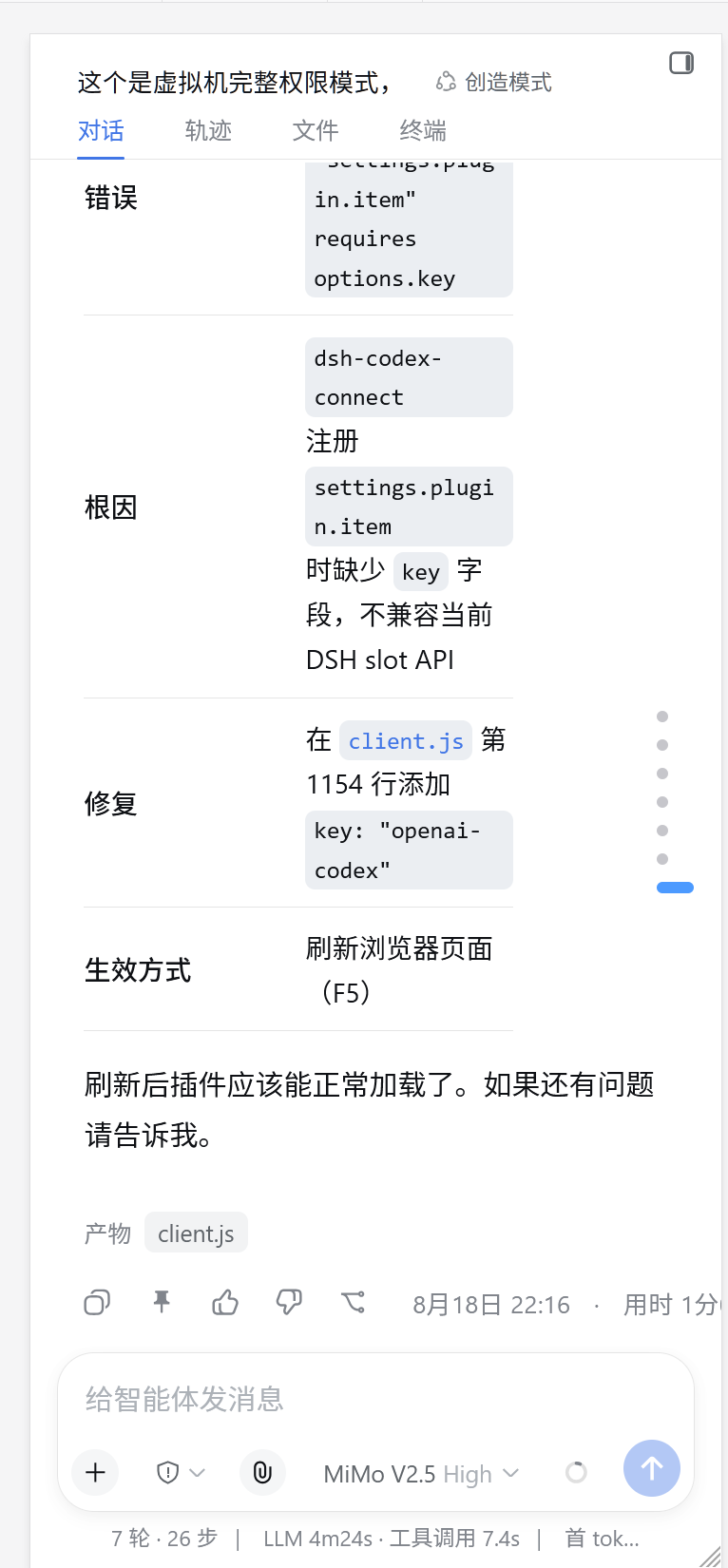
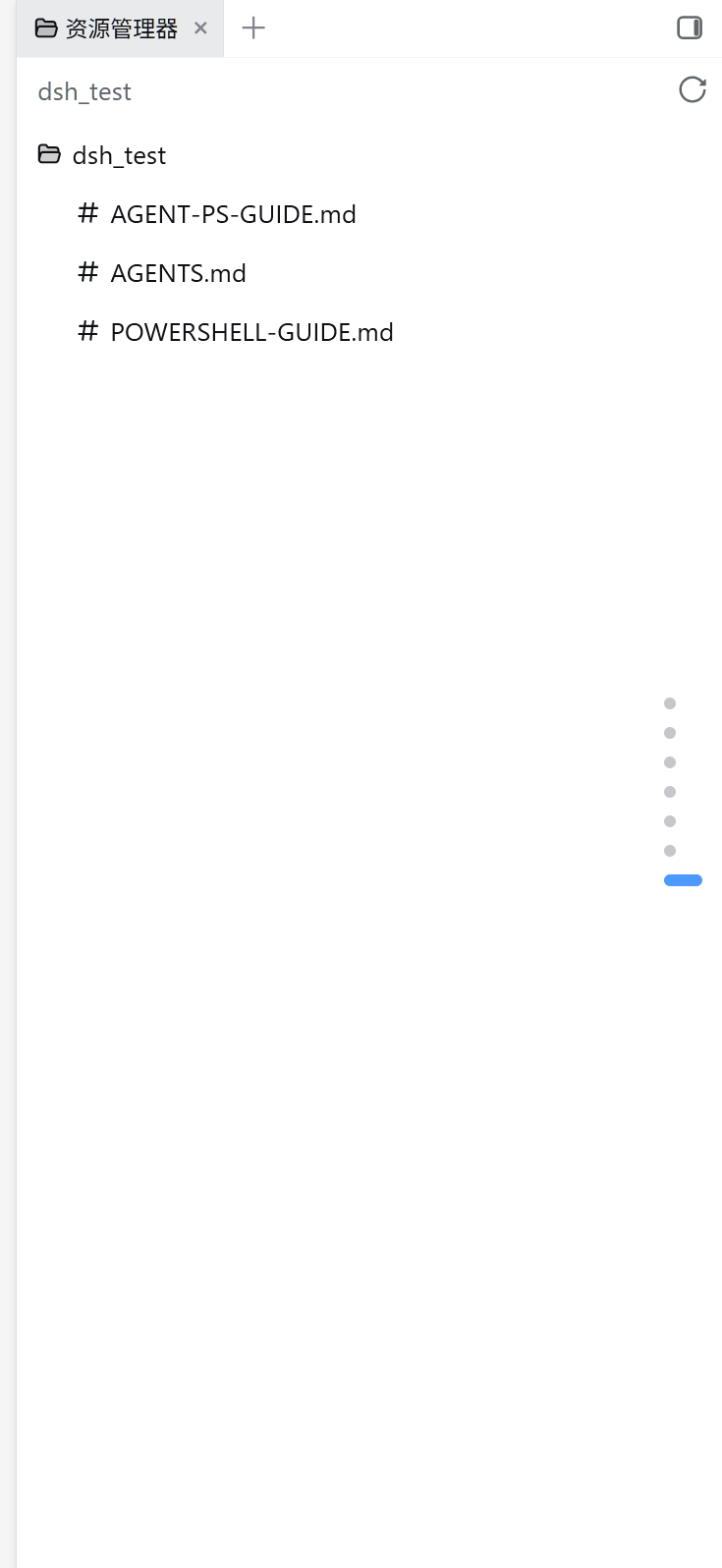
DSH is a desktop-first React application, and on a phone-sized viewport the three-column layout becomes cramped while the settings panel is nearly impossible to use. dsh-ui-mobile-layout steps in as a pure client-side bundle: it does not replace or modify any official slot occupant. On narrow viewports it restyles the frame shell and layers a full-screen overlay over the official settings panel, delivering a native-app-like browsing experience on mobile. Wide-screen behavior stays completely untouched because the plugin registers zero logic on desktop.
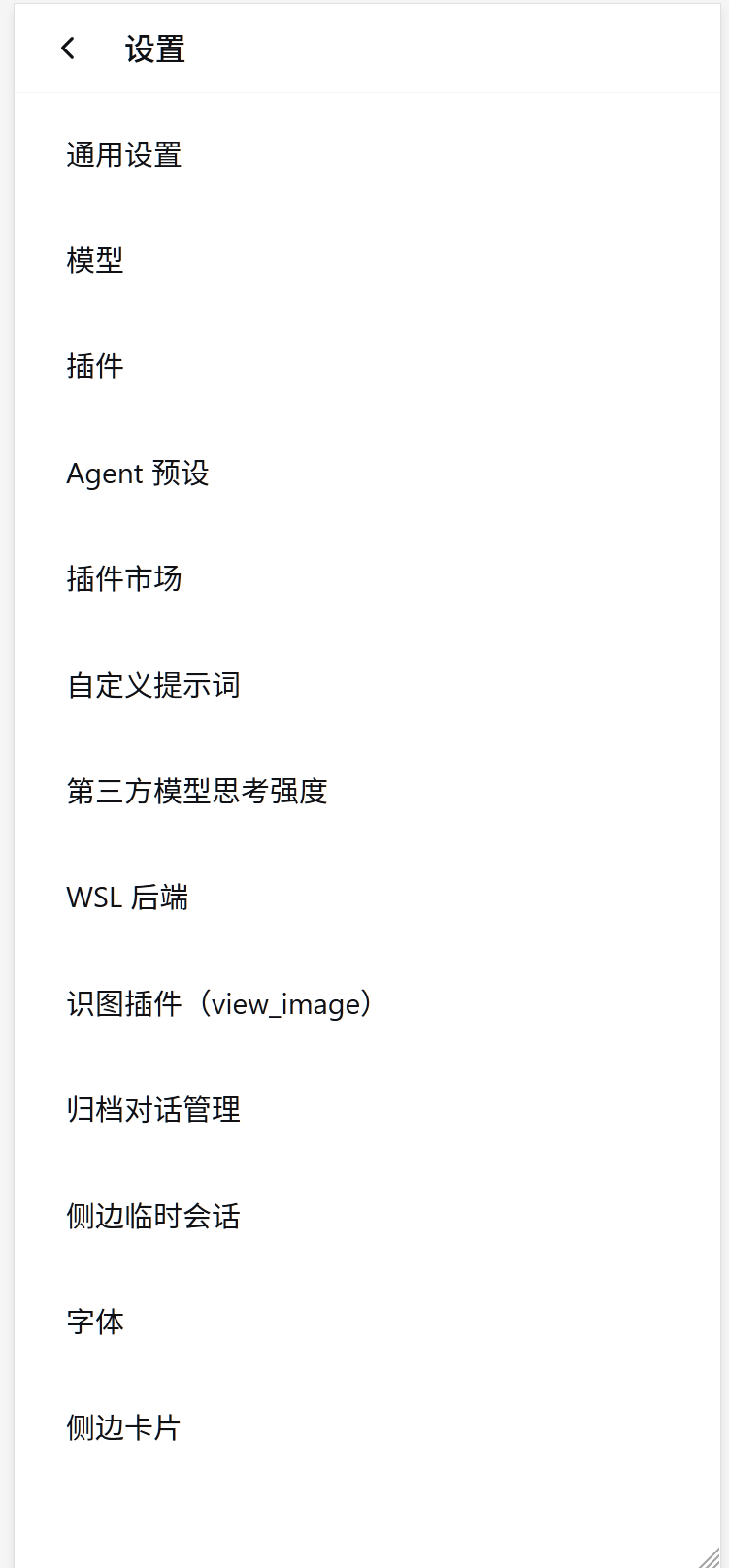
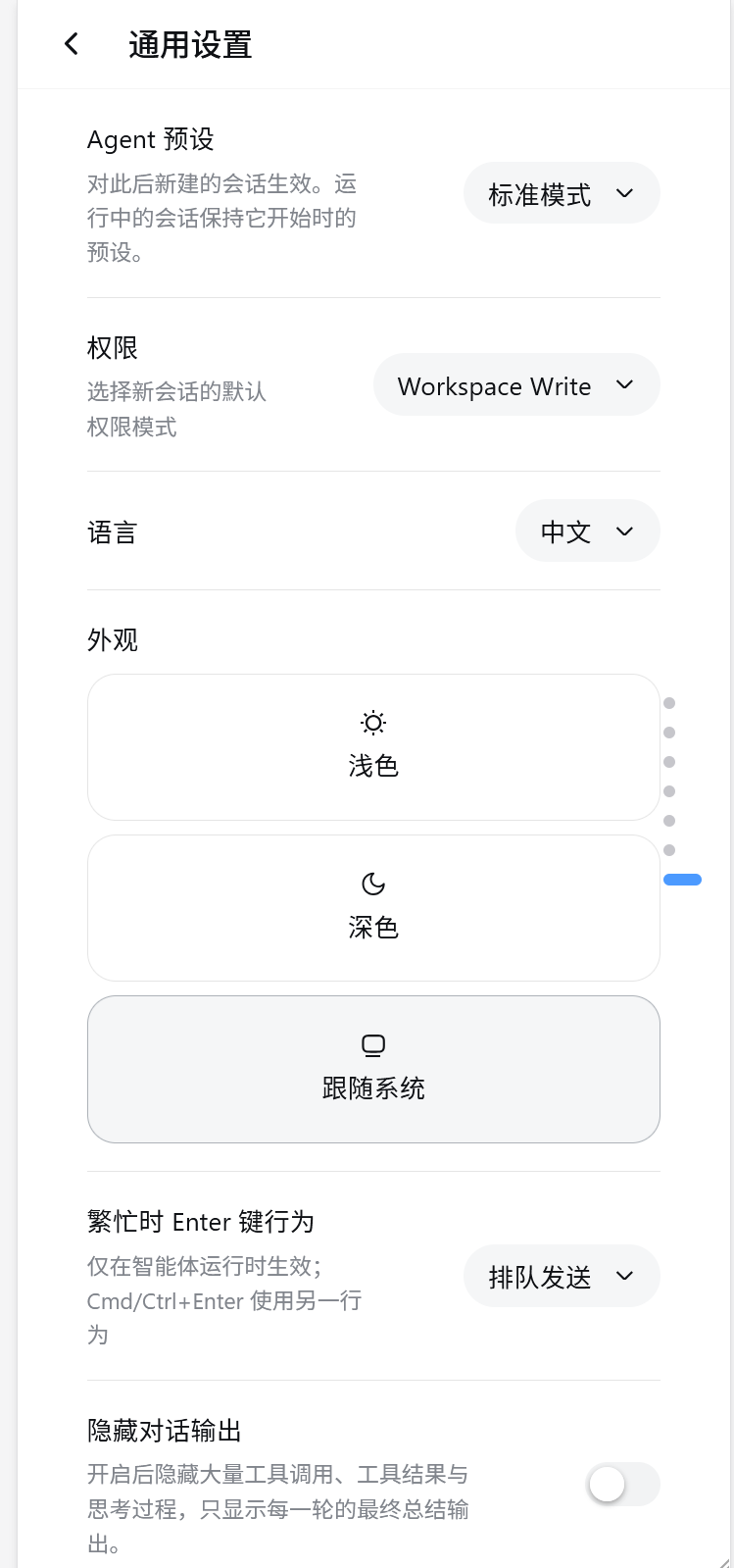
The plugin delivers two core capabilities. First, layout reflow: the desktop three-column scheme collapses into a single-column main area plus a left-side drawer. The drawer slides with a left offset rather than a CSS transform, which is a deliberate convention that keeps fixed-position modals from being trapped. Second, settings navigation: tapping the settings entry opens a full-screen list of entries, tapping any entry drills into its specific settings page, and a back arrow in the upper-left corner steps back one level at a time, mirroring the familiar phone-settings interaction.
This plugin is ideal for anyone who wants to use DSH on a phone or needs to debug layouts in a DevTools narrow viewport. One caveat: because the implementation overlays styles and behavior on the global frame and settings panel, other plugins that also do mobile restyling, rewrite the settings panel dialog structure, or use very high z-index full-screen layers may conflict. It is recommended to verify combinations in a dedicated instance before merging into daily use. The plugin is tested and confirmed working alongside the official base plugins such as shell, ui-settings-general, and ui-layout.
Screenshots
Use Cases
- Browse DSH conversations on a phone with an automatic single-column plus side-drawer layout
- Open the settings panel on mobile and drill down from a full-screen list to a detail page with a back arrow
- Debug DSH mobile behavior in a DevTools narrow viewport while the desktop wide-screen layout stays untouched
Best For
- Users who want to use DSH daily on a phone
- Developers who need to verify mobile layout in a DevTools narrow viewport
- Maintainers looking for a lightweight client-side adaptation that leaves official slots untouched
Related Plugins
A service-oriented sidebar framework for DSH, offering a full workbench with file explorer, embedded browser, real terminal, Git panel, and extensible plugin services.

A beautiful, practical Claude Code-style TUI plugin with pixel whale top bar, flowing glow title, real-time status line, streaming thought expansion, time rewind, context progress bar and TPS gauge — zero core changes.

The plugin market for DeepSeek Harness: browse/search/one-click install community plugins and themes, with updates, backup/restore, hot disable, diagnostics, and AI fix.

A persistent whale widget on the DSH web UI that shows DeepSeek balance, today's usage, and per-turn cost, with drag-and-snap and sound effects.