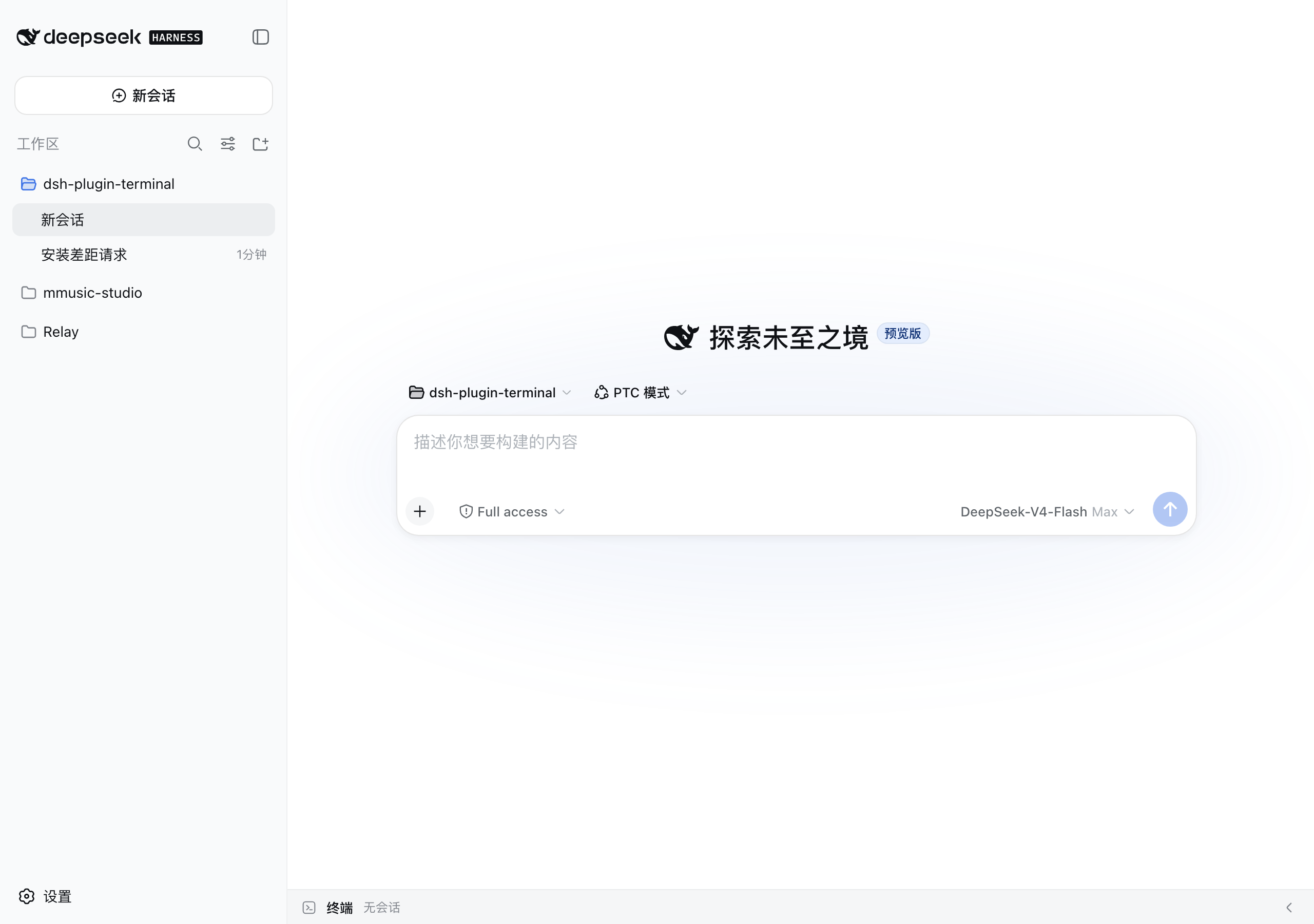
dsh-plugin-terminal
Run the following command in DeepSeek Harness:
dsh plugin install siberiah2o/dsh-plugin-terminal
Paste the following prompt into your AI chat to install this plugin:
In DeepSeek Harness, you can install this plugin by running the command `dsh plugin install siberiah2o/dsh-plugin-terminal` or by searching for it in the plugin marketplace. The source code is hosted at https://github.com/siberiah2o/dsh-plugin-terminal.
About this plugin
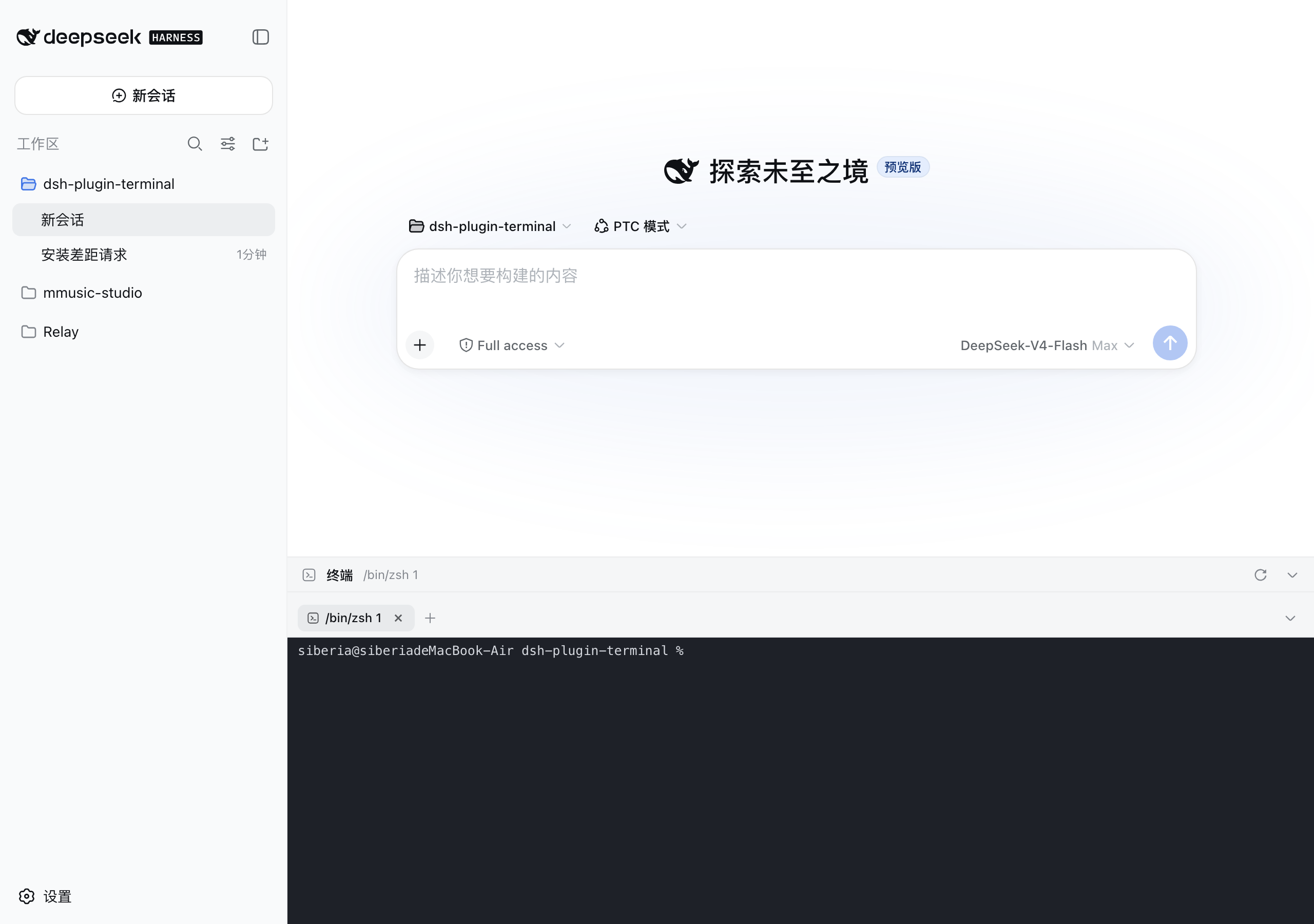
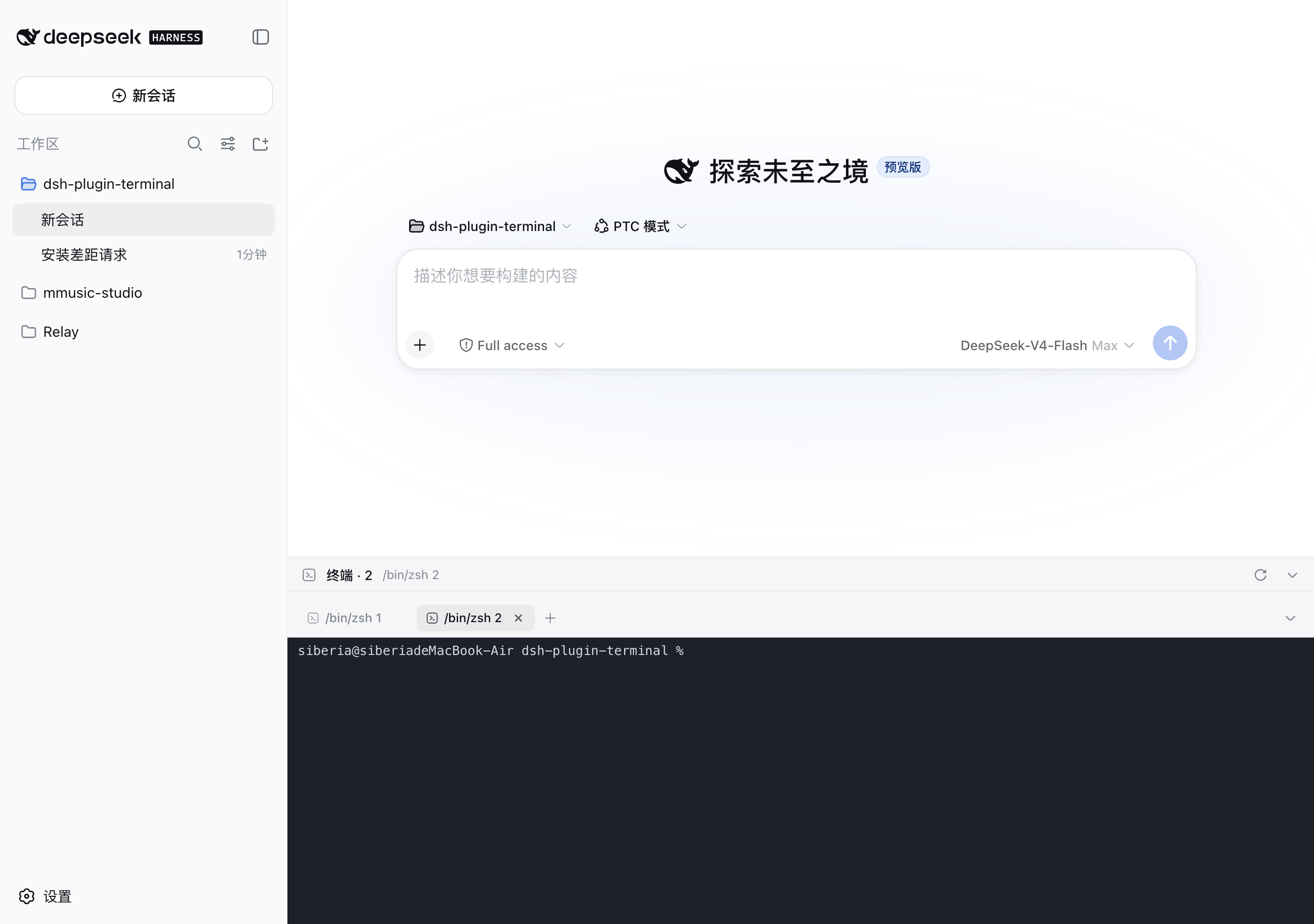
When using DeepSeek Harness (DSH) for AI-assisted development, developers often face the disruptive context-switching between the web conversation interface and the system terminal. The dsh-plugin-terminal solves this by embedding a fully-featured terminal panel directly at the bottom of the DSH web GUI, allowing you to execute commands, view output, and manage processes without leaving your workflow. Its core strength lies in seamless integration and persistence: a multi-tab design enables managing multiple independent sessions concurrently; each tab precisely remembers its working directory; crucially, all terminal sessions (including scrollback history) automatically restore after a browser refresh or service restart, achieving true 'session continuity'. The plugin is also deeply optimized for AI coding CLIs like Codex and Claude Code, ensuring their complex TUI rendering works flawlessly. It is ideal for users performing deep development, operations, or data processing within the DSH platform, transforming the web GUI into a unified, full-featured development environment.
Screenshots
Use Cases
- Run project build or debug commands directly within the web conversation interface.
- Quickly resume a previous terminal workflow after refreshing the page.
- Seamlessly work with AI coding CLIs like Codex or Claude Code.
Best For
- Programmers developing and debugging on the DSH platform.
- Developers who frequently use the terminal but want workflow continuity.
- Power users of AI command-line coding tools (like Claude Code).
Related Plugins
A service-oriented sidebar framework for DSH, offering a full workbench with file explorer, embedded browser, real terminal, Git panel, and extensible plugin services.

A beautiful, practical Claude Code-style TUI plugin with pixel whale top bar, flowing glow title, real-time status line, streaming thought expansion, time rewind, context progress bar and TPS gauge — zero core changes.

The plugin market for DeepSeek Harness: browse/search/one-click install community plugins and themes, with updates, backup/restore, hot disable, diagnostics, and AI fix.

A persistent whale widget on the DSH web UI that shows DeepSeek balance, today's usage, and per-turn cost, with drag-and-snap and sound effects.