dsh-quota-panel
Run the following command in DeepSeek Harness:
dsh plugin install wenzetan/dsh-quota-panel
Paste the following prompt into your AI chat to install this plugin:
To install the dsh-quota-panel plugin in DeepSeek Harness, run the command: dsh plugin install wenzetan/dsh-quota-panel, or visit the open-source repository at https://github.com/wenzetan/dsh-quota-panel for more details.
About this plugin
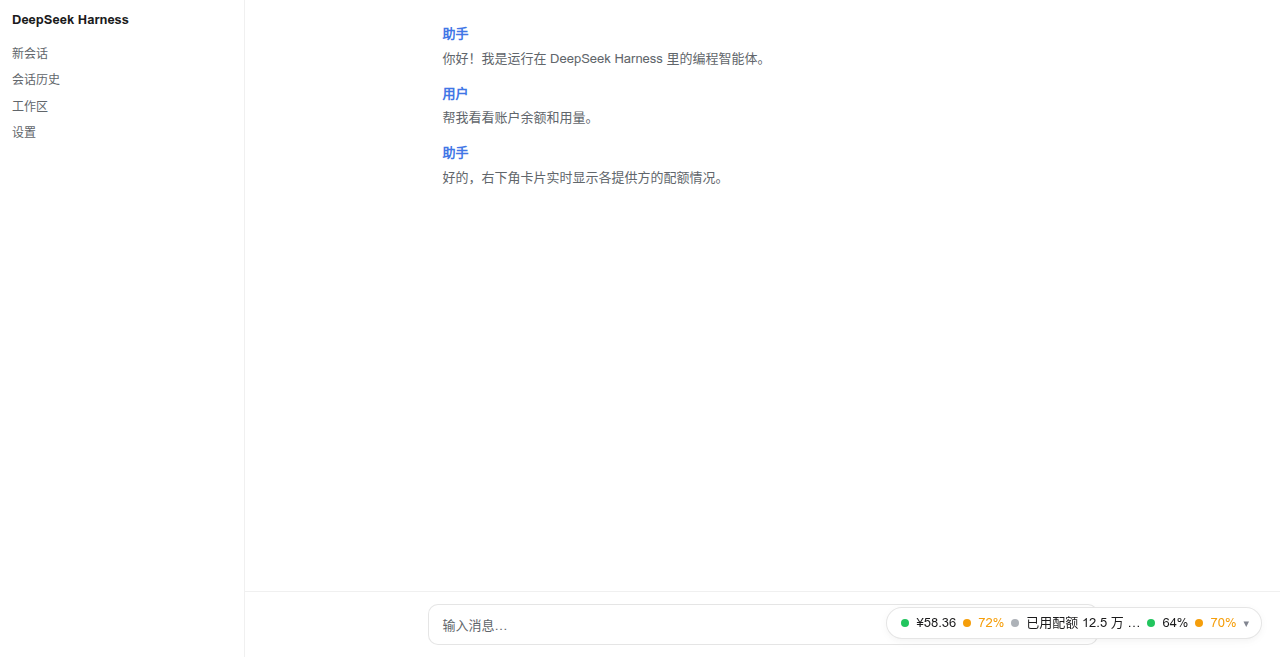
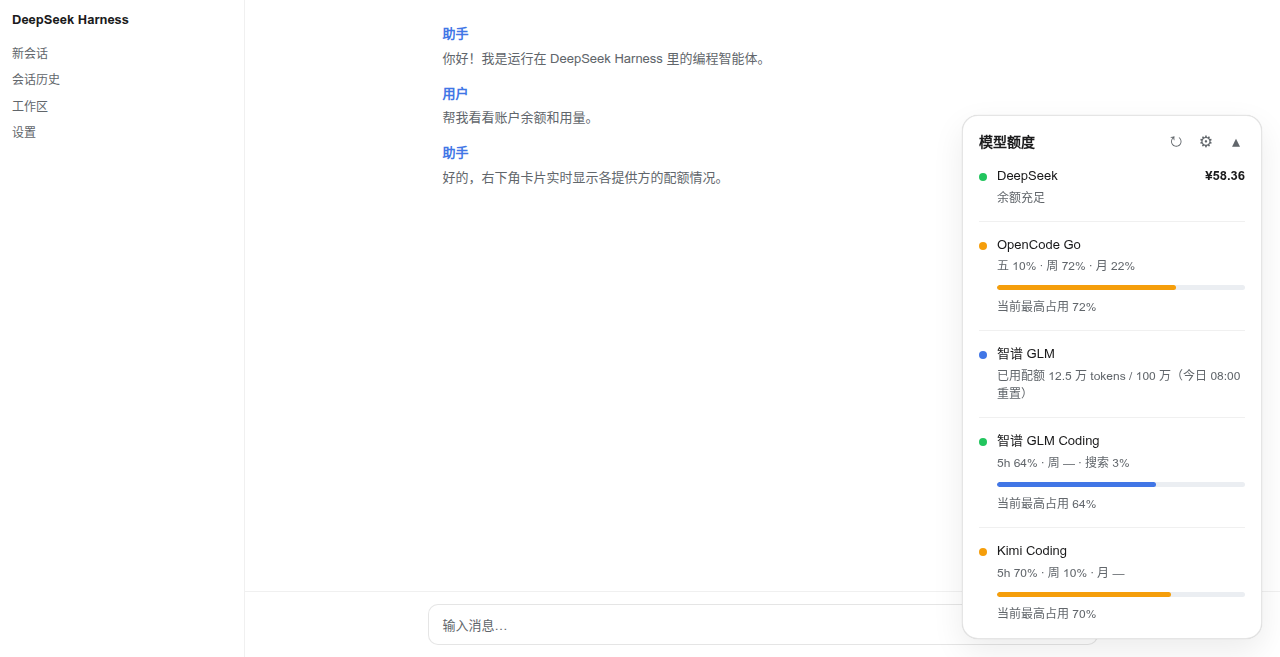
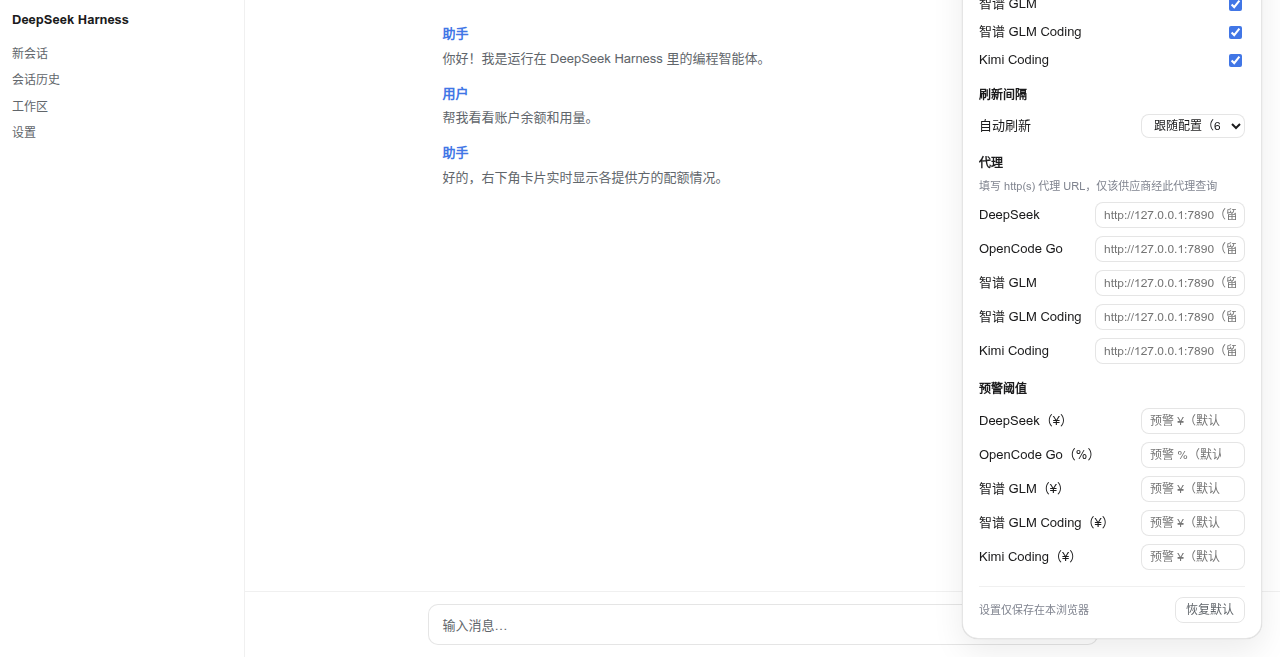
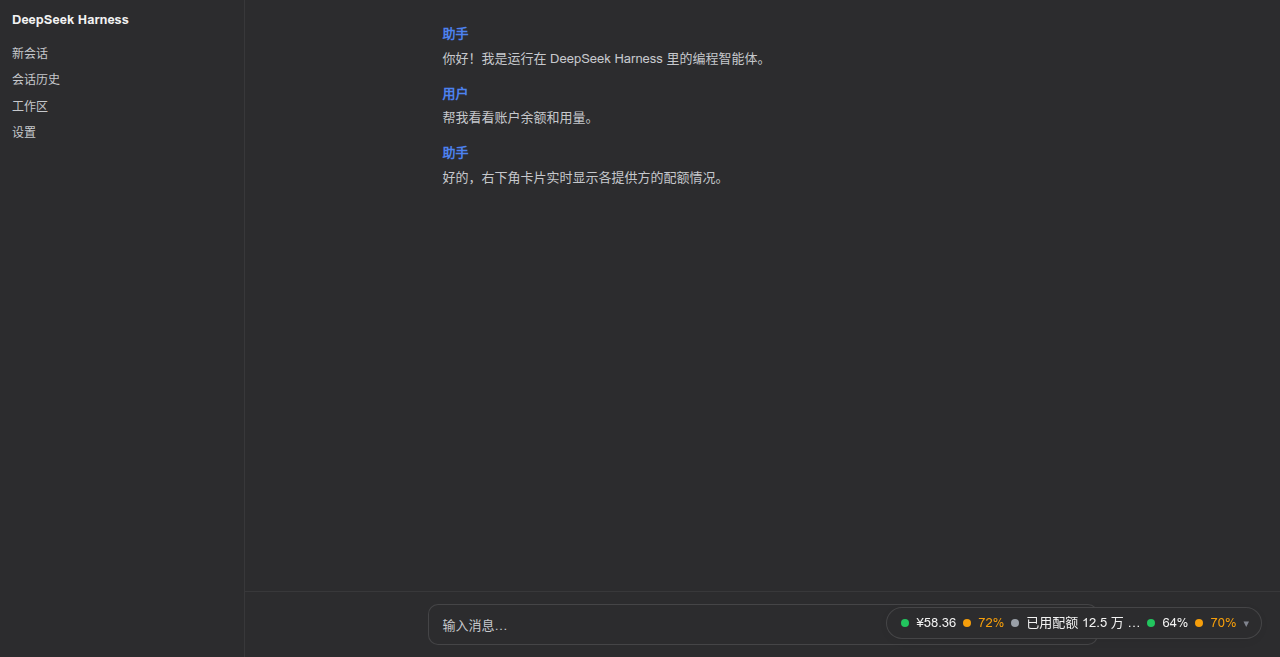
Managing multiple AI providers often means juggling different dashboards to check balances and quotas, which is time-consuming and error-prone. dsh-quota-panel solves this by integrating a smart quota panel into DeepSeek Harness, giving you a unified view of all your provider statuses in one place. Its core capability lies in automatic discovery: after installation, it detects all providers with configured API keys and displays their balance or usage in a collapsible capsule or expanded card at the bottom-right corner of the UI. From DeepSeek and OpenRouter to various coding plans, everything is visible at a glance. You can further customize refresh intervals, warning thresholds, and proxy settings via the built-in panel, ensuring the display adapts to your workflow. Designed for developers, data scientists, and anyone using multiple AI services, this plugin not only saves time but also prioritizes security by keeping sensitive data server-side and using a local channel. With support for themes and per-account status grading, dsh-quota-panel makes monitoring both efficient and visually intuitive.
Screenshots
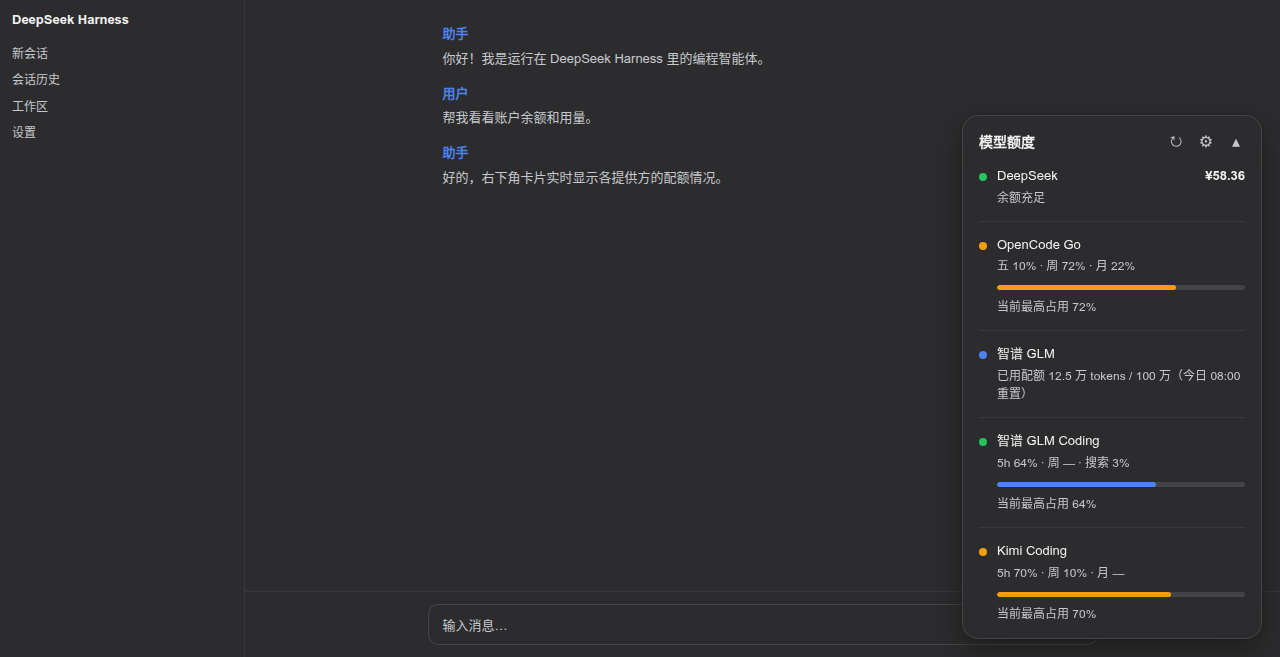
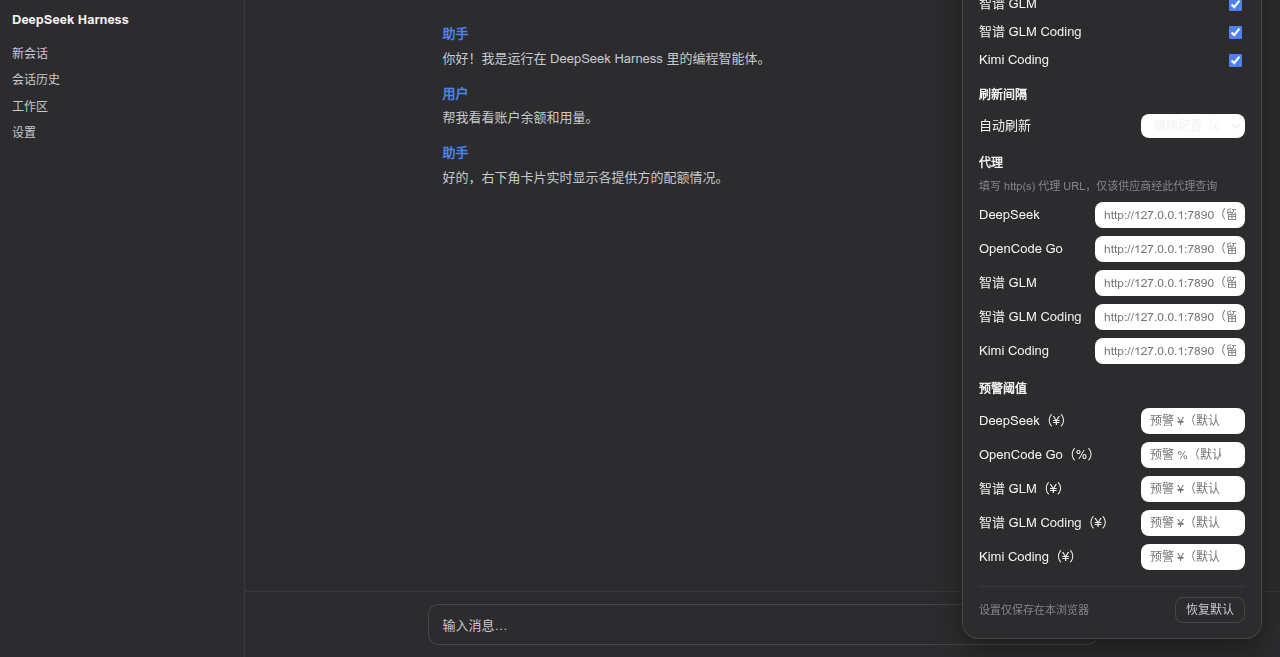
Use Cases
- Monitor balance or usage of multiple AI providers in real time
- Quickly view coding plan status in the DeepSeek Harness interface
- Customize refresh intervals and warning thresholds via the settings panel
Best For
- Developers and programmers using multiple AI services
- Data scientists managing API quotas
- Administrators responsible for monitoring AI usage in teams
Related Plugins
A service-oriented sidebar framework for DSH, offering a full workbench with file explorer, embedded browser, real terminal, Git panel, and extensible plugin services.

A beautiful, practical Claude Code-style TUI plugin with pixel whale top bar, flowing glow title, real-time status line, streaming thought expansion, time rewind, context progress bar and TPS gauge — zero core changes.

The plugin market for DeepSeek Harness: browse/search/one-click install community plugins and themes, with updates, backup/restore, hot disable, diagnostics, and AI fix.

A persistent whale widget on the DSH web UI that shows DeepSeek balance, today's usage, and per-turn cost, with drag-and-snap and sound effects.