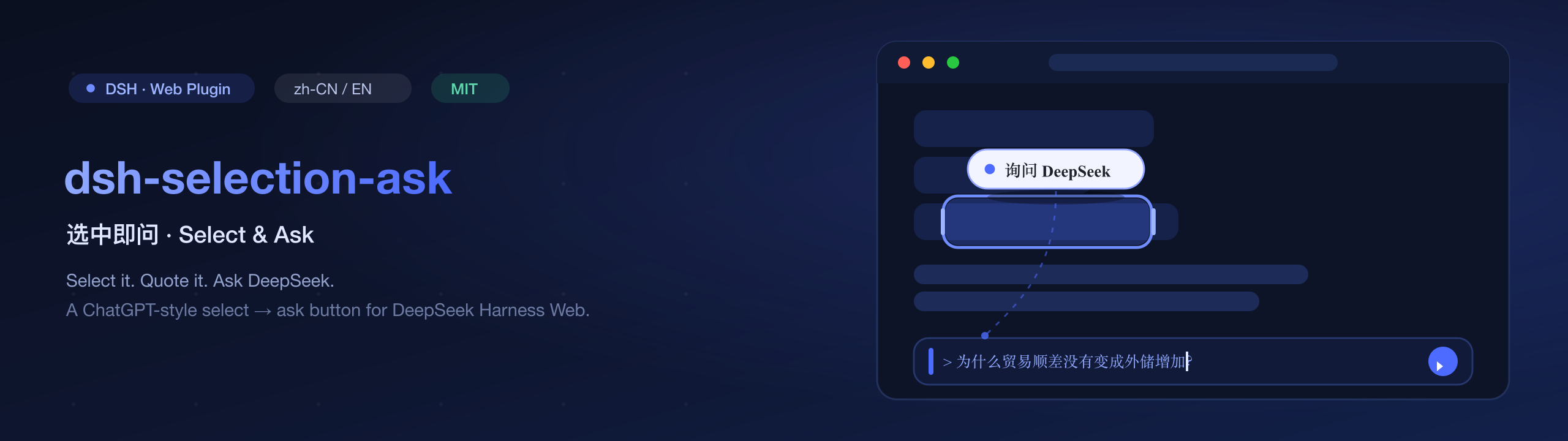
dsh-selection-ask
Run the following command in DeepSeek Harness:
dsh plugin install lzbaclz/dsh-selection-ask
Paste the following prompt into your AI chat to install this plugin:
In DeepSeek Harness, install this plugin by running the command 'dsh plugin install lzbaclz/dsh-selection-ask', with the full source at https://github.com/lzbaclz/dsh-selection-ask.
About this plugin
DeepSeek Harness, as a text-first terminal/agent workspace, often requires users to manually copy and paste quoted context into the composer, disrupting workflow. The dsh-selection-ask plugin addresses this by adding a ChatGPT-style selection helper to the web GUI: when text is selected in a conversation, a floating 'Ask DeepSeek' button appears; clicking it automatically quotes the selection as a Markdown blockquote in the composer, with the caret positioned for follow-up questions. It integrates via the official input API, preserving undo history and draft persistence, and only targets conversation text to avoid self-quoting issues.
Screenshots
Use Cases
- Quickly quote error logs in chat for debugging
- Quote discussion content during research for deeper analysis
- One-click quote key sentences in everyday conversations to ask questions
Best For
- Developers using DeepSeek Harness
- Researchers who frequently quote conversation content
- Everyday users looking to enhance chat efficiency
Related Plugins
A service-oriented sidebar framework for DSH, offering a full workbench with file explorer, embedded browser, real terminal, Git panel, and extensible plugin services.

A beautiful, practical Claude Code-style TUI plugin with pixel whale top bar, flowing glow title, real-time status line, streaming thought expansion, time rewind, context progress bar and TPS gauge — zero core changes.

The plugin market for DeepSeek Harness: browse/search/one-click install community plugins and themes, with updates, backup/restore, hot disable, diagnostics, and AI fix.

A persistent whale widget on the DSH web UI that shows DeepSeek balance, today's usage, and per-turn cost, with drag-and-snap and sound effects.