dsh-blue-whale
Run the following command in DeepSeek Harness:
dsh plugin install starslittle/dsh-blue-whale
Paste the following prompt into your AI chat to install this plugin:
To install this plugin in DeepSeek Harness, run: dsh plugin install starslittle/dsh-blue-whale, or visit the source at: https://github.com/starslittle/dsh-blue-whale.
About this plugin
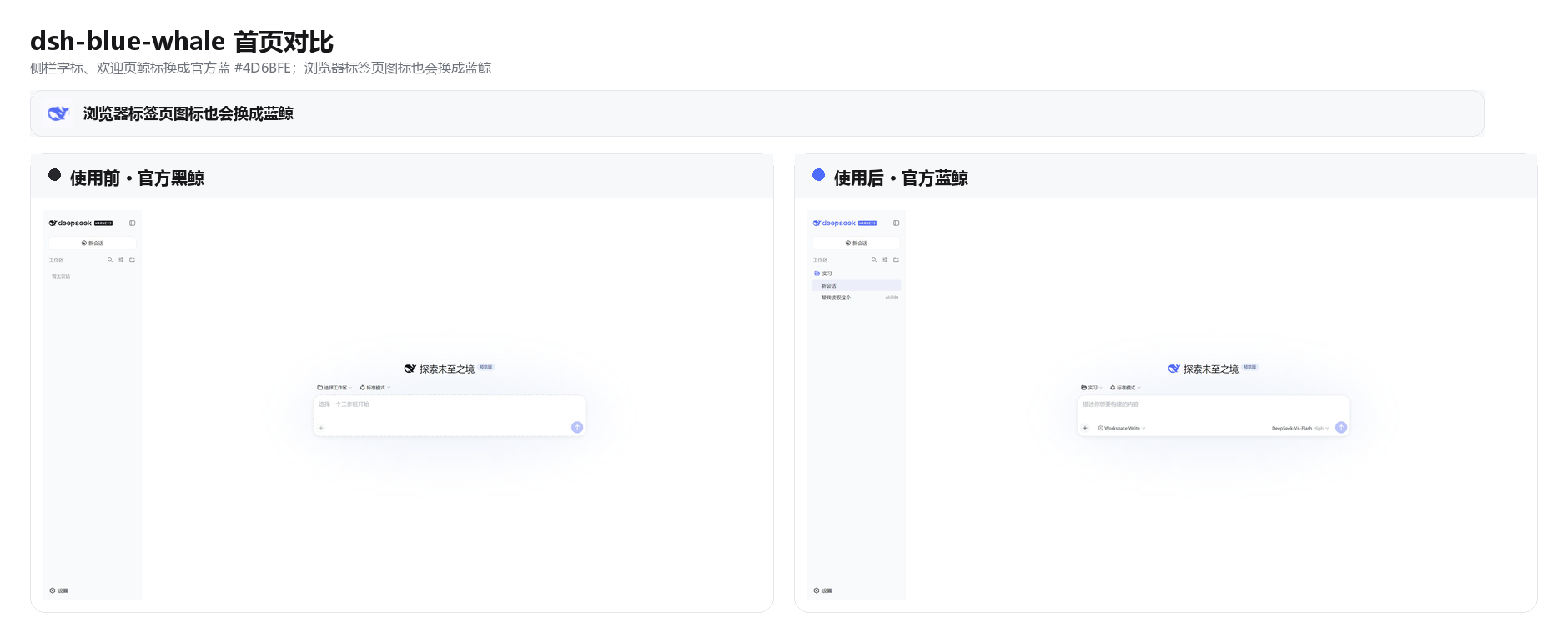
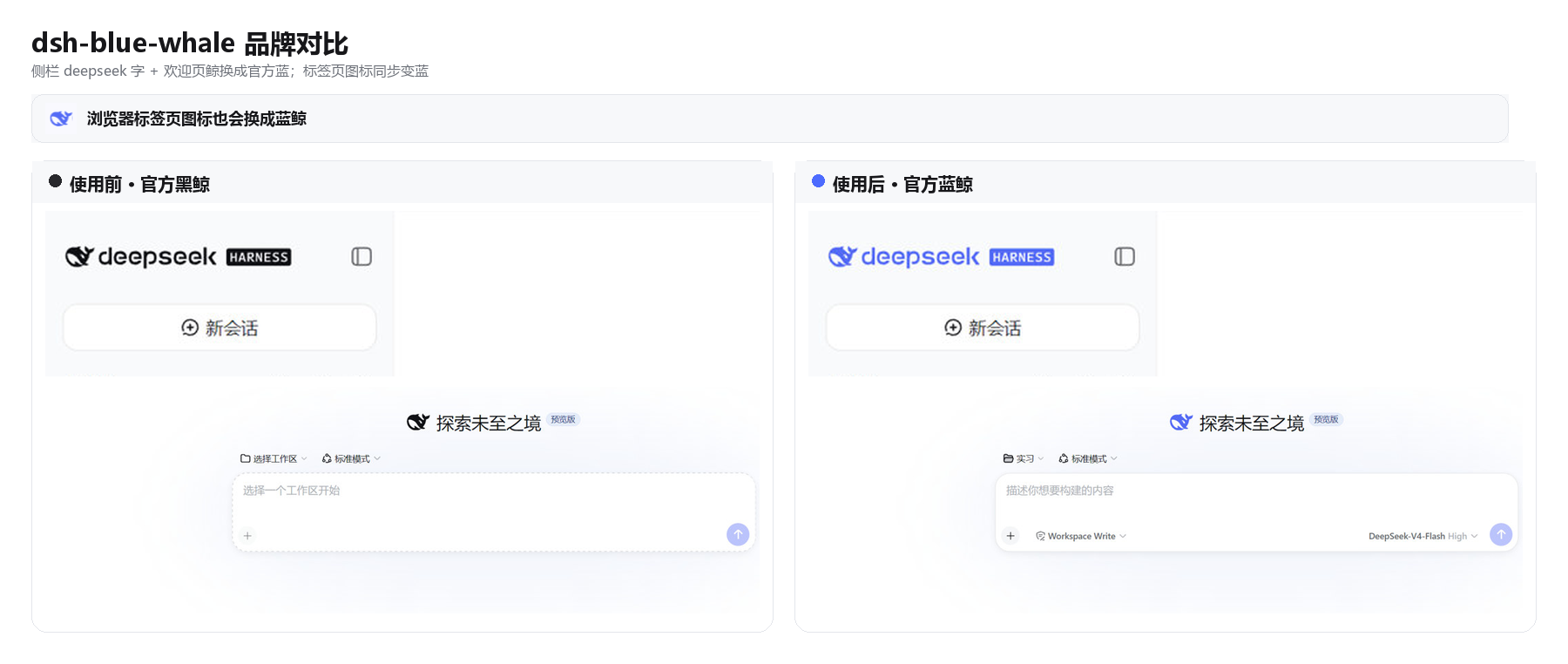
dsh-blue-whale is a fun-dressup plugin for DeepSeek Chat that replaces the default black whale theme with a refreshing blue theme. It addresses the issue of a monotonous black interface, offering a more personalized visual experience.
The plugin's core capability is applying the color blue (#4D6BFE) precisely to the sidebar whale logo, deepseek text, hero whale, browser tab icon, and primary action buttons. It intelligently follows the system's light and dark mode settings, ensuring seamless integration into the overall interface.
It is ideal for users who enjoy customizing their chat interface appearance, prefer blue tones, or want to enhance their usage enjoyment. Whether for daily chats or work scenarios, this plugin brings a more comfortable visual experience.
Screenshots
Use Cases
- Add blue theme to DeepSeek Chat
- Personalize chat interface colors
- Match the blue style of chat.deepseek.com
Best For
- Users who enjoy customizing interfaces
- Users who prefer blue tones
- Active DeepSeek Chat users
Related Plugins

whale-girl is a desktop pet in the DSH Web GUI (bottom-right for instant companionship) — draggable, feedable, playable; completed tasks, sessions and companionship time accrue into seniority levels, titles, and memories.

Renders your local Wallpaper Engine wallpapers as the DSH web background, supporting video, web, and scene wallpapers with a liquid-glass effect and rich customization.

A WebGPU ocean skin for DeepSeek Harness with five-wave Gerstner waves, translucent theme, day/night cycle, and quick controls, installable as plugin or extension.

A Galgame-style conversation view and visual scene editor for DSH web sessions, with a real-time editing mode.