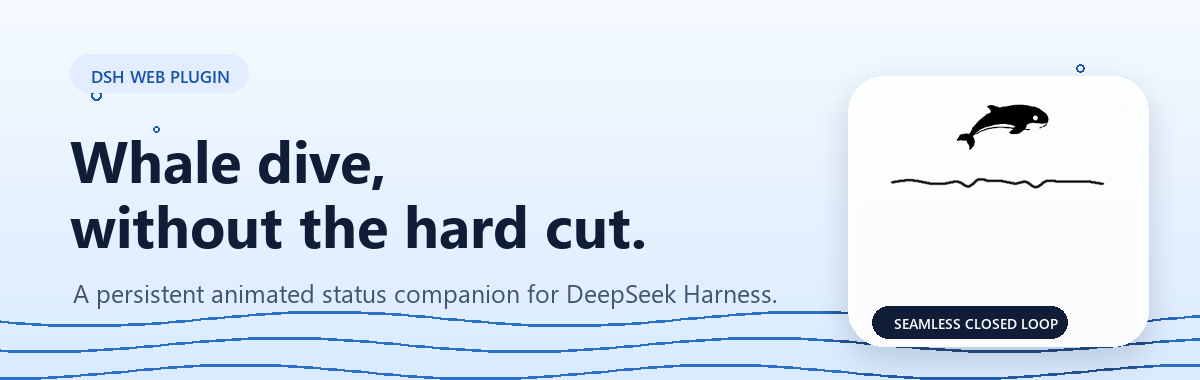
dsh-whale-animation
Run the following command in DeepSeek Harness:
dsh plugin install LeemanCheung/dsh-whale-animation
Paste the following prompt into your AI chat to install this plugin:
To install this plugin in DeepSeek Harness, run the command "LeemanCheung/dsh-whale-animation", or get it from the full source address https://github.com/LeemanCheung/dsh-whale-animation.
About this plugin

When using DeepSeek Harness Web, the turn status label often remains static throughout a process, making it difficult for users to intuitively grasp the model's specific actions. This plugin addresses this by introducing six original whale animation states, infusing lively visual feedback into the status bar. It features a lightweight animation director that automatically switches animations based on status label text (such as search, writing, tool use), making interactions more engaging and intuitive.
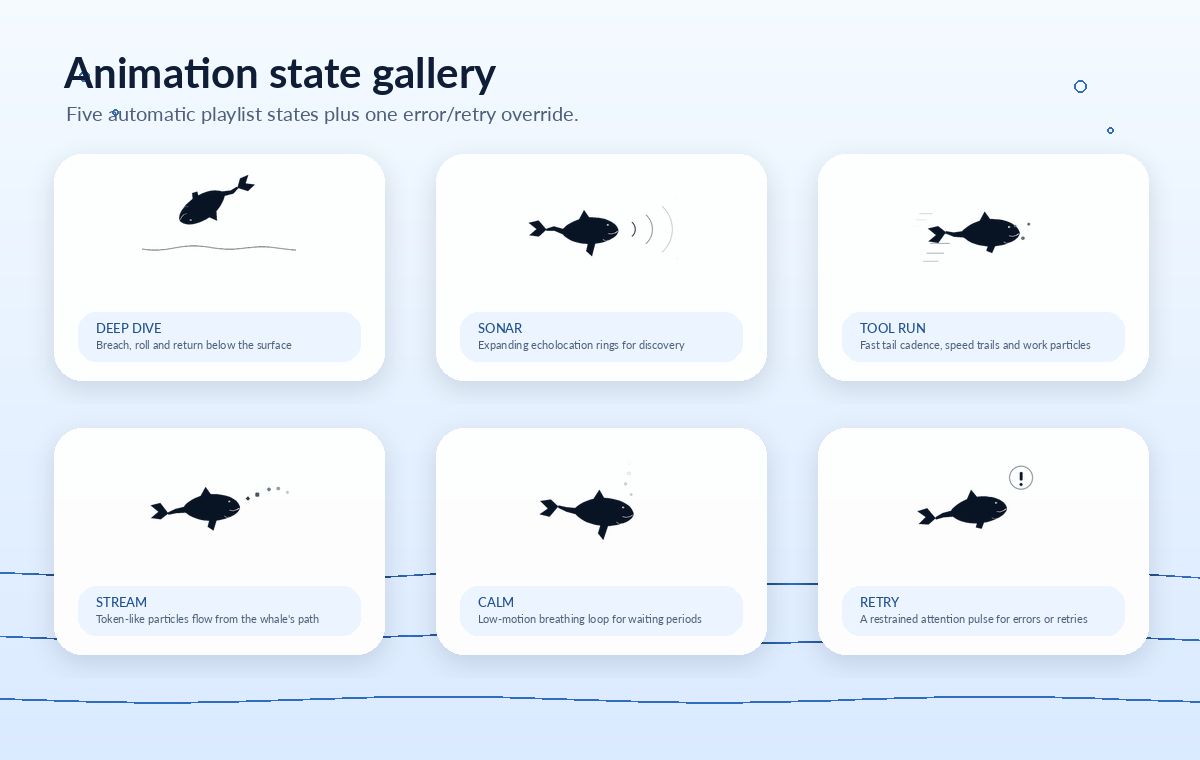
The core capability lies in its flexible multi-state system: six states (Deep Dive, Sonar, Tool Run, Stream, Calm, Retry) each with unique motion languages and trigger logic, supporting both timed automatic rotation and immediate keyword overrides. It also prioritizes accessibility and theme adaptation, with support for reduced motion and dark themes, and is fully self-contained without external network requests. All of this is packaged for easy installation and requires no complex configuration.
This plugin is ideal for DeepSeek Harness users, particularly those who value interactive experience and state visualization. If you are a UI/UX designer or developer looking to add dynamic elements to existing interfaces while maintaining lightweight compatibility, this plugin is an excellent addition. It strictly focuses on the visual scope, involves no data processing, and is secure and reliable for seamless integration into your workflow.
Screenshots
Use Cases
- Displaying the current operational status during AI conversations
- Providing dynamic visual feedback when the model performs searches or tool calls
- Enhancing the fun and intuition of status bars
Best For
- DeepSeek Harness Web users
- UI/UX designers and front-end developers
- Tech enthusiasts seeking to enhance interaction experiences
Related Plugins

whale-girl is a desktop pet in the DSH Web GUI (bottom-right for instant companionship) — draggable, feedable, playable; completed tasks, sessions and companionship time accrue into seniority levels, titles, and memories.

Renders your local Wallpaper Engine wallpapers as the DSH web background, supporting video, web, and scene wallpapers with a liquid-glass effect and rich customization.

A WebGPU ocean skin for DeepSeek Harness with five-wave Gerstner waves, translucent theme, day/night cycle, and quick controls, installable as plugin or extension.

A Galgame-style conversation view and visual scene editor for DSH web sessions, with a real-time editing mode.