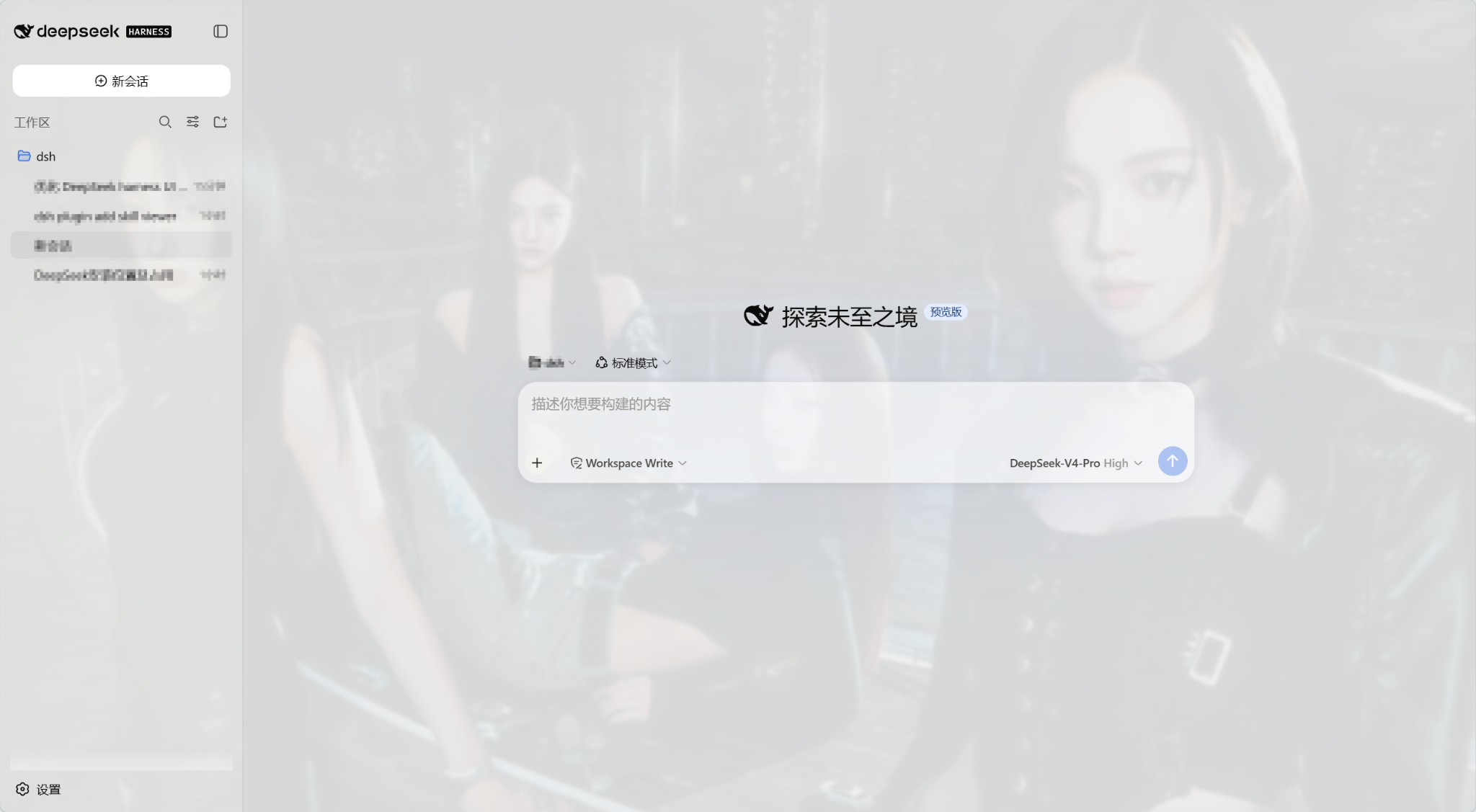
dsh-ui-preset-enhance
Run the following command in DeepSeek Harness:
dsh plugin install lssyd20070106/dsh-ui-preset-enhance
Paste the following prompt into your AI chat to install this plugin:
Install the plugin in DeepSeek Harness by running the command 'dsh plugin install lssyd20070106/dsh-ui-preset-enhance', with the full source repository at https://github.com/lssyd20070106/dsh-ui-preset-enhance.
About this plugin
DeepSeek Harness WebUI, while powerful, often lacks sufficient interface personalization options in its default state, making it difficult for users to customize the appearance or quickly reuse common prompts, which creates efficiency bottlenecks. Additionally, viewing Token and Context information is not intuitive, and executing manual Compact is inconvenient, hindering workflow smoothness.
This plugin is designed to address these pain points directly. It offers a range of interface enhancements that provide an unprecedented level of customization: from uploading local wallpapers or selecting network images for background personalization, to adjusting transparency and blur effects for a unique ambiance, and setting primary, secondary, and accent color scales to define themes. Simultaneously, it includes built-in prompt preset management, supporting saving, deleting, and quickly loading multiple templates, which greatly simplifies repetitive tasks. Core capabilities also include real-time viewing of current Session Token pressure and Context windows, as well as one-click manual Compact execution to optimize dialog states, ensuring efficient resource utilization.
This plugin is ideal for all DeepSeek Harness WebUI power users, especially content creators, developers, or researchers who frequently interact with prompts. Whether you want to beautify the interface to enhance your work mood, efficiently manage prompt templates to accelerate generation processes, or monitor Token consumption for cost control, this plugin provides a practical and secure solution. It focuses on web client enhancement without modifying the backend, ensuring security and compatibility.
Screenshots
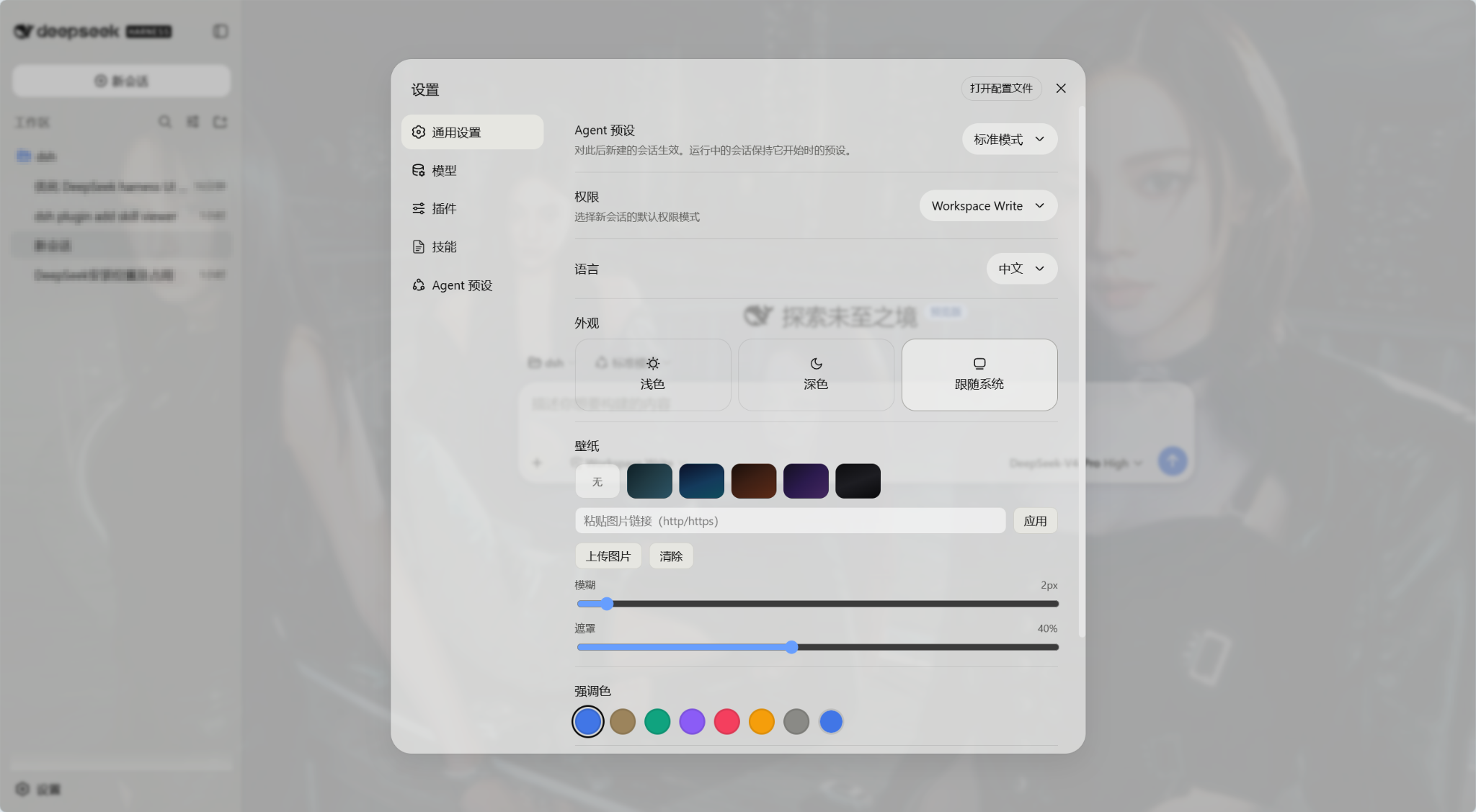
Use Cases
- Customize wallpapers and themes to beautify the WebUI interface.
- Quickly load preset prompt templates to accelerate dialog generation.
- Monitor Token usage and Context pressure in real-time.
Best For
- Developers using DeepSeek Harness WebUI.
- Content creators who frequently use prompts.
- Users concerned about Token consumption and interface personalization.
Related Plugins

whale-girl is a desktop pet in the DSH Web GUI (bottom-right for instant companionship) — draggable, feedable, playable; completed tasks, sessions and companionship time accrue into seniority levels, titles, and memories.

Renders your local Wallpaper Engine wallpapers as the DSH web background, supporting video, web, and scene wallpapers with a liquid-glass effect and rich customization.

A WebGPU ocean skin for DeepSeek Harness with five-wave Gerstner waves, translucent theme, day/night cycle, and quick controls, installable as plugin or extension.

A Galgame-style conversation view and visual scene editor for DSH web sessions, with a real-time editing mode.