dsh-oh-my-theme
Run the following command in DeepSeek Harness:
dsh plugin install zhxqc/dsh-oh-my-theme
Paste the following prompt into your AI chat to install this plugin:
In DeepSeek Harness, you can install this plugin using the command dsh plugin install zhxqc/dsh-oh-my-theme, or get the source code from the GitHub repository https://github.com/zhxqc/dsh-oh-my-theme for local installation.
About this plugin
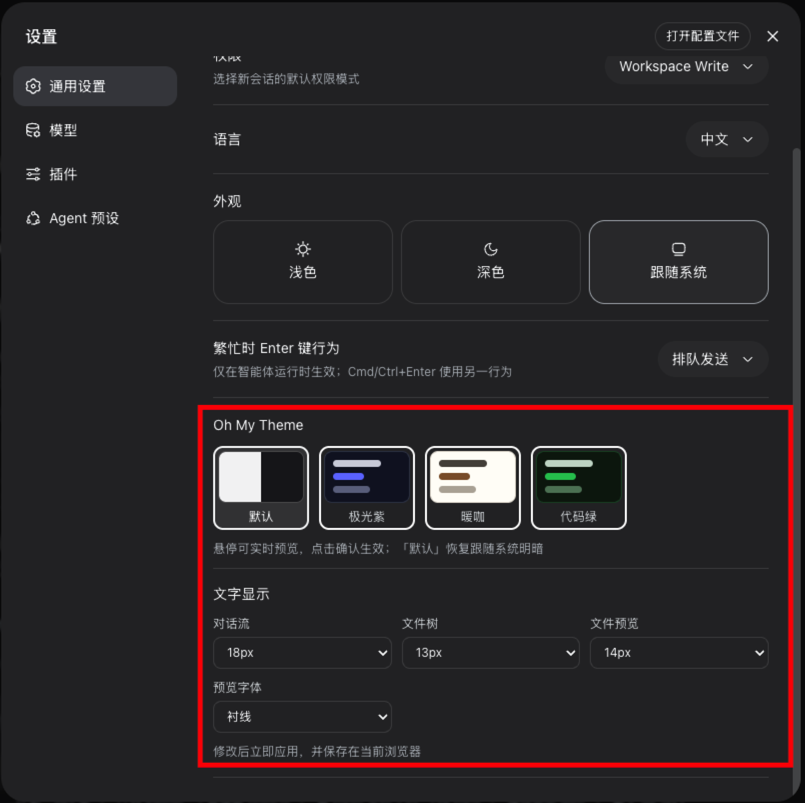
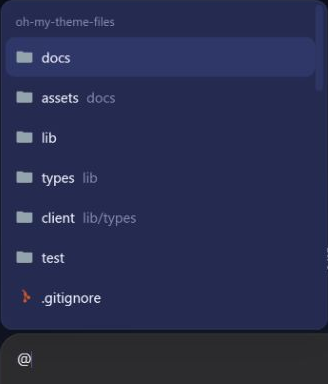
dsh-oh-my-theme is a fun-dressup plugin tailored for the DeepSeek Harness web interface, addressing common pain points such as monotone themes, inefficient file referencing, and lack of integrated management tools in AI conversations. With rich theme customization, convenient file referencing, and a Codex-style file panel, it personalizes the interface and streamlines workflows.
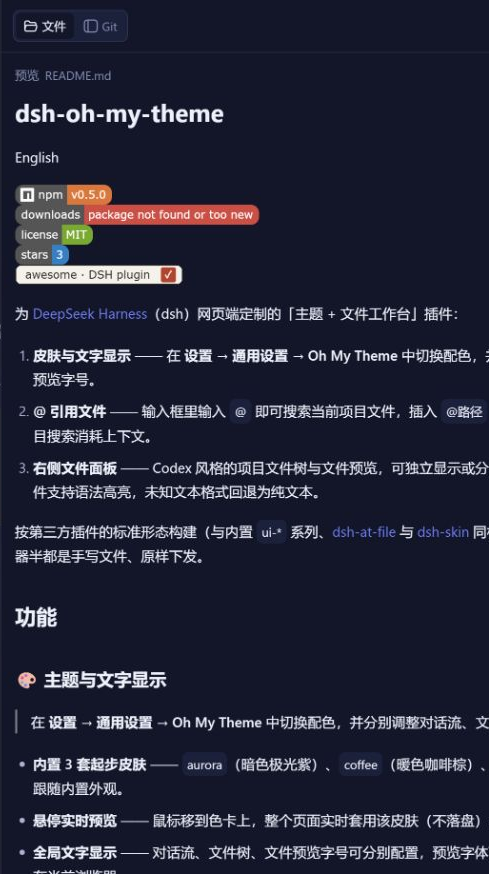
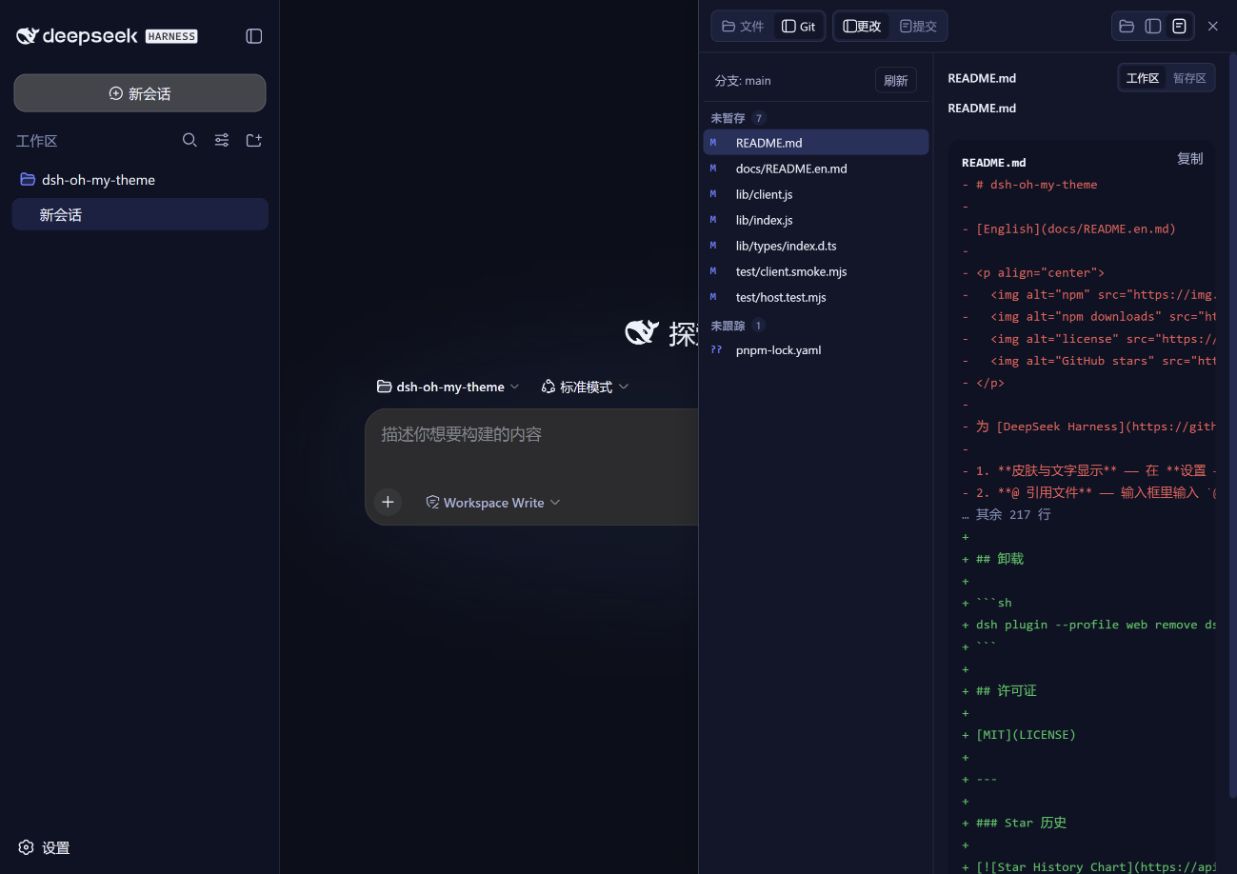
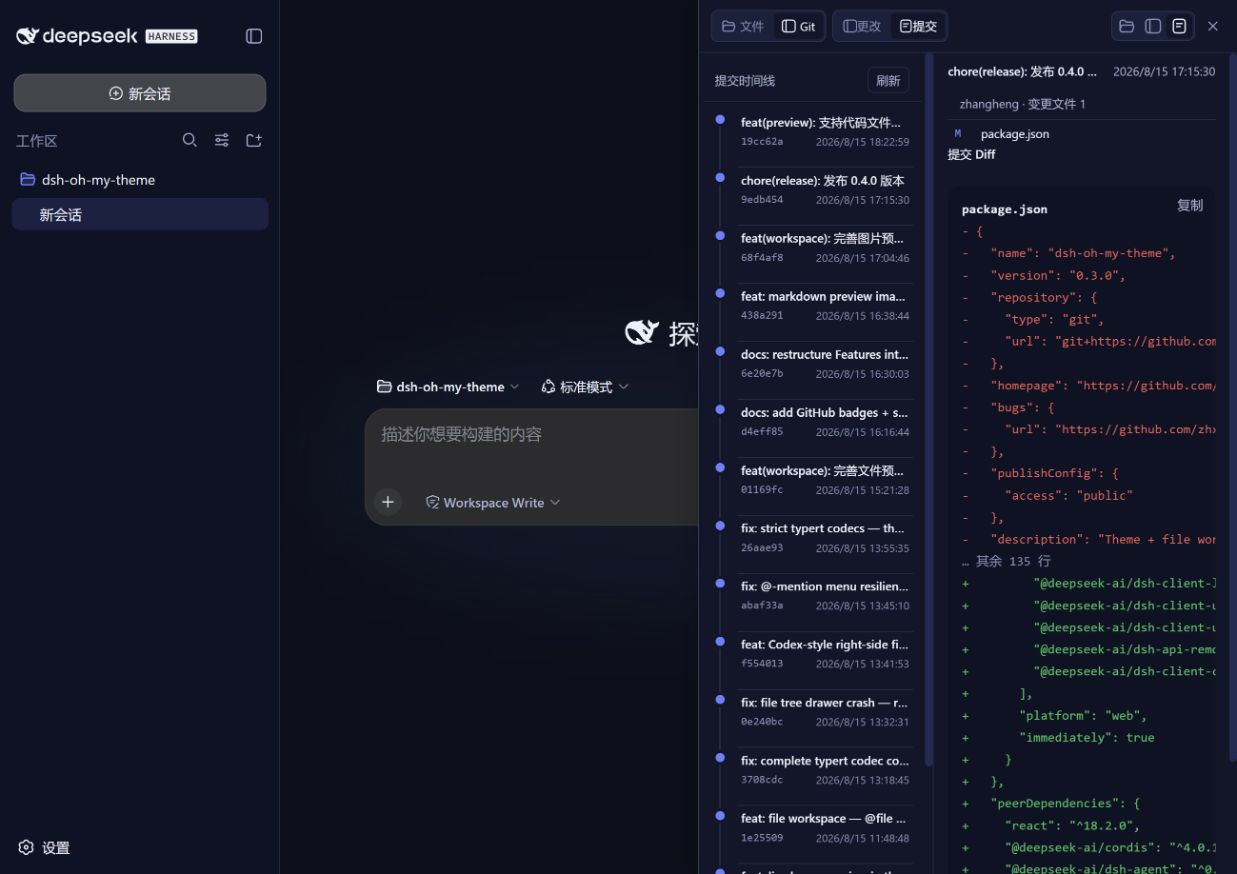
The plugin's core capabilities include: offering multiple skin themes and font size adjustments with real-time preview and saving; the @ referencing feature that enables quick search and path insertion for project files, allowing AI to read content precisely and avoid context-wasting vague searches; an integrated right-side file panel supporting file tree browsing, multi-file preview, and syntax highlighting for enhanced file management; read-only Git viewing for checking code changes and commit history; and real-time balance display for API usage transparency.
This plugin is particularly suitable for daily users of DeepSeek Harness, such as developers, researchers, and content creators. They often collaborate with AI on project files, customize interfaces for comfort, and manage codebases efficiently. dsh-oh-my-theme consolidates these features, significantly boosting efficiency and user experience for smoother AI interactions.
Screenshots


Use Cases
- Switch skins during coding to reduce visual fatigue.
- Reference files in AI conversations for precise analysis.
- Quickly preview code changes via the file panel.
Best For
- Developers who frequently use DeepSeek Harness.
- Users needing efficient project file management.
- AI practitioners seeking interface personalization and workflow optimization.
Related Plugins

whale-girl is a desktop pet in the DSH Web GUI (bottom-right for instant companionship) — draggable, feedable, playable; completed tasks, sessions and companionship time accrue into seniority levels, titles, and memories.

Renders your local Wallpaper Engine wallpapers as the DSH web background, supporting video, web, and scene wallpapers with a liquid-glass effect and rich customization.

A WebGPU ocean skin for DeepSeek Harness with five-wave Gerstner waves, translucent theme, day/night cycle, and quick controls, installable as plugin or extension.

A Galgame-style conversation view and visual scene editor for DSH web sessions, with a real-time editing mode.