dsh-vibe
Run the following command in DeepSeek Harness:
dsh plugin install lhf6623/dsh-vibe
Paste the following prompt into your AI chat to install this plugin:
Run dsh plugin install lhf6623/dsh-vibe in the DeepSeek Harness terminal to install the plugin; the repository source is available at https://github.com/lhf6623/dsh-vibe
About this plugin
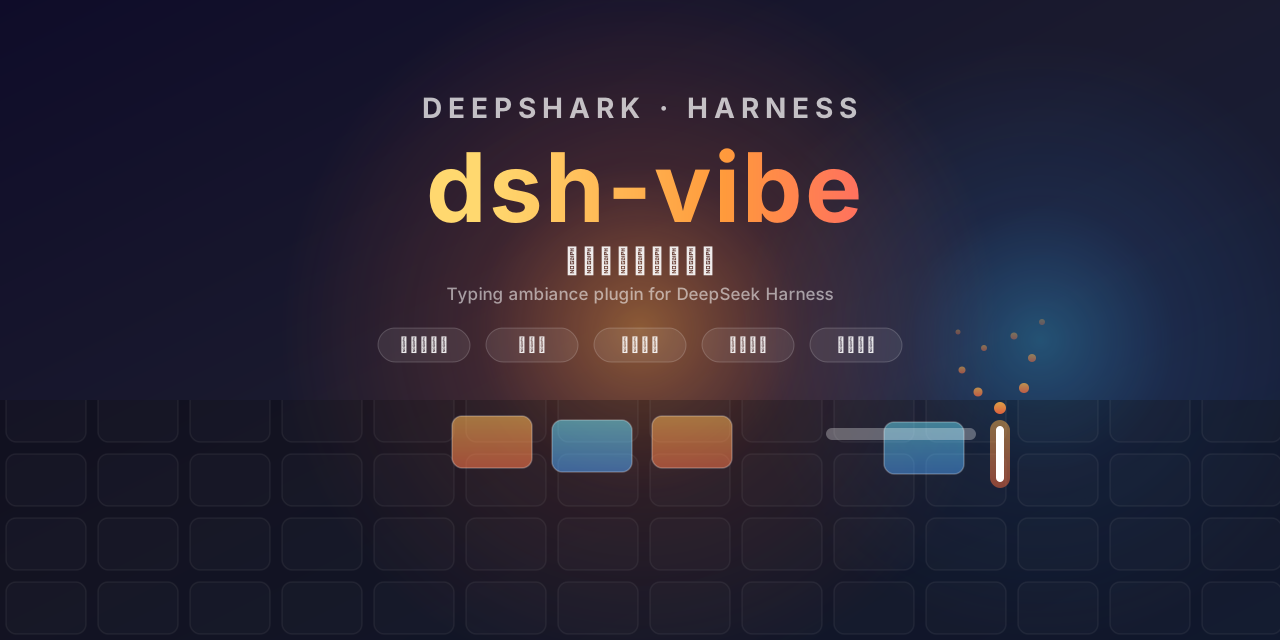
Staring at a bare text box, typing, then waiting in silence for the AI to finish— the loop works, but it is quietly lifeless. dsh-vibe lays an 87-key TKL keyboard and a mouse right above the input field and lights up every key you press, every mouse button you click, and every scroll-tick in real time. Each keypress also flips the keycap to reveal a random small animal; up to ten linger at once and the oldest gets bumped off when the pool is full, so your keyboard slowly grows a miniature menagerie while you type.
Beyond the visuals, the plugin layers in tactile and audio feedback, each independent and each with its own on/off toggle and intensity slider: a cursor-trailing flame in spark, blue-ember, or firework style; a subtle horizontal shake on the input box per keystroke, from light to strong; and a chime—ding, wind-chime, or bubble—plus a gentle full-page nudge the moment the AI finishes its answer. Every option lives in the Atmosphere settings panel, changes apply instantly, and you can switch it all off and keep the keyboard purely as a desktop ornament.
It does not alter your input, intercept any request, or add latency; it is a thin ambient layer over the interface. It is for the person who believes a tool should have a little personality: someone who wants a spark and a hamster at 2 a.m., a wind-chime to mark the end of a long reply, or simply the quiet joy of watching a mouse flip out from under the F key and flip back.
Screenshots
Use Cases
- Typing a long prompt and wanting visible keystroke feedback
- Late-night chat session where a sterile UI needs a spark or a hamster
- Marking the end of a lengthy AI reply with a wind-chime chime and a gentle page nudge
Best For
- People who find AI interfaces too plain and want a touch of character
- Fans of particle effects and flip animations who enjoy the little burst of joy on every keypress
- Those who treat tools as desk décor and keep the keyboard even with every effect switched off
Related Plugins

whale-girl is a desktop pet in the DSH Web GUI (bottom-right for instant companionship) — draggable, feedable, playable; completed tasks, sessions and companionship time accrue into seniority levels, titles, and memories.

A WebGPU ocean skin for DeepSeek Harness with five-wave Gerstner waves, translucent theme, day/night cycle, and quick controls, installable as plugin or extension.

A Galgame-style conversation view and visual scene editor for DSH web sessions, with a real-time editing mode.

A native skinning plugin for DeepSeek Harness: 8 designer themes, wallpapers, accent colors, and shareable theme packs, built purely on design tokens.