dsh-pdf-reader
Run the following command in DeepSeek Harness:
dsh plugin install ydlstartx/dsh-pdf-reader
Paste the following prompt into your AI chat to install this plugin:
Run dsh plugin install ydlstartx/dsh-pdf-reader in the DeepSeek Harness checkout root to install; the plugin source lives at https://github.com/ydlstartx/dsh-pdf-reader and no Harness source modifications or manual profile edits are required after installation.
About this plugin
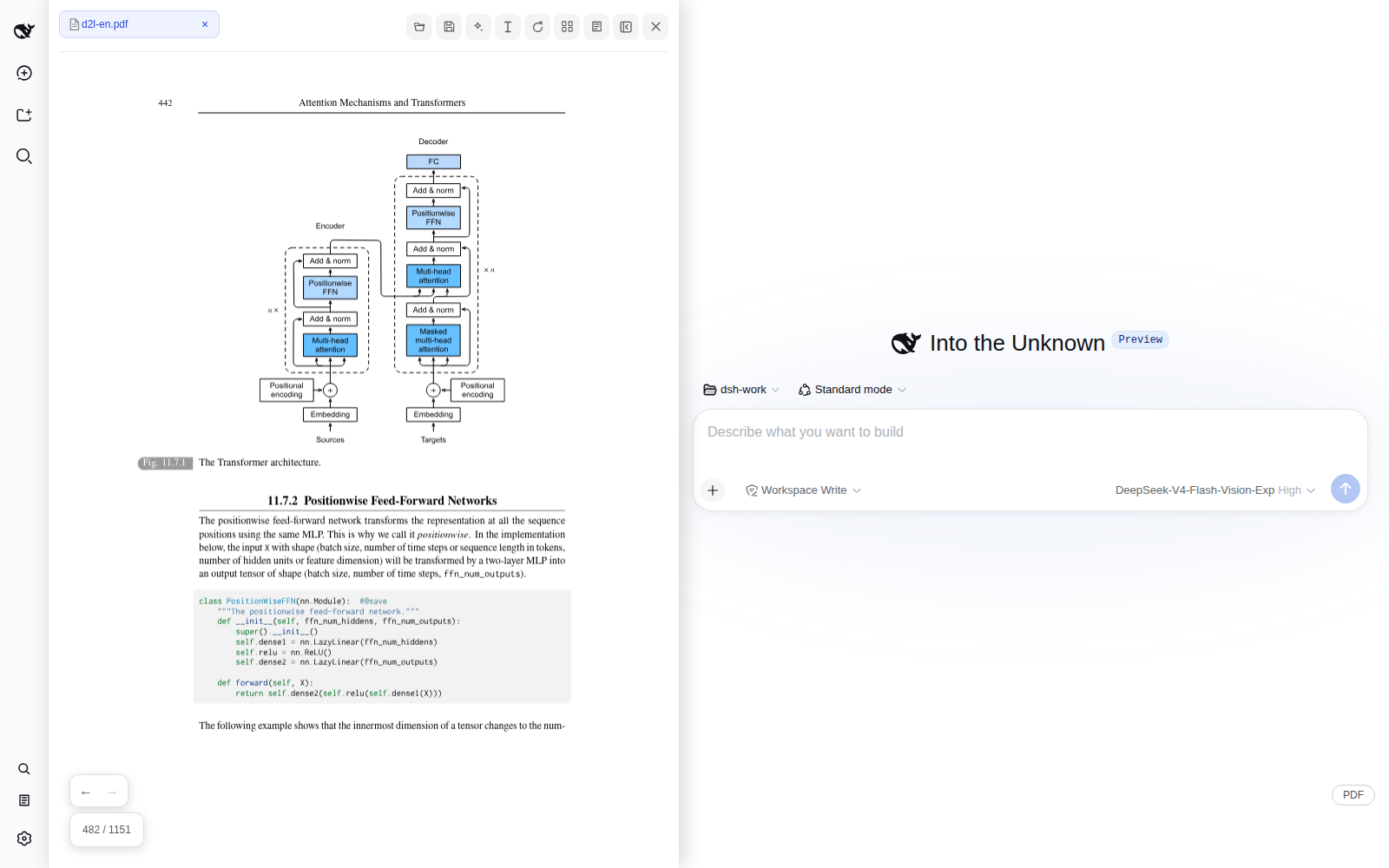
Reading technical papers, textbooks, or multiple PDFs alongside a DeepSeek Harness conversation usually means bouncing between a browser reader, an annotation tool, and the AI chat window. dsh-pdf-reader collapses that loop into a single web workflow: you can paginate, select text, drag in image regions, and ask questions without ever leaving your current context.
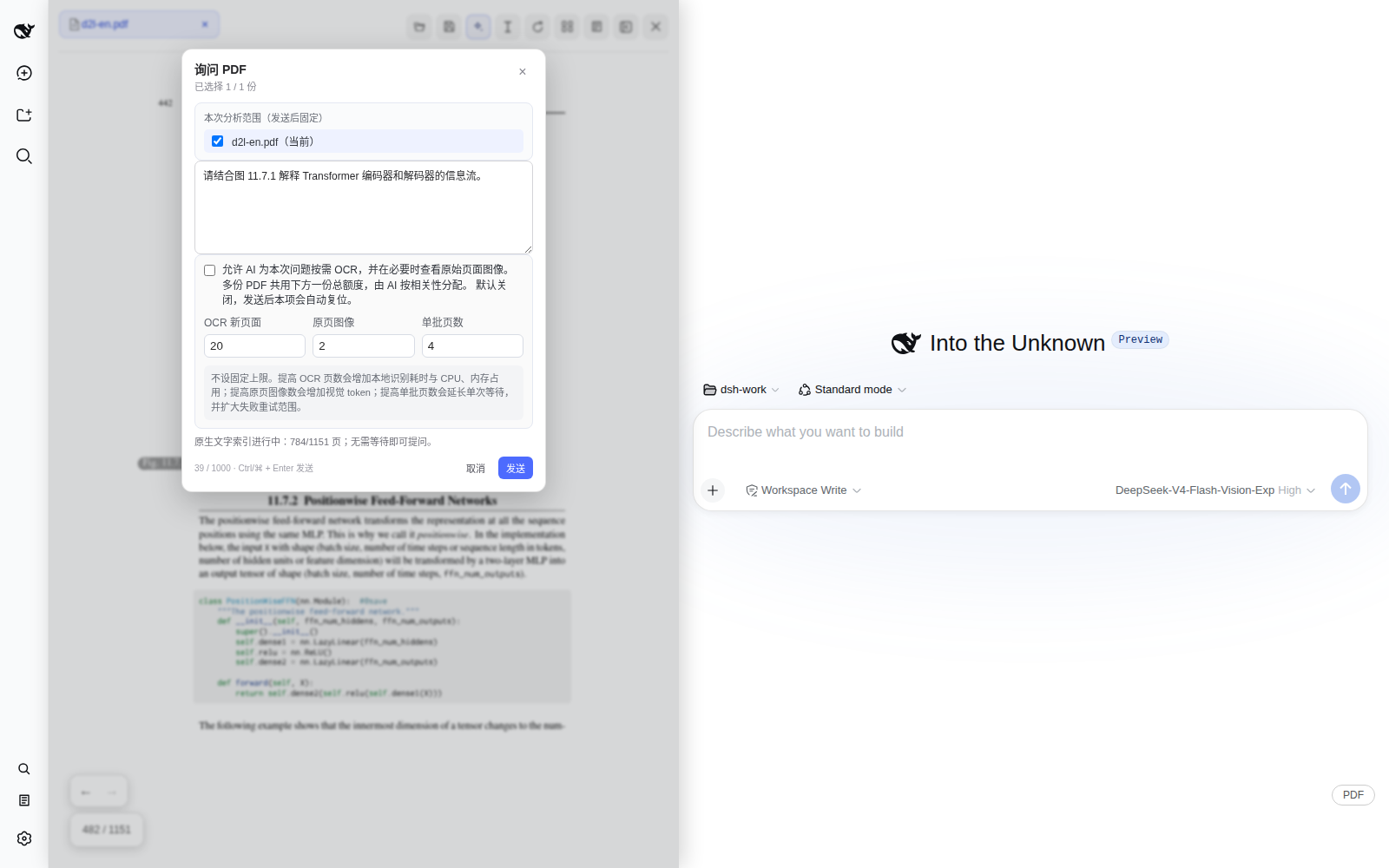
The plugin follows a read-select-ask-annotate-save pipeline. It ships with multi-PDF tabs, table of contents, bookmarks, full-text search, and lossless rotation. Once you select a passage you can copy, explain, translate, or drill deeper, and highlight, underline, strikethrough, and note annotations are managed in a unified annotation panel. Writing to the PDF only happens when you choose the save-as option or confirm overwrite. The standout feature is multimodal joint analysis: add figures, captions, and related paragraphs into a shared material basket, and the AI reasons across documents and media, returning source links that jump back to the original page. OCR is off by default; after you explicitly authorize it, the AI picks only the pages it needs within a configurable budget, so an entire book is never scanned automatically.
If your daily work involves reading technical documentation with AI assistance, cross-referencing multiple PDFs, or annotating while you interrogate the text, this plugin removes most of the context-switching overhead. The current build targets DeepSeek Harness 0.1.1-rc.2, so it is wise to verify the save flow on non-critical PDF copies first.
Screenshots
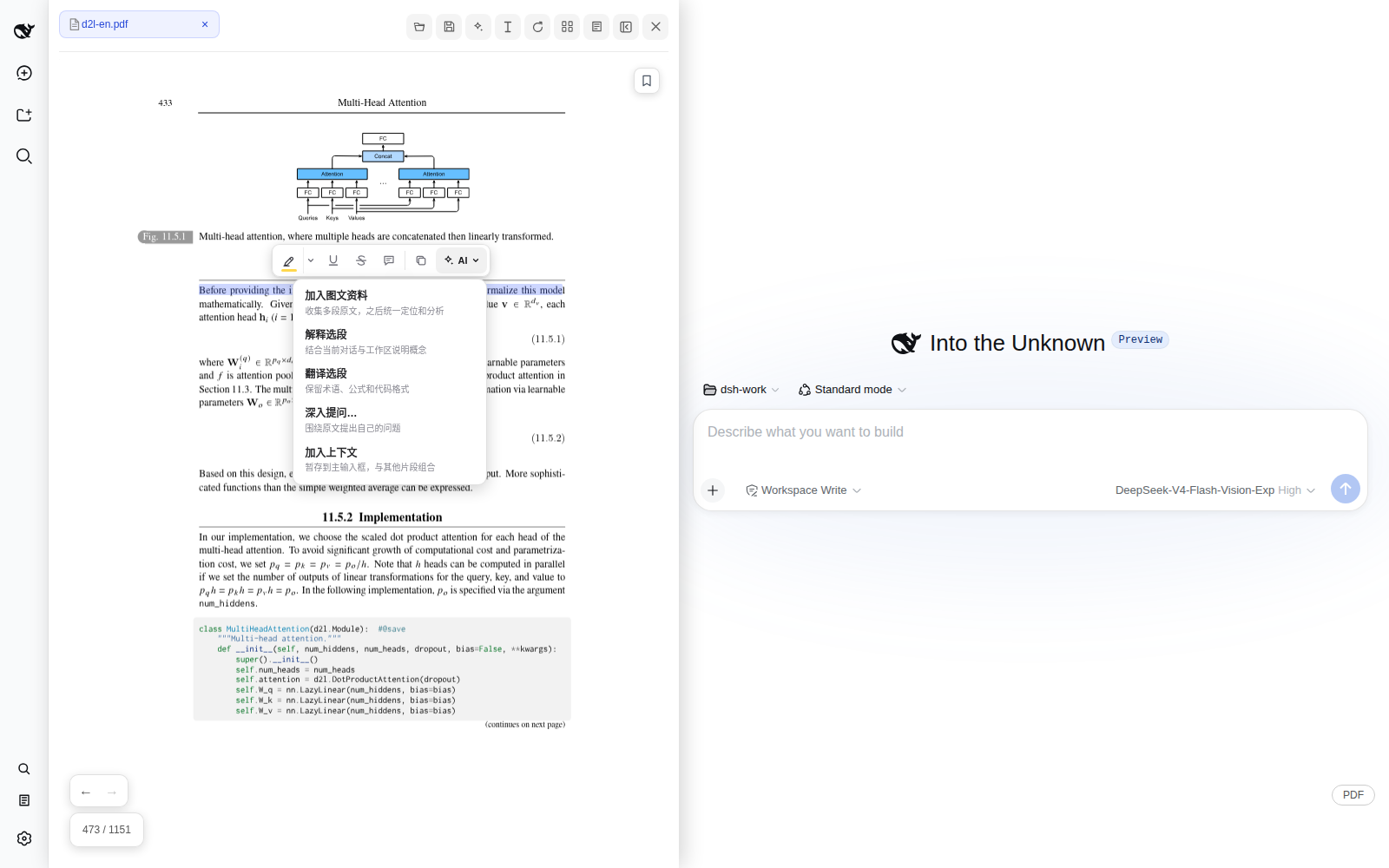
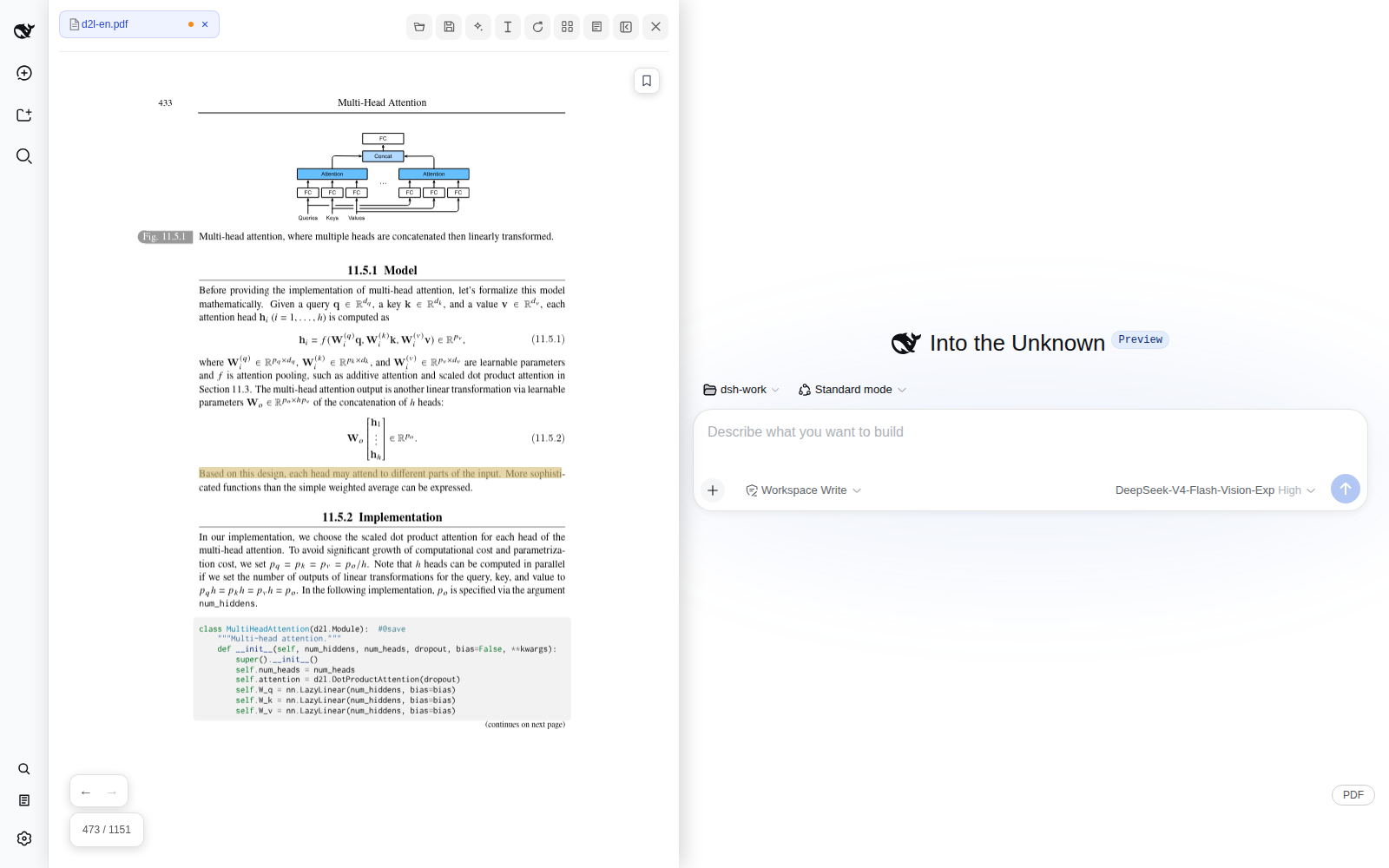
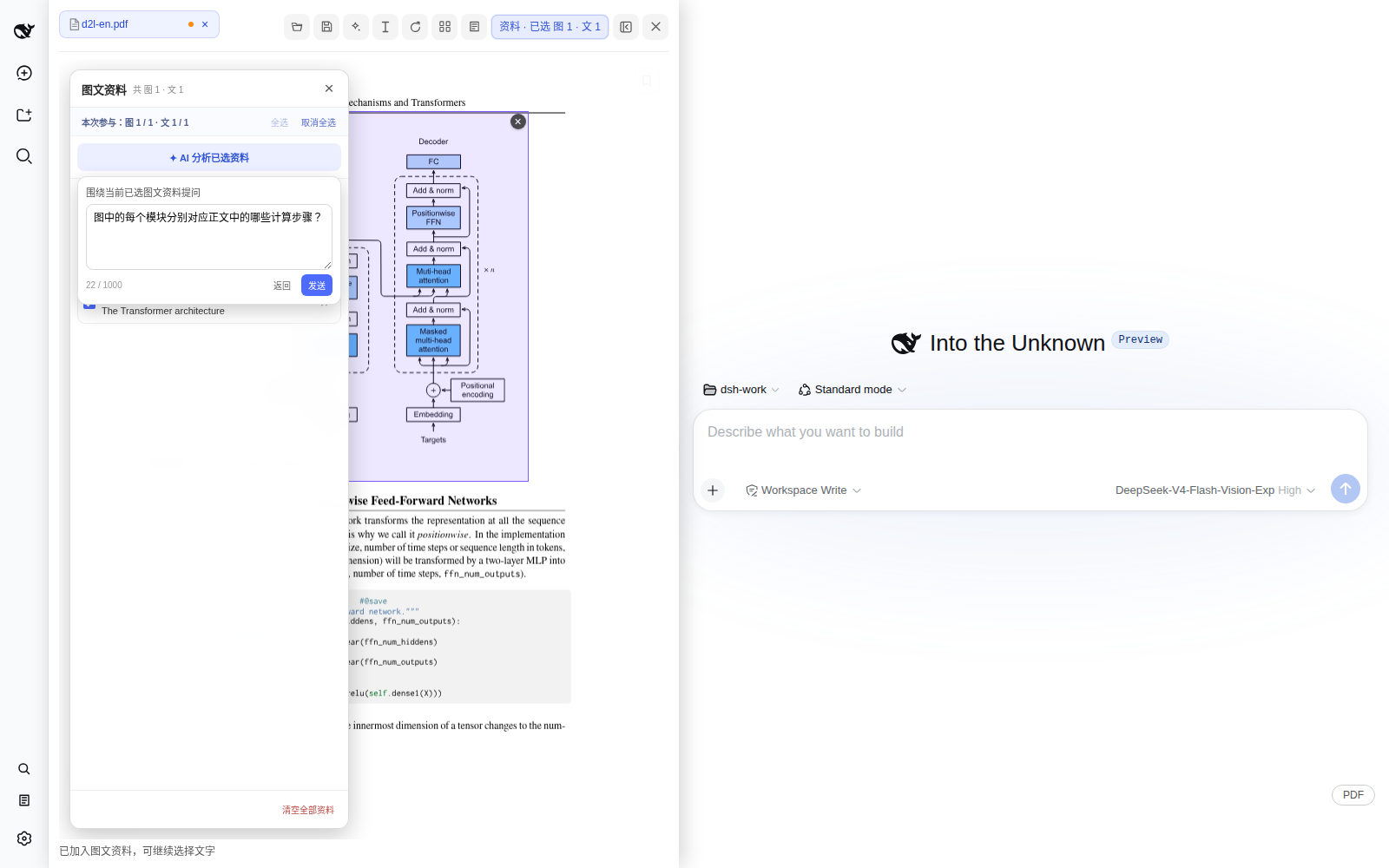
Use Cases
- Read papers beside the chat and select text to ask follow-ups
- Cross-reference multiple PDFs with joint AI analysis
- Combine figures and paragraphs into one multimodal prompt
Best For
- Researchers who read and question technical papers
- Students studying with AI-assisted reading
- Engineers processing and annotating multi-document work
Related Plugins
A service-oriented sidebar framework for DSH, offering a full workbench with file explorer, embedded browser, real terminal, Git panel, and extensible plugin services.

A beautiful, practical Claude Code-style TUI plugin with pixel whale top bar, flowing glow title, real-time status line, streaming thought expansion, time rewind, context progress bar and TPS gauge — zero core changes.

The plugin market for DeepSeek Harness: browse/search/one-click install community plugins and themes, with updates, backup/restore, hot disable, diagnostics, and AI fix.

A persistent whale widget on the DSH web UI that shows DeepSeek balance, today's usage, and per-turn cost, with drag-and-snap and sound effects.