dsh-wallpaper-bg
Run the following command in DeepSeek Harness:
dsh plugin install nishuoyang/dsh-wallpaper-bg
Paste the following prompt into your AI chat to install this plugin:
Run dsh plugin install nishuoyang/dsh-wallpaper-bg in the DeepSeek Harness terminal to install (source: https://github.com/nishuoyang/dsh-wallpaper-bg), then refresh the page and the animated wallpaper background will appear under the UI.
About this plugin
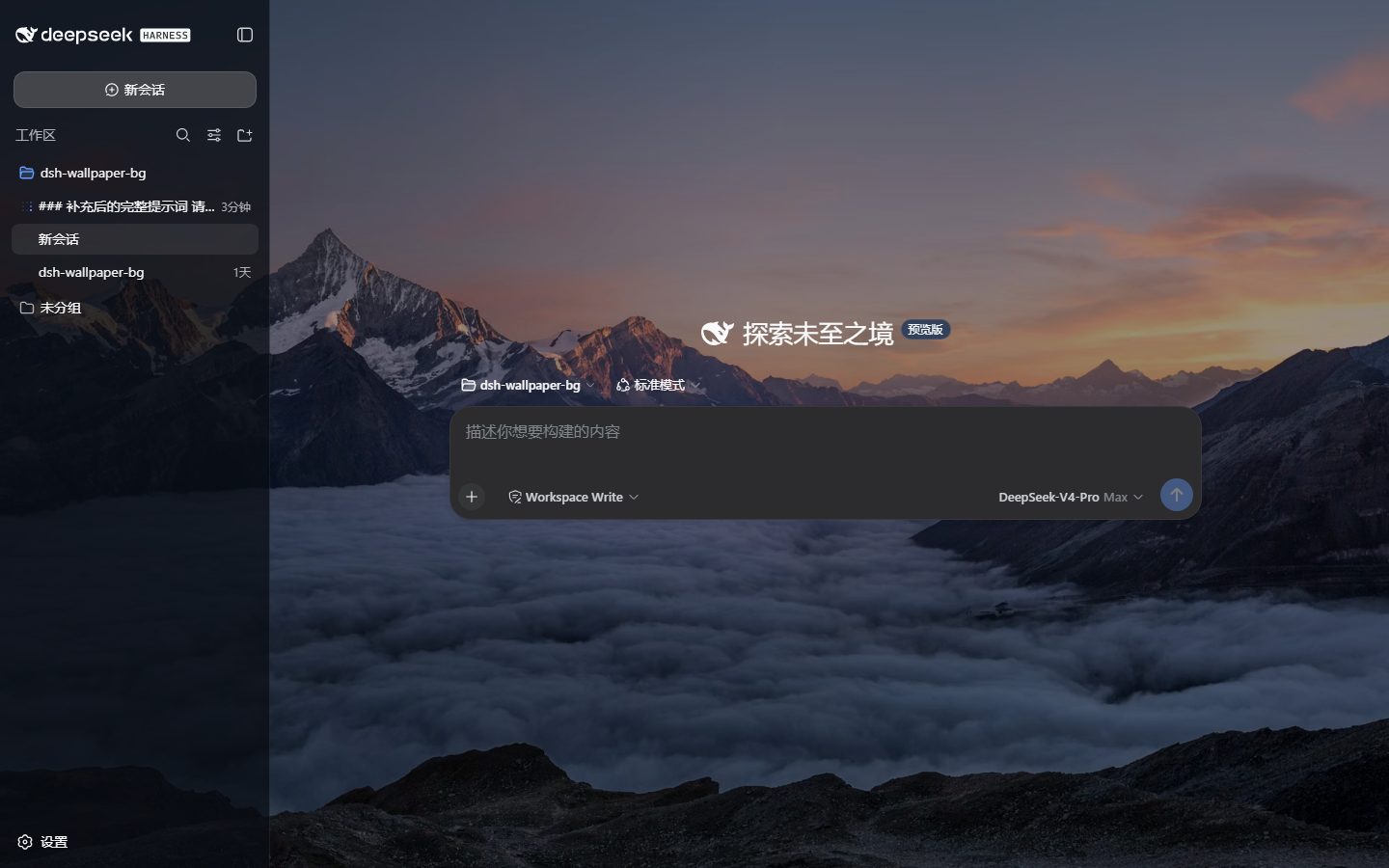
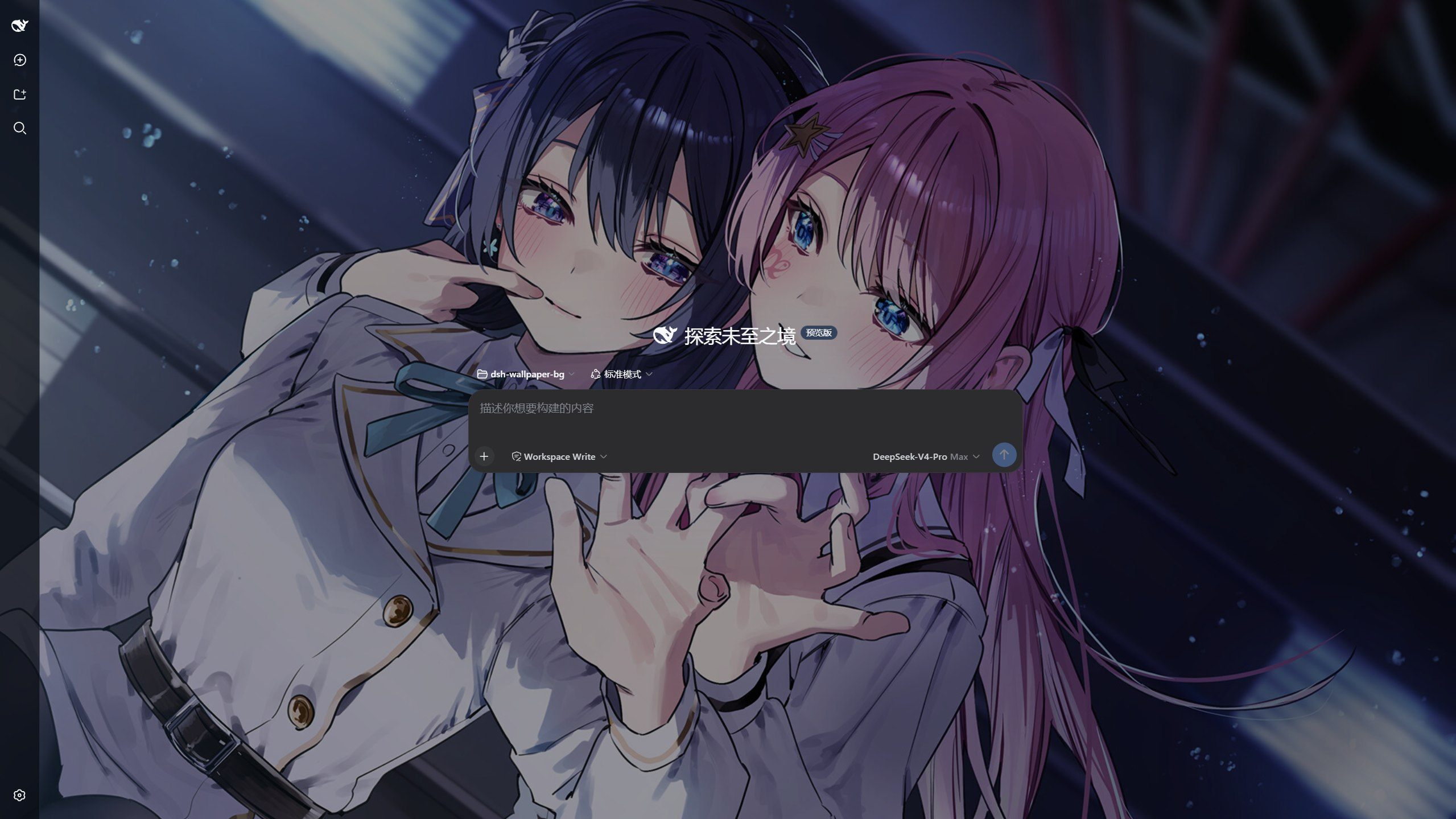
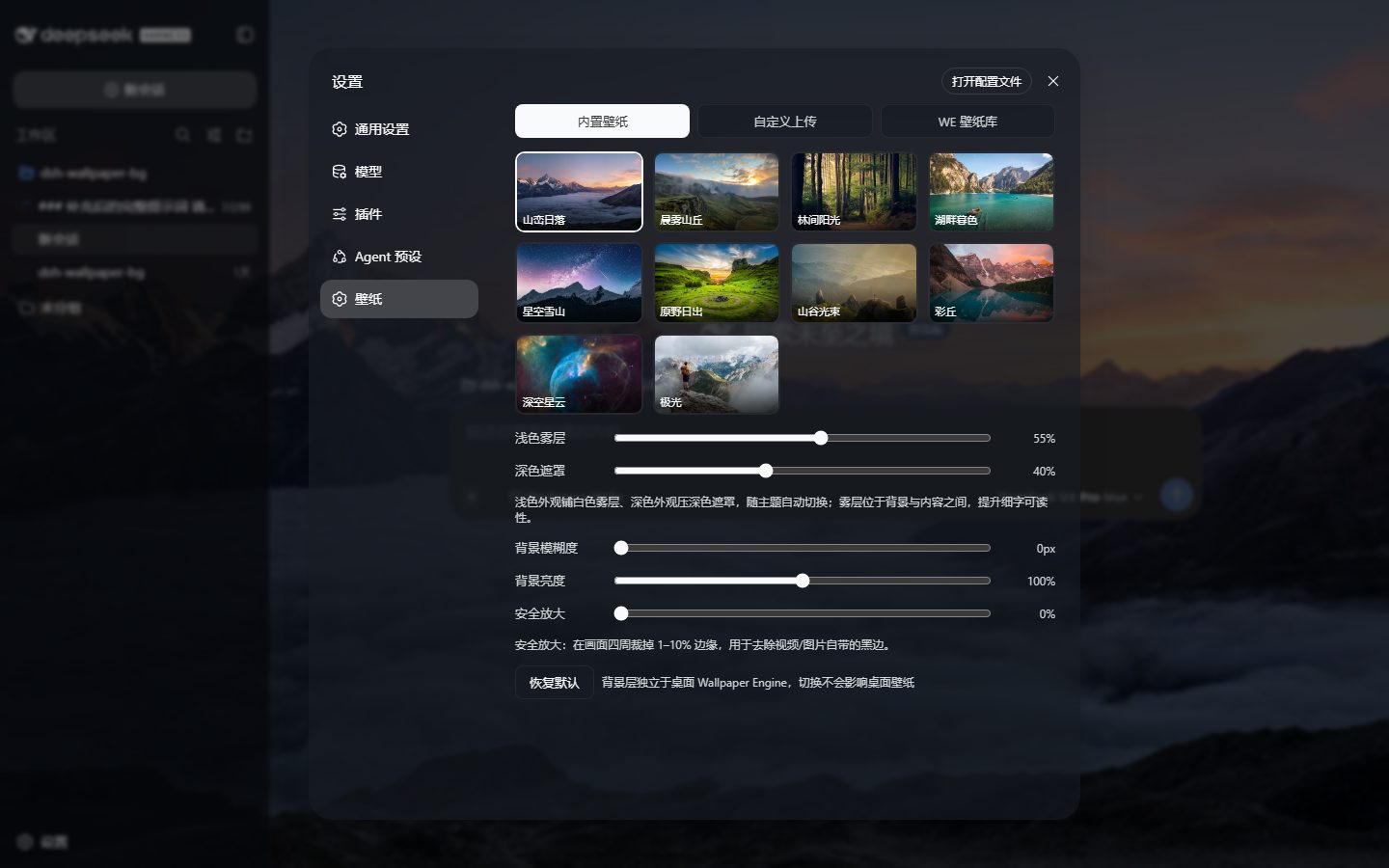
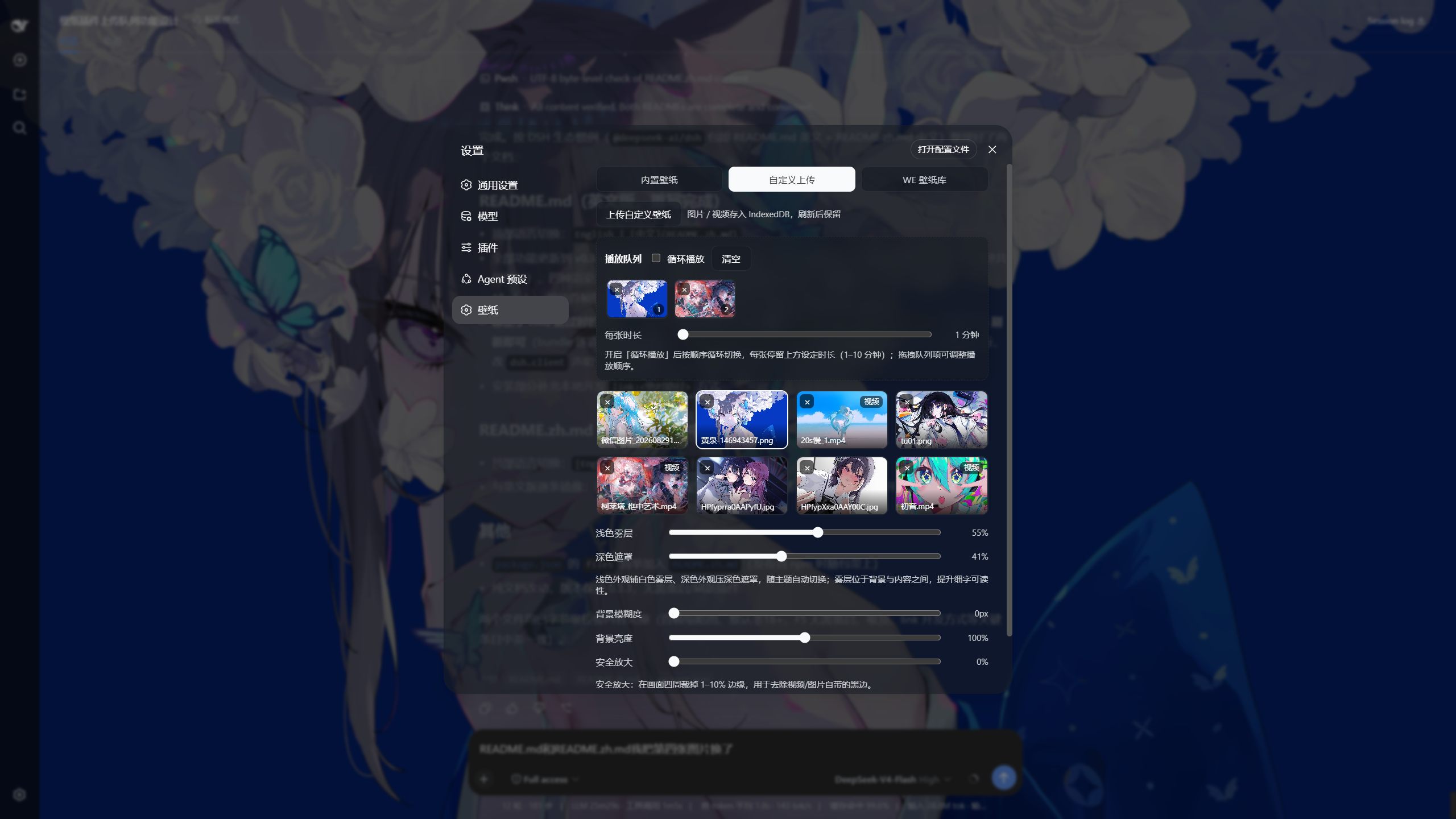
The DeepSeek Harness web UI is feature-rich, but a flat, color-only backdrop makes long coding or chat sessions feel sterile. dsh-wallpaper-bg injects a fully independent animated wallpaper layer beneath the DSH interface—refresh the page and the entire UI now floats over a living wallpaper, while text readability, page interactivity, and your desktop wallpaper remain completely untouched. It ships with 10 high-res Unsplash images ready out of the box, accepts local image or video uploads (videos get auto-generated first-frame thumbnails, and obscure formats like .mkv or .mov are detected by extension), and can read-only tap into a local Wallpaper Engine subscription library, bringing video, scene previews, and even web wallpapers to life in the browser.
Core capabilities include per-source playback queues (drag in, loop-play, drag-to-reorder, position persistence), four render modes (static images, 30 FPS video, WE scene previews, and native web-wallpaper iframes), theme-aware light fog and dark overlays, plus blur, brightness, and safe-zoom sliders that keep fine text crisp at all times. The plugin is zero-build, single-file on the client side, and introduces no extra runtime dependencies—install, refresh, and go.
It is built for two kinds of users: developers who live in the DSH browser UI and want a bit of ambience without touching their desktop setup, and Wallpaper Engine collectors who want to preview and rotate their local library inside the web interface.
Screenshots
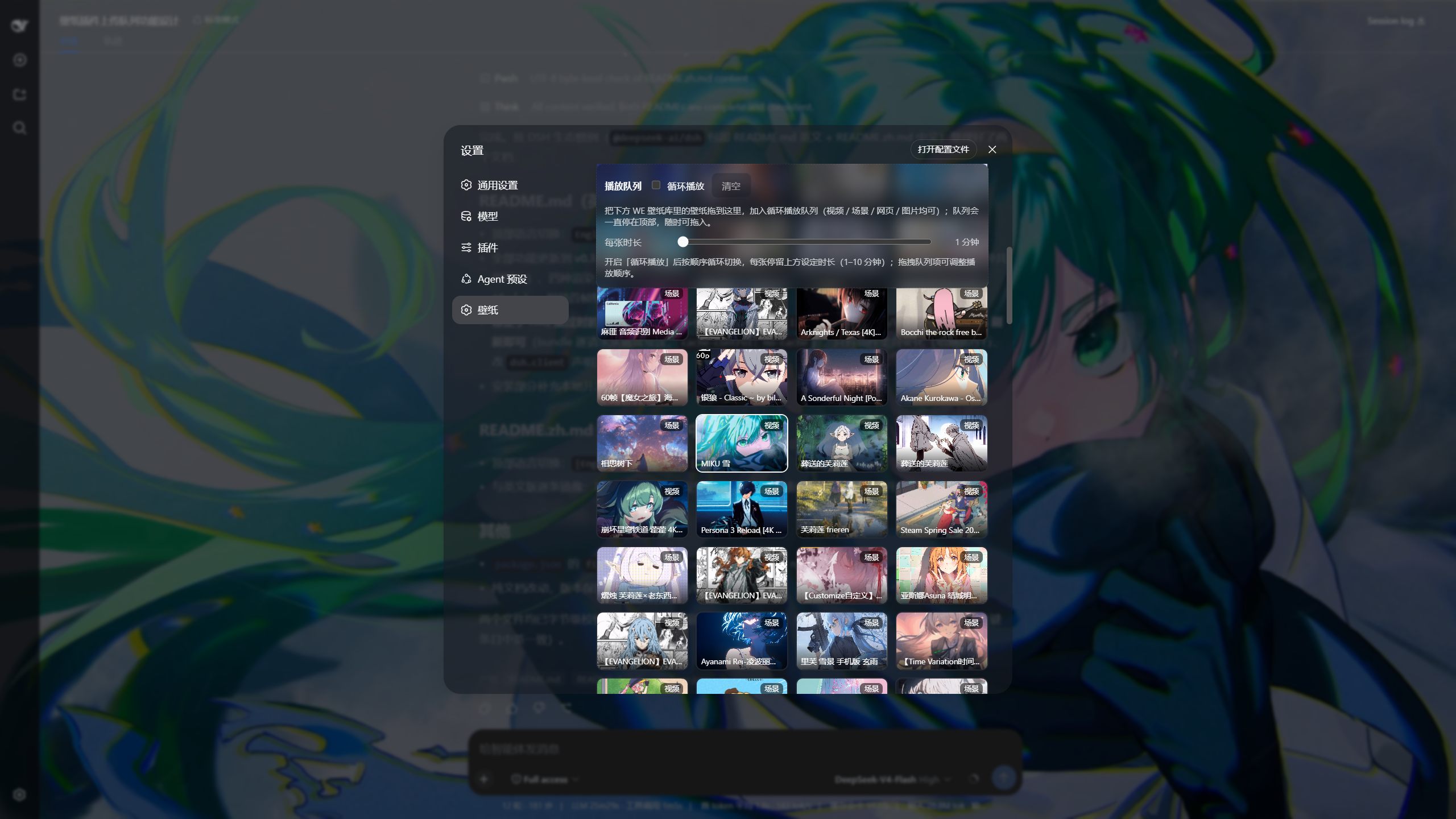
Use Cases
- Add a dynamic visual layer under the DSH web UI during long coding or chat sessions instead of a flat backdrop
- Bring locally installed Wallpaper Engine video, scene, and web wallpapers into the browser for preview and loop playback
- Upload custom images or short videos as backgrounds and rotate them with a timed playback queue
Best For
- Developers and AI-chat users who live in the DSH browser UI and want visual ambience
- Wallpaper Engine collectors who want to browse and rotate their local library inside the web interface
- Tinkerers who find purely functional interfaces flat and want a dynamic wallpaper to set the mood
Related Plugins

whale-girl is a desktop pet in the DSH Web GUI (bottom-right for instant companionship) — draggable, feedable, playable; completed tasks, sessions and companionship time accrue into seniority levels, titles, and memories.

A WebGPU ocean skin for DeepSeek Harness with five-wave Gerstner waves, translucent theme, day/night cycle, and quick controls, installable as plugin or extension.

A Galgame-style conversation view and visual scene editor for DSH web sessions, with a real-time editing mode.

A native skinning plugin for DeepSeek Harness: 8 designer themes, wallpapers, accent colors, and shareable theme packs, built purely on design tokens.