dsh-mobile-shell
Run the following command in DeepSeek Harness:
dsh plugin install Yui-Little/dsh-mobile-shell
Paste the following prompt into your AI chat to install this plugin:
In DeepSeek Harness, install this plugin using the command dsh plugin install Yui-Little/dsh-mobile-shell from the GitHub address https://github.com/Yui-Little/dsh-mobile-shell.
About this plugin
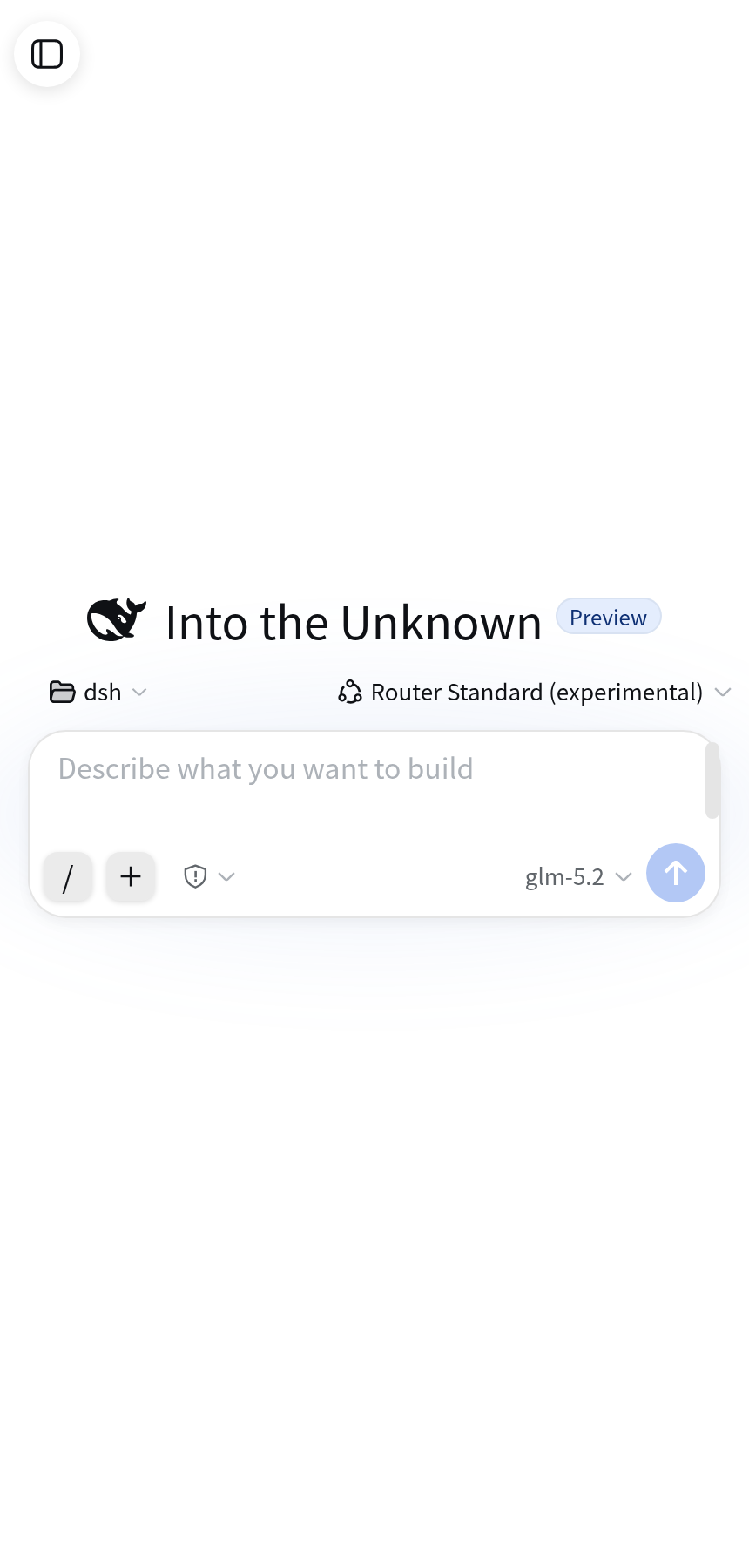
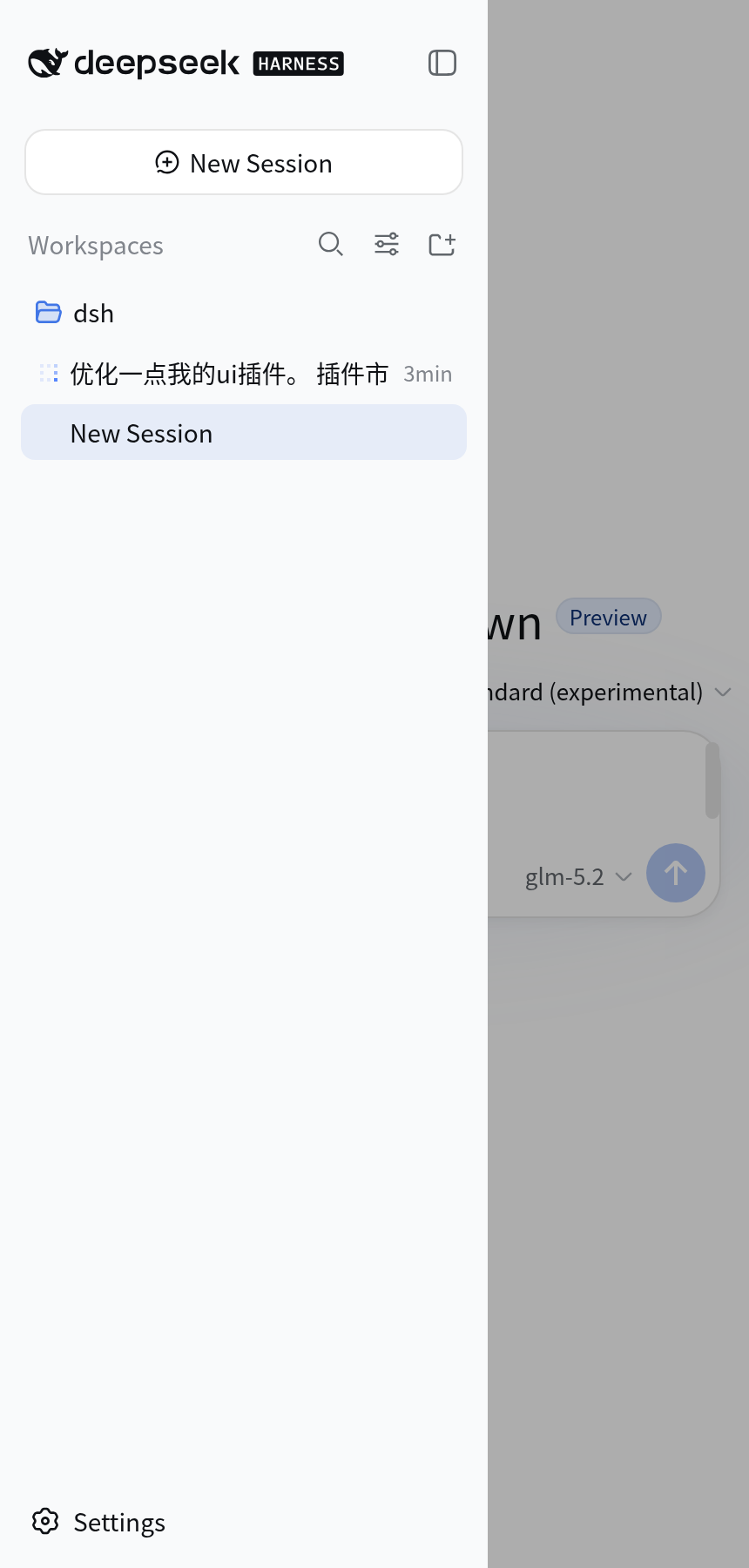
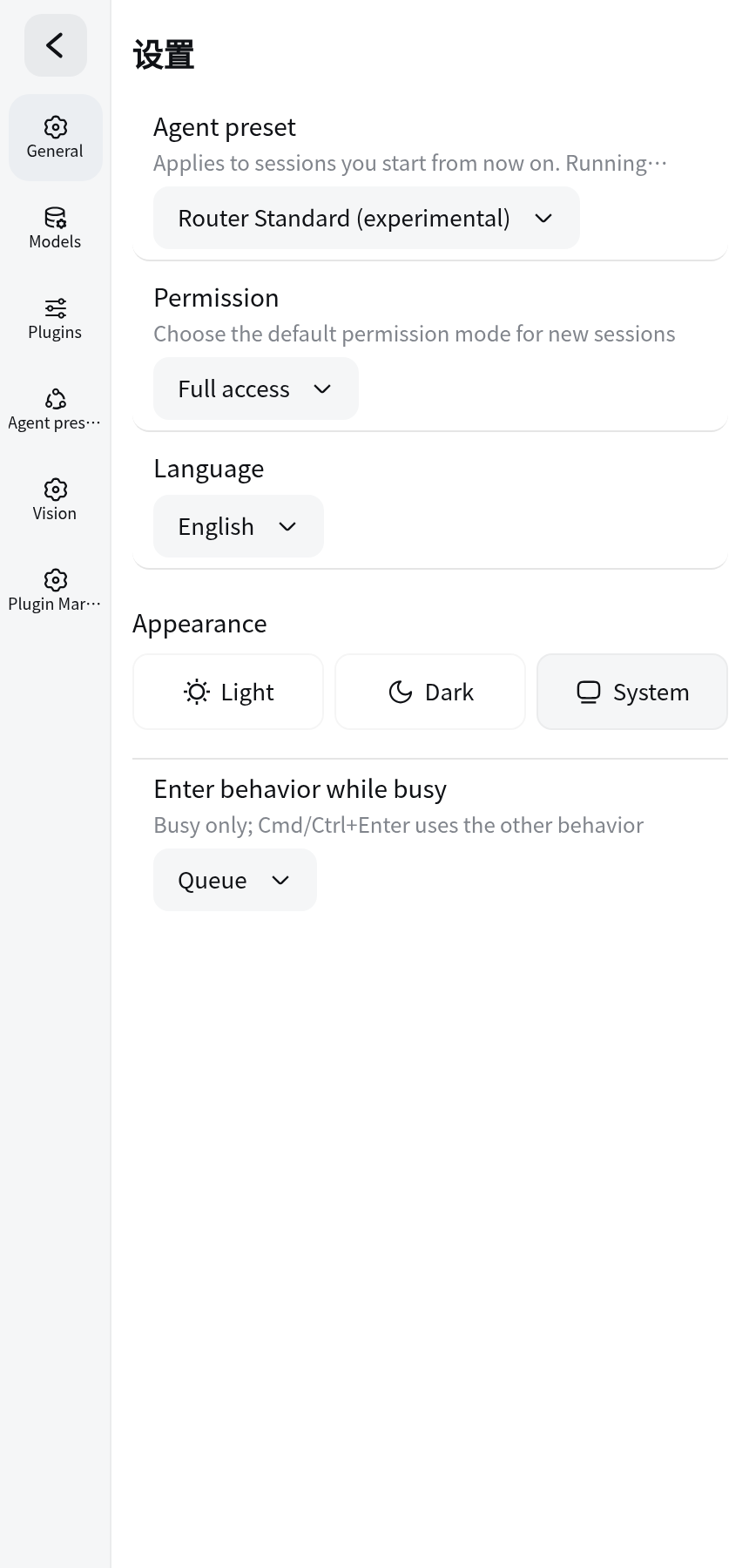
dsh-mobile-shell is a mobile shell plugin designed specifically for DeepSeek Harness Web, addressing the issues of cramped interfaces and inconvenient operations on narrow-screen devices like smartphones. By optimizing layouts and adding targeted features, it enables smooth session management, status monitoring, and parameter adjustments on mobile devices, allowing developers to debug and develop anytime, anywhere.
The plugin's core capabilities are multifaceted: the status panel presents key metrics such as turn count, duration, and token usage in a compact horizontal scrolling bar for quick overview; custom reasoning parameters support configuring options like Reasoning Effort while ensuring stability during protocol switches; and interface enhancements like chat font size adjustment, Enter for newlines, collapsible attachments, and three-dot menus on session rows further improve mobile interaction. Additionally, it offers bilingual support in Chinese and English, along with update notifications to keep users informed of new features.
This plugin is ideal for developers, researchers, or tech enthusiasts who frequently use DeepSeek Harness on mobile devices. Whether checking session statuses during a commute or tweaking reasoning parameters in spare moments, it provides a convenient and efficient mobile workflow, making the powerful capabilities of DeepSeek Harness accessible beyond desktop constraints.
Screenshots

Use Cases
- View session status and token usage in real-time on mobile devices.
- Easily adjust reasoning parameters to optimize model performance.
- Mobile-friendly input with support for newlines and collapsible attachments.
Best For
- Developers who need to use DeepSeek Harness on mobile devices.
- Researchers who frequently travel or commute.
- Tech enthusiasts looking to debug AI tasks on smartphones.
Related Plugins
A service-oriented sidebar framework for DSH, offering a full workbench with file explorer, embedded browser, real terminal, Git panel, and extensible plugin services.

A beautiful, practical Claude Code-style TUI plugin with pixel whale top bar, flowing glow title, real-time status line, streaming thought expansion, time rewind, context progress bar and TPS gauge — zero core changes.

The plugin market for DeepSeek Harness: browse/search/one-click install community plugins and themes, with updates, backup/restore, hot disable, diagnostics, and AI fix.

A persistent whale widget on the DSH web UI that shows DeepSeek balance, today's usage, and per-turn cost, with drag-and-snap and sound effects.