
dsh-whale-pet
Run the following command in DeepSeek Harness:
dsh plugin install luweiyabo/dsh-whale-pet
Paste the following prompt into your AI chat to install this plugin:
Install the whale desk-pet plugin by running dsh plugin install luweiyabo/dsh-whale-pet inside DeepSeek Harness; the source repository is https://github.com/luweiyabo/dsh-whale-pet
About this plugin
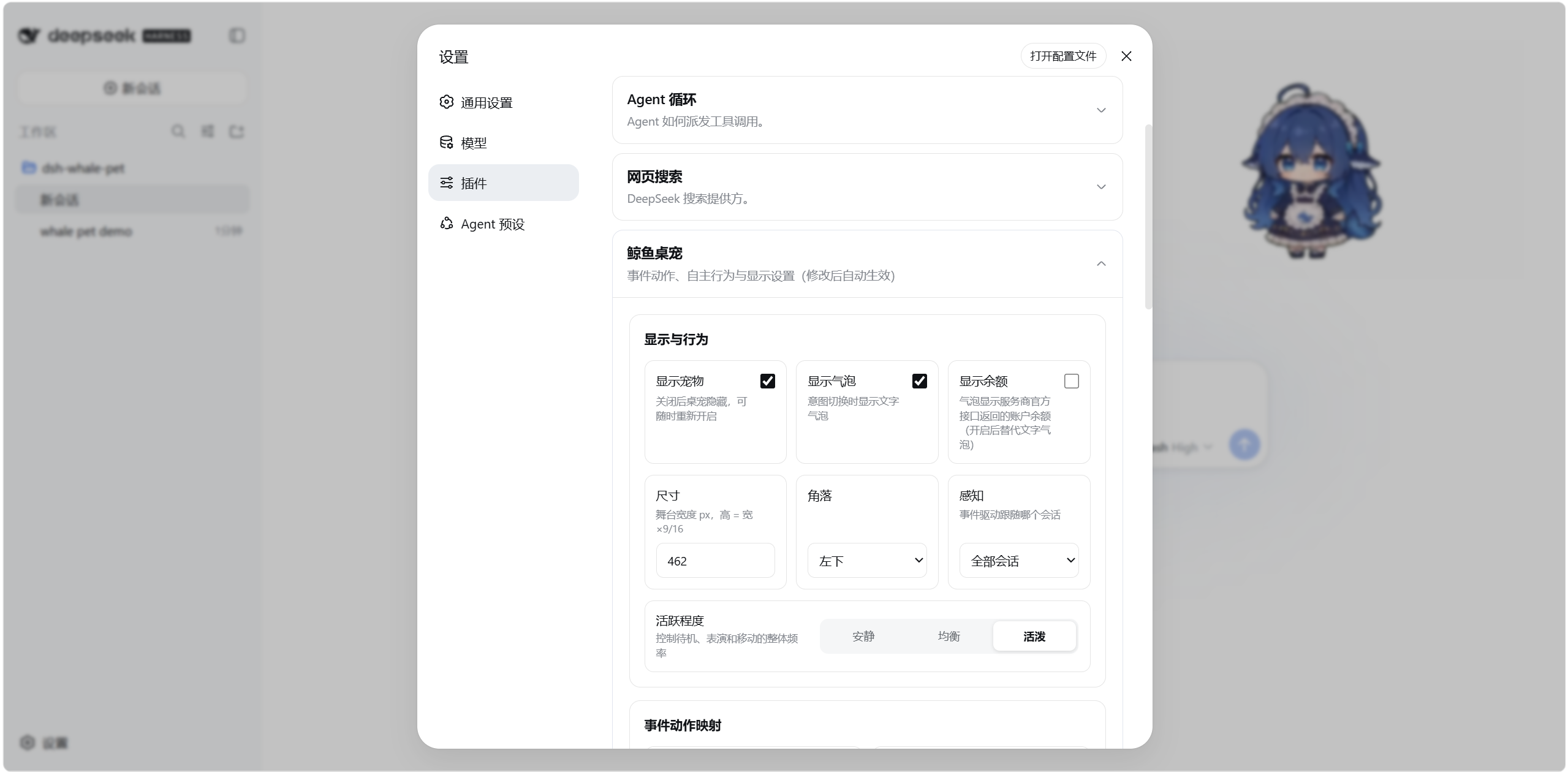
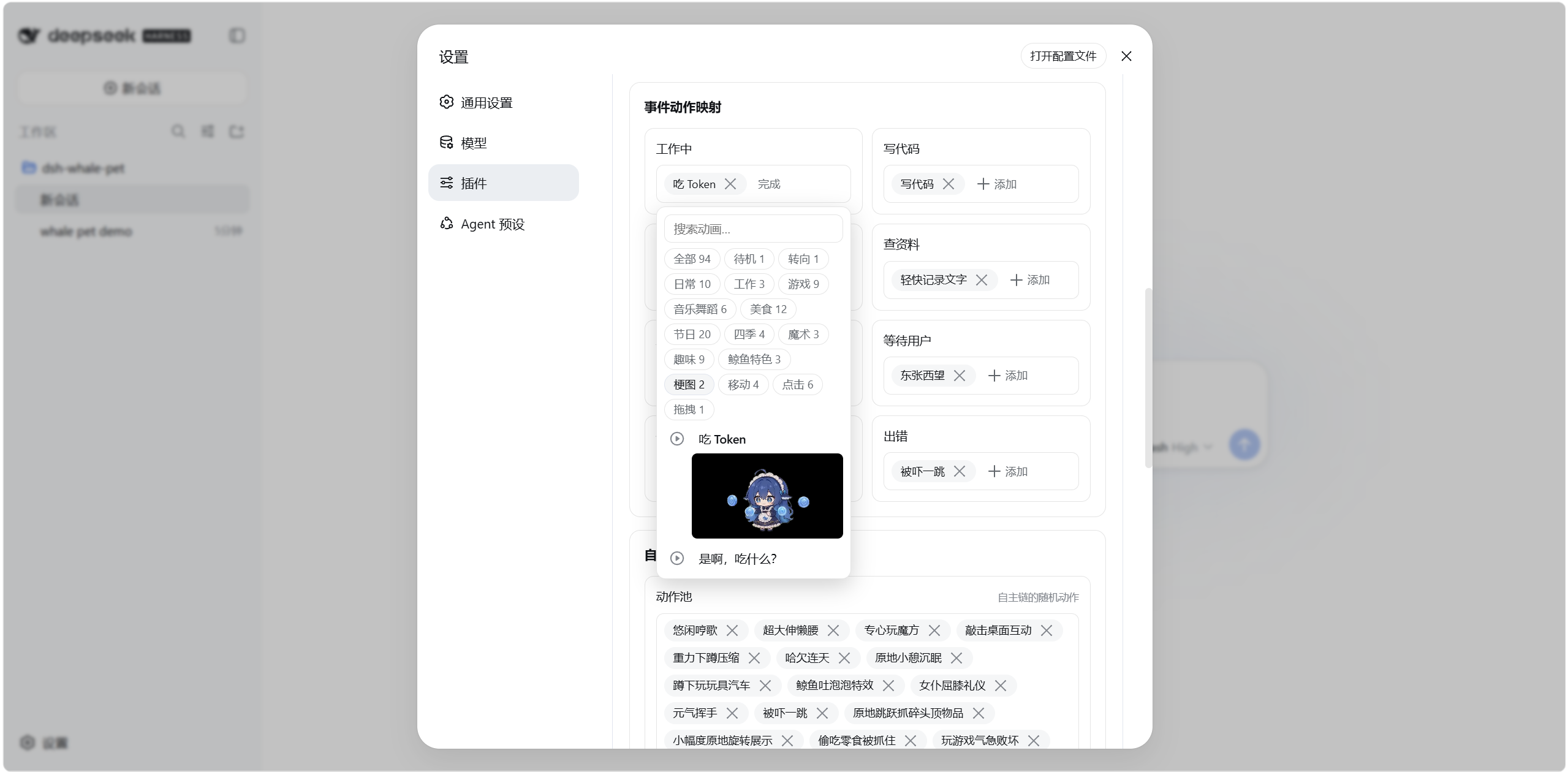
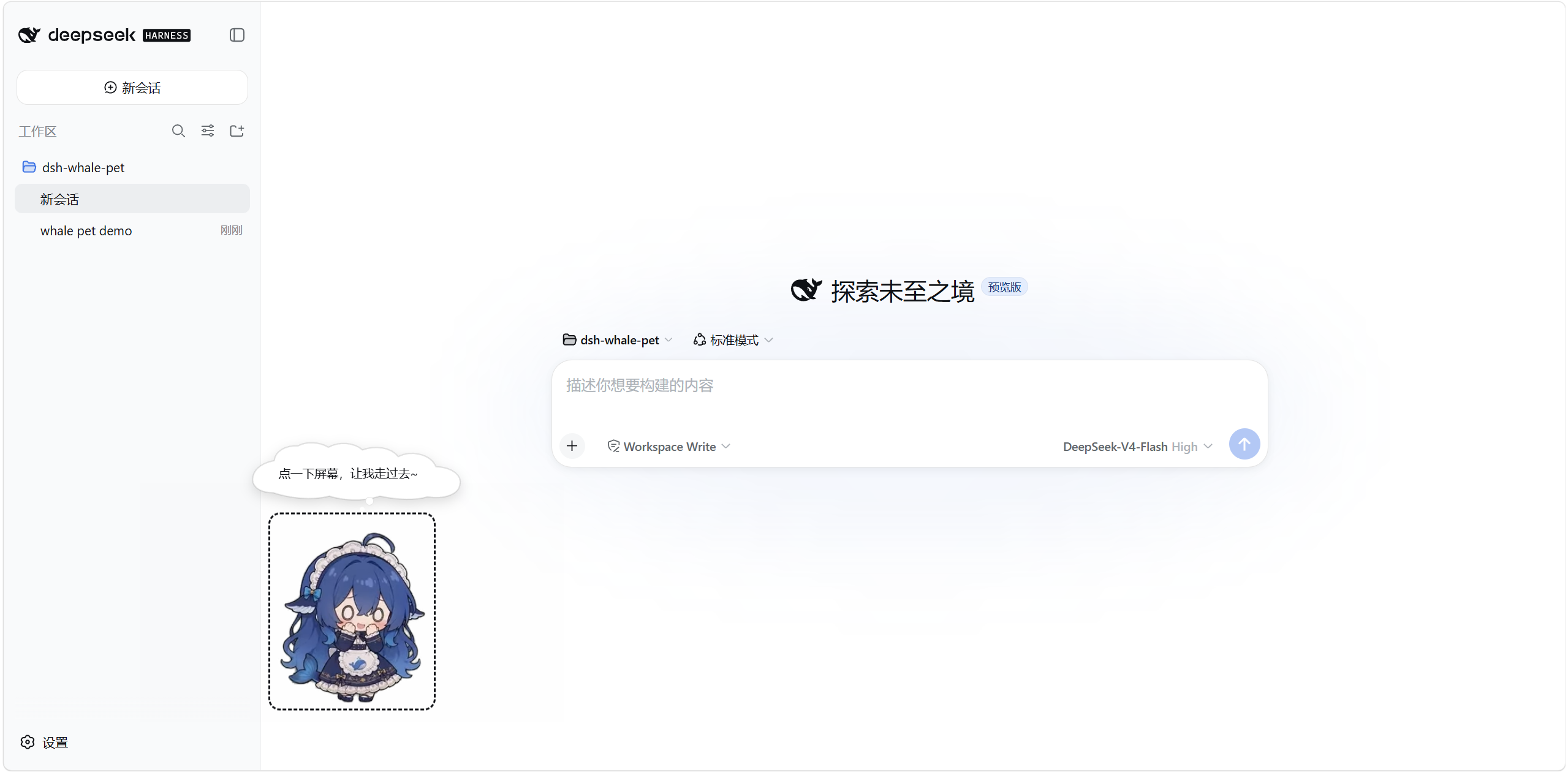
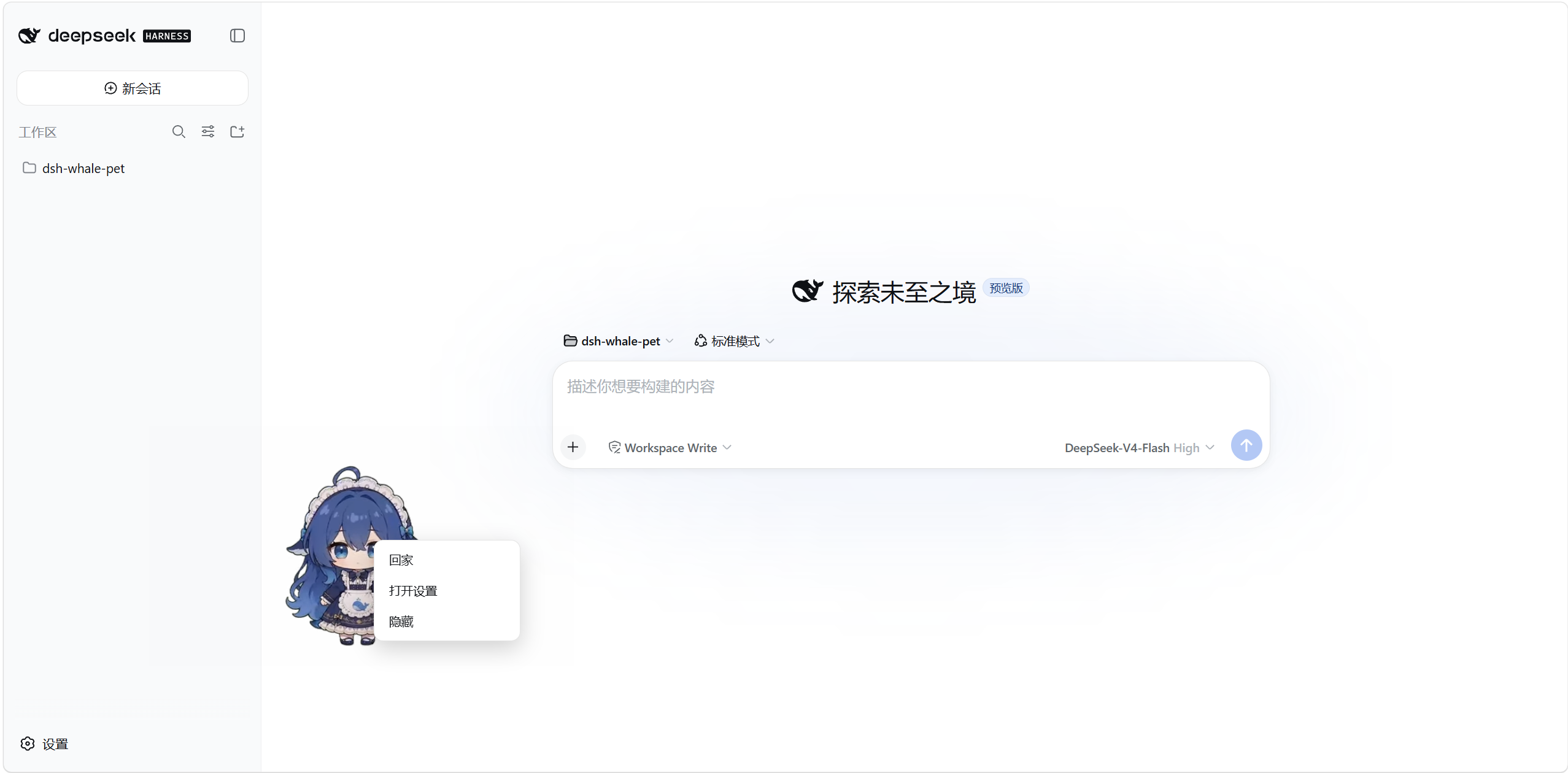
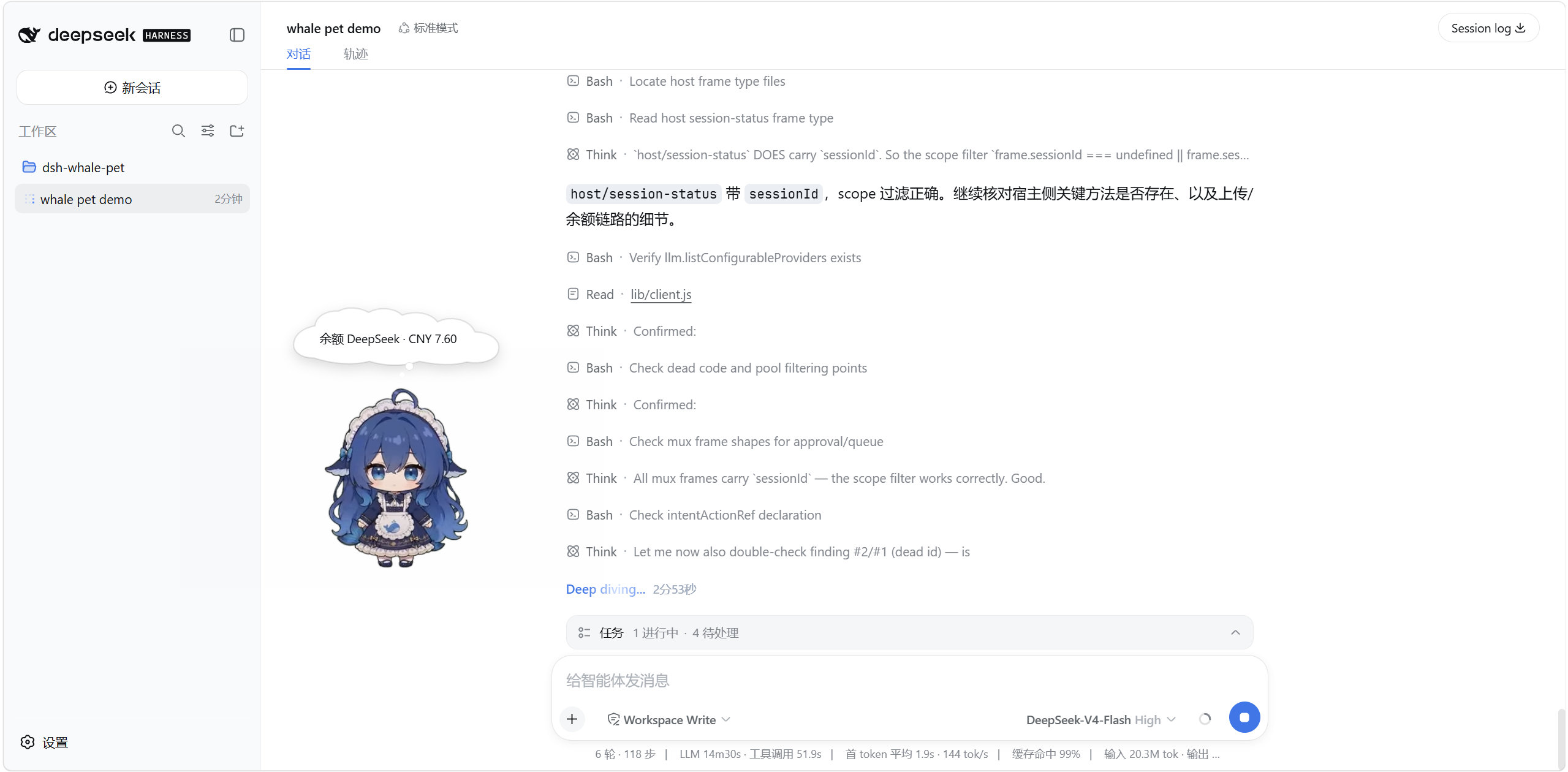
Waiting for an Agent to finish a round of tool calls in the DeepSeek Harness Web UI usually means staring at a spinner. dsh-whale-pet drops a breathing, thinking, dozing whale girl onto your screen: she codes when the Agent edits files, tilts her head in deep thought during reasoning, cowers when a tool errors out, and strolls around idly when nothing is happening. Ninety-five 640×360 transparent WebM clips across sixteen themed categories and a nine-intent arbiter turn every state change into a small, perceivable performance instead of a cold field flip in a log pane.
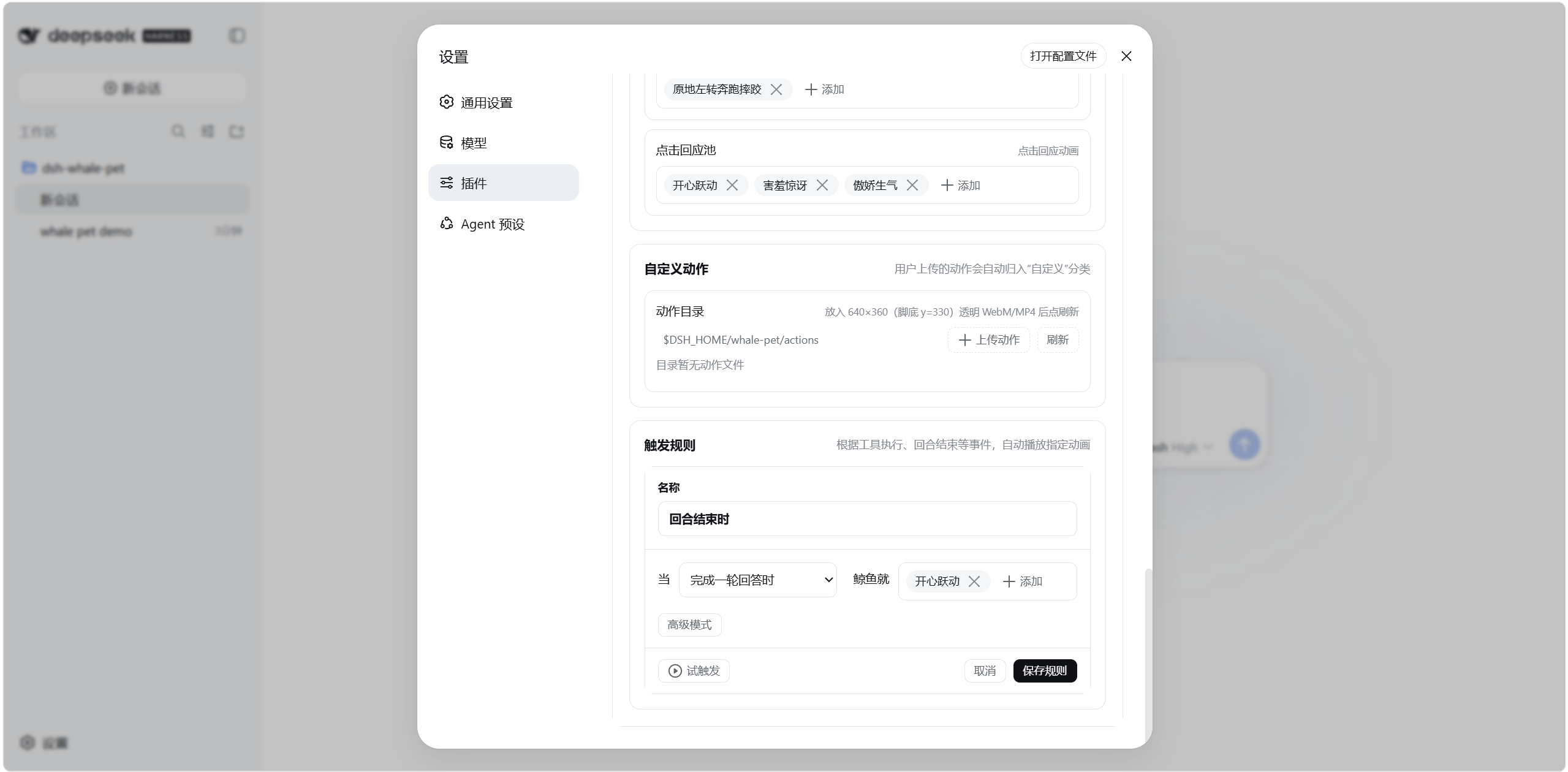
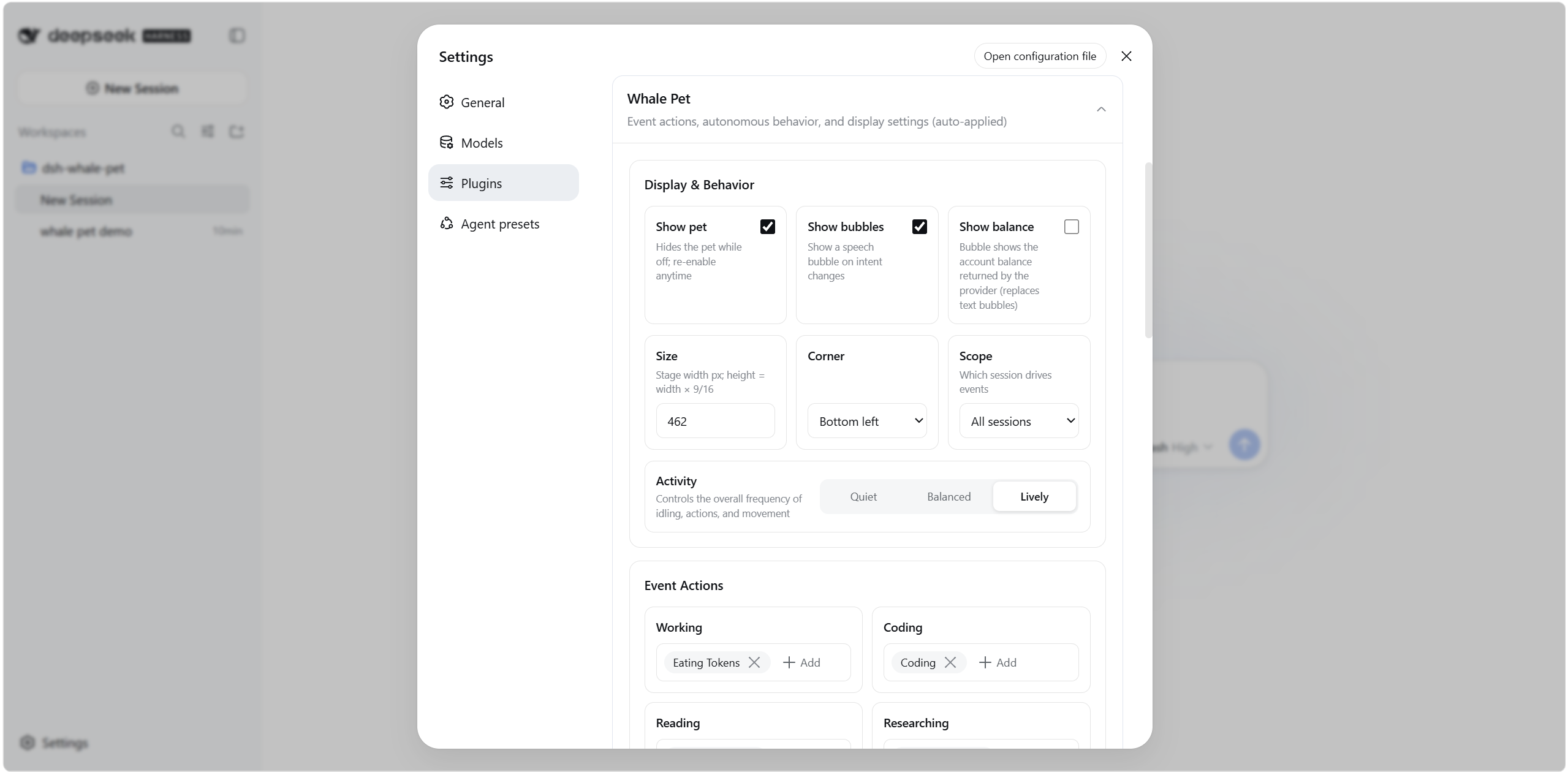
Three pillars define the core experience. First, state awareness: the plugin subscribes to DSH session events, maps nine intents (coding, thinking, reading, waiting, listening, errors, etc.) through a priority arbiter with debounce and fade-out delay, and lets high-priority events preempt whatever is currently playing. Second, interaction and roaming: single-click, double-click, drag with squash-and-stretch, right-click menu, edge recall, inertial glide, and Q-bounce are all wired in; an autonomous animation chain keeps her alive when no events fire, and position is stored as a window ratio so resizing never loses her spot. Third, customization: upload .webm or .mp4 files to add new actions, compose trigger rules from event templates (tool-name match, failure, turn end, approval wait, and more), and every setting hot-applies without a restart. An optional balance bubble queries the official API of whichever provider the current model belongs to, off by default.
It suits developers who live in the DSH Web profile and want to turn waiting into companionship, or who simply enjoy tuning their desktop to a personal rhythm. No extra services required; rendering is purely browser-side, and a reconnection never misfires rules on historical messages.
Screenshots
Use Cases
- Watch the whale switch animations in sync with Agent coding, thinking, or error states
- Keep the desk alive during idle periods as the whale roams, turns, and performs daily actions
- Bind specific tool-failure or turn-end events to favorite animations via custom trigger rules
Best For
- Developers who wait on Agent tasks in the DSH Web profile daily
- Users who enjoy desk companions and want a bit more life on their workspace
- Tinkerers who upload custom animations and wire them to event-driven interactions
Related Plugins

whale-girl is a desktop pet in the DSH Web GUI (bottom-right for instant companionship) — draggable, feedable, playable; completed tasks, sessions and companionship time accrue into seniority levels, titles, and memories.

A WebGPU ocean skin for DeepSeek Harness with five-wave Gerstner waves, translucent theme, day/night cycle, and quick controls, installable as plugin or extension.

A Galgame-style conversation view and visual scene editor for DSH web sessions, with a real-time editing mode.

A native skinning plugin for DeepSeek Harness: 8 designer themes, wallpapers, accent colors, and shareable theme packs, built purely on design tokens.