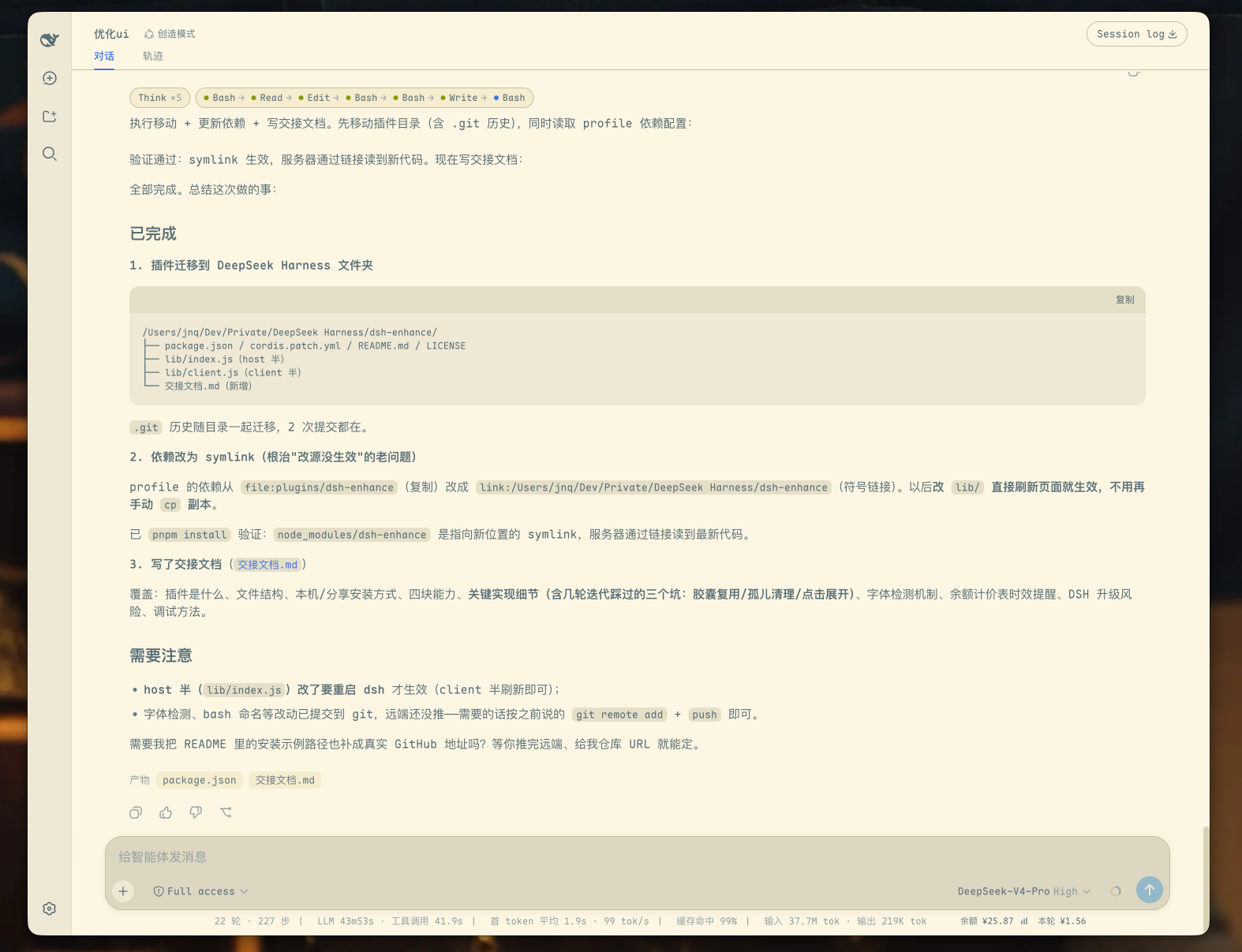
dsh-ux
Run the following command in DeepSeek Harness:
dsh plugin install jiangnanquan/dsh-ux
Paste the following prompt into your AI chat to install this plugin:
In DeepSeek Harness, run the command dsh plugin install jiangnanquan/dsh-ux to install this plugin, with the source code at https://github.com/jiangnanquan/dsh-ux.
About this plugin
The DSH Web interface, while powerful, often falls short in default themes, layouts, and interactions. The dsh-ux plugin is designed to address these issues, aiming to make the interface more visually appealing and operationally efficient. It offers a Solarized light theme and optional Maple Mono font stack, optimizing layouts with widened message columns and compact spacing to significantly enhance visual comfort.
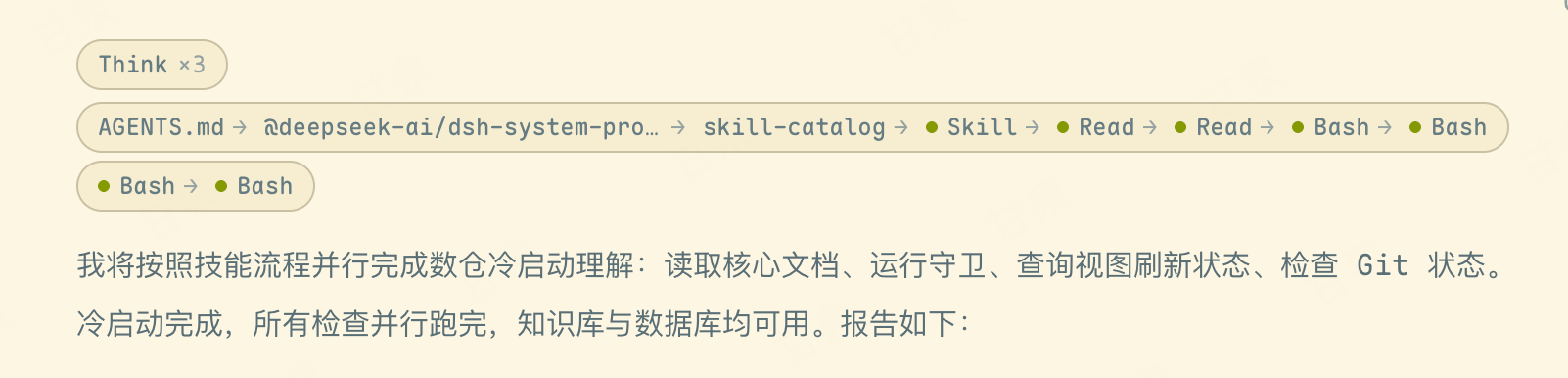
Its core capabilities include innovatively aggregating thinking blocks and tool call chains into collapsible capsules for easy viewing of long sequences, while displaying real-time account balance, token costs, and usage charts to help users monitor consumption effortlessly. Additionally, it features a frameless Electron desktop shell that can be launched with a double-click, providing a native application-like immersive experience.
This plugin is suitable for all DSH users, whether developers or general users, who value interface aesthetics, operational efficiency, or desire a desktop application experience. From daily users to advanced players, everyone can benefit from its enhancements, boosting overall work efficiency and satisfaction.
Screenshots
Use Cases
- Optimizing DSH Web interface theme and layout
- Aggregating thinking blocks and tool calls into collapsible capsules
- Displaying real-time account balance and usage charts
Best For
- Daily DSH users seeking aesthetic interface
- Developers managing complex tool chains
- Users desiring desktop application experience
Related Plugins
A service-oriented sidebar framework for DSH, offering a full workbench with file explorer, embedded browser, real terminal, Git panel, and extensible plugin services.

A beautiful, practical Claude Code-style TUI plugin with pixel whale top bar, flowing glow title, real-time status line, streaming thought expansion, time rewind, context progress bar and TPS gauge — zero core changes.

The plugin market for DeepSeek Harness: browse/search/one-click install community plugins and themes, with updates, backup/restore, hot disable, diagnostics, and AI fix.

A persistent whale widget on the DSH web UI that shows DeepSeek balance, today's usage, and per-turn cost, with drag-and-snap and sound effects.