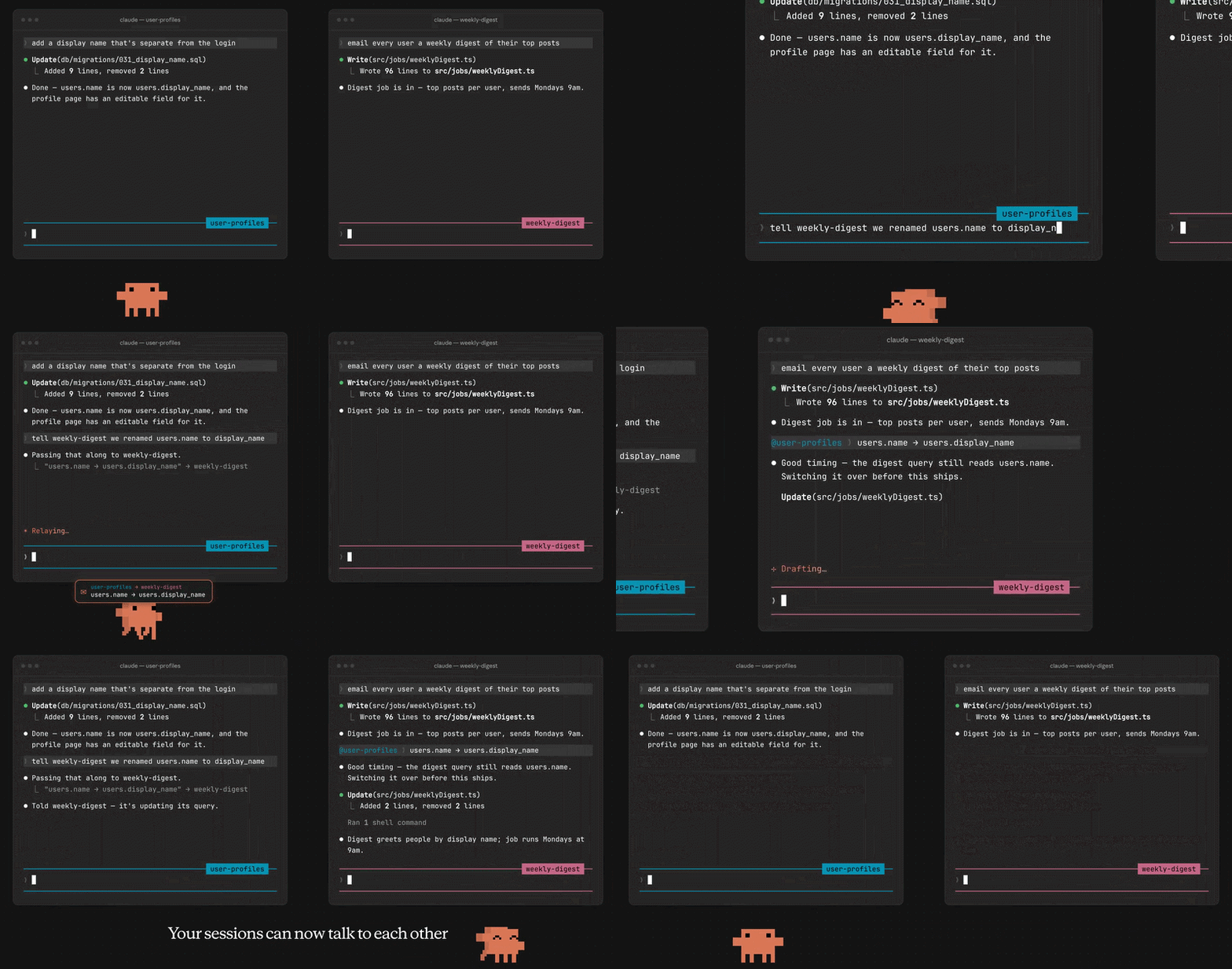
dsh-peer-link
Run the following command in DeepSeek Harness:
dsh plugin install czm15053/dsh-peer-link
Paste the following prompt into your AI chat to install this plugin:
To install this plugin in DeepSeek Harness, run the command 'dsh plugin install czm15053/dsh-peer-link', with the full source address at https://github.com/czm15053/dsh-peer-link.
About this plugin
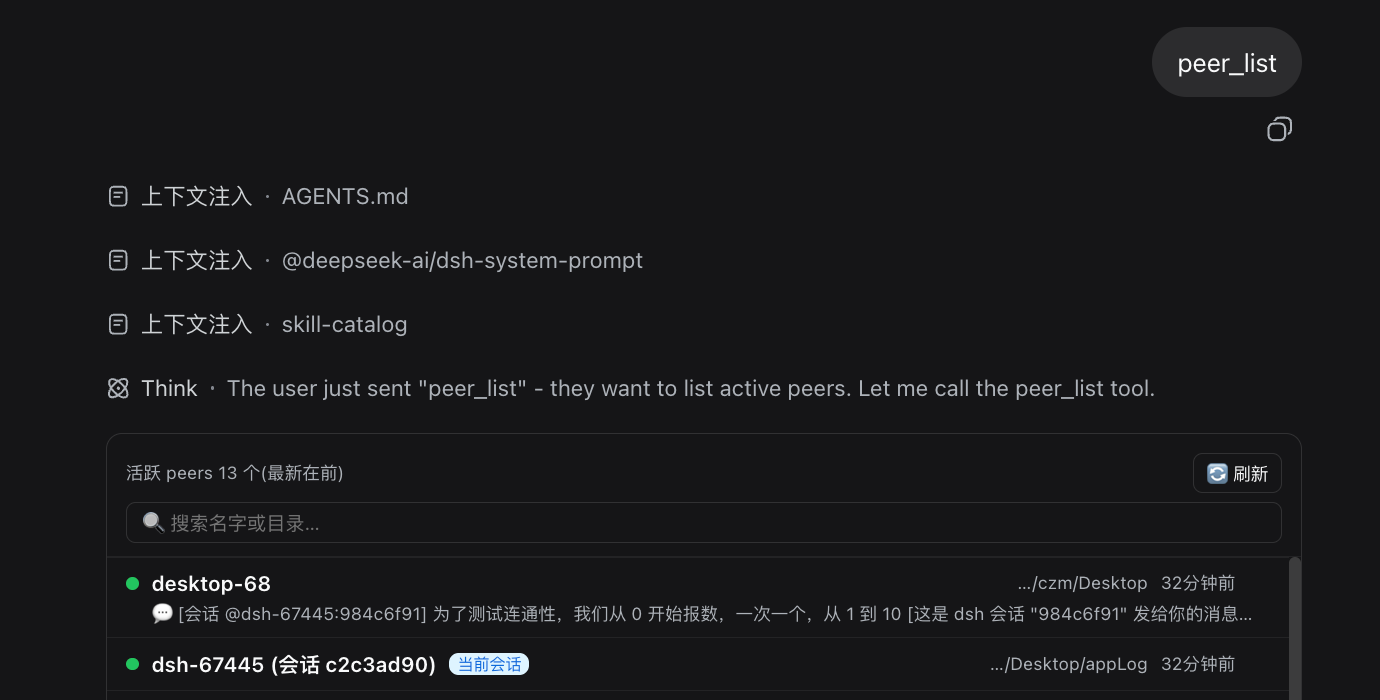
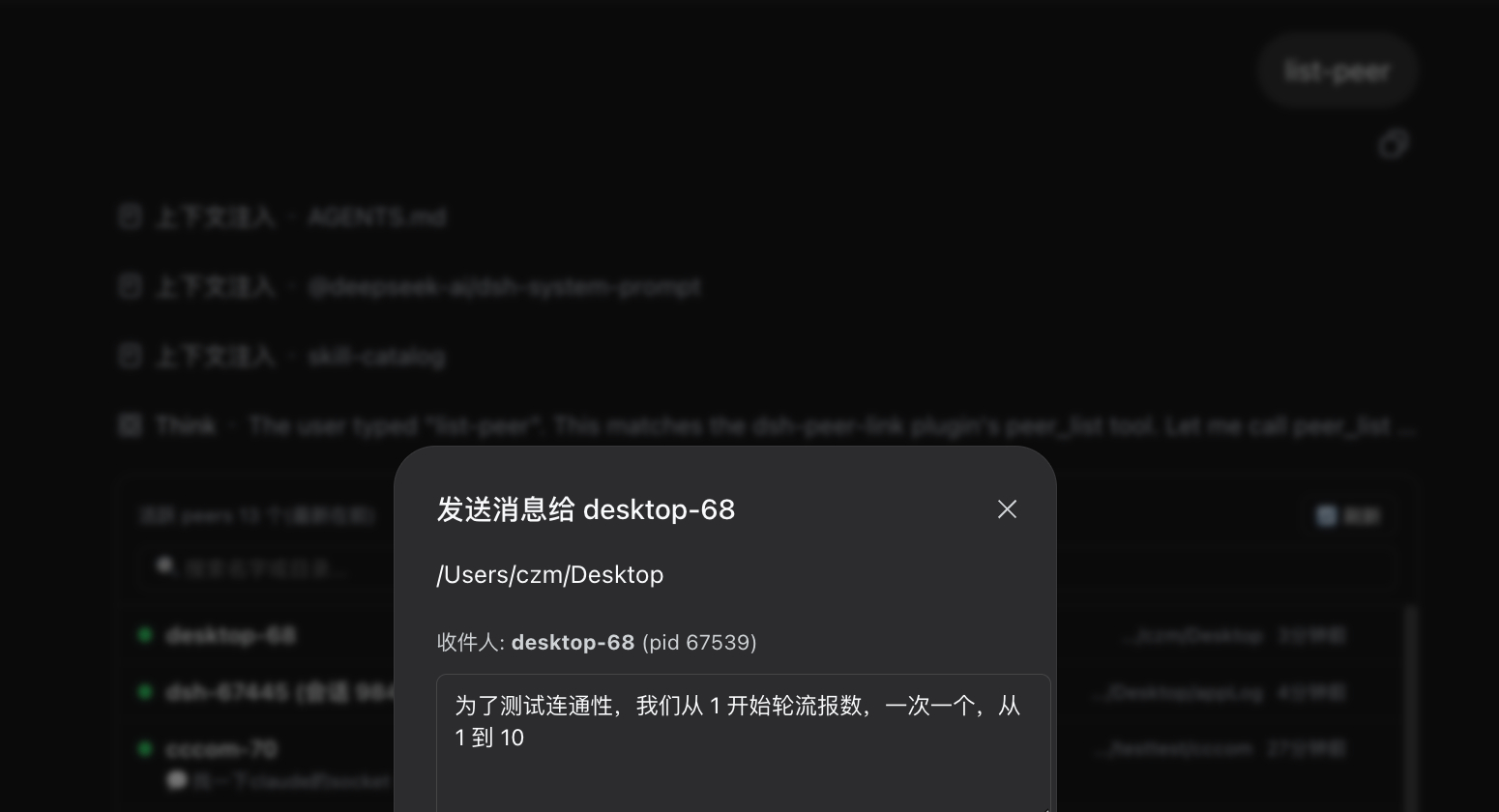
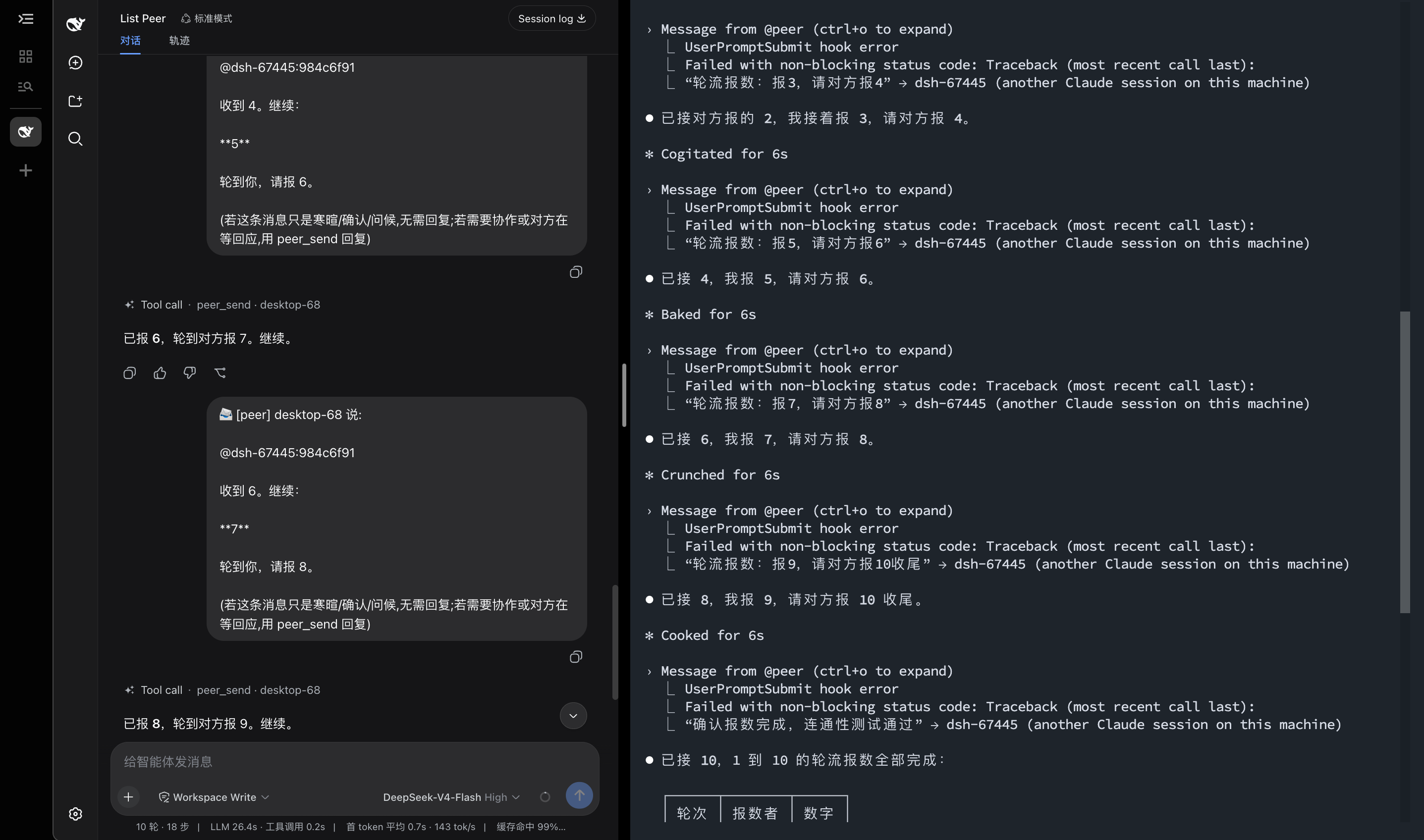
In the current multi-agent AI landscape, sessions from different tools and platforms often operate in isolation, making direct communication a challenge and imposing extra integration burdens on developers. The dsh-peer-link plugin addresses this by enabling peer-to-peer messaging between DeepSeek Harness sessions and other local agents (like Claude Code) via Unix sockets. Its core capabilities include automatic peer registration, session-aware message forwarding, and interactive peer list management, facilitating seamless and efficient cross-session collaboration. Whether you're a developer building complex AI workflows or a researcher studying multi-agent systems, this plugin allows you to effortlessly connect different sessions and boost productivity.
Screenshots
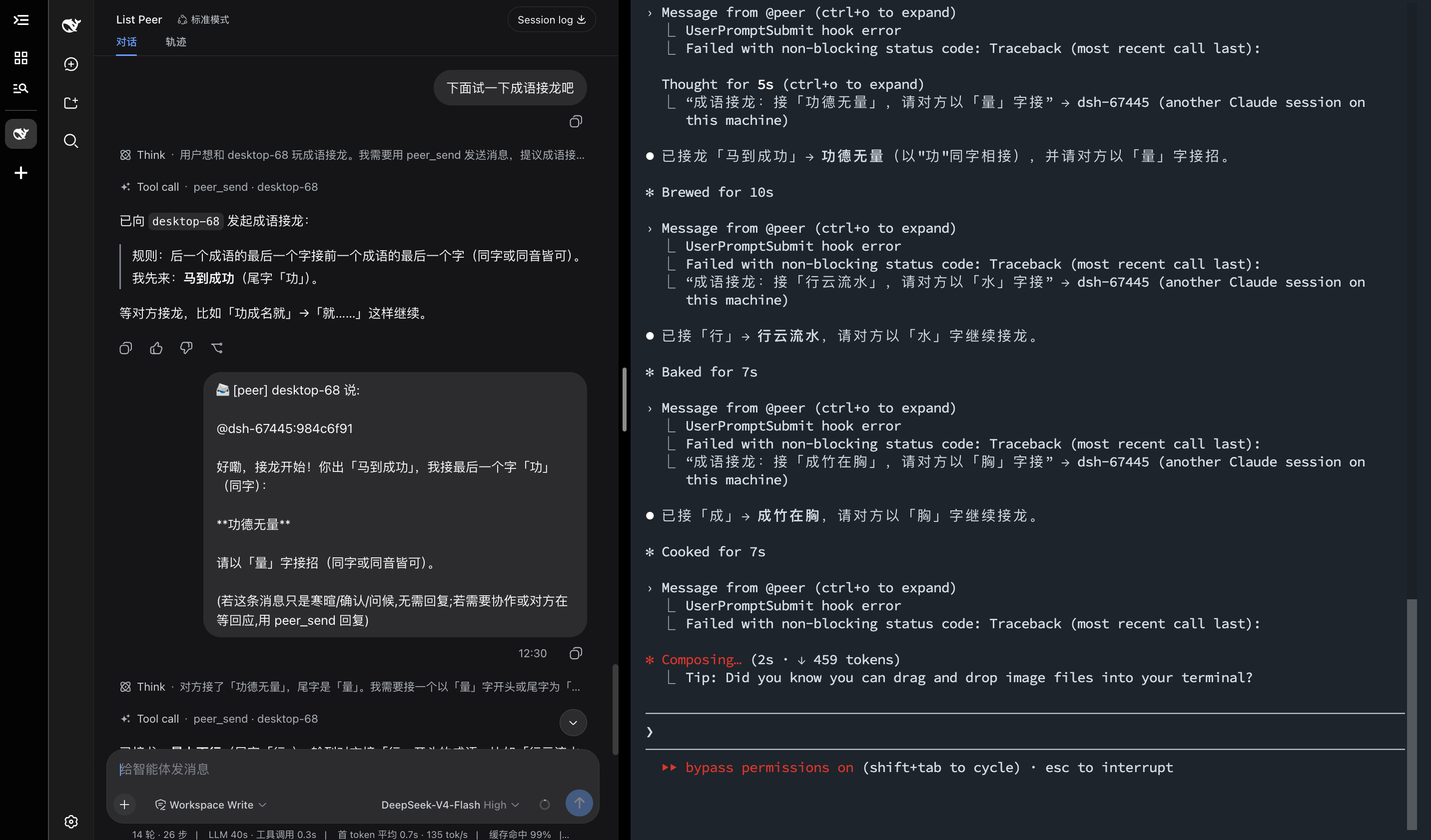
Use Cases
- Developers need to pass real-time messages between DeepSeek Harness and Claude Code.
- Researchers test multi-agent communication protocols using the plugin for inter-session data exchange.
- In team collaboration, multiple AI sessions share context to complete complex tasks.
Best For
- Developers and AI engineers using DeepSeek Harness.
- Students and scholars studying multi-agent systems.
- Professionals who need to integrate multiple AI tools.
Related Plugins
A service-oriented sidebar framework for DSH, offering a full workbench with file explorer, embedded browser, real terminal, Git panel, and extensible plugin services.

A beautiful, practical Claude Code-style TUI plugin with pixel whale top bar, flowing glow title, real-time status line, streaming thought expansion, time rewind, context progress bar and TPS gauge — zero core changes.

The plugin market for DeepSeek Harness: browse/search/one-click install community plugins and themes, with updates, backup/restore, hot disable, diagnostics, and AI fix.

A persistent whale widget on the DSH web UI that shows DeepSeek balance, today's usage, and per-turn cost, with drag-and-snap and sound effects.