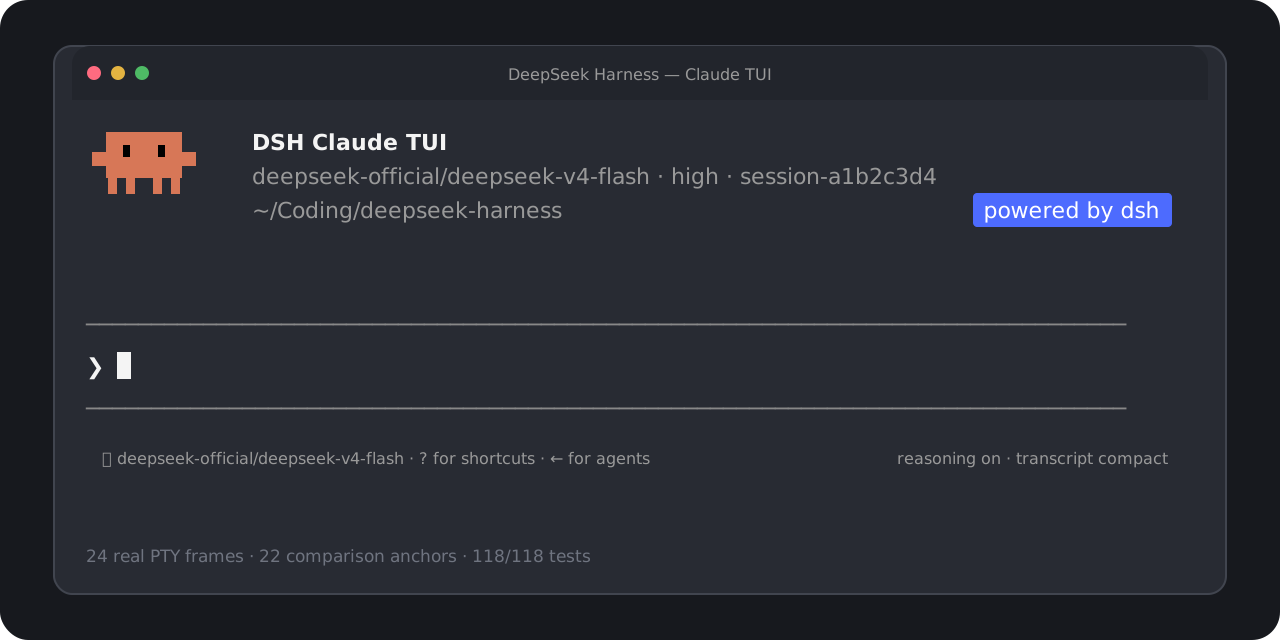
dsh-claude-tui
Run the following command in DeepSeek Harness:
dsh plugin install cogine-ai/dsh-claude-tui
Paste the following prompt into your AI chat to install this plugin:
In DeepSeek Harness, you can install the dsh-claude-tui plugin using the command `dsh plugin install cogine-ai/dsh-claude-tui`, with the full source code URL at https://github.com/cogine-ai/dsh-claude-tui.
About this plugin
dsh-claude-tui is a terminal user interface plugin built for DeepSeek Harness, emulating the interaction style of Claude Code. It addresses the common challenge of efficiently interacting with AI models in the terminal, enabling seamless model invocation, session management, and tool integration without relying on graphical interfaces or complex setups.
The plugin's core strength lies in its high-fidelity terminal experience, offering features like multiline editing, image pasting, session resumption, and live model switching. It deeply integrates with DeepSeek Harness, providing session persistence, tool execution, approval policies, and subagent management, ensuring a smooth and powerful AI workflow that boosts developer productivity directly from the command line.
dsh-claude-tui is ideal for developers, AI engineers, and terminal enthusiasts. Whether you're prototyping quickly, debugging model interactions, or managing complex tasks in production, this plugin delivers an intuitive and efficient solution. It lowers the barrier to using DeepSeek Harness, allowing users to focus on creativity and engineering rather than environment configuration.
Screenshots
Use Cases
- Quickly call AI models in the terminal for code generation or debugging.
- Manage multiple AI sessions and subagent tasks to boost productivity.
- Achieve seamless AI interaction via shortcuts and command-line tools.
Best For
- Developers and programmers needing AI integration in terminal workflows.
- AI engineers focused on model interaction and workflow optimization.
- Terminal enthusiasts who prefer command-line interfaces and efficient tools.
Related Plugins
A service-oriented sidebar framework for DSH, offering a full workbench with file explorer, embedded browser, real terminal, Git panel, and extensible plugin services.

A beautiful, practical Claude Code-style TUI plugin with pixel whale top bar, flowing glow title, real-time status line, streaming thought expansion, time rewind, context progress bar and TPS gauge — zero core changes.

The plugin market for DeepSeek Harness: browse/search/one-click install community plugins and themes, with updates, backup/restore, hot disable, diagnostics, and AI fix.

A persistent whale widget on the DSH web UI that shows DeepSeek balance, today's usage, and per-turn cost, with drag-and-snap and sound effects.