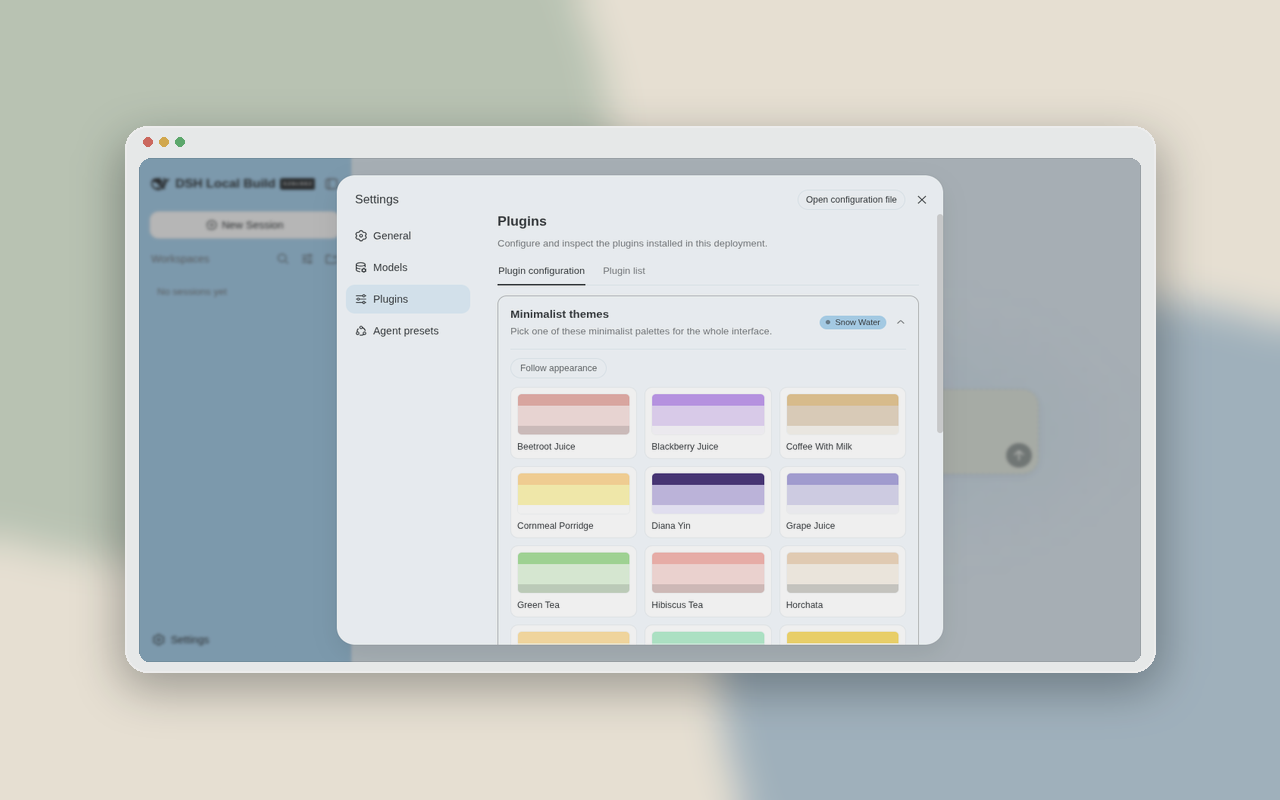
dsh-minimalist-themes
Run the following command in DeepSeek Harness:
dsh plugin install mykeura/dsh-minimalist-themes
Paste the following prompt into your AI chat to install this plugin:
Run dsh plugin install mykeura/dsh-minimalist-themes in DeepSeek Harness to install this plugin; source code is at https://github.com/mykeura/dsh-minimalist-themes.
About this plugin
DeepSeek Harness ships with a clean, functional interface, but the monochromatic palette can feel a little flat during long sessions. dsh-minimalist-themes addresses that gap by introducing a curated set of minimalist color palettes inspired by everyday drinks and natural objects, adding warmth without breaking the restrained design language.
The plugin offers 18 themes, ranging from Beetroot Juice and Green Tea to Oceans and Yuzu, each one a subdued yet distinctive color story. Once installed, all options appear under Settings → Plugins, and a single click switches the live theme. Every palette is tuned for the DSH web profile and blends seamlessly with the existing component system.
If you live in DSH every day and prefer low-saturation, high-contrast visual schemes, this is a low-risk way to add a small ritual to each startup. It changes no functionality; it simply makes the interface a little more human.
Screenshots
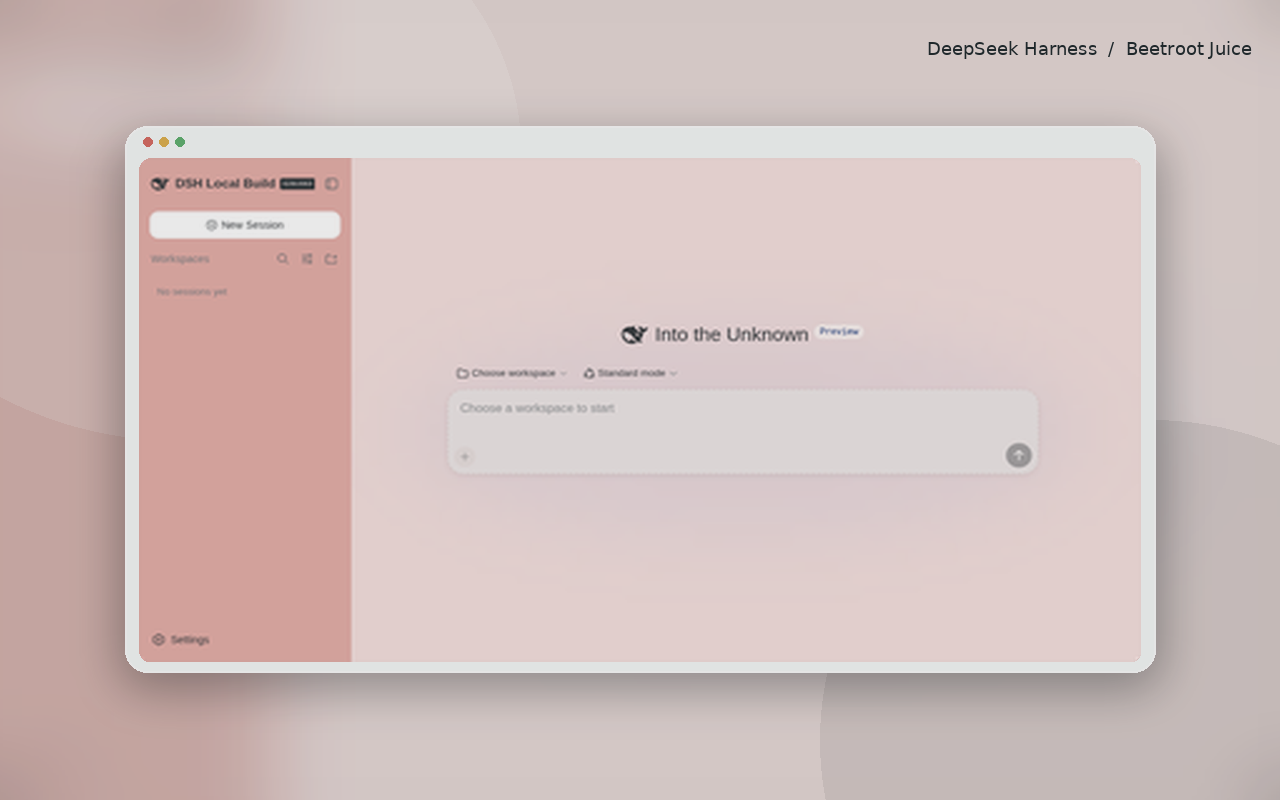
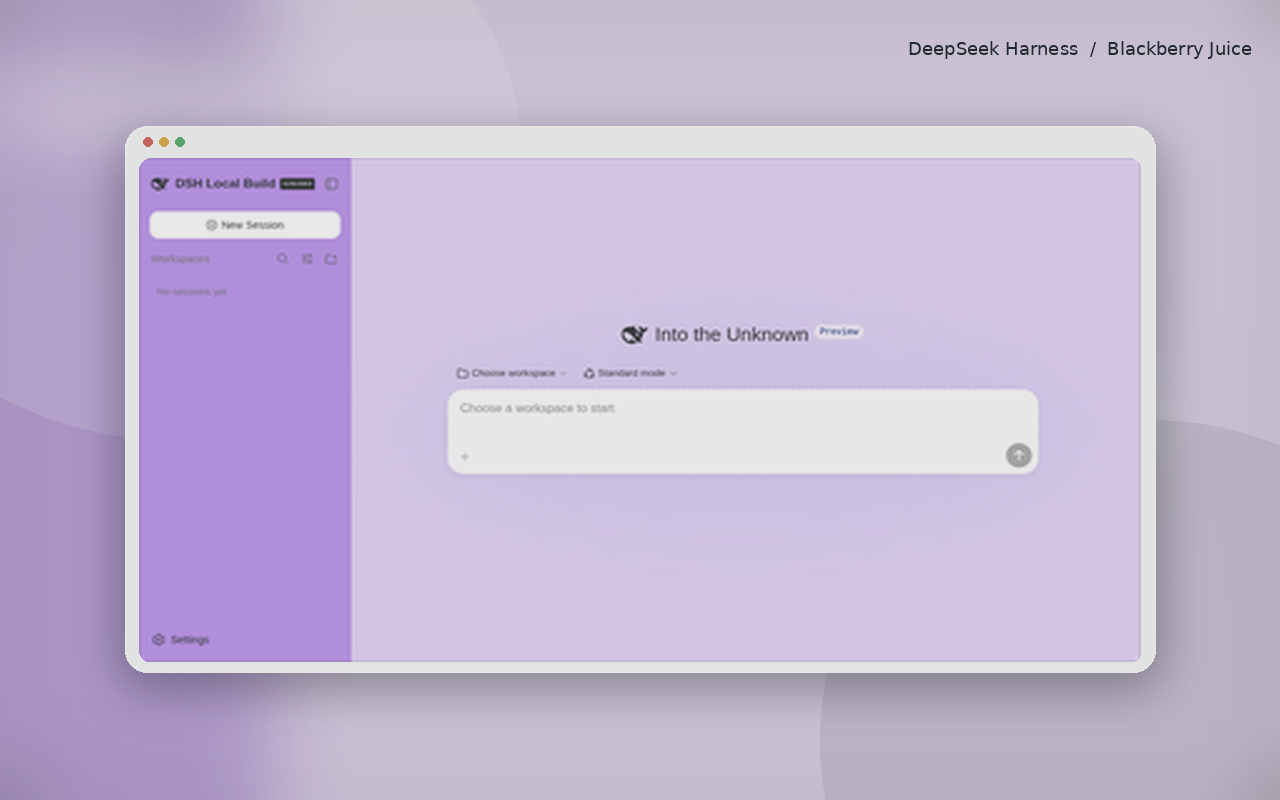
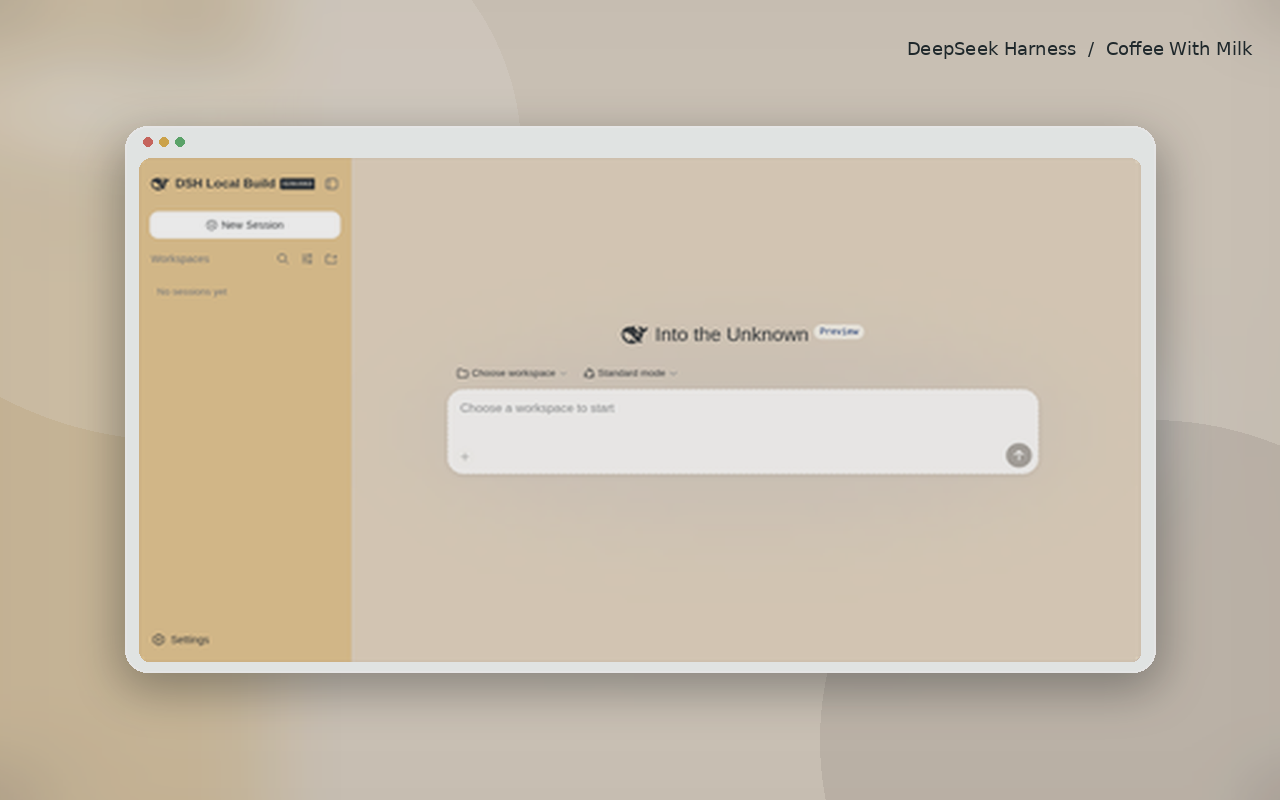
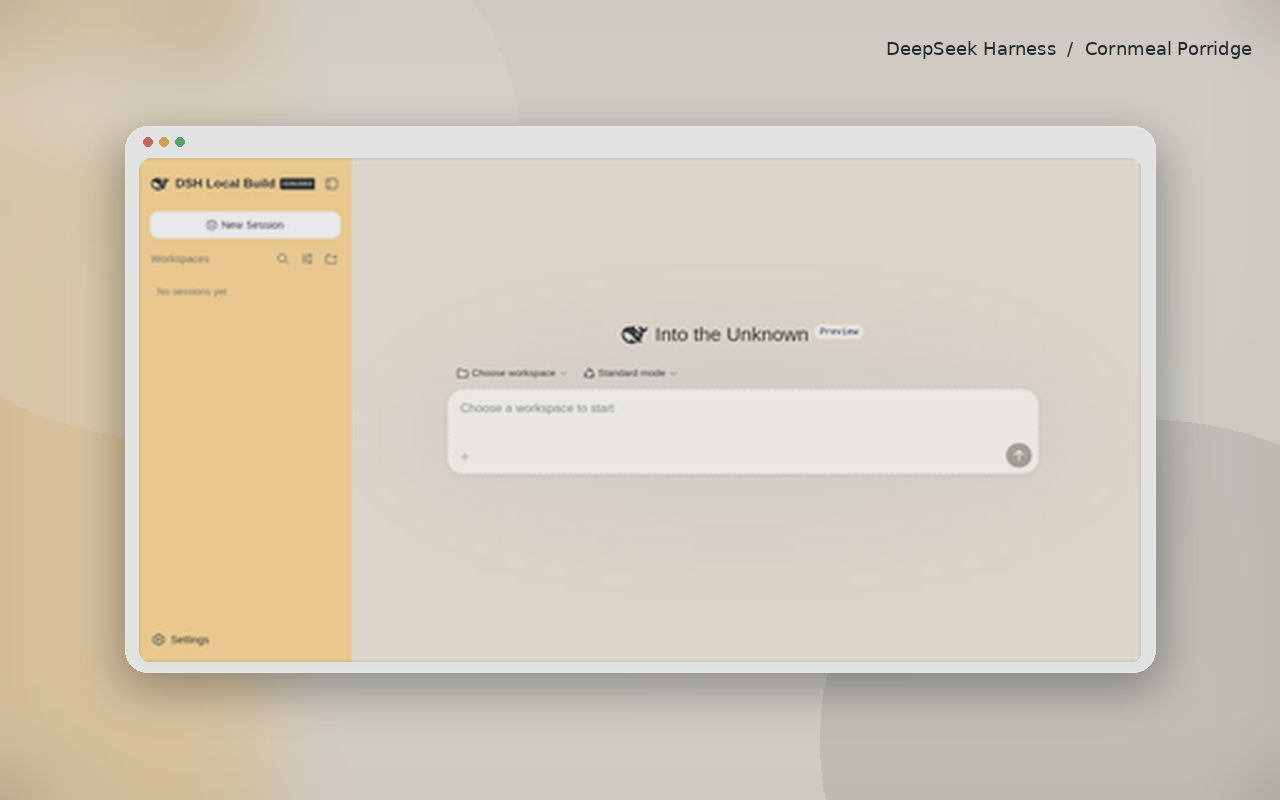
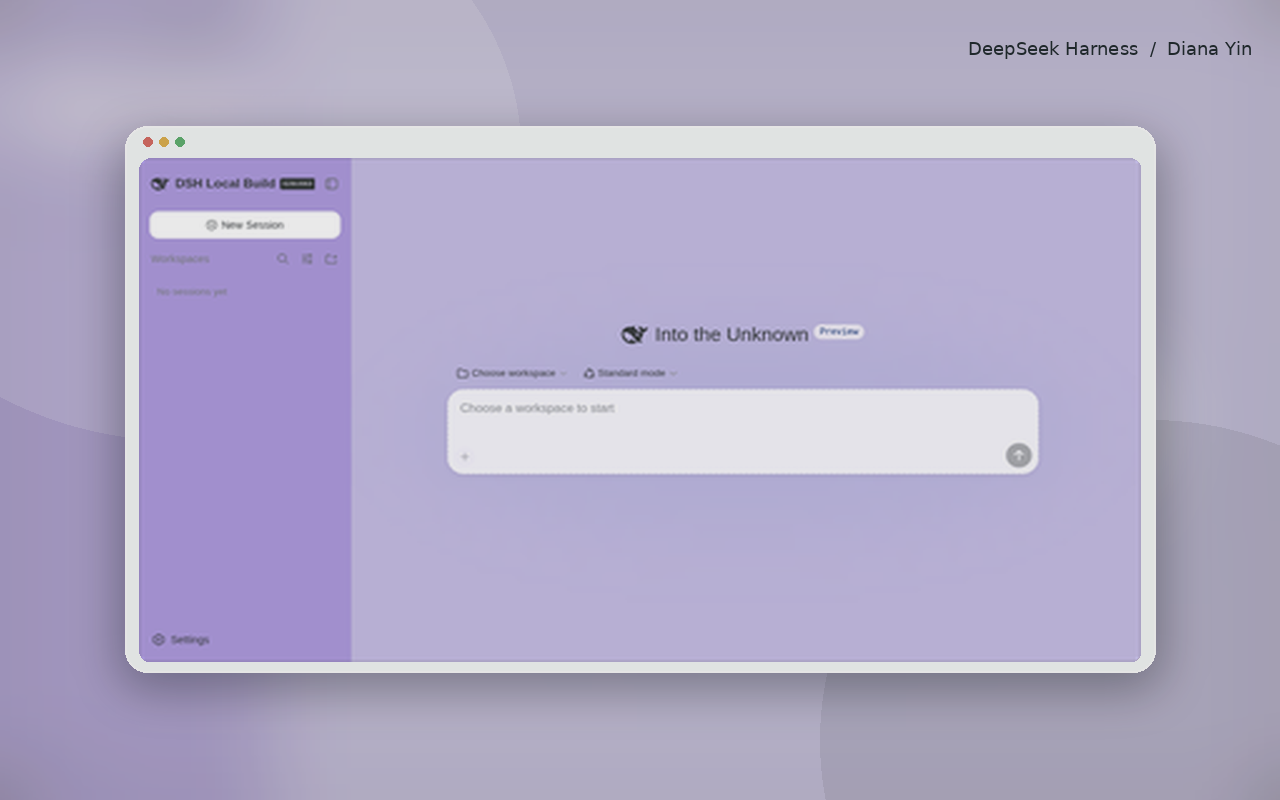
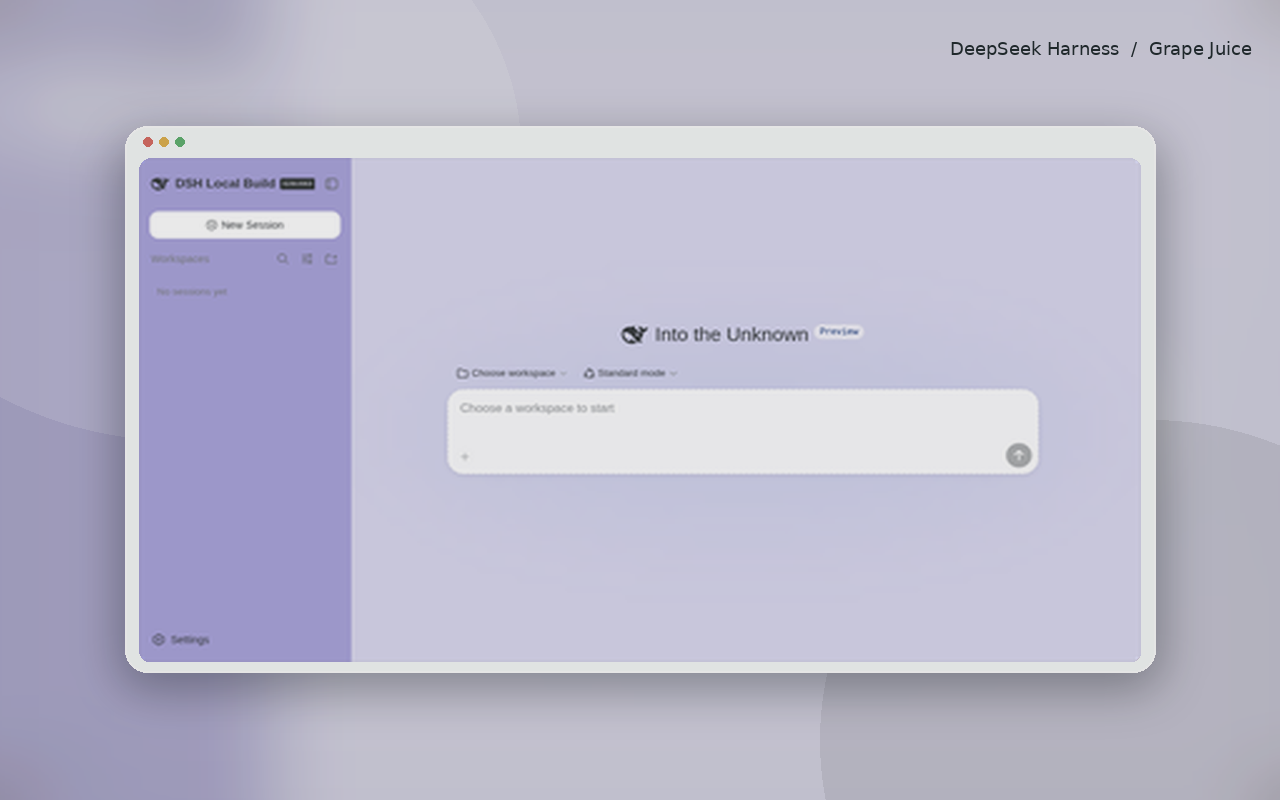
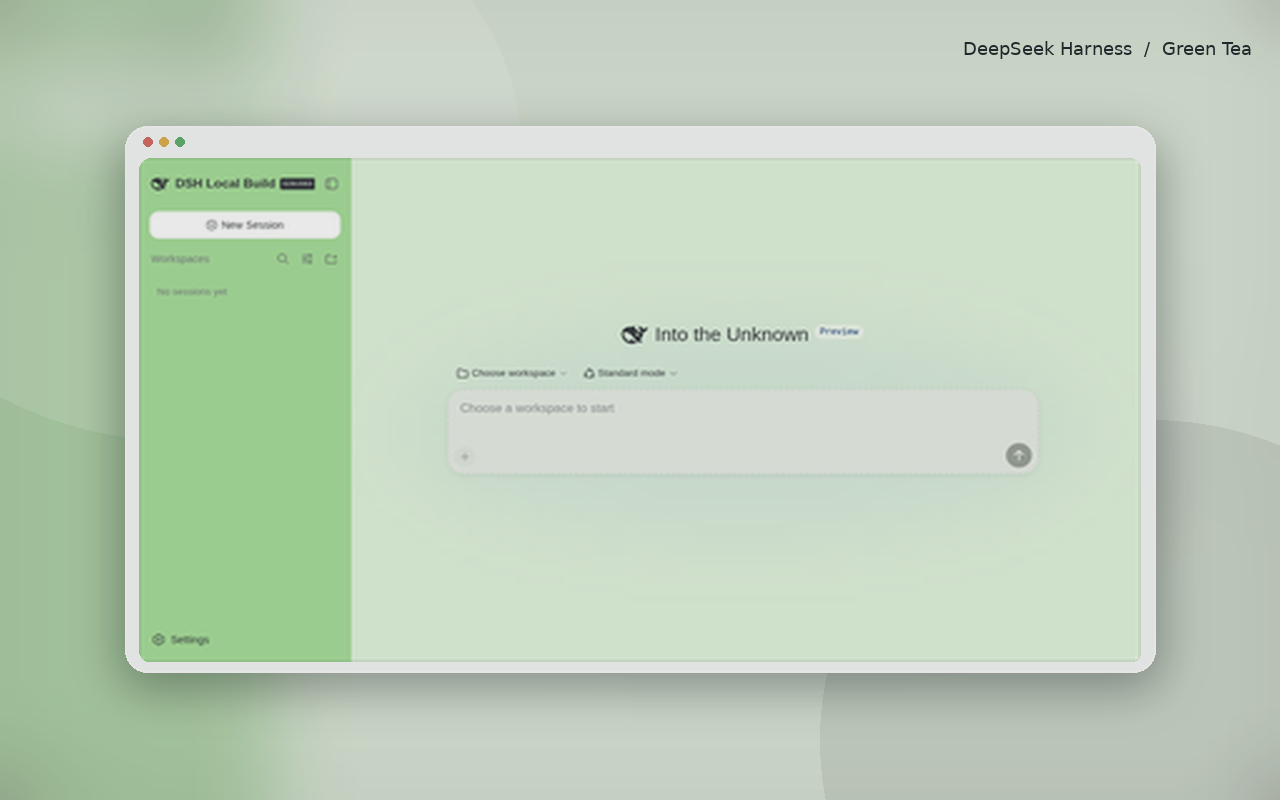
Use Cases
- Wants a softer visual tone for everyday DSH use
- Prefers muted palettes to ease eye strain during long coding sessions
- Wants a more polished look when demoing DSH to colleagues
Best For
- DSH users who favor muted, restrained visual styles
- Developers who enjoy cycling palettes to stay visually fresh
- Design-minded creators who value whitespace and breathing room
Related Plugins

whale-girl is a desktop pet in the DSH Web GUI (bottom-right for instant companionship) — draggable, feedable, playable; completed tasks, sessions and companionship time accrue into seniority levels, titles, and memories.

A WebGPU ocean skin for DeepSeek Harness with five-wave Gerstner waves, translucent theme, day/night cycle, and quick controls, installable as plugin or extension.

A Galgame-style conversation view and visual scene editor for DSH web sessions, with a real-time editing mode.

A native skinning plugin for DeepSeek Harness: 8 designer themes, wallpapers, accent colors, and shareable theme packs, built purely on design tokens.