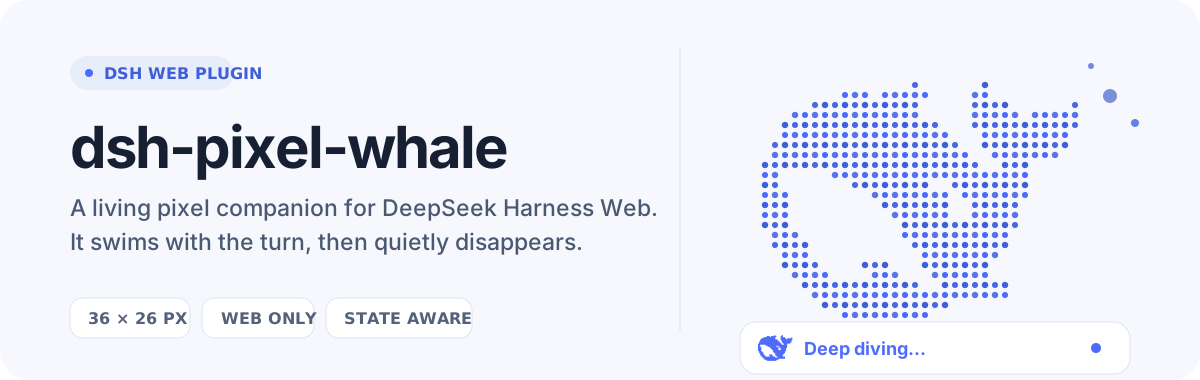
dsh-pixel-whale
Run the following command in DeepSeek Harness:
dsh plugin install yoke233/dsh-pixel-whale
Paste the following prompt into your AI chat to install this plugin:
Run dsh plugin install yoke233/dsh-pixel-whale in your DeepSeek Harness terminal; the full source is available at https://github.com/yoke233/dsh-pixel-whale —just restart DSH Web after a successful install and the whale appears automatically.
About this plugin
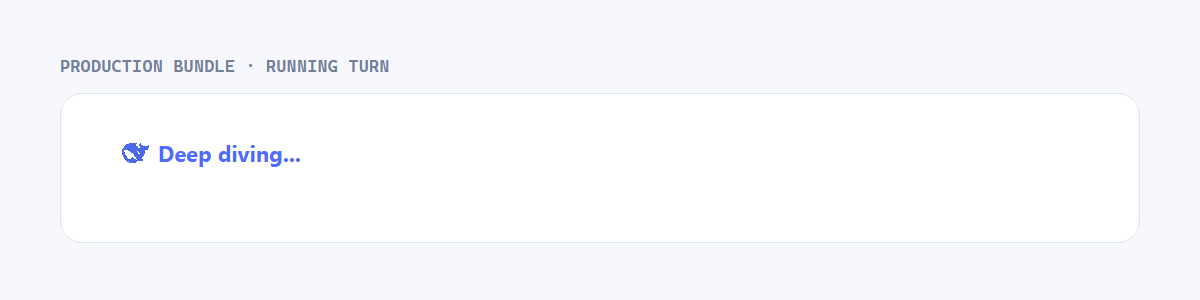
Waiting for a reply in DSH Web can feel like staring at a blank wall, all you see is the static «Deep diving...» label. dsh-pixel-whale turns those idle seconds into a tiny living scene: a 36×26 px point-cloud whale slides in right before the status text the moment a turn kicks off, and dissolves cleanly the instant the turn finishes. There are no flags to pass, no config files to edit—install, restart the web app, and the whale is simply there whenever you need it.
The motion design leans into a heavy-head, supple-body feel. The broad head barely shifts, keeping a grounded weight, while the torso bends through its arc, the tail and pectoral fins rebound with a spring-like snap, and tiny bubble clusters rotate softly between animation loops. Every pixel is locked to a restrained blue palette with stable colours, so all the visual energy comes from body movement rather than flashing or strobing points. The animation also respects the browser's prefers-reduced-motion setting, so users who prefer calmer visual experiences see a static but still charming whale.
Under the hood the plugin is deliberately minimal and cosmetic. It mounts through DSH's session-scoped conversation.input.dock lifecycle, reads the authoritative running state via useSession, and uses a scoped MutationObserver to track the current conversation's status row. A React portal places the whale in the DOM and tears it down when the turn stops or the plugin unloads. It does not replace the status text, does not write session data, and does not alter any prompt, tool, or model-request behaviour—it is a pure web-surface ornament with zero side effects on the conversation pipeline.
Screenshots
Use Cases
- Waiting for a DeepSeek reply, the whale swims before the status line to break up the idle time
- During long DSH Web conversations, the whale adds a small delight at the start of every turn
- Showing off DSH Web to a colleague, the whale animation becomes a fun talking point
- Under prefers-reduced-motion the whale renders as a static pixel sprite, still polished
Best For
- Users who spend long hours in DSH Web chatting with DeepSeek
- Developers who enjoy pixel-art aesthetics and playful UI accents
- Users who want to personalize their interface without altering any functionality
Related Plugins

whale-girl is a desktop pet in the DSH Web GUI (bottom-right for instant companionship) — draggable, feedable, playable; completed tasks, sessions and companionship time accrue into seniority levels, titles, and memories.

A WebGPU ocean skin for DeepSeek Harness with five-wave Gerstner waves, translucent theme, day/night cycle, and quick controls, installable as plugin or extension.

A Galgame-style conversation view and visual scene editor for DSH web sessions, with a real-time editing mode.

A native skinning plugin for DeepSeek Harness: 8 designer themes, wallpapers, accent colors, and shareable theme packs, built purely on design tokens.