dsh-ui-font
Run the following command in DeepSeek Harness:
dsh plugin install warmwine/dsh-ui-font
Paste the following prompt into your AI chat to install this plugin:
To install this plugin in DeepSeek Harness, run the command: dsh plugin install warmwine/dsh-ui-font. Source: https://github.com/warmwine/dsh-ui-font
About this plugin
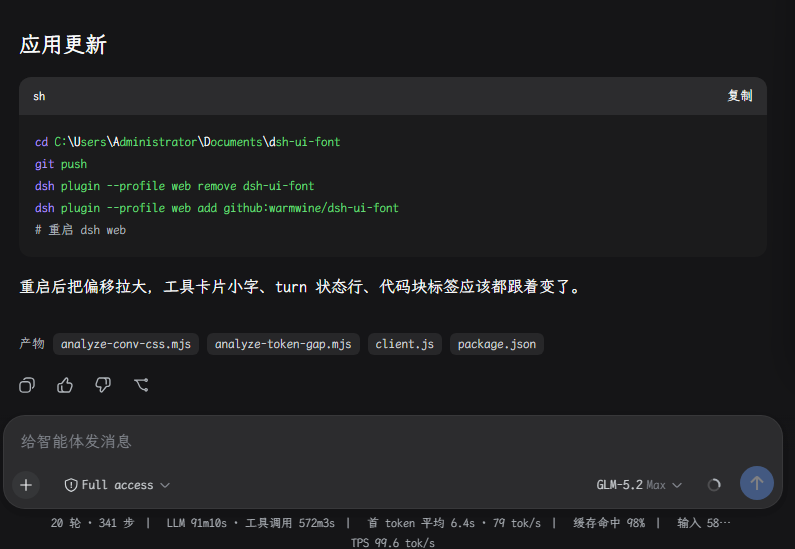
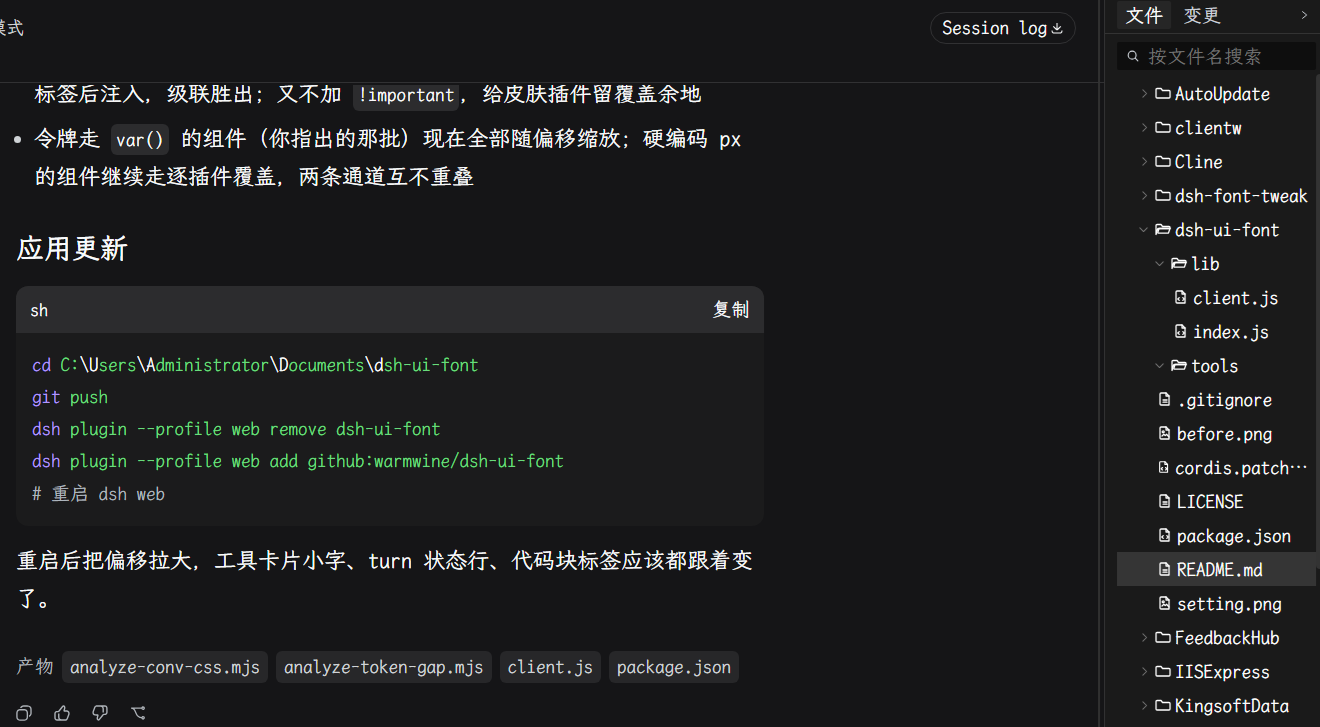
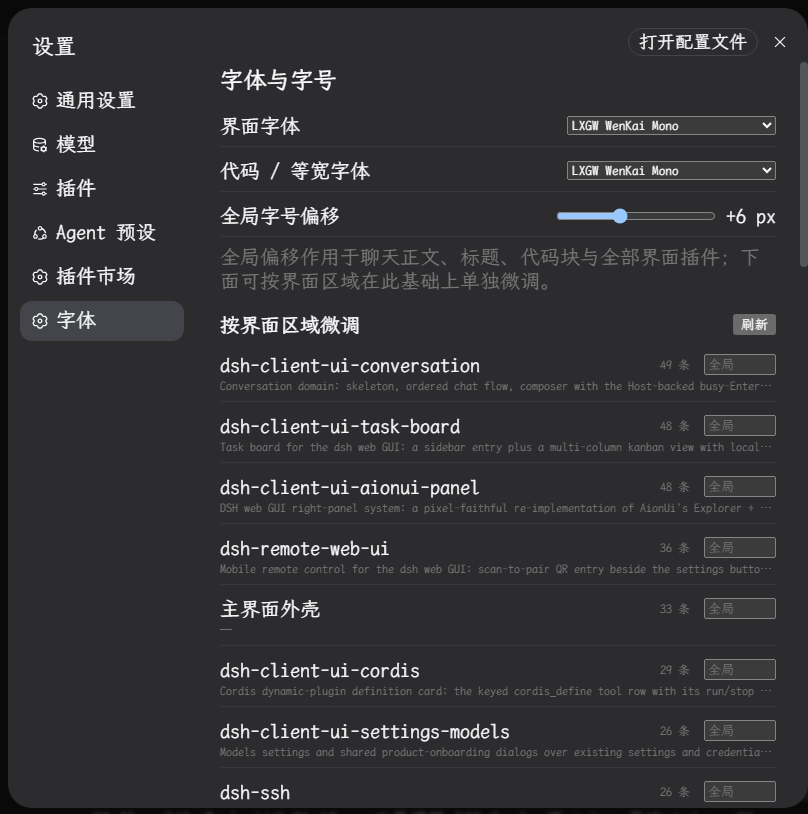
The default fonts in DeepSeek Harness's web interface can be too small for many users, leading to significant readability challenges, especially for those with visual impairments. The dsh-ui-font plugin is designed to tackle this issue head-on. It empowers users to freely customize fonts and enlarge text sizes globally, greatly enhancing text readability. A standout feature is its crosshair selection tool: by simply clicking on any part of the interface, users can adjust the font size on the spot without guessing through settings. Moreover, the plugin offers fine-tuning through a combination of global and individual offsets, enabling precise control over each UI component. This plugin is ideal for users with visual limitations, developers seeking a personalized interface, and anyone looking to optimize their DeepSeek Harness reading experience—providing a comfortable, tailored visual environment with effortless adjustments.
Screenshots
Use Cases
- Users with poor eyesight enlarge interface fonts to improve readability.
- Developers fine-tune code block font sizes using the crosshair selection tool.
- Users adjust global font size quickly with shortcuts without opening settings.
Best For
- Users with visual impairments, such as the elderly or those with eye conditions.
- Developers or technical users who spend long hours using DeepSeek Harness.
- General users seeking to personalize the interface display.
Related Plugins
A service-oriented sidebar framework for DSH, offering a full workbench with file explorer, embedded browser, real terminal, Git panel, and extensible plugin services.

A beautiful, practical Claude Code-style TUI plugin with pixel whale top bar, flowing glow title, real-time status line, streaming thought expansion, time rewind, context progress bar and TPS gauge — zero core changes.

The plugin market for DeepSeek Harness: browse/search/one-click install community plugins and themes, with updates, backup/restore, hot disable, diagnostics, and AI fix.

A persistent whale widget on the DSH web UI that shows DeepSeek balance, today's usage, and per-turn cost, with drag-and-snap and sound effects.