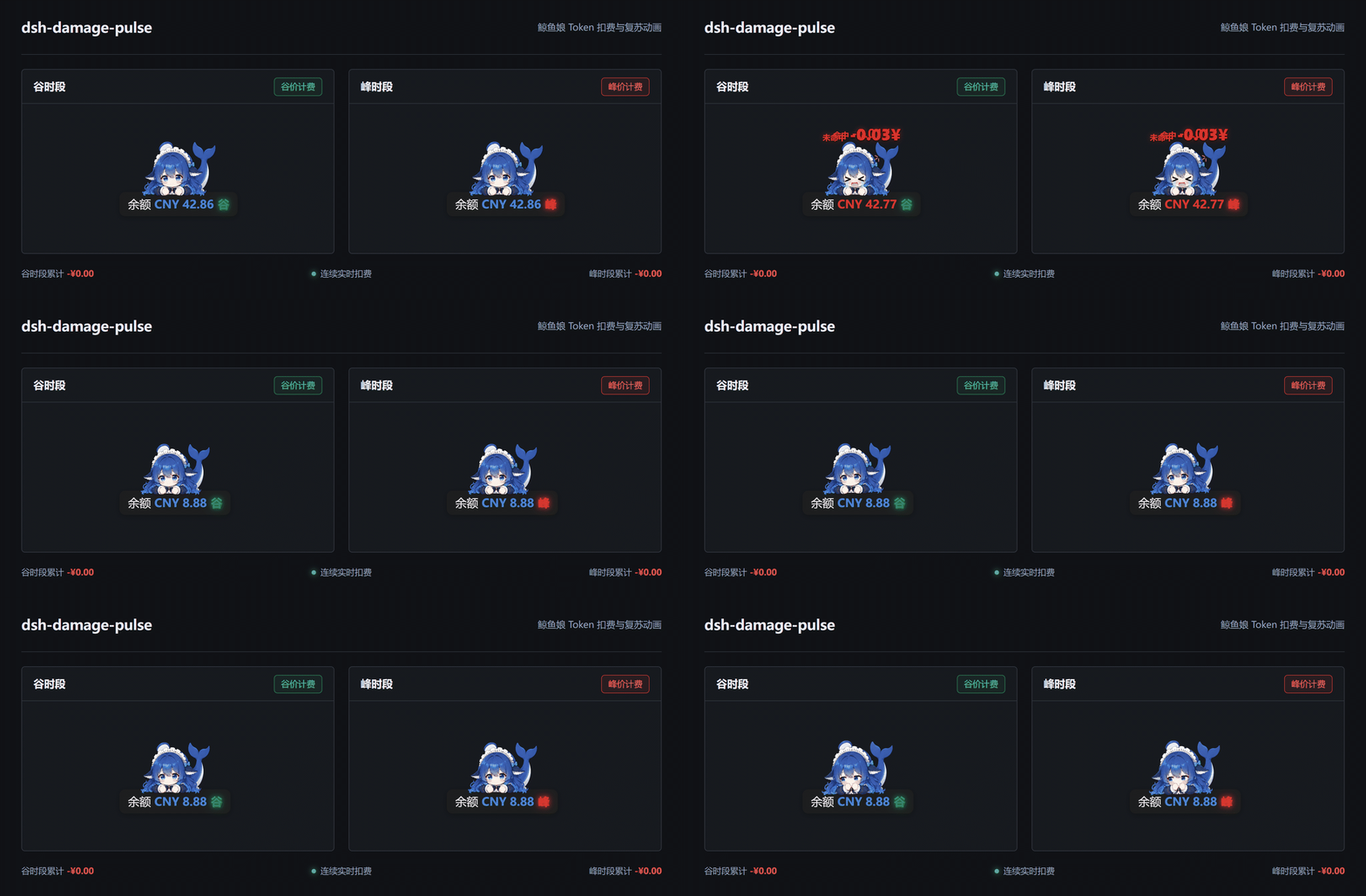
dsh-damage-pulse
Run the following command in DeepSeek Harness:
dsh plugin install wssfk12138/dsh-damage-pulse
Paste the following prompt into your AI chat to install this plugin:
Install this plugin in DeepSeek Harness by running: dsh plugin install wssfk12138/dsh-damage-pulse (source: https://github.com/wssfk12138/dsh-damage-pulse), then restart your Web profile.
About this plugin
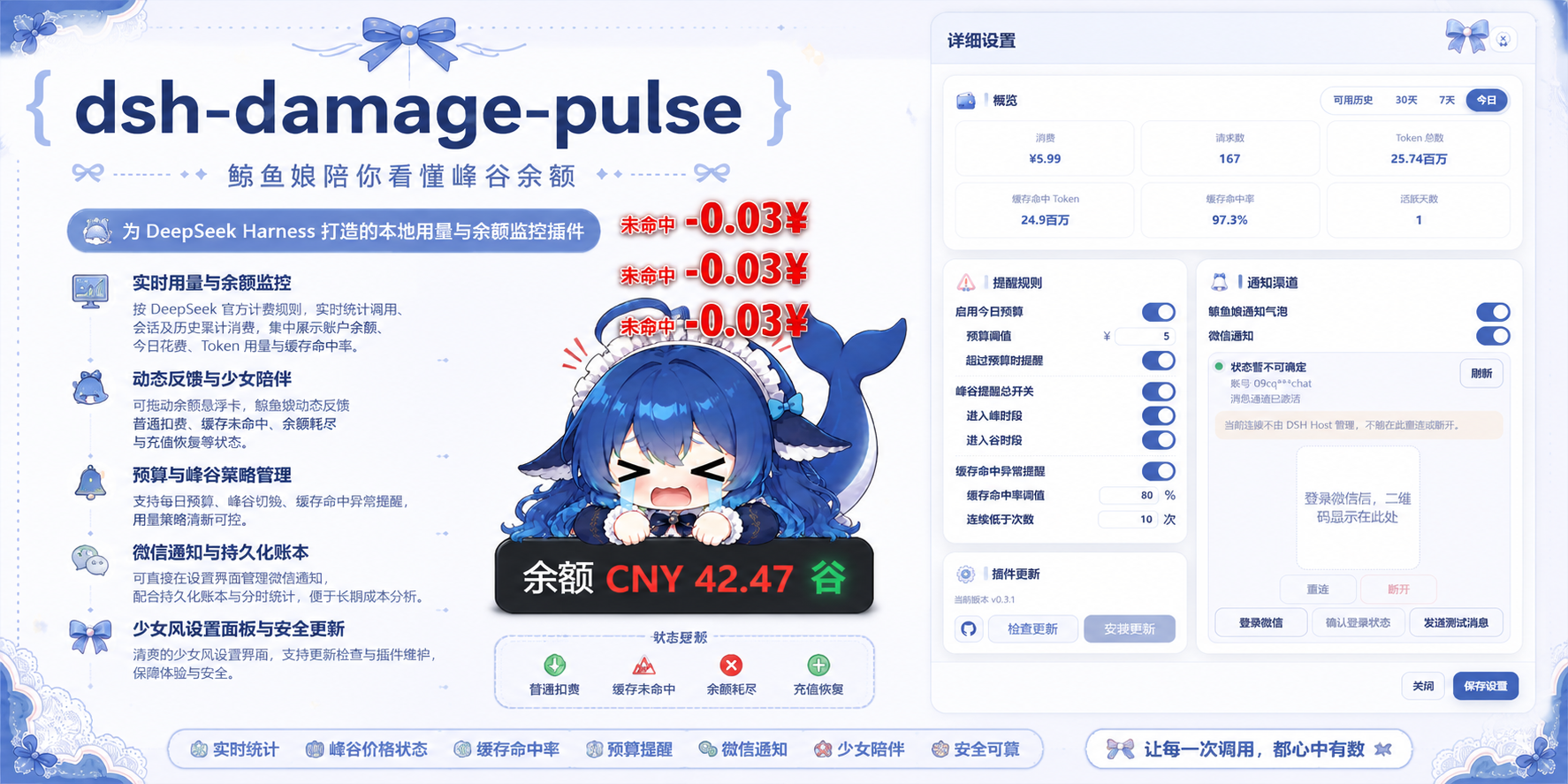
Every time you call a DeepSeek model, your balance quietly shrinks—it's hard to tell how much a single request actually costs. dsh-damage-pulse turns this invisible spending into direct visual feedback: whenever tokens are consumed, the balance number bounces like it's been hit, and a red deduction value floats out. It doesn't just show you "how much was deducted"—it also makes it instantly obvious whether the charge was a cache hit or a cache miss, with stronger animations and vibration for misses, so you develop a visceral sense of cost fluctuations.
As a monitoring plugin for the DSH (DeepSeek Harness) client, it inserts a per-call usage line into the conversation stream, showing precise token details for input, cached input, output, and reasoning, along with the exact cost. Above the input box, it continuously displays the current session's accumulated tokens and charges. The built-in DeepSeek pricing table supports peak/off-peak billing, weekend off-peak rates, and version-suffix matching; cache hits and misses are priced separately, and image tokens from vision models use the official usage data directly without double counting. The floating balance card can be dragged freely, remembers its position, shows a green pulse when the balance grows, and lights up red or green to indicate peak or off-peak hours.
The plugin also includes a desktop companion named "Whale Girl" (鲸鱼娘). While the model is running, she nibbles her fingers or blinks to keep you company; when charges are intense, she reacts dramatically; and she has dedicated responses for consecutive deductions, exhausted balance, and recovery from a non-positive balance. If you prefer receiving notifications via WeChat, a built-in compatibility layer automatically picks the best provider, and even if notification delivery fails, balance monitoring and billing are never blocked.
Whether you're a heavy DSH user running batch tasks, a researcher who needs to precisely track per-call costs, or simply a DeepSeek API user who wants every cent spent to be visible, this plugin turns your balance from a cold number into something alive and responsive. Everything runs on local billing logic and official balance APIs—no relay service or recharging channel is required. Install it, restart your profile, and start watching every token pulse.
Screenshots


Use Cases
- Keep real-time track of token usage and costs per call while running batch tasks, preventing budget overruns.
- Distinguish cost differences between cache hits and misses to optimize prompts and caching strategies.
- Observe peak/off-peak billing periods and schedule low-cost tasks during off-peak hours.
Best For
- Developers and researchers using the DSH client to call DeepSeek APIs
- Individuals or small teams who need precise per-request cost accounting
- AI tool enthusiasts who want balance changes to be more visual and fun
Related Plugins
A service-oriented sidebar framework for DSH, offering a full workbench with file explorer, embedded browser, real terminal, Git panel, and extensible plugin services.

A beautiful, practical Claude Code-style TUI plugin with pixel whale top bar, flowing glow title, real-time status line, streaming thought expansion, time rewind, context progress bar and TPS gauge — zero core changes.

The plugin market for DeepSeek Harness: browse/search/one-click install community plugins and themes, with updates, backup/restore, hot disable, diagnostics, and AI fix.

A persistent whale widget on the DSH web UI that shows DeepSeek balance, today's usage, and per-turn cost, with drag-and-snap and sound effects.