dsh-input-history
Run the following command in DeepSeek Harness:
dsh plugin install wellorbetter/dsh-input-history
Paste the following prompt into your AI chat to install this plugin:
Run dsh plugin install wellorbetter/dsh-input-history in your terminal to install the plugin (source: https://github.com/wellorbetter/dsh-input-history); restart the session after installation for it to take effect.
About this plugin
In the DeepSeek Harness Web GUI, recalling or reusing a previously sent message means scrolling through chat history—slow and easy to miss. dsh-input-history brings the proven arrow-key history browsing from terminal shells into the web composer, letting you recall sent messages with a single keypress and edit them on the spot.
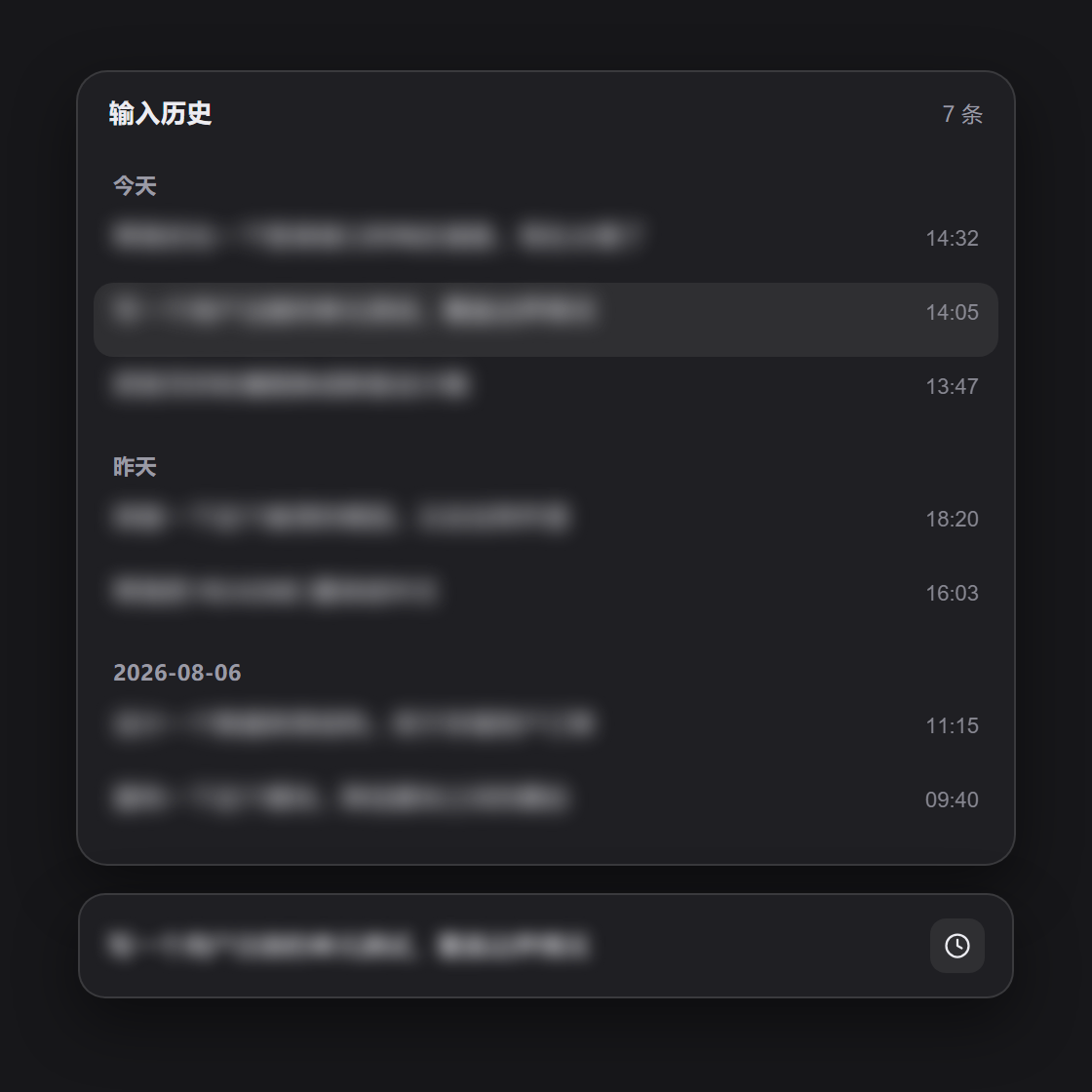
Place the caret at the start of the input and press Up to open a floating history panel. Navigate with arrow keys, confirm with Enter, or cancel with Esc to restore the draft you were typing. The panel groups entries by today, yesterday, and earlier, with per-row timestamps; long messages show a three-line clamped preview (full text on hover); consecutive duplicates are collapsed; and the list is capped at 500 entries. It never conflicts with slash-command or mention-menu shortcuts, and IME composition and multi-line editing pass through untouched.
Built for anyone working at speed in the DeepSeek Harness Web GUI who frequently reuses a previous prompt or checks back on earlier phrasing. Purely client-side with no persistence and no network calls—install, restart your session, and start browsing.
Screenshots
Use Cases
- Press Up at the start of the composer to instantly recall your last sent message and keep editing
- Browse recent sent messages grouped by today, yesterday, and earlier to locate an entry at a glance
- Reuse a previous prompt or revisit earlier phrasing without scrolling through the entire chat history
Best For
- Developers who chat at high frequency in the DeepSeek Harness Web GUI and often reuse prompts
- Users accustomed to arrow-key history browsing in terminals who want the same in the web composer
- Heavy AI-chat users who need to quickly revisit and edit recently sent messages
Related Plugins
A service-oriented sidebar framework for DSH, offering a full workbench with file explorer, embedded browser, real terminal, Git panel, and extensible plugin services.

A beautiful, practical Claude Code-style TUI plugin with pixel whale top bar, flowing glow title, real-time status line, streaming thought expansion, time rewind, context progress bar and TPS gauge — zero core changes.

The plugin market for DeepSeek Harness: browse/search/one-click install community plugins and themes, with updates, backup/restore, hot disable, diagnostics, and AI fix.

A persistent whale widget on the DSH web UI that shows DeepSeek balance, today's usage, and per-turn cost, with drag-and-snap and sound effects.