dsh-skin-glass
Run the following command in DeepSeek Harness:
dsh plugin install noexcs/dsh-sskin-glass
Paste the following prompt into your AI chat to install this plugin:
Run dsh plugin install noexcs/dsh-skin-glass in the DeepSeek Harness terminal to install this frosted-glass skin plugin; the source is available at https://github.com/noexcs/dsh-skin-glass .
About this plugin
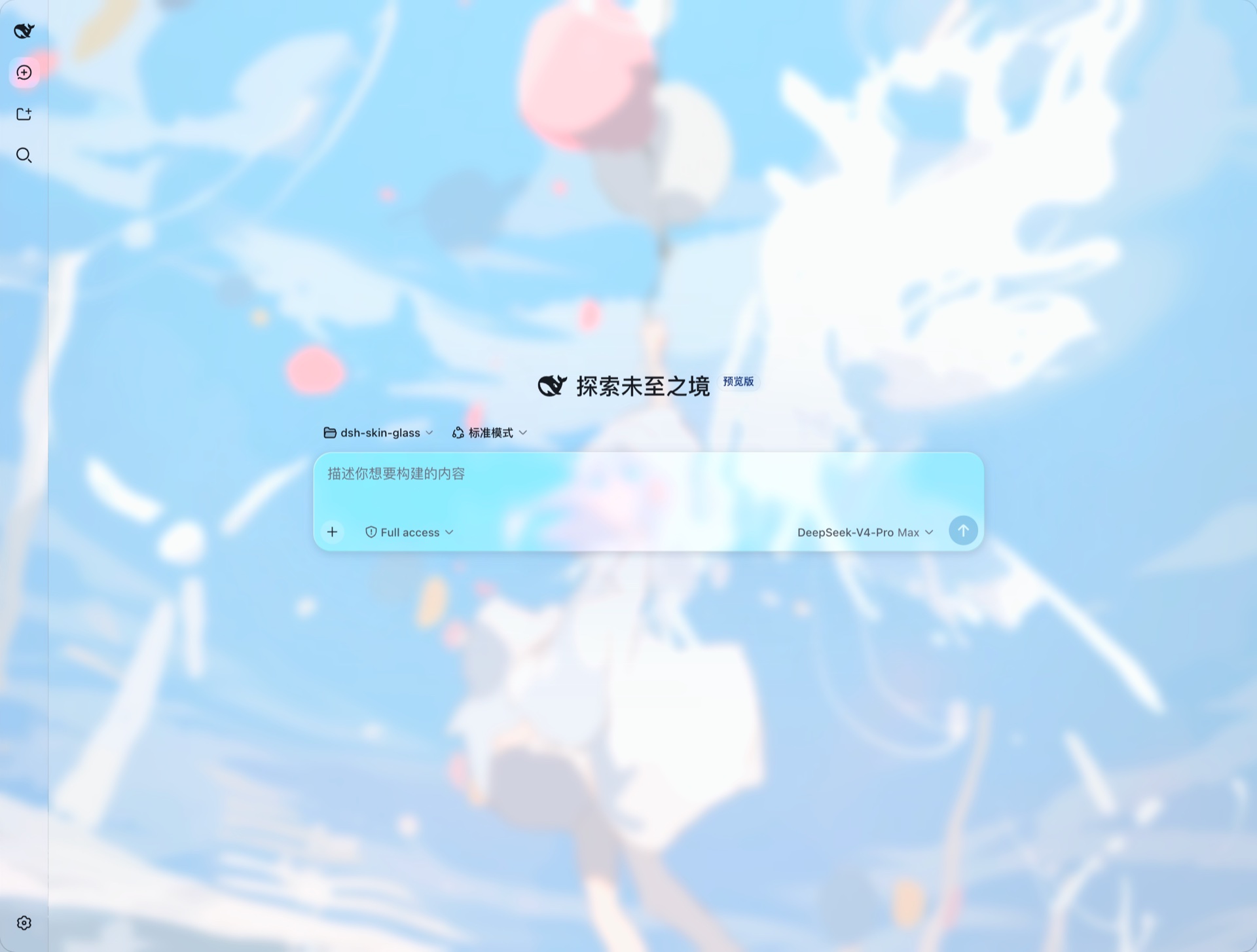
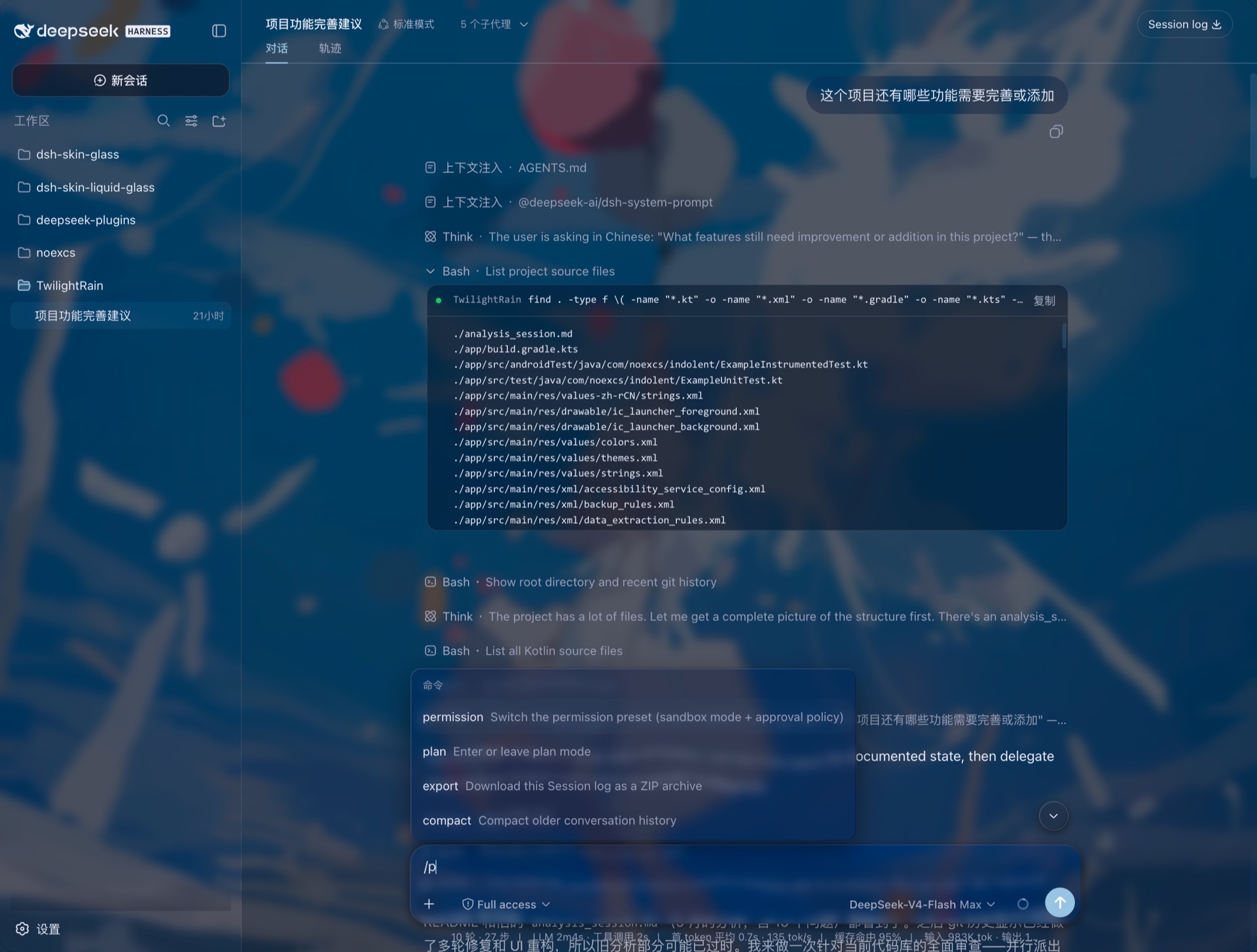
You want the DeepSeek Harness web GUI to feel less like a default dark panel, but you also refuse to let a translucent theme swallow your reading comfort. dsh-skin-glass was built for exactly that sweet spot: a per-component frosted-glass skin that never compromises legibility. Three things make it stand out. First, drop in any wallpaper and the plugin derives a full light-and-dark token set from the dominant color, so you skip manual palette work. Second, the glass is genuine backdrop-filter applied element by element, layered with an adaptive scrim gradient and mirror-edge highlights, giving buttons, cards, and inputs each their own translucent depth rather than a single page-wide overlay. Third, if you have no wallpaper yet, an automatic gradient glass keeps the frosted look intact. It is aimed at power users who want a distinctive, glassmorphic interface while treating WCAG AA body contrast as a non-negotiable floor.
Screenshots
Use Cases
- Give your daily Harness interface a translucent frosted-glass look
- Switch to a new wallpaper and let the UI light/dark palette follow automatically
- Crave glass aesthetics while needing a real-time contrast floor for body text
Best For
- Heavy Harness users who want a distinctive frosted-glass aesthetic
- Users who want one wallpaper to auto-drive the entire light and dark palette
- Design-sensitive developers with a hard requirement on accessible contrast
Related Plugins

whale-girl is a desktop pet in the DSH Web GUI (bottom-right for instant companionship) — draggable, feedable, playable; completed tasks, sessions and companionship time accrue into seniority levels, titles, and memories.

A WebGPU ocean skin for DeepSeek Harness with five-wave Gerstner waves, translucent theme, day/night cycle, and quick controls, installable as plugin or extension.

A Galgame-style conversation view and visual scene editor for DSH web sessions, with a real-time editing mode.

A native skinning plugin for DeepSeek Harness: 8 designer themes, wallpapers, accent colors, and shareable theme packs, built purely on design tokens.