dsh-wallpaper-rotator-enhanced
Run the following command in DeepSeek Harness:
dsh plugin install Jieice/dsh-wallpaper-rotator-enhanced
Paste the following prompt into your AI chat to install this plugin:
Run dsh plugin install Jieice/dsh-wallpaper-rotator-enhanced in the DeepSeek Harness terminal to install this plugin, source available at https://github.com/Jieice/dsh-wallpaper-rotator-enhanced .
About this plugin
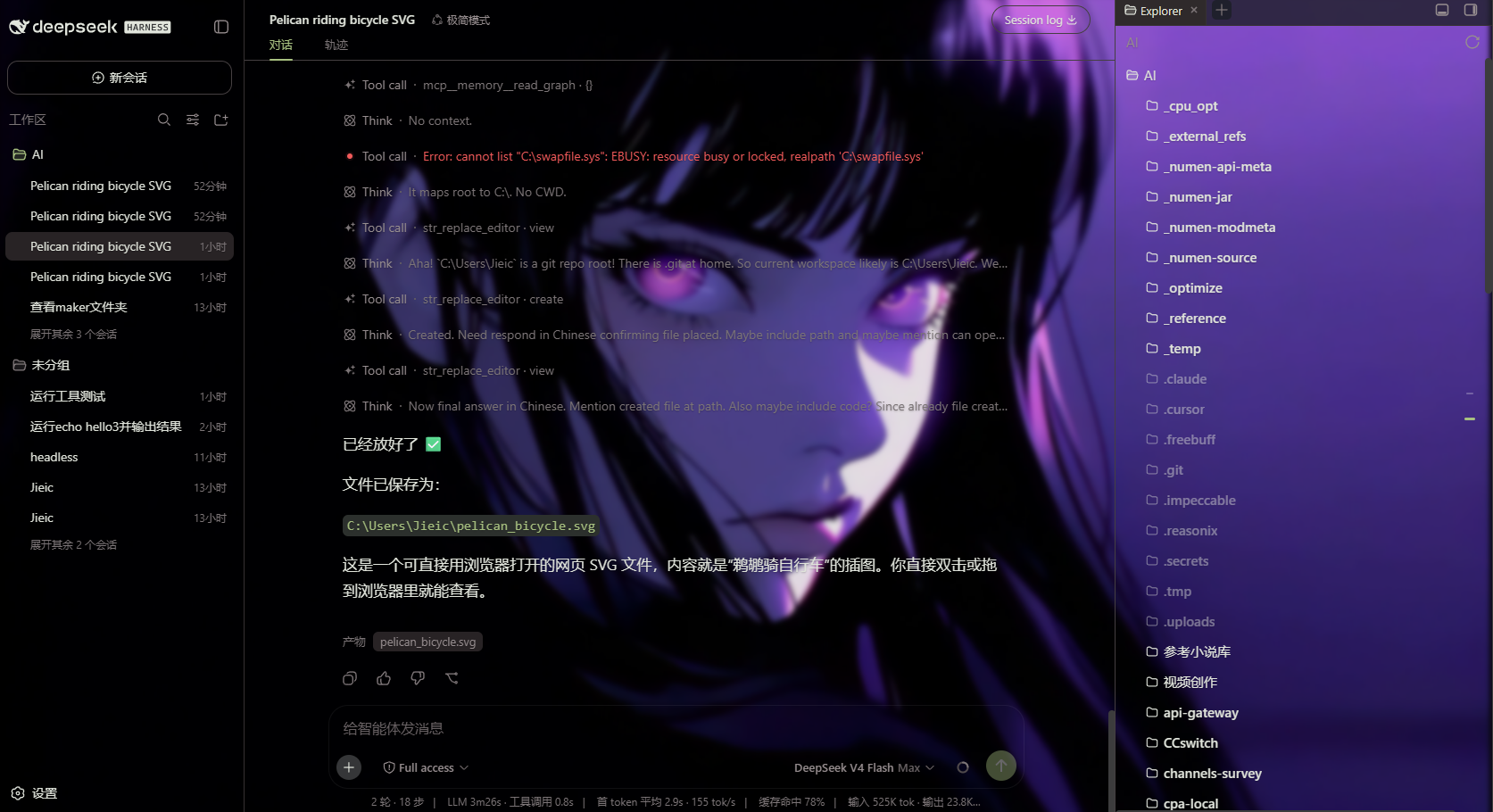
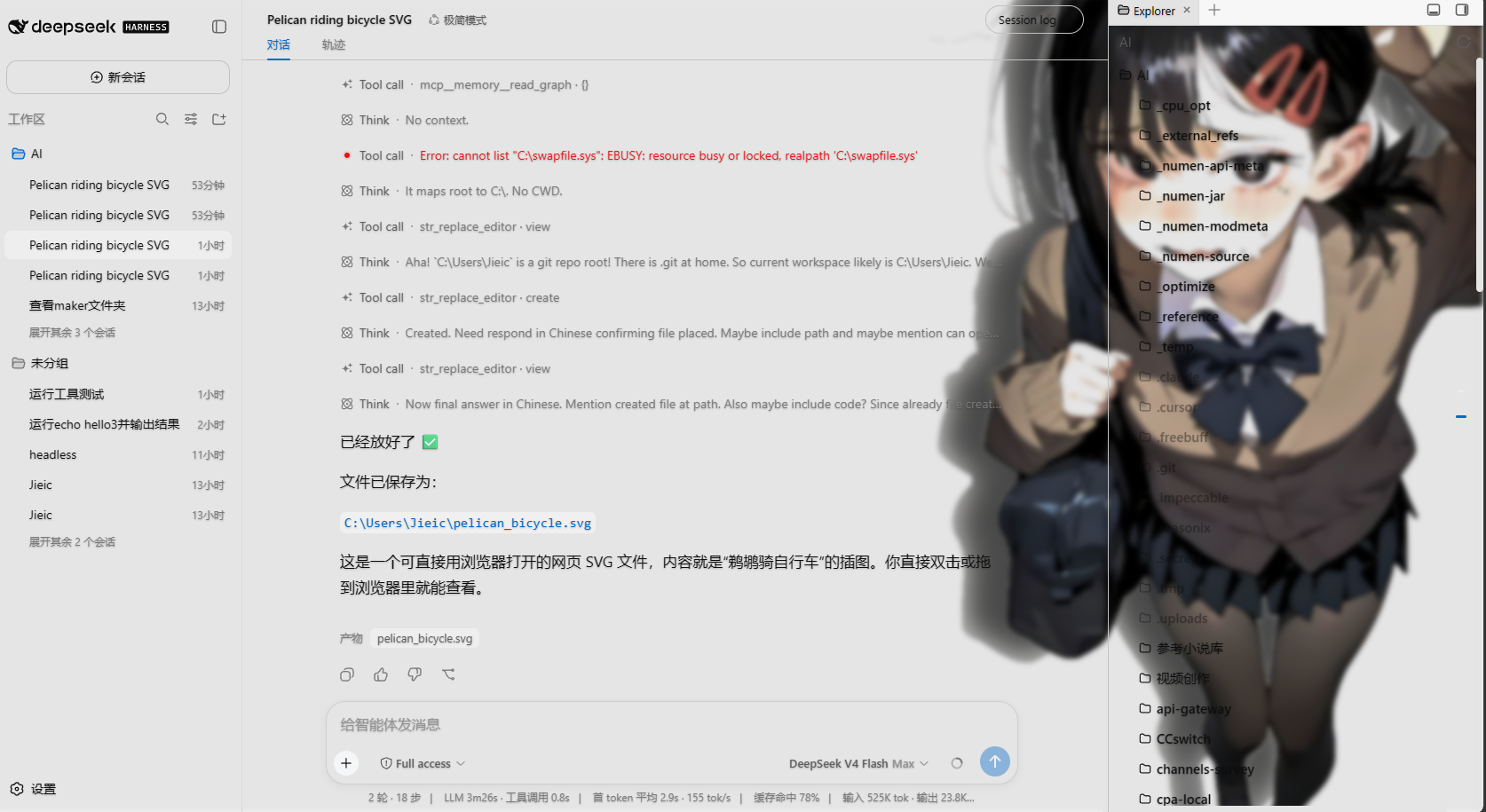
The original wallpaper rotator for DeepSeek Harness Web UI only accepted images, covered just the dialog area, suffered from a broken frosted-glass filter, and flashed black at the end of cross-fade transitions. This enhanced fork tackles every one of those issues: it accepts mp4, webm, mov, and m4v videos as looping, muted backgrounds with host-side Range requests and streaming so seeking stays smooth (single-file cap raised to 1 GB while images remain at 64 MB), and it introduces surface neutralization that automatically renders large opaque panels like the sidebar, file tree, and input bar transparent so the wallpaper truly fills the entire viewport, while modals and pop-ups stay opaque for readability.
Frosted-glass blur, dimming gradients, and text shadows now work correctly on both images and videos. The cross-fade finisher restores layer opacity so mixed image-and-video rotations run without black screens. The blur slider responds across its full 0-to-24 px range, and three text-shadow levels keep type legible on any backdrop. All settings persist to a local JSON file and are restored automatically on restart.
If you use the DeepSeek Harness Web UI and want a more personal, atmospheric workspace without tolerating the original missing features and visual bugs, this plugin is a low-intrusion, high-impact choice: point it at a folder in the settings panel and let images and videos rotate in.
Screenshots
Use Cases
- Set a dynamic video wallpaper on DeepSeek Harness Web UI for a more immersive workspace.
- Drop images and short clips into one folder and let them rotate at your chosen interval.
- Enjoy full-page wallpaper with frosted-glass panels that stay readable at a glance.
Best For
- DeepSeek Harness users who want a more personal visual workspace.
- Developers who want video backgrounds while keeping UI elements crisp and readable.
- Users frustrated by the original plugin's broken blur and black-screen flashes.
Related Plugins

whale-girl is a desktop pet in the DSH Web GUI (bottom-right for instant companionship) — draggable, feedable, playable; completed tasks, sessions and companionship time accrue into seniority levels, titles, and memories.

A WebGPU ocean skin for DeepSeek Harness with five-wave Gerstner waves, translucent theme, day/night cycle, and quick controls, installable as plugin or extension.

A Galgame-style conversation view and visual scene editor for DSH web sessions, with a real-time editing mode.

A native skinning plugin for DeepSeek Harness: 8 designer themes, wallpapers, accent colors, and shareable theme packs, built purely on design tokens.