dsh-xiangqi
Run the following command in DeepSeek Harness:
dsh plugin install ovdoesw/dsh-xiangqi
Paste the following prompt into your AI chat to install this plugin:
Run dsh plugin install ovdoesw/dsh-xiangqi in your DeepSeek Harness terminal to install this plugin, whose source code is hosted at https://github.com/ovdoesw/dsh-xiangqi .
About this plugin
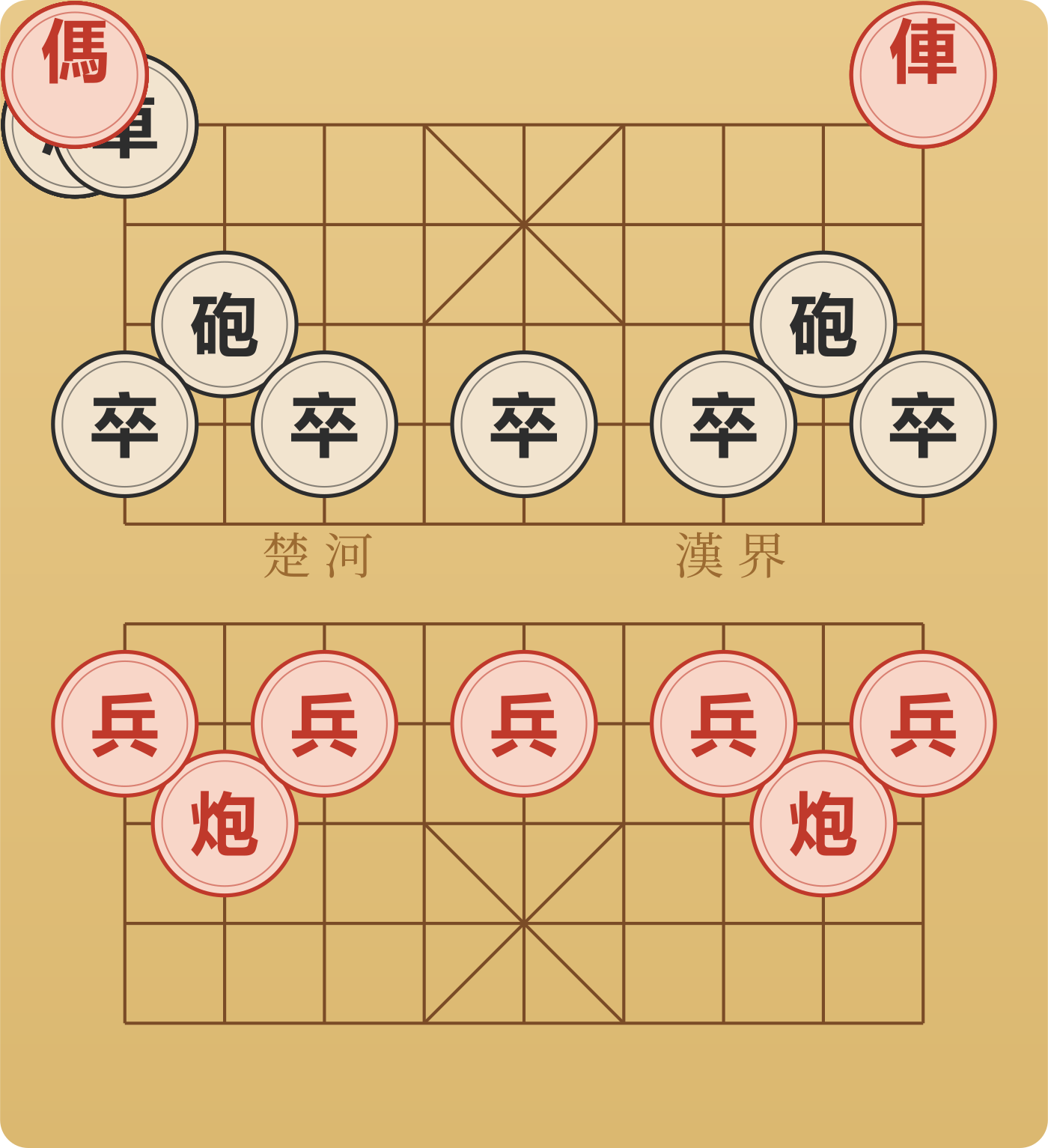
Every time the AI enters a thinking loop, that dozen or so seconds of silence feels like wasted wall time. dsh-xiangqi fills the gap with a small cartoon pet clutching an Elephant piece, floating on your DSH Web GUI and always ready to invite you to a round of Chinese Xiangqi. It is pure entertainment, fully independent from the conversation agent, and never blocks the main loop.
The entire experience works offline out of the box: a hand-written local engine built on negamax with alpha-beta pruning and iterative deepening powers three difficulty tiers, from randomised easy moves up to a depth-4, five-second-budget hard search. Opening lines announce their classic names (Center Cannon, Immortal Opening, Screen Horse, and more), while check and checkmate fire off Sanguosha-style kill phrases, all triggered locally with zero network dependency. If you have an LLM configured in DSH, you can optionally layer on per-move commentary that toggles between a professional chess coach and a variety-streamer voice; any LLM failure degrades silently and the game never stutters. The board panel supports click-to-move, undo, difficulty switching, and a fullscreen stretch (Esc to close). Pet position, game progress, and settings all persist in the browser.
Who is this for? DSH users who want to kill a couple of minutes between prompts without opening a new tab or installing a heavyweight engine like Stockfish. The developer is upfront that the engine is modest, but the whole codebase is pure TypeScript, so you can ask the AI agent in your current DSH session to deepen the search or strengthen the evaluation function, run the build, and have the changes take effect immediately. Zero setup, zero external dependencies, pick it up and play. That is the entire ambition.
Screenshots
Use Cases
- Play a casual chess game while the AI is thinking
- Enjoy offline chess with no internet required
- Stretch the board to fullscreen for focused play
Best For
- Daily DSH Web GUI users
- Users who want a quick pastime between prompts
- Players who enjoy local chess engines and playful quotes
Related Plugins

whale-girl is a desktop pet in the DSH Web GUI (bottom-right for instant companionship) — draggable, feedable, playable; completed tasks, sessions and companionship time accrue into seniority levels, titles, and memories.

A WebGPU ocean skin for DeepSeek Harness with five-wave Gerstner waves, translucent theme, day/night cycle, and quick controls, installable as plugin or extension.

A Galgame-style conversation view and visual scene editor for DSH web sessions, with a real-time editing mode.

A native skinning plugin for DeepSeek Harness: 8 designer themes, wallpapers, accent colors, and shareable theme packs, built purely on design tokens.