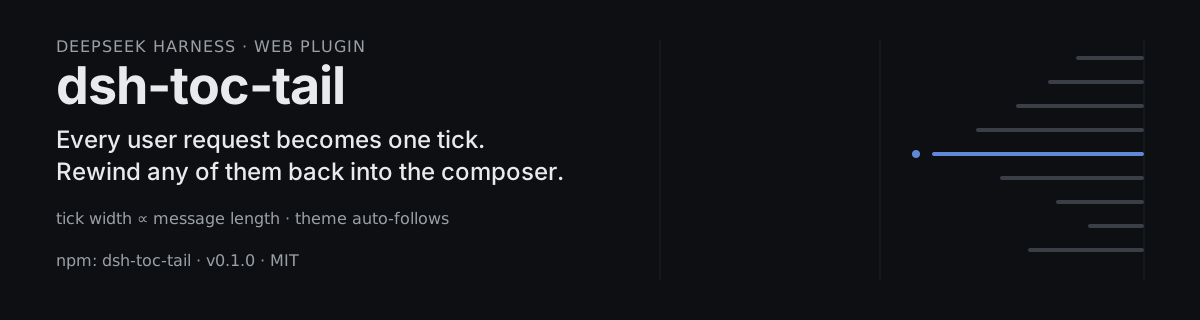
dsh-toc-and-rewind
Run the following command in DeepSeek Harness:
dsh plugin install PaRr0tBoY/dsh-toc-and-rewind
Paste the following prompt into your AI chat to install this plugin:
Install this plugin in DeepSeek Harness by running dsh plugin install PaRr0tBoY/dsh-toc-and-rewind; the source code is available at https://github.com/PaRr0tBoY/dsh-toc-and-rewind .
About this plugin
Running a long session in the DeepSeek Harness web interface means messages pile up faster than you can track, and when you want to go back and pivot, you end up scrolling, deleting by hand, and retyping. dsh-toc-and-rewind was built for exactly that moment. It renders a lightweight outline rail along the right edge of the conversation column: each user request becomes a single horizontal tick whose width scales proportionally to the message length. Scanned at a glance, the rail reads like a map of the conversation—you can see which topics got deep treatment and which were just a passing question.
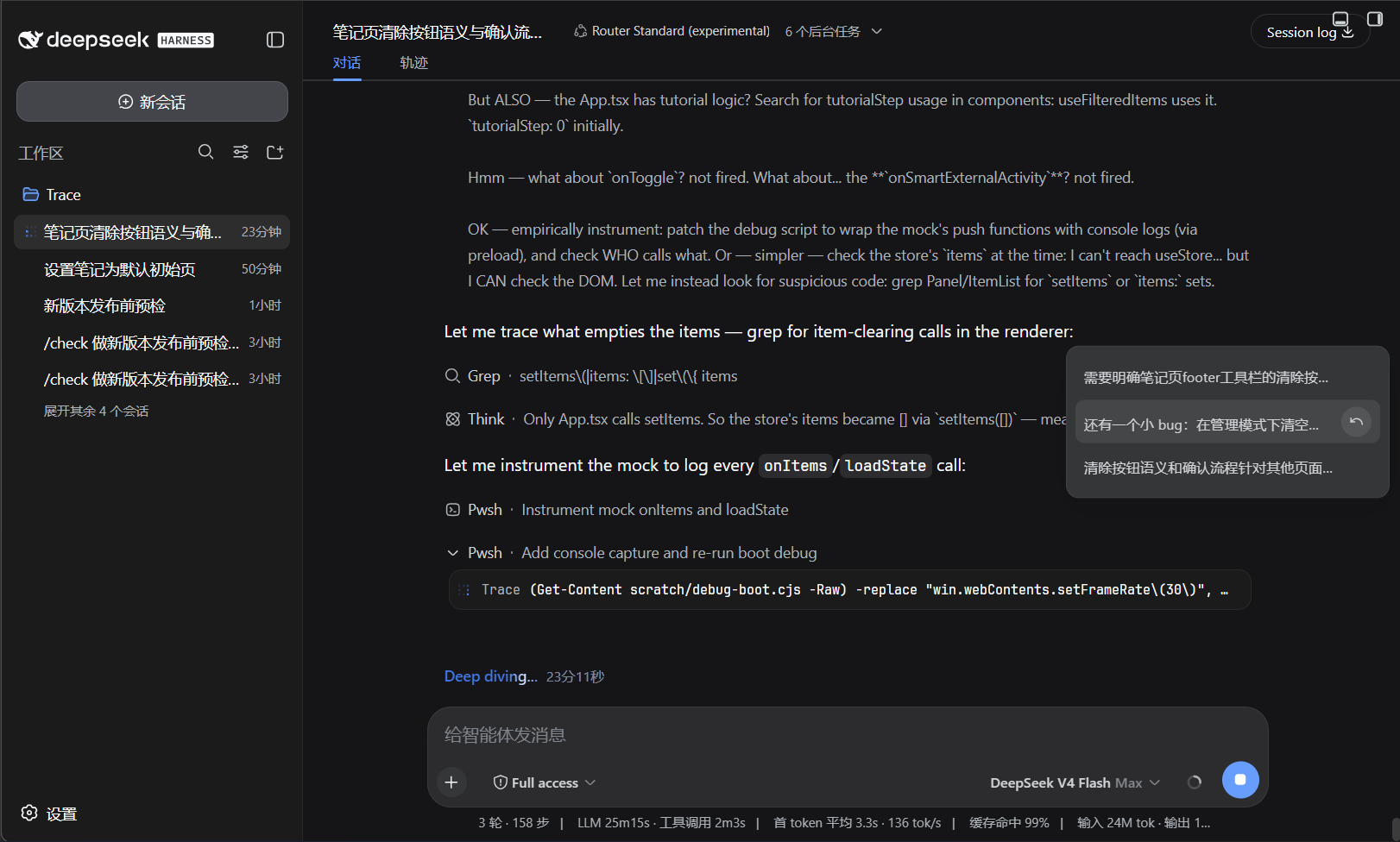
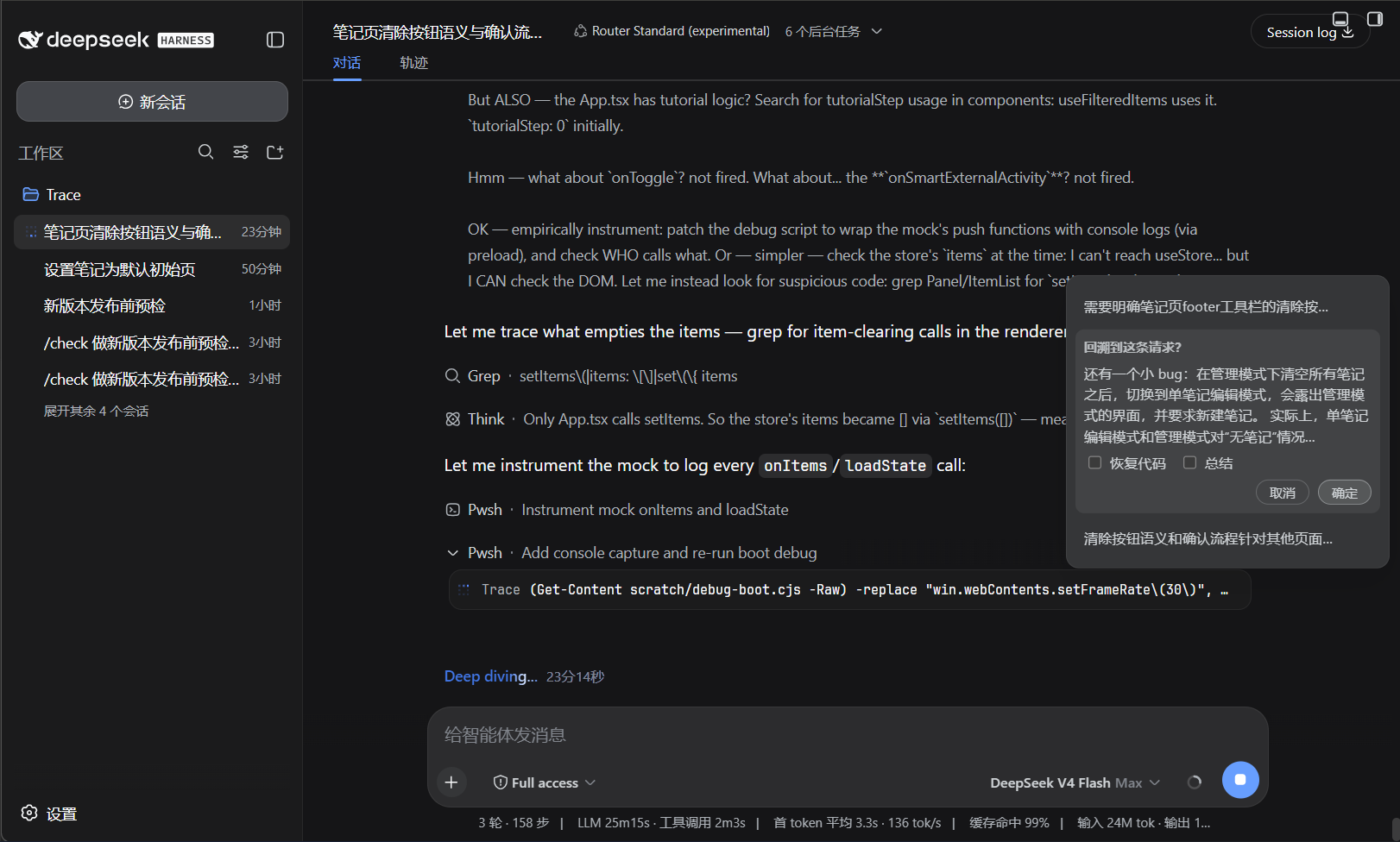
Hover or focus any tick and a directory panel slides out with every request's summary. Click a summary to jump to that message; click the rewind button to open the confirm menu. From there you can fold the subsequent conversation outright, ask the model to summarize the folded span as compact context, or restore workspace files to the code snapshot taken automatically before that request. The withdrawn message's text is prefilled back into the composer, and everything after it collapses into a single fold-marker card—clean and immediate. The entire plugin rides the Harness theme tokens, so light and dark switches recolor everything instantly with no extra configuration.
It is a good fit for developers who run multi-turn, long conversations in the Harness web client and often need to rewind and adjust direction. The rail activates once the conversation has three or more user requests. It is lightweight, non-invasive, and ready to go out of the box.
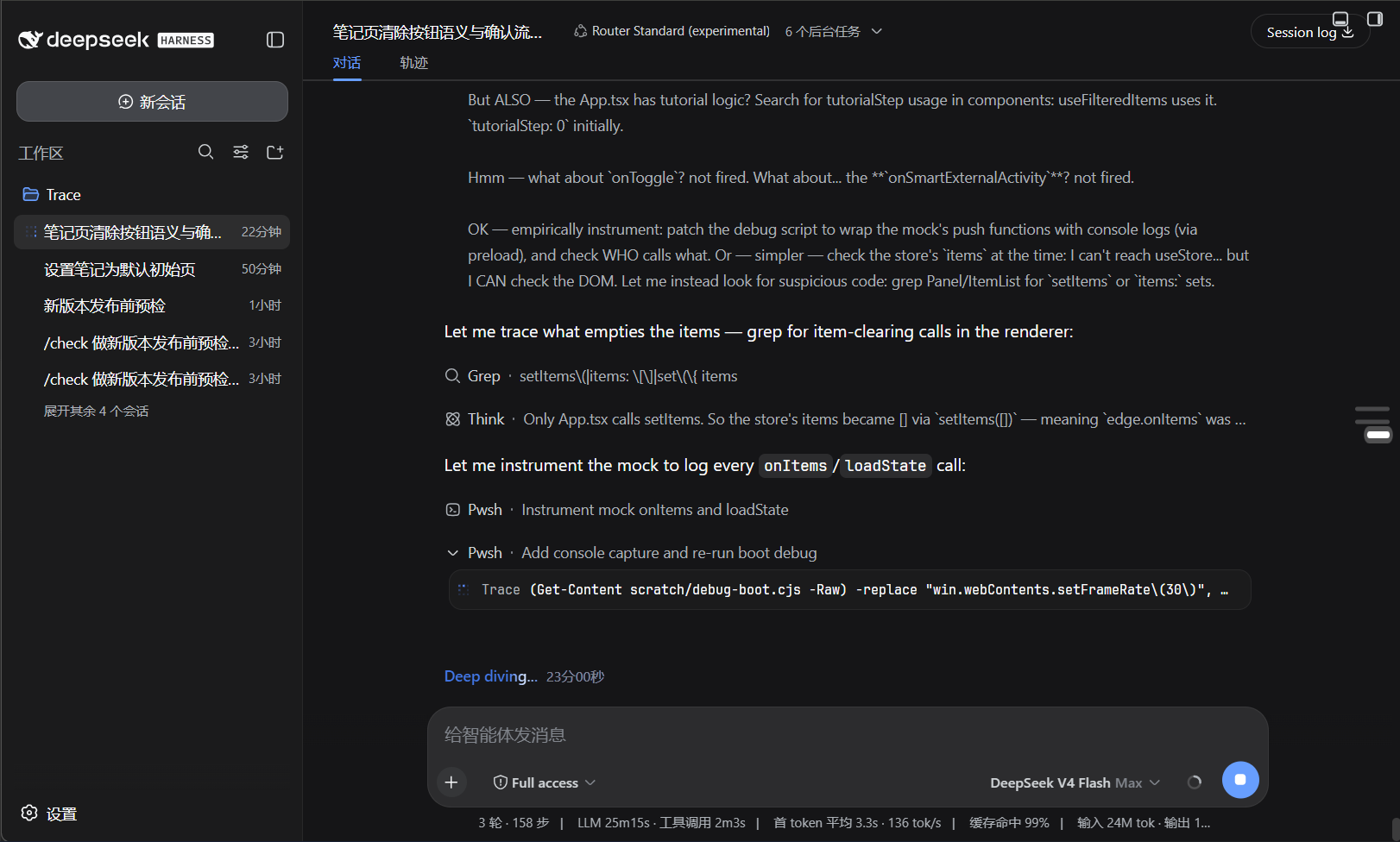
Screenshots
Use Cases
- Mid-session pivot: rewind to an earlier request and adjust direction
- Code went off-track: restore workspace files to the snapshot taken before that request
- Quickly locate a specific request in a long conversation and jump to it
Best For
- Heavy users of the DeepSeek Harness web client running long multi-turn sessions
- Developers who frequently need to rewind and iterate on prompts
- Engineers who want a visual, auditable map of their long conversations
Related Plugins
A service-oriented sidebar framework for DSH, offering a full workbench with file explorer, embedded browser, real terminal, Git panel, and extensible plugin services.

A beautiful, practical Claude Code-style TUI plugin with pixel whale top bar, flowing glow title, real-time status line, streaming thought expansion, time rewind, context progress bar and TPS gauge — zero core changes.

The plugin market for DeepSeek Harness: browse/search/one-click install community plugins and themes, with updates, backup/restore, hot disable, diagnostics, and AI fix.

A persistent whale widget on the DSH web UI that shows DeepSeek balance, today's usage, and per-turn cost, with drag-and-snap and sound effects.