dsh-mobile-glass
Run the following command in DeepSeek Harness:
dsh plugin install YiRan0/dsh-mobile-glass
Paste the following prompt into your AI chat to install this plugin:
Run dsh plugin install YiRan0/dsh-mobile-glass in DeepSeek Harness to install; source code is available at https://github.com/YiRan0/dsh-mobile-glass
About this plugin
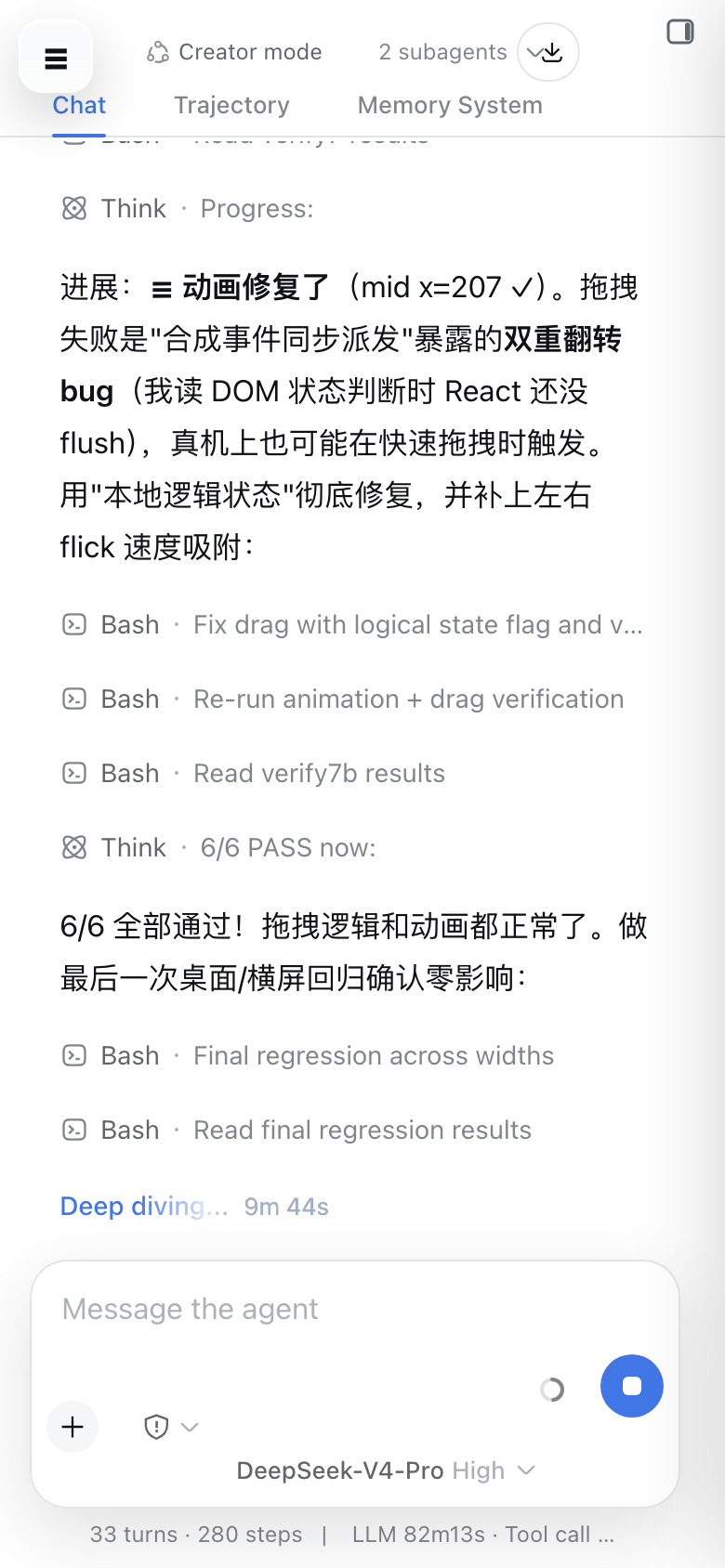
DSH Web was designed with desktop in mind, so the mobile experience on smartphones feels fragmented: the sidebar crowds the viewport, the input box blocks the conversation, and the settings panel has nowhere to go. dsh-mobile-glass targets viewports at 1023 px and below with absolute zero impact on desktop (1024 px and up). It activates automatically after install with no extra configuration required.
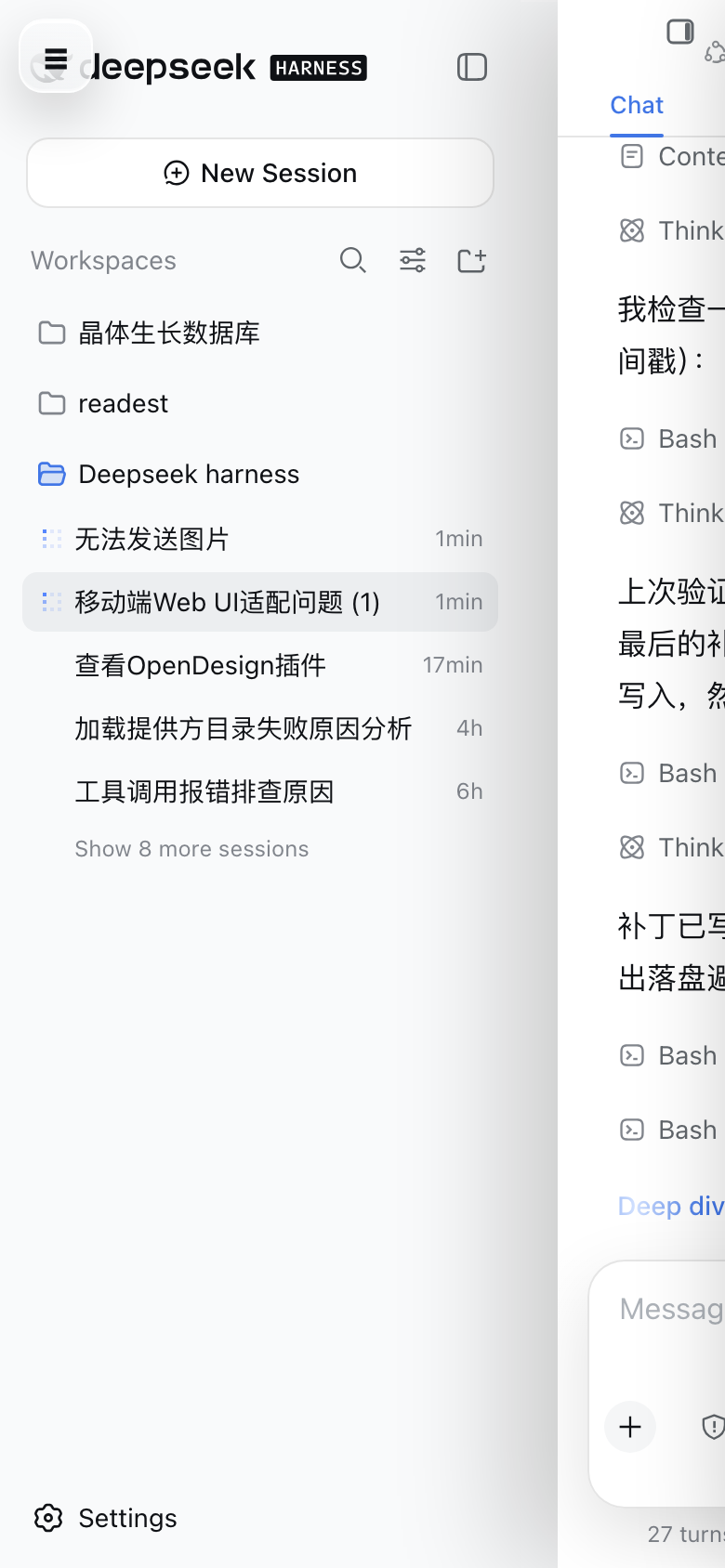
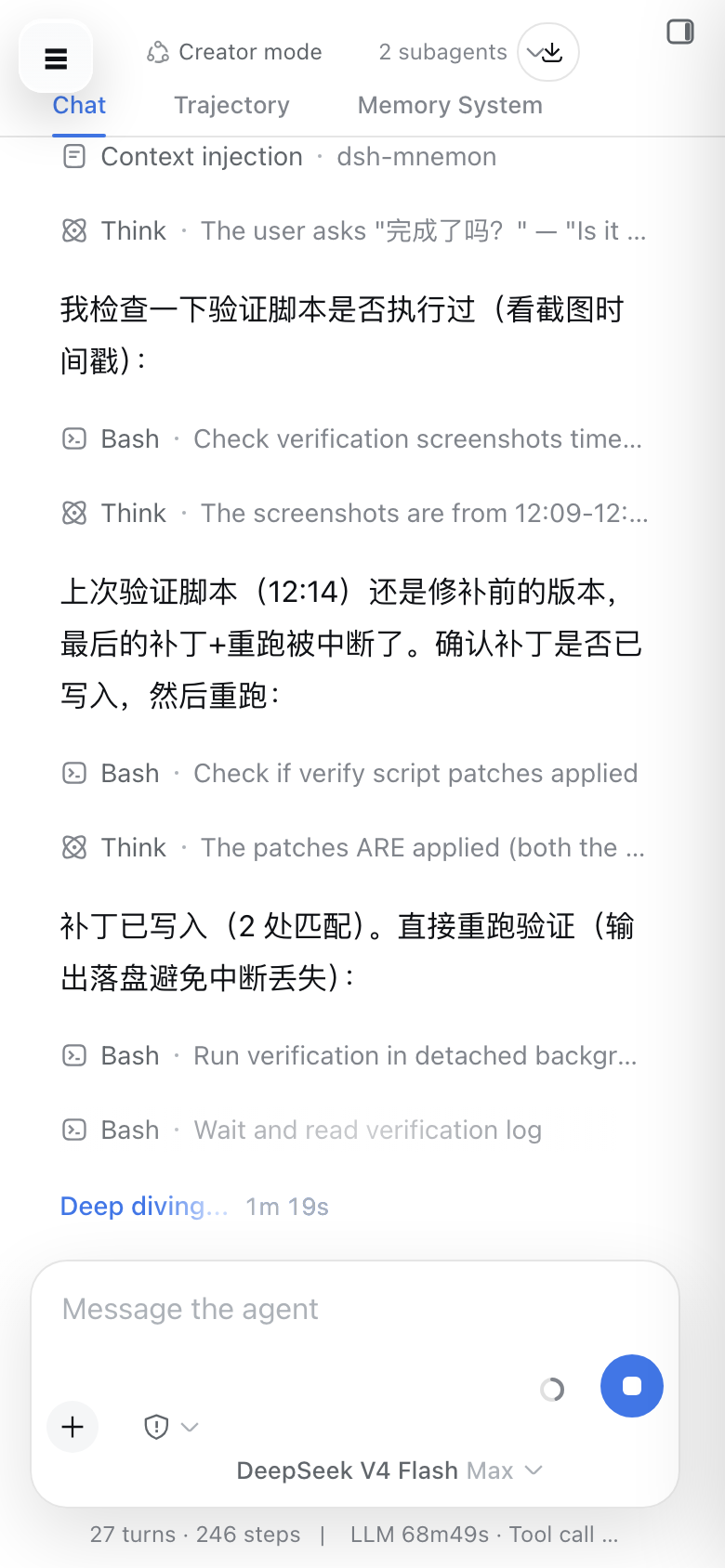
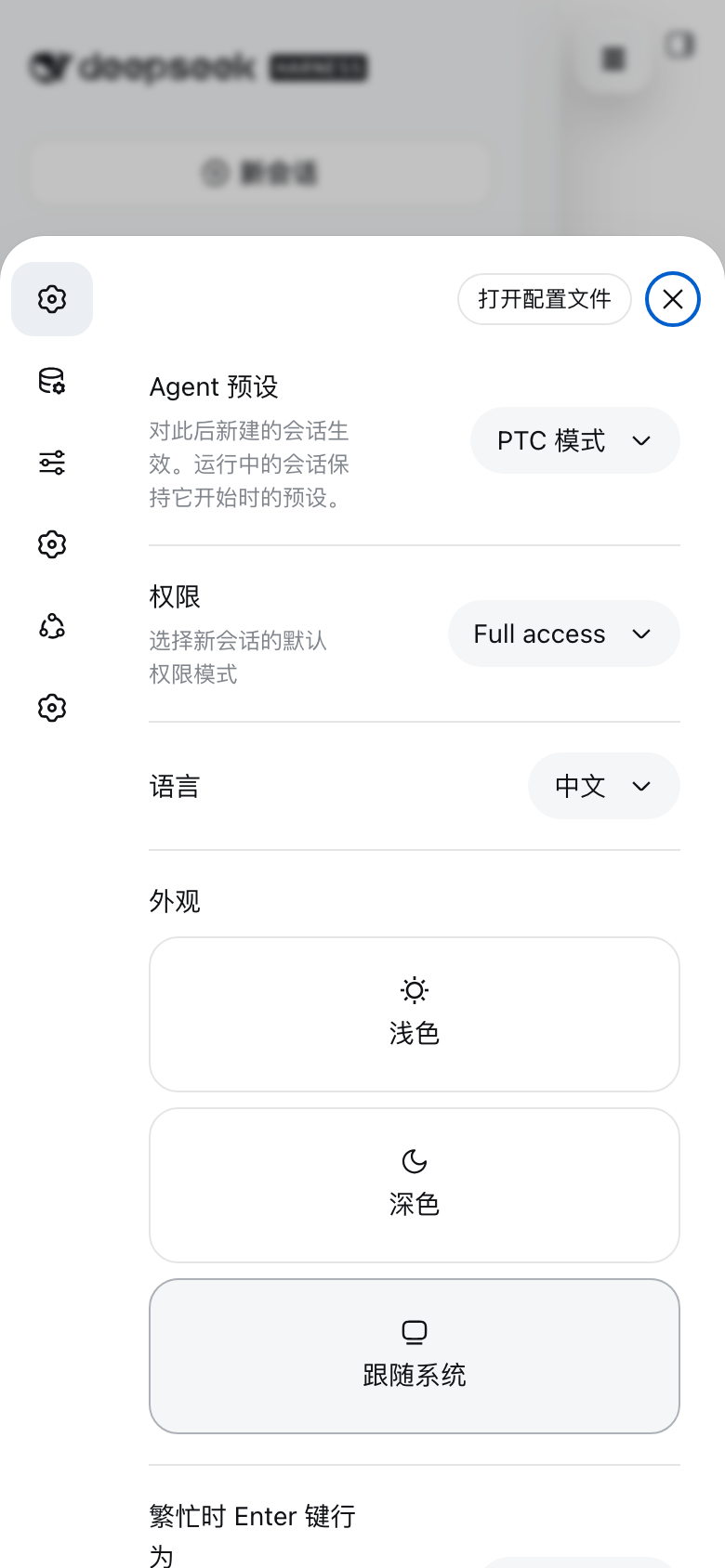
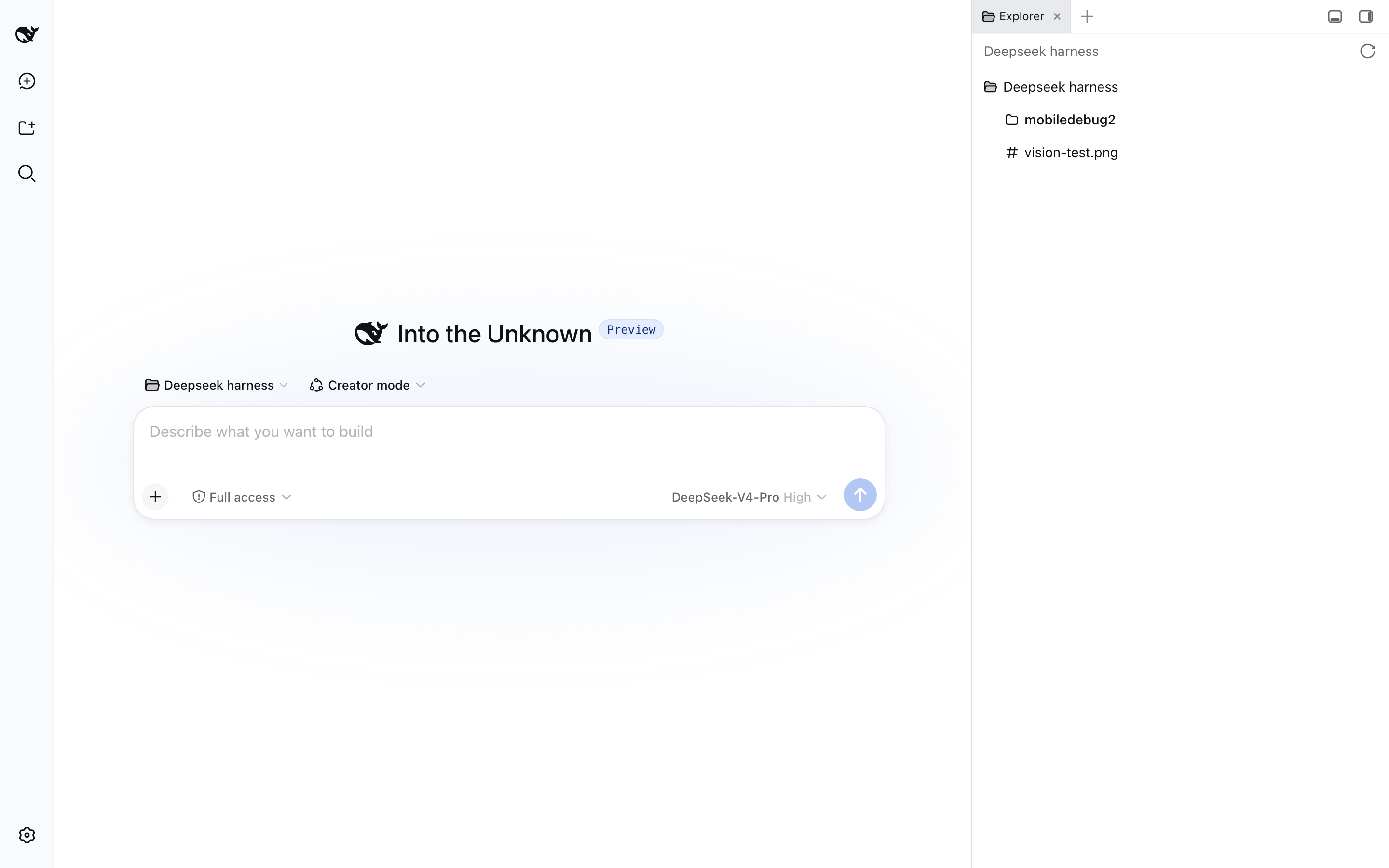
The interaction model is rebuilt around mobile habits. A floating glass hamburger button reveals the sidebar as a drawer while the chat column slides right with a smooth translateX animation. Touch drag gestures use direction locking and velocity-based snapping, and they gracefully yield to native horizontal scrolling when the content is a wide table or code block. The input box starts as a compact centered capsule out of the way of the conversation, then expands to a full-width multi-line area on focus and contracts back on blur. The settings panel slides up from the bottom as a card, navigation collapses into an icon rail, and header clutter is cleaned up and aligned.
The plugin ships full PWA support via host-side routes for a Service Worker and an enhanced Web Manifest, with zero modifications to any DSH vendor file so upgrades are painless. Caching uses content-addressed URLs with a cache-first plus background-update strategy for instant repeat visits, network-first for navigation with a built-in offline page, and a complete bypass for API and SSE channels so live data is never stale. Phone browsers can add it to the home screen and run it standalone, just like a native app.
If you rely on DSH Web on a phone for daily conversations and session review, this plugin elevates the experience from barely usable to genuinely comfortable, while leaving your desktop setup exactly as it was.
Screenshots
Use Cases
- Opening DSH Web on a phone for daily conversations and session review
- Adding DSH to the home screen as a standalone PWA app with instant cold-start
- Completing the full workflow on mobile: drag sidebar, expand input, slide up settings
Best For
- Individual users who rely on DSH Web daily from a phone
- Product and engineering teams that need on-the-go access to conversations
- Deployers who want a PWA experience without modifying any DSH source files
Related Plugins
A service-oriented sidebar framework for DSH, offering a full workbench with file explorer, embedded browser, real terminal, Git panel, and extensible plugin services.

A beautiful, practical Claude Code-style TUI plugin with pixel whale top bar, flowing glow title, real-time status line, streaming thought expansion, time rewind, context progress bar and TPS gauge — zero core changes.

The plugin market for DeepSeek Harness: browse/search/one-click install community plugins and themes, with updates, backup/restore, hot disable, diagnostics, and AI fix.

A persistent whale widget on the DSH web UI that shows DeepSeek balance, today's usage, and per-turn cost, with drag-and-snap and sound effects.