dsh-desktop
Run the following command in DeepSeek Harness:
dsh plugin install LvsH13/dsh-desktop
Paste the following prompt into your AI chat to install this plugin:
Run dsh plugin install LvsH13/dsh-desktop in your DeepSeek Harness terminal to install this plugin, available at https://github.com/LvsH13/dsh-desktop .
About this plugin
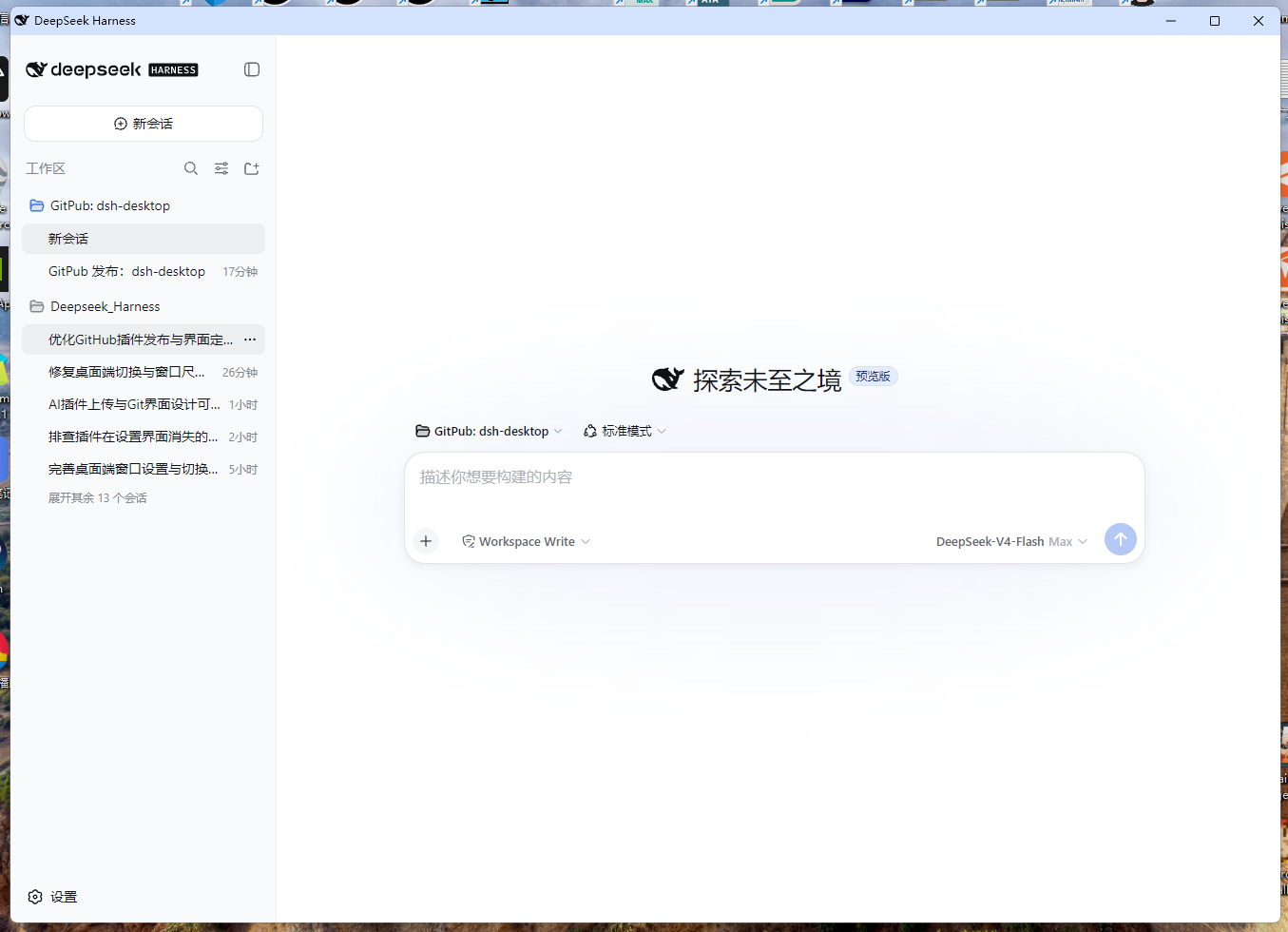
DeepSeek Harness is fundamentally a web application, and relying on a browser tab every day never quite feels like a real desktop experience. A traditional Electron client would mean downloading a separate installer, reconfiguring everything, and possibly requesting admin privileges. dsh-desktop compresses all of that into a single plugin command: install, restart, done, with zero extra dependencies.
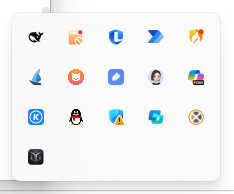
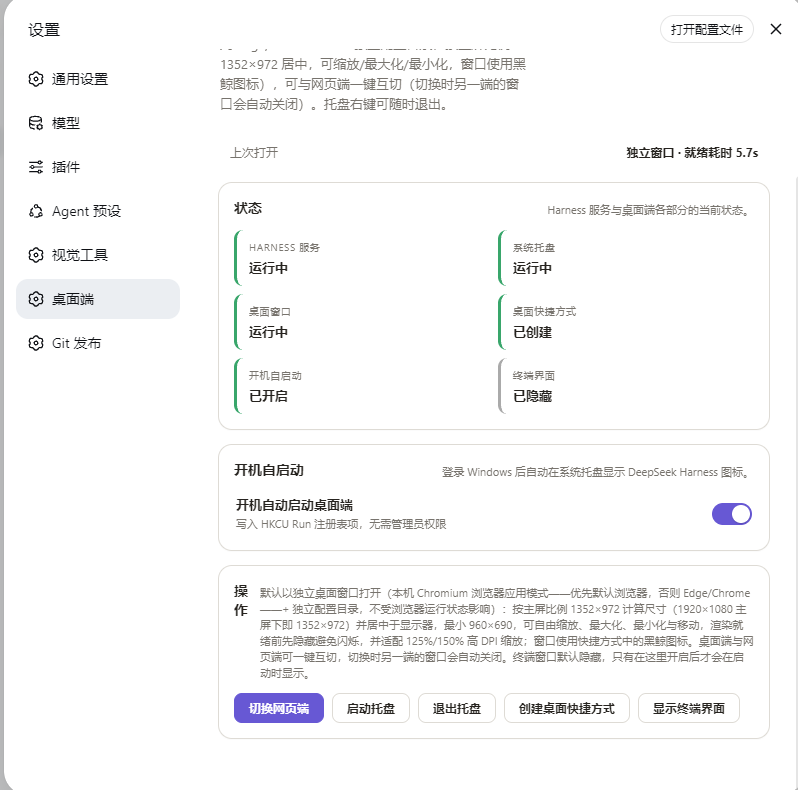
Once installed, a whale icon appears in the notification area. Right-click to open, restart, or quit Harness at any time. The desktop window renders in Chromium app mode at a 1352x972 adaptive ratio with an isolated browser profile, so extensions and login prompts never leak into the window. Auto-start is handled by a Task Scheduler login trigger, so the service and a boot-screen desktop window appear within seconds of logging in, with no console window flashing. A new Desktop panel in Settings lets you toggle between desktop and web modes with one click; status is auto-detected and labels are always accurate.
This plugin is for Windows 10/11 users who already have the DeepSeek Harness web profile set up and want a full desktop experience without installing a standalone client. It requires Node.js 20 or later and any Chromium-based browser (Edge ships with the OS), and no admin rights are needed at any point.
Screenshots

Use Cases
- Using DeepSeek Harness daily without juggling browser tabs
- Desktop window auto-launches and is ready in seconds right after login
- Switching between desktop and web modes on the fly throughout the day
Best For
- Windows 10/11 users who already have the DeepSeek Harness web profile set up
- Developers who want a native desktop feel without a standalone Electron client
- Power users who prefer tray-based management and auto-start for their Harness session
Related Plugins
A service-oriented sidebar framework for DSH, offering a full workbench with file explorer, embedded browser, real terminal, Git panel, and extensible plugin services.

A beautiful, practical Claude Code-style TUI plugin with pixel whale top bar, flowing glow title, real-time status line, streaming thought expansion, time rewind, context progress bar and TPS gauge — zero core changes.

The plugin market for DeepSeek Harness: browse/search/one-click install community plugins and themes, with updates, backup/restore, hot disable, diagnostics, and AI fix.

A persistent whale widget on the DSH web UI that shows DeepSeek balance, today's usage, and per-turn cost, with drag-and-snap and sound effects.