dsh-custom-background
Run the following command in DeepSeek Harness:
dsh plugin install StarryHui/dsh-custom-background
Paste the following prompt into your AI chat to install this plugin:
To install this plugin in DeepSeek Harness, run the command: dsh plugin install StarryHui/dsh-custom-background, or visit the full source code at https://github.com/StarryHui/dsh-custom-background for more details.
About this plugin
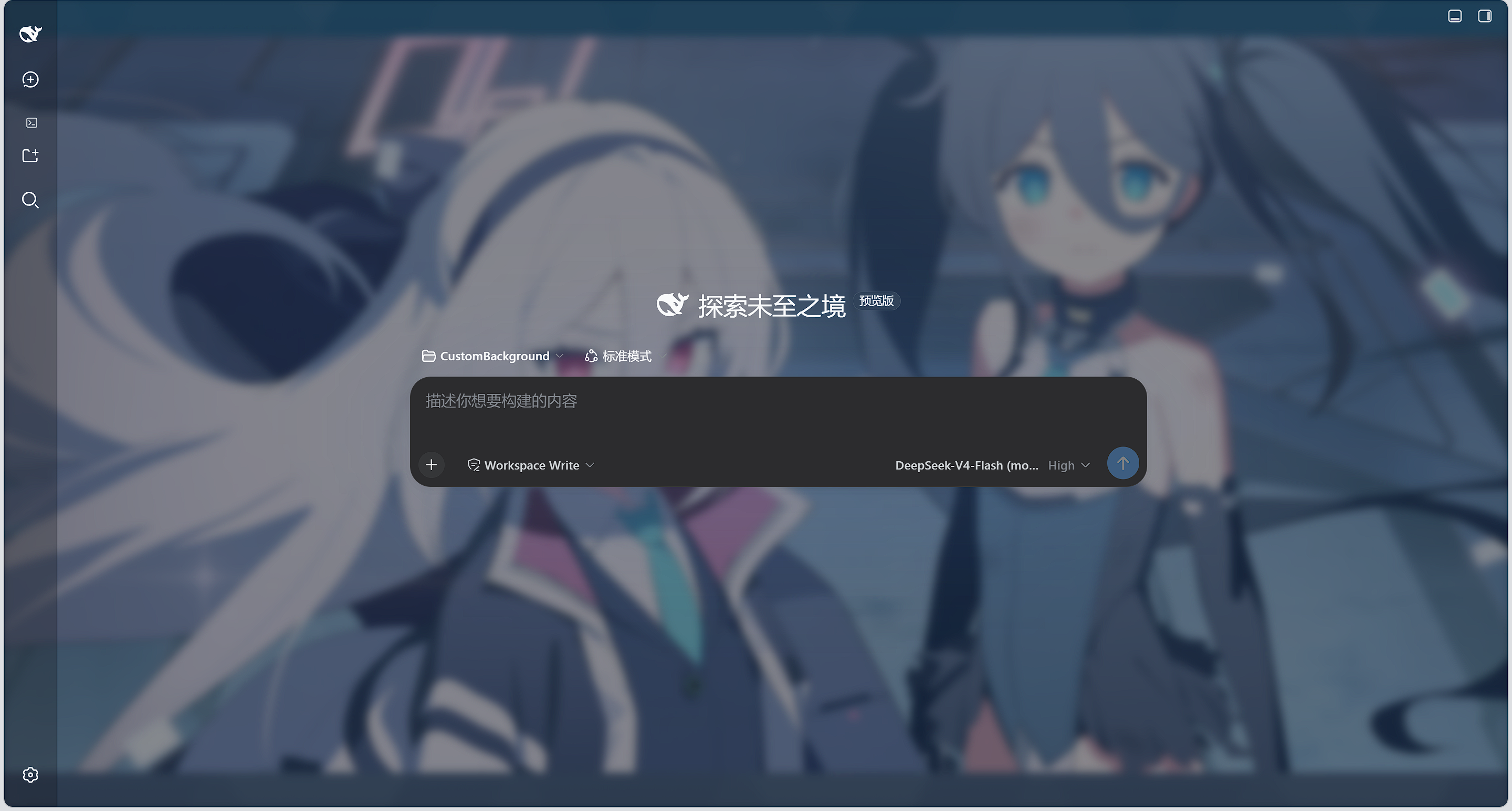
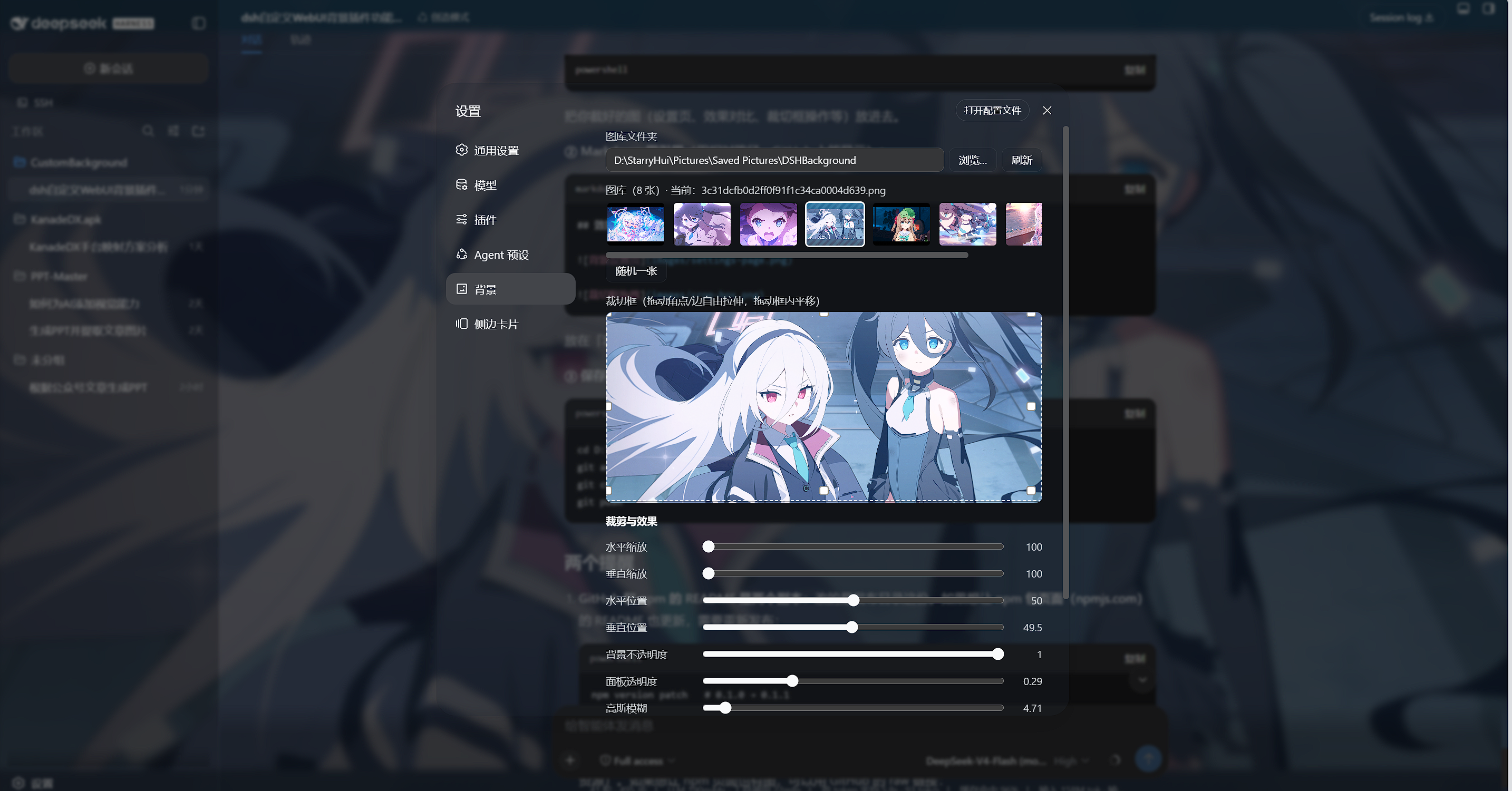
DeepSeek Harness is a powerful tool, but its default WebUI background can feel monotonous and lacks personalization. The dsh-custom-background plugin addresses this by enabling users to easily import images from local folders as backgrounds, with extensive customization options. Its core capabilities include scanning image libraries, free-form cropping, real-time effect adjustments like scaling, position, opacity, and blur, multiple display modes, and multi-image cross-fade rotation—all applied instantly with persistent configuration. This plugin is ideal for DeepSeek Harness users who want to beautify their workspace and enjoy a personalized experience, whether for daily use or development debugging, enhancing visual enjoyment.
Screenshots
Use Cases
- Users want to personalize their DeepSeek Harness workspace
- Distinguish personal spaces in team collaboration with different backgrounds
- Use multi-image rotation to keep the interface fresh during development debugging
Best For
- Regular users of DeepSeek Harness
- Developers who enjoy customizing interfaces
- Personalization enthusiasts seeking aesthetic workspaces
Related Plugins

whale-girl is a desktop pet in the DSH Web GUI (bottom-right for instant companionship) — draggable, feedable, playable; completed tasks, sessions and companionship time accrue into seniority levels, titles, and memories.

Renders your local Wallpaper Engine wallpapers as the DSH web background, supporting video, web, and scene wallpapers with a liquid-glass effect and rich customization.

A WebGPU ocean skin for DeepSeek Harness with five-wave Gerstner waves, translucent theme, day/night cycle, and quick controls, installable as plugin or extension.

A Galgame-style conversation view and visual scene editor for DSH web sessions, with a real-time editing mode.