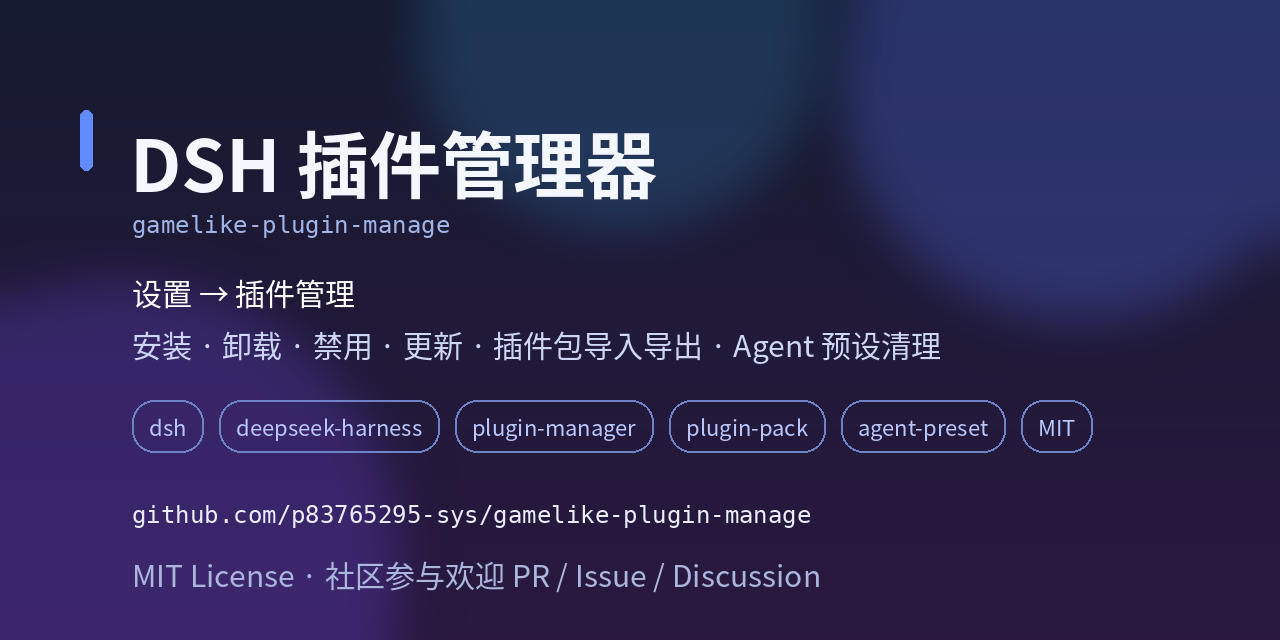
gamelike-plugin-manage
Run the following command in DeepSeek Harness:
dsh plugin install p83765295-sys/gamelike-plugin-manage
Paste the following prompt into your AI chat to install this plugin:
Run dsh plugin install p83765295-sys/gamelike-plugin-manage in the DeepSeek Harness terminal to install this plugin, or clone from https://github.com/p83765295-sys/gamelike-plugin-manage and import it as a local directory.
About this plugin
Once you have five or six DSH plugins running, the pain becomes obvious: pausing one means digging through config files, updating one demands a full restart, and moving to a new machine means re-dragging every package by hand. gamelike-plugin-manage folds all of that into a single panel under Settings and Plugin Management, so you manage your plugins the way you manage browser extensions.
Four core capabilities do the heavy lifting. The Manage tab lets you search and filter by source, enable or disable plugins with hot-apply (a patch is written and takes effect immediately, no restart needed), queue uninstalls for the next restart with a cancel window, and automatically clean up any local Agent presets that a disabled or uninstalled plugin bundled. The Install tab accepts local directories, dropped .tgz files, GitHub URLs, or npm commands, shows live progress in a task panel, and offers a one-click hand off to AI action for failed builds. The Plugin Pack tab lets you group arbitrary plugins into a named .tgz; importing it on another machine restores groups, enabled or disabled states, and verifies every member by sha256: duplicate content across packs is deduplicated, and conflicting members are rejected rather than silently overwritten. Groups are lightweight reference tags: a single plugin can belong to many groups, and you can toggle an entire group on or off in one click.
It is built for DSH users who run more than three or four plugins, switch between machines, or need to hand a curated plugin set to a teammate or spare rig. The learning curve is one panel away: install this plugin, open it, and work through the tabs. No config files to edit, no CLI commands to memorize.
Screenshots
Use Cases
- Quickly enable, disable, or update installed DSH plugins without manually editing config files.
- Bundle a set of curated plugins into a pack and restore them on another machine with one import.
- Batch-install third-party plugins from GitHub or local directories with real-time progress tracking.
Best For
- Users managing multiple DSH plugins who want a centralized control panel.
- Developers and teams that need to sync plugin setups across multiple machines.
- Operators who prefer a GUI panel over CLI commands and manual config edits.
Related Plugins
A service-oriented sidebar framework for DSH, offering a full workbench with file explorer, embedded browser, real terminal, Git panel, and extensible plugin services.

A beautiful, practical Claude Code-style TUI plugin with pixel whale top bar, flowing glow title, real-time status line, streaming thought expansion, time rewind, context progress bar and TPS gauge — zero core changes.

The plugin market for DeepSeek Harness: browse/search/one-click install community plugins and themes, with updates, backup/restore, hot disable, diagnostics, and AI fix.

A persistent whale widget on the DSH web UI that shows DeepSeek balance, today's usage, and per-turn cost, with drag-and-snap and sound effects.