
dsh-studio
Run the following command in DeepSeek Harness:
dsh plugin install euanguo/dsh-studio
Paste the following prompt into your AI chat to install this plugin:
To install this plugin in DeepSeek Harness, run the command dsh plugin install euanguo/dsh-studio or visit the full source URL at https://github.com/euanguo/dsh-studio.
About this plugin
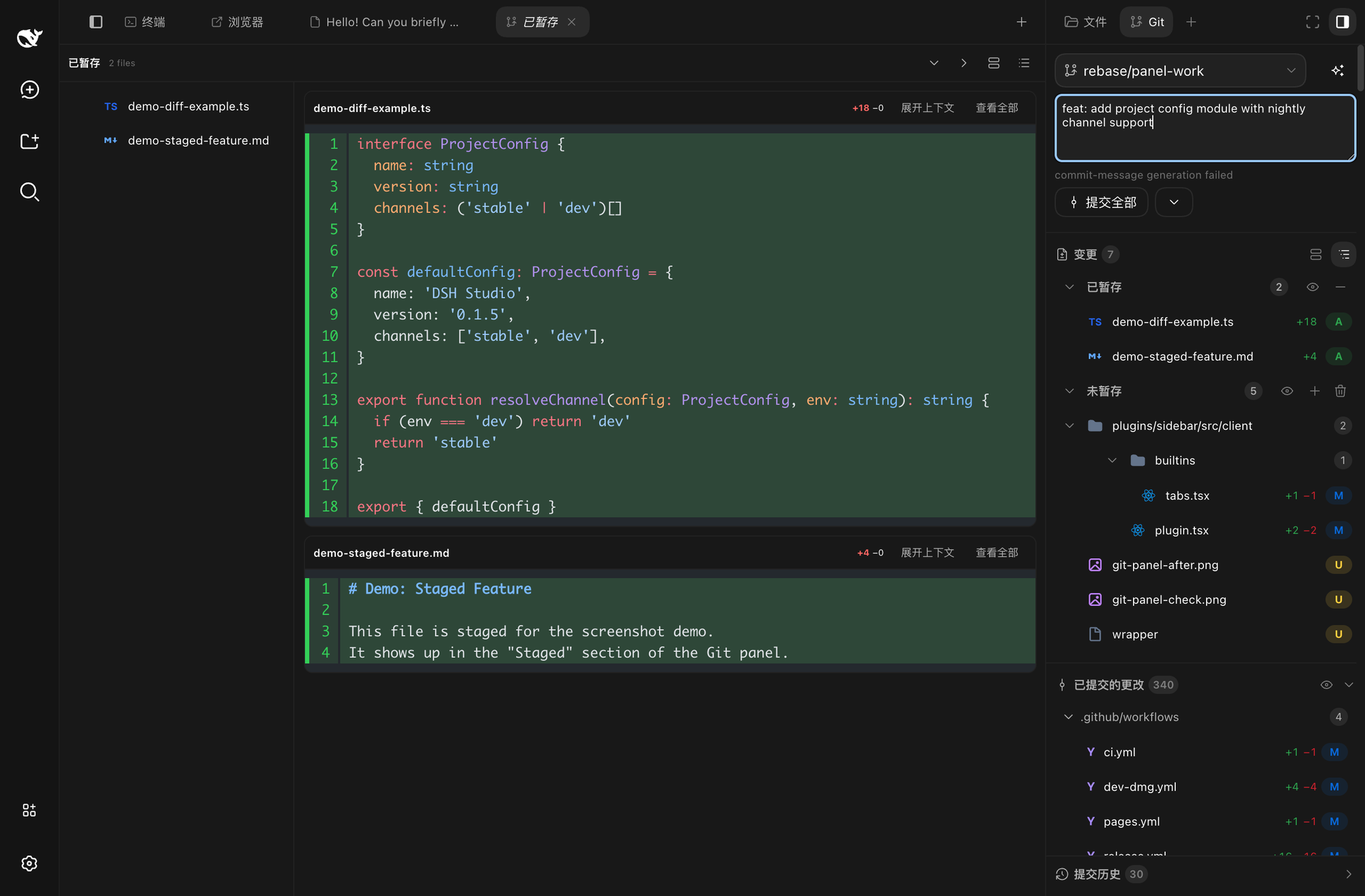
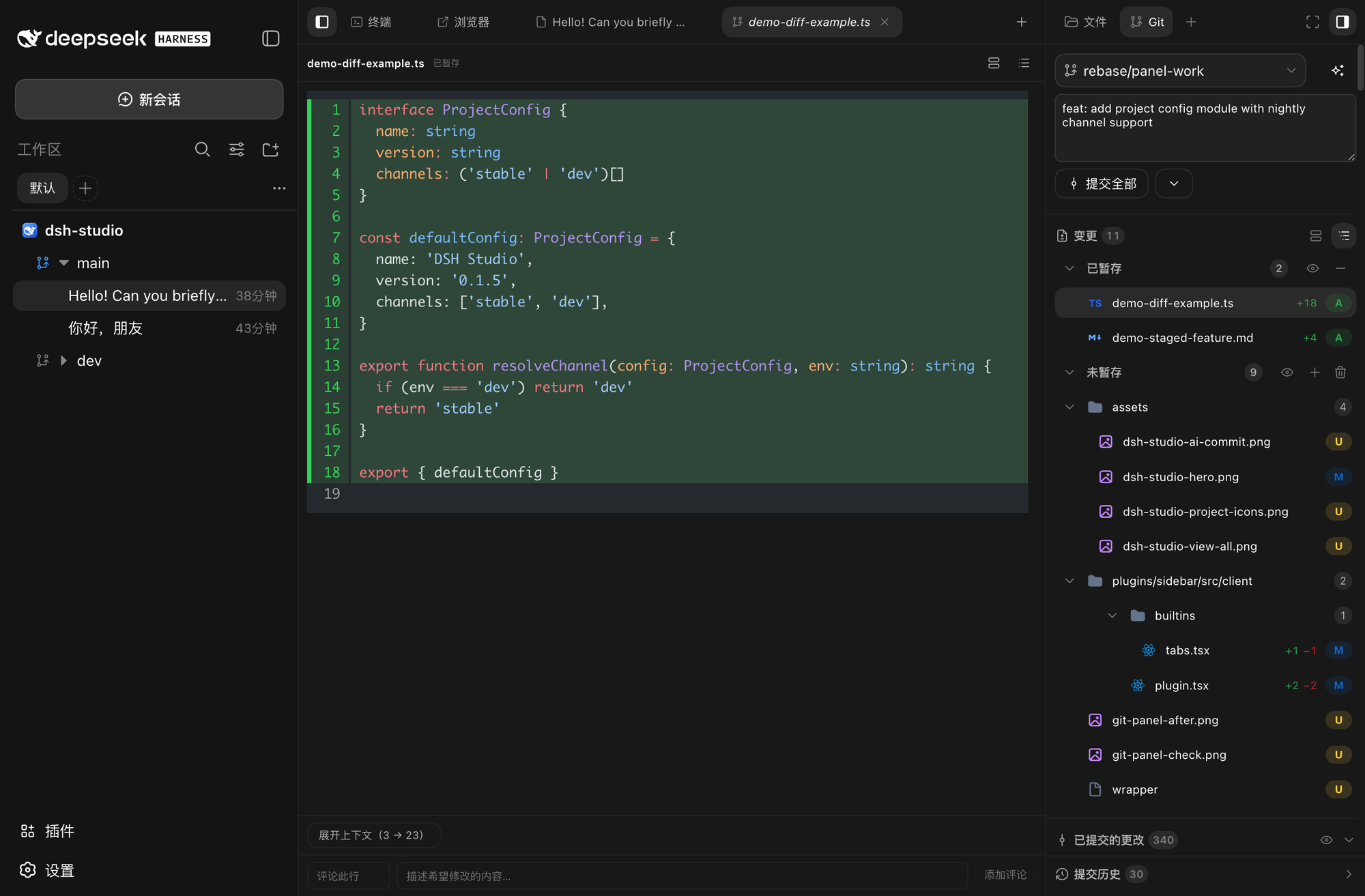
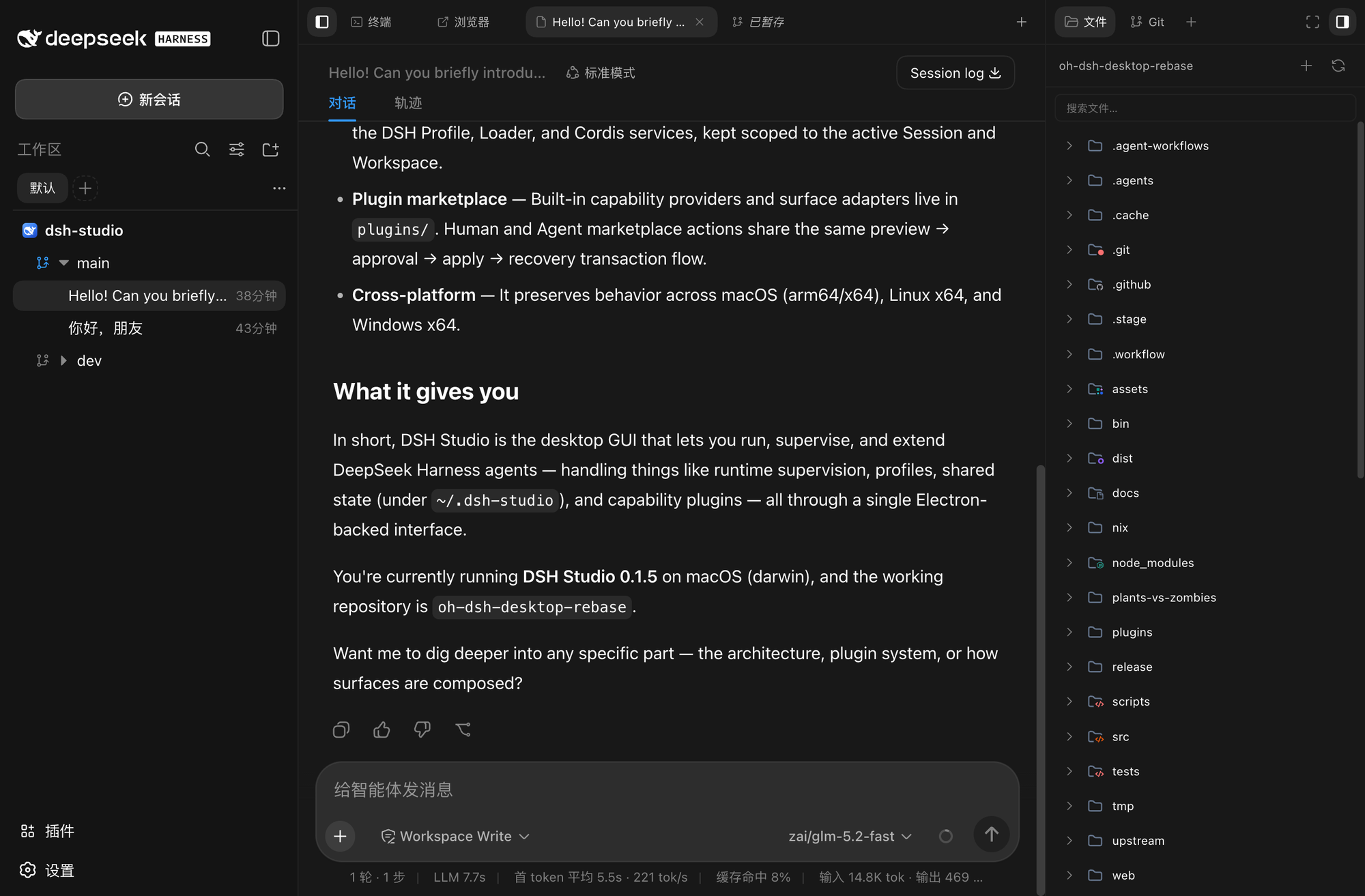
DSH Studio is a local development workbench built on DeepSeek Harness, designed to address the issue of developers constantly switching between multiple tools and windows. It integrates AI conversation, file management, Git review, terminal, and plugins into a unified workspace, offering a seamless development experience. Core capabilities include a multi-project workspace for managing multiple projects and branches simultaneously; a one-stop tool area with conversation, terminal, and file preview to avoid context switching; Git review features with staged/unstaged partitions and smart commit generation; Desktop and Web homogeneity for consistent experience across environments; and a plugin marketplace for extending functionality. DSH Studio is ideal for developers who need to efficiently integrate local development tools, especially those using DeepSeek Harness for AI-assisted development. It suits both individual projects and team collaborations, enhancing productivity by reducing tool fragmentation.
Screenshots
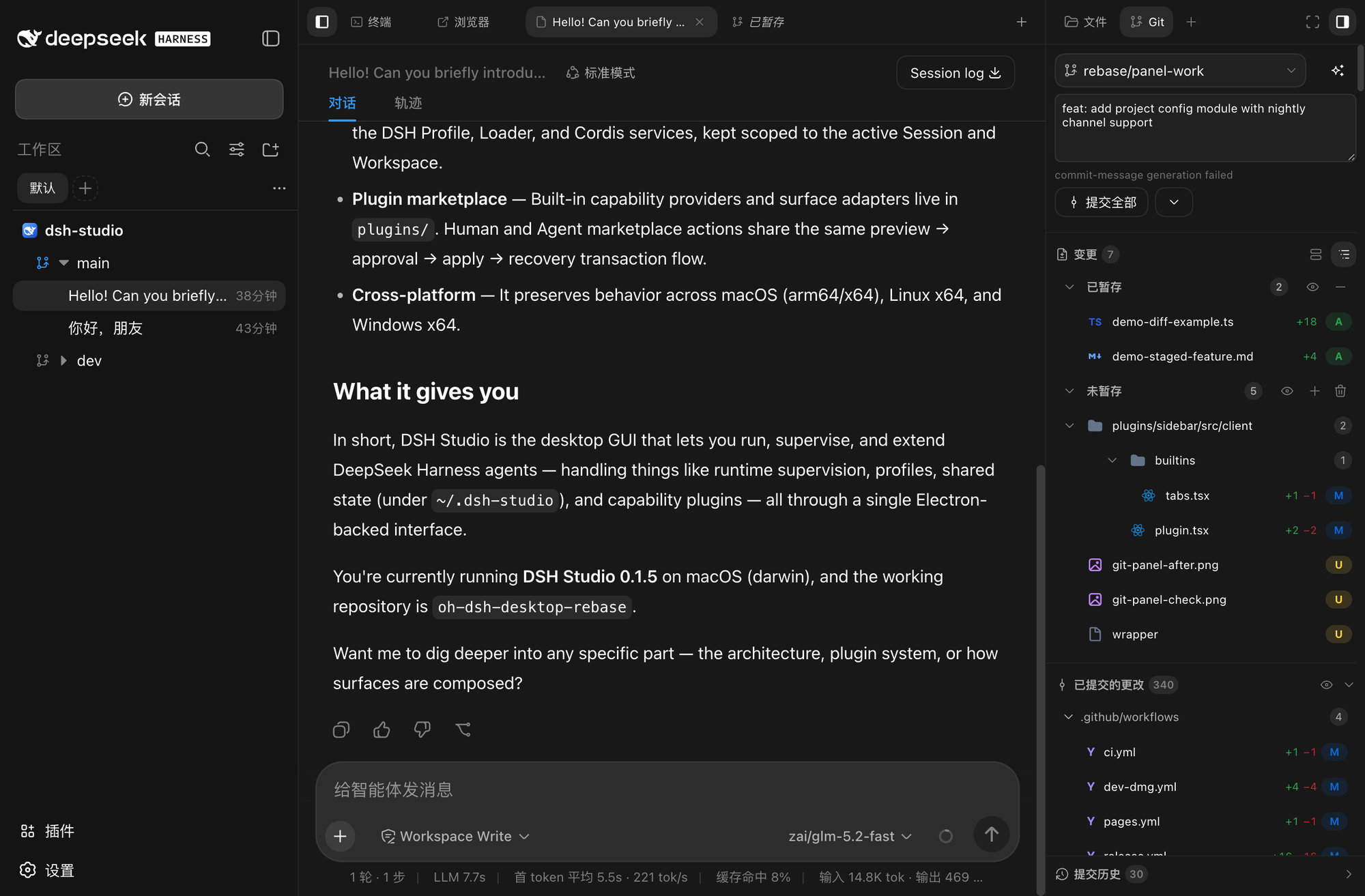
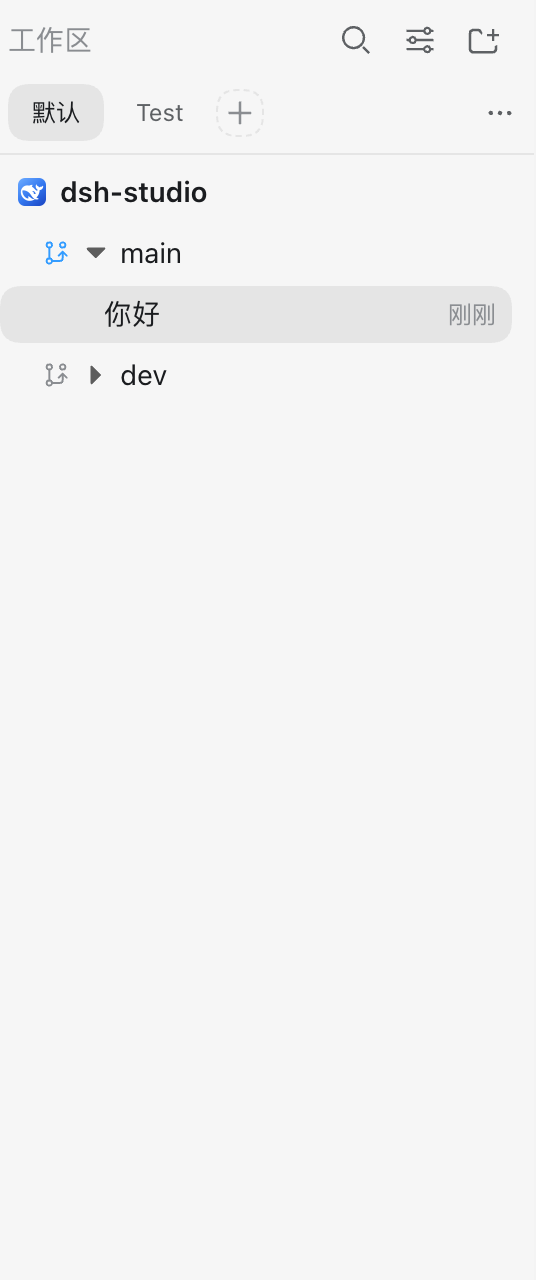
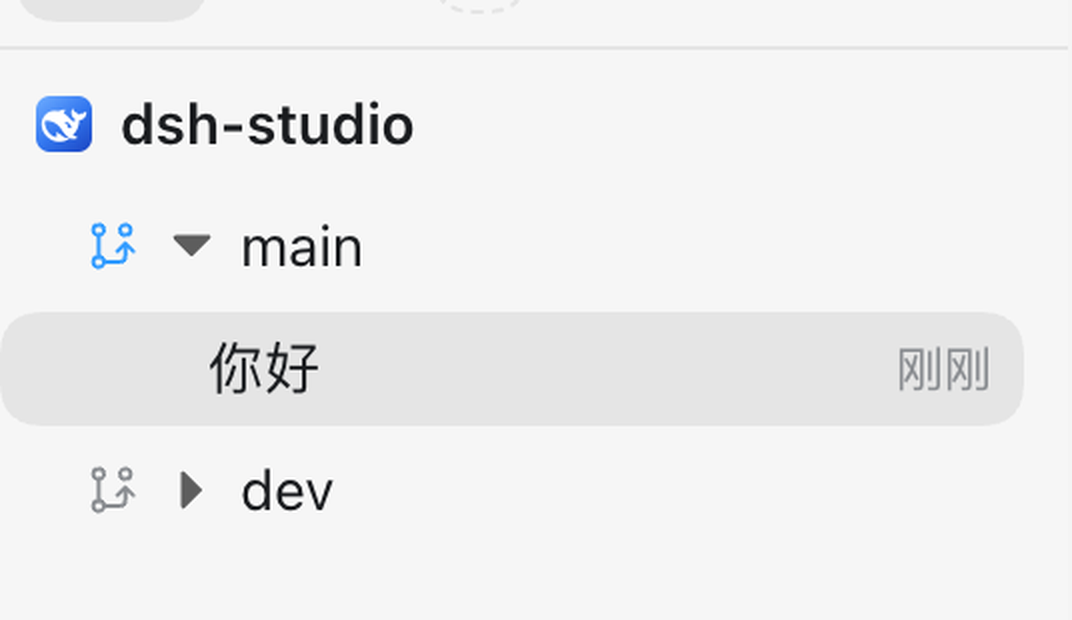
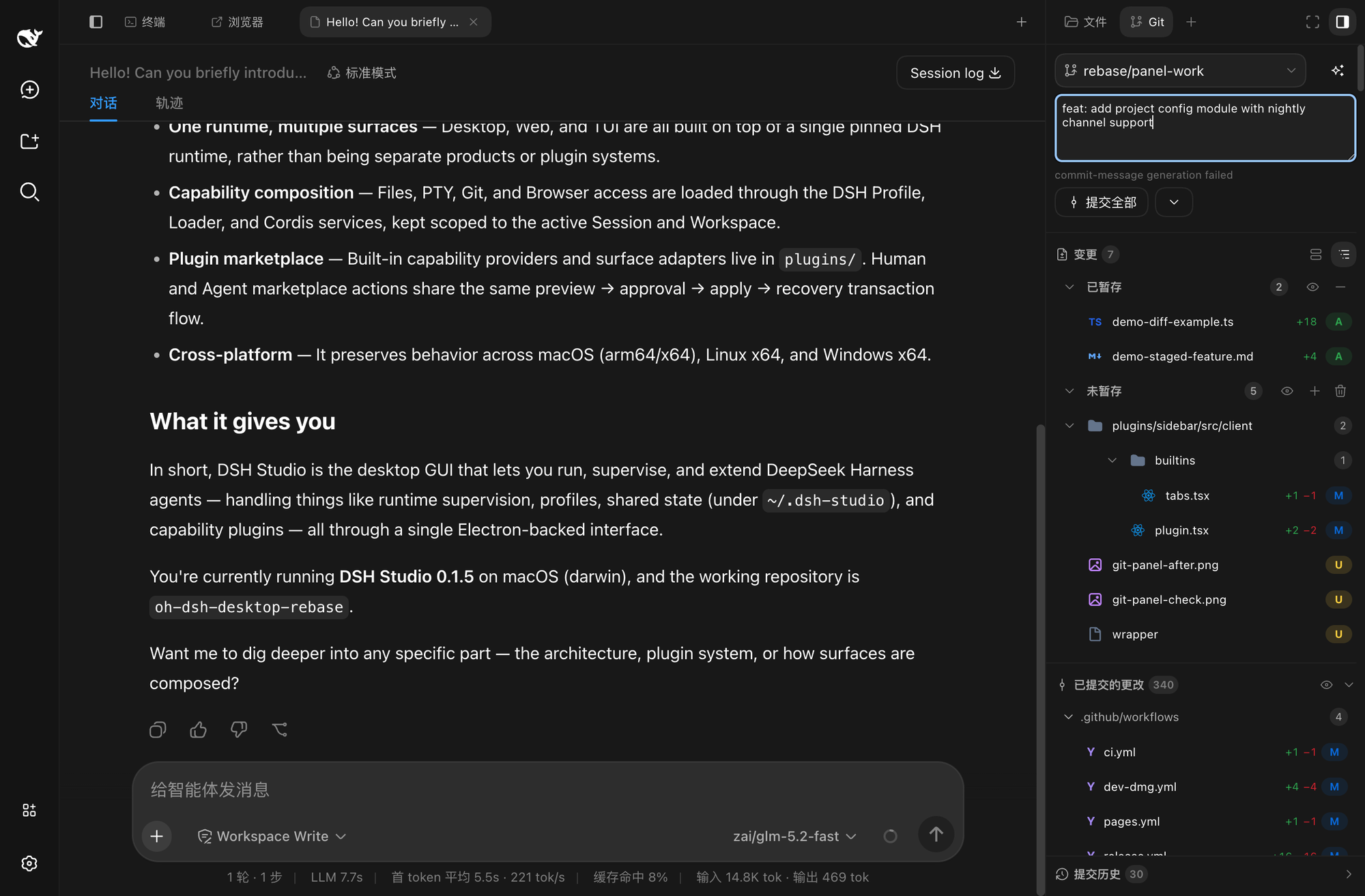
Use Cases
- Manage multiple project branches simultaneously in a unified workspace
- Generate commit messages with one click using smart commits
- Perform efficient coding with integrated file browsing and terminal
Best For
- Programmers who need to integrate AI tools for local development
- Team developers using Git for version control
- Development efficiency enthusiasts seeking to reduce tool switching
Related Plugins
A service-oriented sidebar framework for DSH, offering a full workbench with file explorer, embedded browser, real terminal, Git panel, and extensible plugin services.

A beautiful, practical Claude Code-style TUI plugin with pixel whale top bar, flowing glow title, real-time status line, streaming thought expansion, time rewind, context progress bar and TPS gauge — zero core changes.

The plugin market for DeepSeek Harness: browse/search/one-click install community plugins and themes, with updates, backup/restore, hot disable, diagnostics, and AI fix.

A persistent whale widget on the DSH web UI that shows DeepSeek balance, today's usage, and per-turn cost, with drag-and-snap and sound effects.