dsh-hud
Run the following command in DeepSeek Harness:
dsh plugin install yuanliangxiannan/dsh-hud
Paste the following prompt into your AI chat to install this plugin:
Download dsh-hud-0.1.0.tgz from the Releases page at https://github.com/yuanliangxiannan/dsh-hud, then run dsh plugin install yuanliangxiannan/dsh-hud in your terminal, and fully quit and restart BigFish to activate the plugin.
About this plugin
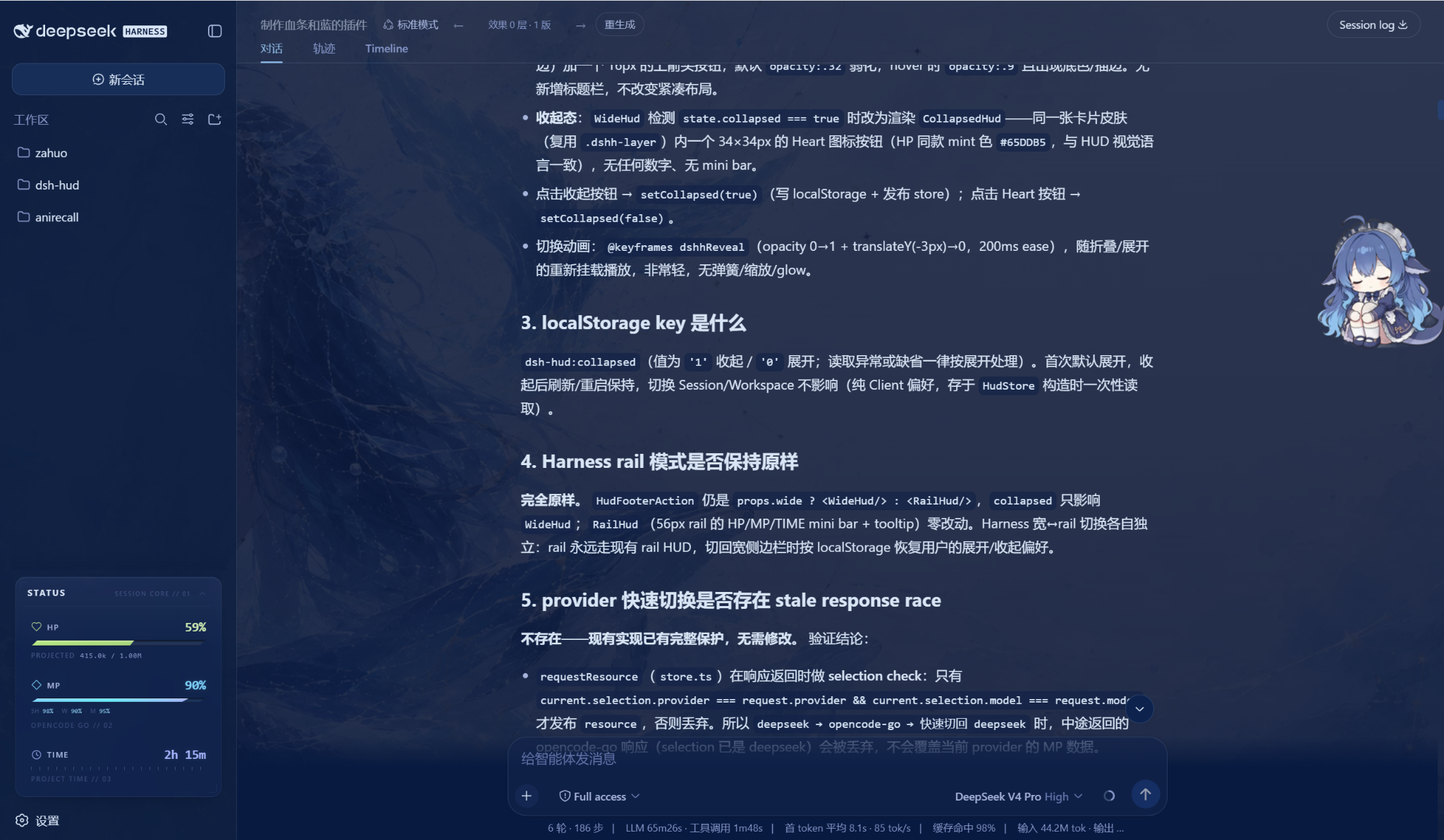
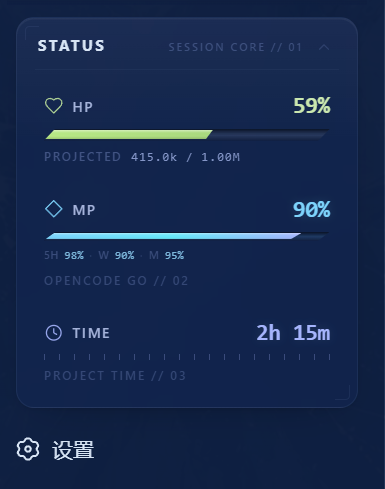
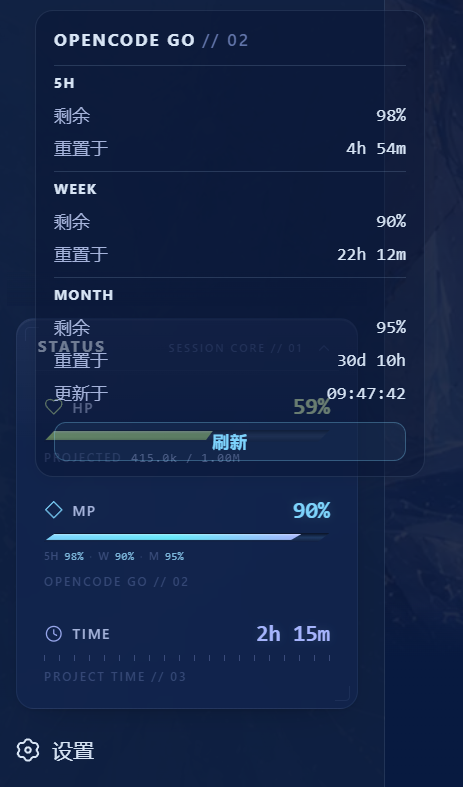
Running long sessions in DeepSeek Harness leaves three questions nagging at the back of your mind: how much context is left in this session, will the provider quota hold up, and how long has this workspace actually been churning? dsh-hud answers all three with a game-style HP / MP / TIME gauge embedded directly in the sidebar, so you never have to open a separate dashboard or dig through logs. HP mirrors the framework contextPressure projection and shifts colour from green to red as capacity drains, giving you an instant cue to run /compact before the context runs out. MP follows the actual provider route rather than the model name, showing the account balance for DeepSeek Official or the tightest of the five-hour, weekly, and monthly quota windows for OpenCode Go. TIME unions all turn intervals across sessions with overlap deduplication, counting in-flight turns up to the current moment so the number ticks live.
When the sidebar narrows to the 56 px Rail, the three gauges collapse into mini bars with tooltips and take up zero extra space; in wide mode you can fold the entire HUD into a roughly 34 px icon button. The fold preference persists in localStorage across refreshes, session switches, and workspace changes. Clicking the HUD opens a popover where you can inspect quota details, refresh on demand, or trigger the official COMPACT action with one click. All provider credentials are resolved exclusively inside the host process via ctx.credentials and never leak into the client bundle, RPC payloads, or storage.
If you juggle multiple sessions and workspaces while relying on DeepSeek Official or OpenCode Go quotas to power agent workloads, dsh-hud is the at-a-glance sidebar gauge you wished was built in. No tab-switching, no log-digging, no external dashboard. A quick glance tells you whether it is time to compact or time to call it a day.
Screenshots

Use Cases
- Check remaining context capacity mid-session and compact before it runs out
- Confirm account balance or tightest quota window after switching providers
- Track cumulative agent work time across sessions to gauge overall progress
Best For
- Heavy DeepSeek Harness or BigFish users juggling multiple sessions and workspaces
- Developers relying on DeepSeek Official or OpenCode Go quotas for agent workloads
- Developers who want at-a-glance resource status in the sidebar without an external dashboard
Related Plugins

whale-girl is a desktop pet in the DSH Web GUI (bottom-right for instant companionship) — draggable, feedable, playable; completed tasks, sessions and companionship time accrue into seniority levels, titles, and memories.

A WebGPU ocean skin for DeepSeek Harness with five-wave Gerstner waves, translucent theme, day/night cycle, and quick controls, installable as plugin or extension.

A Galgame-style conversation view and visual scene editor for DSH web sessions, with a real-time editing mode.

A native skinning plugin for DeepSeek Harness: 8 designer themes, wallpapers, accent colors, and shareable theme packs, built purely on design tokens.